
Latest UX/UI design news & trends
Sort by
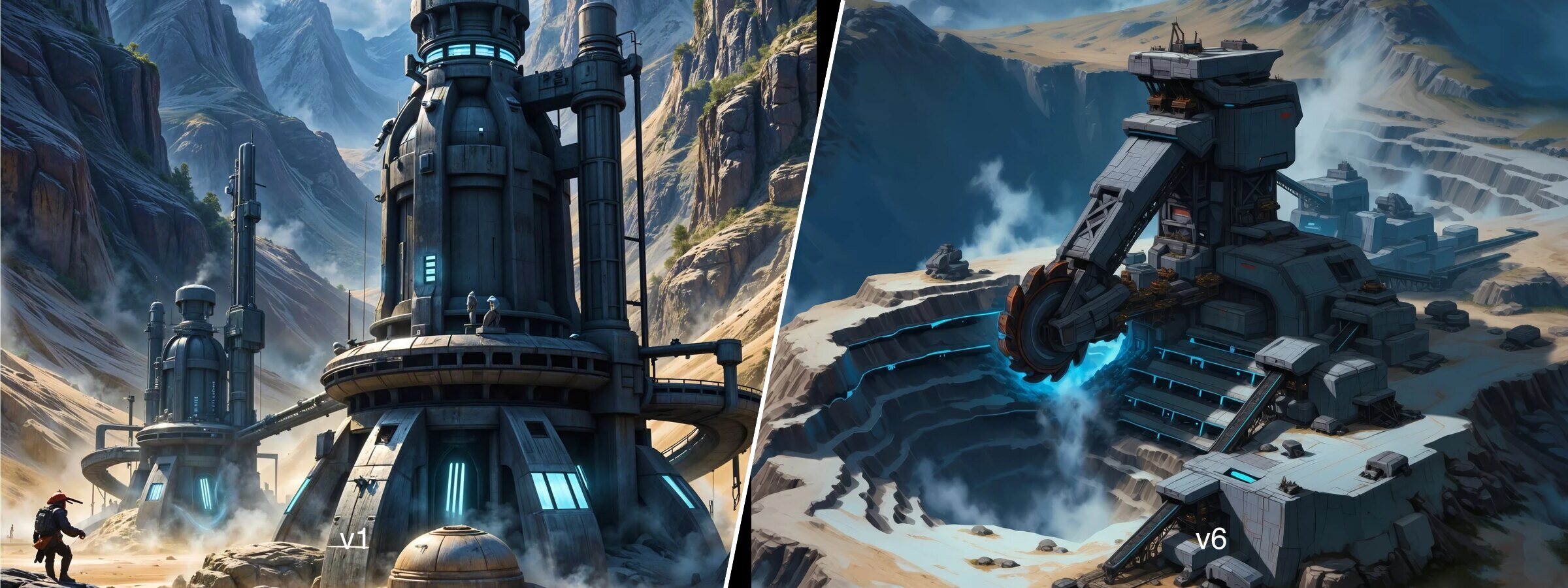 Overhauling a Browser Game's Art Direction with AI: the Dynasty Nova Case
From realism to a hand-painted, Warcraft III-like look: nine families of visuals for a browser space game, rebuilt with AI under interface constraints.
 Nova Empire: the Mobile-First Bet on the Space MMORTS
Nova Empire bets on mobile, real-time 3D and live combat to grow the space MMORTS audience, against OGame and Astro Empires.
 Nexus: Downfall, the New Space MMORTS Taking On OGame in 2026
Nexus: Downfall targets Early Access on October 1, 2026. Narrative hook, anti pay-to-win promise, core loop: what we know before playing, against OGame.
 Astro Empires: 20 Years of a Frozen Interface, and an AI Patch in 2026
Astro Empires has run for 20 years without a UI redesign — and just added an AI assistant. What that reveals about deliberate technical debt.
 What Is an "OGame-like"? Anatomy of a Genre
Resources, tech tree, fleets, alliances: the 4 mechanics that define an OGame-like, illustrated through OGame, Astro Empires and Neptune's Pride.
 Rail Nation: The Browser Game That Removed Combat
No raids, no guild wars: how Rail Nation stays genuinely competitive by relying on logistics and leaderboard rankings instead of destruction between players.
 Forge of Empires: The First Three Minutes, Decoded
Server, world, tutorial, diamonds: three structural decisions made in the first 15 minutes of Forge of Empires, and what the interface never explains.
 Dynasty Nova: The First Three Minutes of Gameplay
Universe choice, speed sheet, first planet: how Dynasty Nova designed its first three minutes to avoid the generic-tutorial trap.
 Alliances and Diplomacy in Browser Games
OGame, Forge of Empires, Politics & War: three ways of handling diplomacy between players — a UX comparison of alliance systems in 2026.
 Browser Game UX in 2026: The Complete Guide to Choosing Well
Our UX reading grid for choosing a browser game (PBBG) in 2026: onboarding, monetization, tech tree, mobile UX, and where to start.
 Uizard: the AI generator built for people who've never opened Figma
Uizard turns a prompt or a sketch into a multi-screen prototype, no design skills needed. Our test: strengths, limits, and who it's really for.
 v0 by Vercel: the AI interface generator that ships real code
v0 by Vercel turns a prompt into production-ready React/Next.js components. Our test against Figma Make and Framer: what actually changes.
 Generative AI for Icons and Illustrations: Does It Really Replace Paid Packs in 2026?
Recraft V4, coherent icon sets, an agency's AI stack: three concrete use cases to find out whether generative AI really replaces paid icon and illustration libraries in 2026.
 AI and design in 2026: generating an interface without losing control
Magic Patterns and a designer's full AI toolchain in 2026: two videos showing how to generate an interface without losing control of your brand.
 Liquid Glass vs Material 3 Expressive: the Two Interface Languages Redefining 2026
Liquid Glass vs Material 3 Expressive: Apple's invisible stability versus Google's motion physics and personalization, in 2026.
 Design Tokens: What the New W3C DTCG Standard Really Changes
The W3C Design Tokens Format Module (DTCG) has been stable since late 2025, backed by 24+ organizations. What it actually changes for your design systems.
 Vibe coding: what's the impact on the design profession in 2026?
Vibe coding: between the end of role silos, a logo designer who gave up, and a rebuilt Figma-Claude workflow, what actually changes for designers.
 Framer vs Webflow in 2026: Which No-Code Tool Should You Choose in the AI Era?
Framer or Webflow in 2026? Design, AI (Wireframer, Workshop), CMS and pricing: our honest comparison to help you pick the right no-code tool.
 Forge of Empires: When Game Complexity Becomes a UX Problem
Twelve years of stacked systems have made Forge of Empires unreadable without outside guides. A UX teardown of its onboarding, the Great Buildings overhaul, and what Dynasty Nova does differently.
 Designer AI Skills in 2026: What Actually Matters for the Long Run
70% of design jobs at risk by 2030? What 3 analyses of the 2026 market actually show: what's becoming a commodity, the niches exploding in value, and what AI can't replace.
 Google Stitch vs Figma Make: Comparing AI Interface Generators in 2026
Google Stitch, Google's free AI interface generator, tested against Figma Make and Claude Design: design system, Figma export, code, limits. The full test.
 Shader Fills & Weave: generative AI arrives on the Figma canvas
Shader fills, shader effects, and Weave: how Config 2026 brings AI generation directly into the Figma canvas, without ever switching tools.
 Figma Agent and MCP: The Complete Guide to Connecting AI to Your Design System
Figma Agent and MCP in practice: Notion/GitHub connectors, Custom Skills, and the bridge to Cursor for turning a design into code that actually works.
 Figma Motion, Jitter, Rive, or Lottie: Which Animation Tool Should You Pick in 2026?
Can Figma Motion replace Jitter, Rive, and Lottie? A practical comparison to help you pick the right animation tool for your needs in 2026.
 Figma Make, Framer or Lovable: Which AI Design Tool Should You Pick in 2026?
Figma Make, Framer or Lovable for AI-assisted design in 2026? Three real-world tests (onboarding, marketplace, showcase site) to pick the right tool for your need.
 Astro Nova Becomes Dynasty Nova: Why Rename Your Game Mid-Beta
A first-hand account of rebranding Astro Nova into Dynasty Nova: a name clash, choosing the new name, and what it really means for a game's identity while still in beta.
 Dynasty Nova: Rethinking the Tech Tree of a Space Management Game
How Dynasty Nova reorganizes its tech tree into categories (energy, propulsion, defense…) to simplify complex information, a practical UX case study for management games.
 Dynasty Nova: Pay-to-Fast, Not Pay-to-Win — the UX of Transparent Monetization
How Dynasty Nova uses interface design to keep its "Pay-to-Fast, never Pay-to-Win" promise and build player trust right from the shop screen.
 Figma, Sketch or Penpot: Which Tool Should a Digital Agency Choose in 2026?
Figma, Sketch or Penpot for a digital agency in 2026? Real costs, self-hosting, design systems and developer handoff: our clear-cut comparison.
 HTML to Figma in 2026: the Complete Guide to Importing a Website into Figma
HTML to Figma in 2026: import any website into Figma with html.to.design, work around its limits (Auto Layout, dynamic content), and use generative AI as a backup.
 Figma Config 2026: Motion, Code Layers and the AI Agent — everything that changes for designers
Figma Config 2026: native animation with Figma Motion, Code Layers (design ↔ code on the canvas), AI Agent + MCP connectors, generative plugins and shaders. The full breakdown.
 Mastering Auto Layout in Figma to Build Dynamic Interfaces and Smart Systems
No more manual resizing. Master Auto Layout like a pro: parent-child relationships, Hug Content vs Fill Container, and nested structures.
 Claude Design and the Prototyping Revolution: From Design System to Working Website
See how Claude Design erases the line between prompt and finished product: design systems, high-fidelity landing pages and code deployment in one AI tool.
 Figma Design and Make: Turning Prompts into Interactive, Functional Prototypes with AI
Stop drawing your screens, forge them. Learn to pair Figma Design and Figma Make to turn prompts and SVGs into working apps and games.
 From Figma Make to Final Product: How AI Turns Design into Interactive Apps
Discover how Figma's AI blurs the line between design and code, letting you steer prototypes, iterate precisely and ship real products.
 Magic Animator: Animate Your Figma Designs with One Click Using AI
Magic Animator is an AI-powered Figma plugin that animates static designs in one click, generates multiple animation variations, and exports them as GIF, MP4, or Lottie.
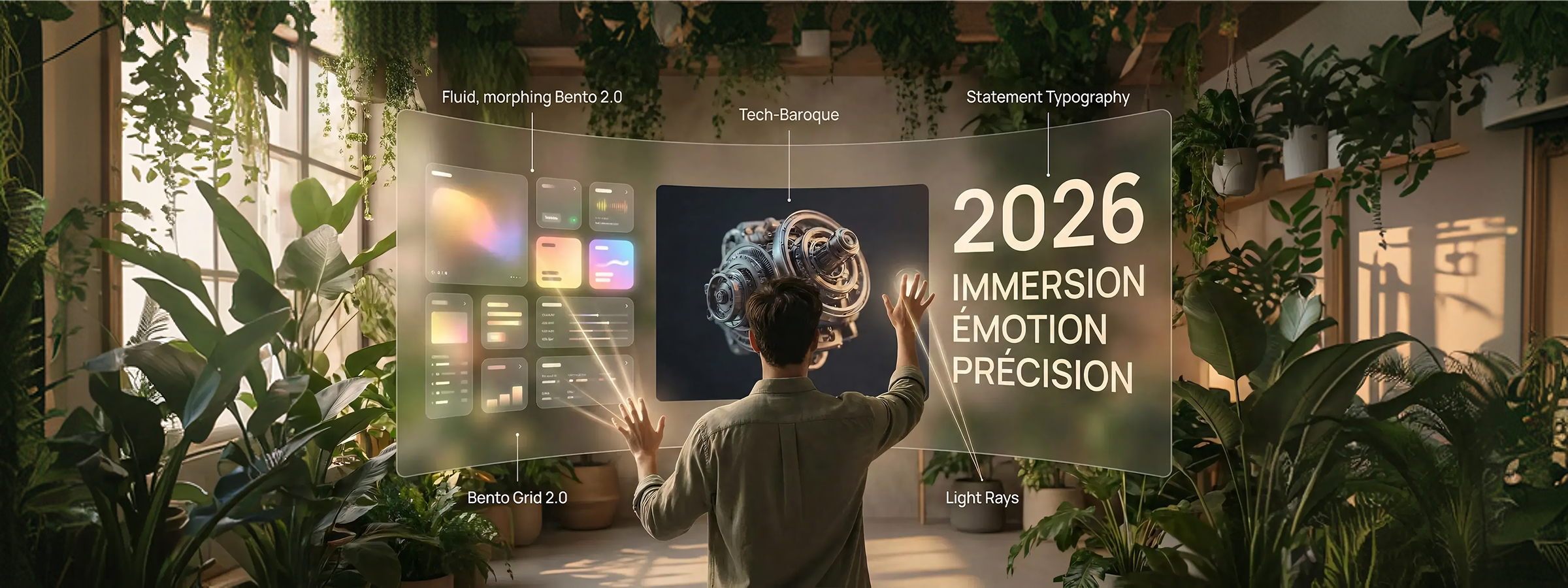 UI Design Trends 2026: The Year of Immersion, Emotion, and Precision
Discover 2026's major UI design trends: immersive interfaces, expressive typography, interactive 3D and warm minimalism.
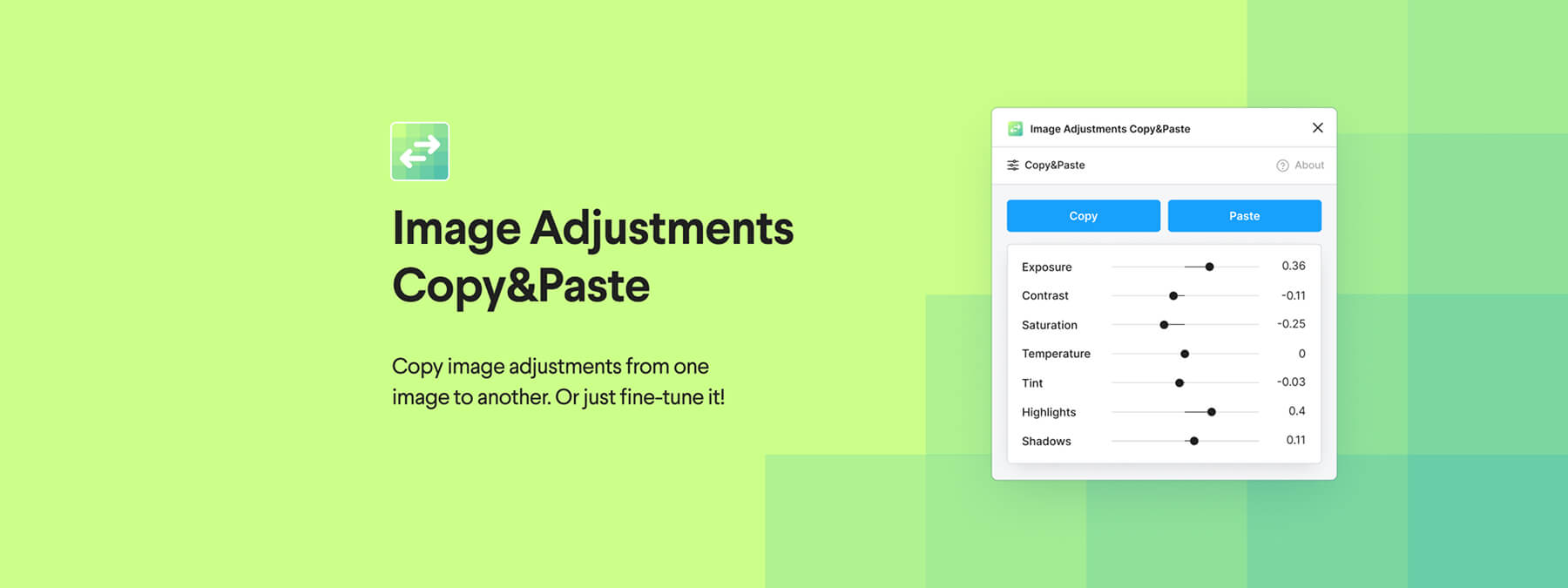 Image Adjustments Copy & Paste: Copy Your Image Settings in One Click on Figma
A simple, effective Figma plugin to harmonize your visuals: copy one image's adjustments and paste them onto another in one click.
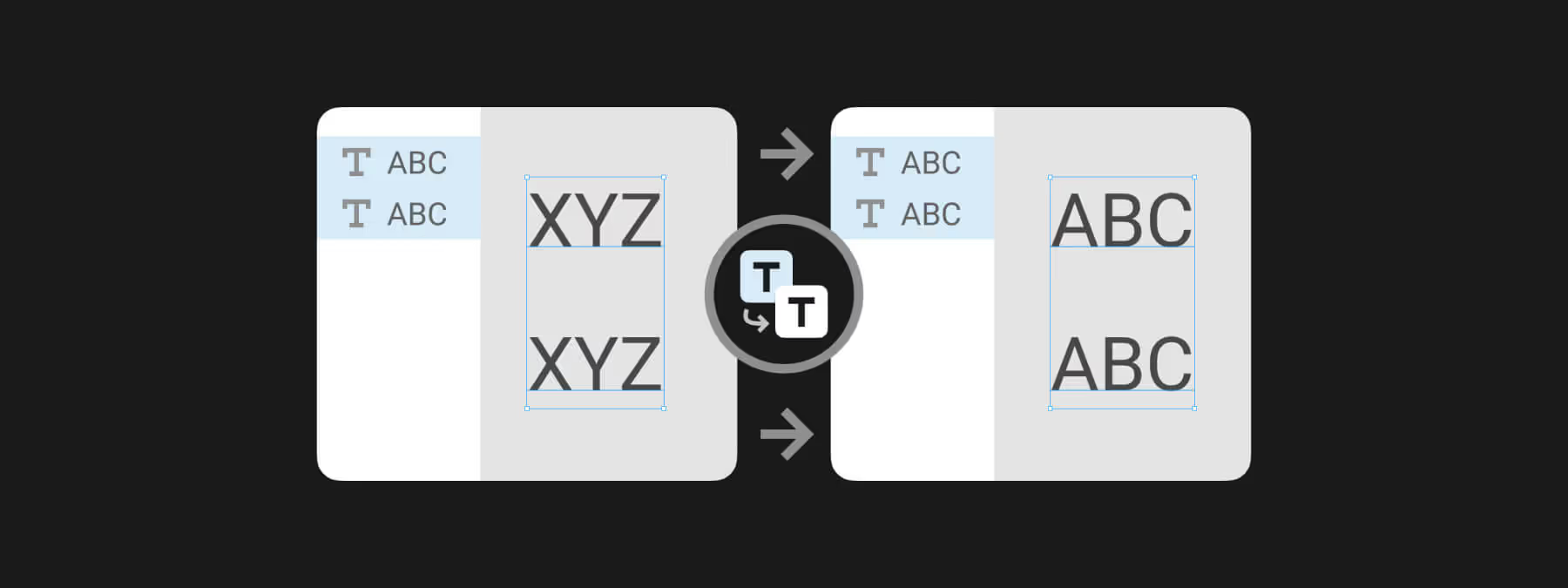 Change Text to Layer Name: Sync Text and Layer Names in Figma
With the Figma plugin Change Text to Layer Name, sync a text layer's content and its layer name in a single click for clean, readable files.
 Top 10 Best Browser Games in 2026 (Including a French One)
Idle, space or strategy: our 2026 pick of the 10 best browser games, including Dynasty Nova, an independent French space strategy game with a polished design.
 Why Games Like OGame Still Captivate 20 Years Later
From the golden age of persistent browser games to modern reimaginings: how OGame, Travian and Ikariam still inspire strategy games today.
 5 OGame Alternatives in 2026 — Between Retro Heritage and Design Renewal
Discover how browser-based space games in 2026 blend minimalist design, smooth interfaces and retro heritage to reinvent the PBBG genre.
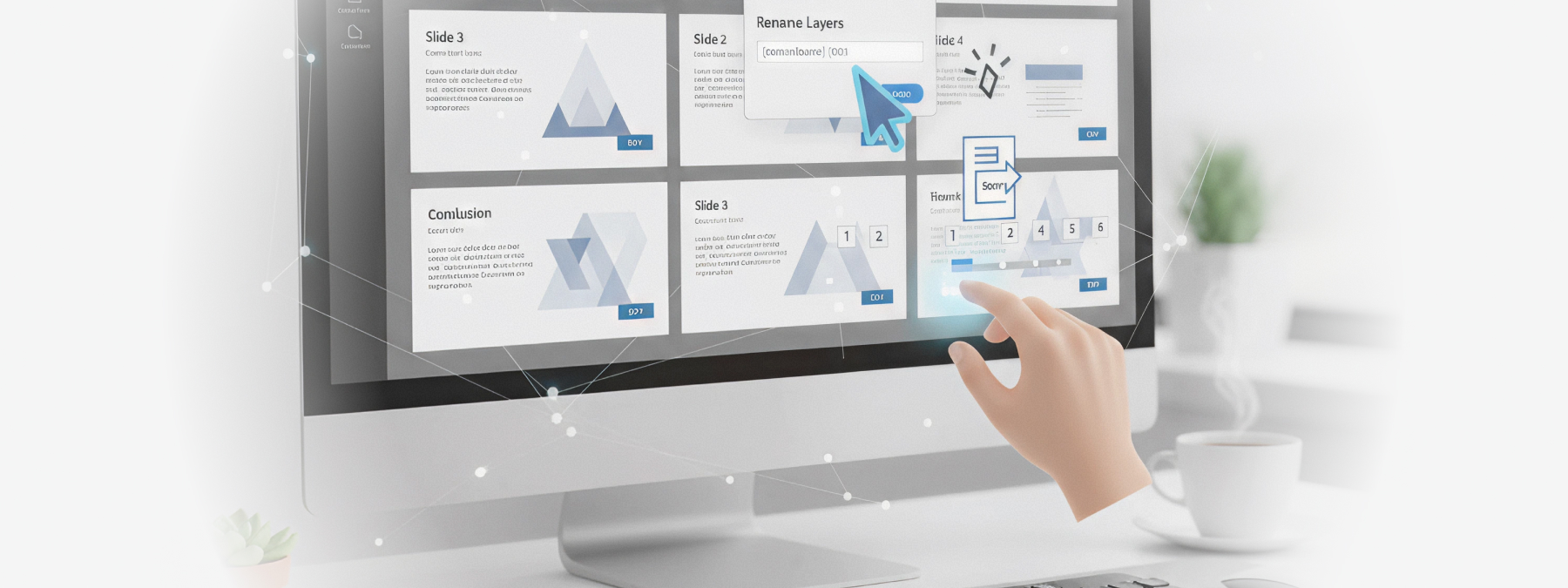 Save Time in Figma: Automatically Rename and Paginate Your Slides Before PDF Export
Build your presentations directly in Figma, rename and number your slides automatically, then export a clean PDF without any errors.
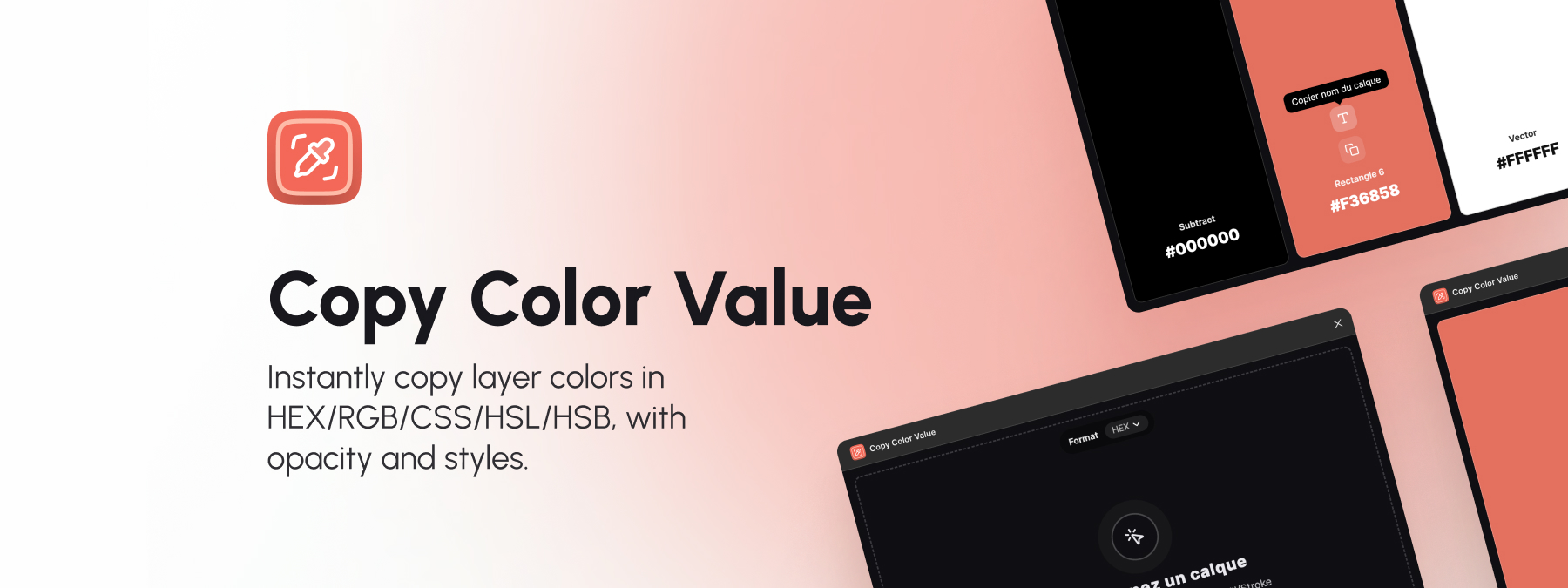 Copy Color Value: a Figma plugin to document your colors faster
The Copy Color Value Figma plugin makes documenting colors easier: select a layer, display every color, and copy it in one click.
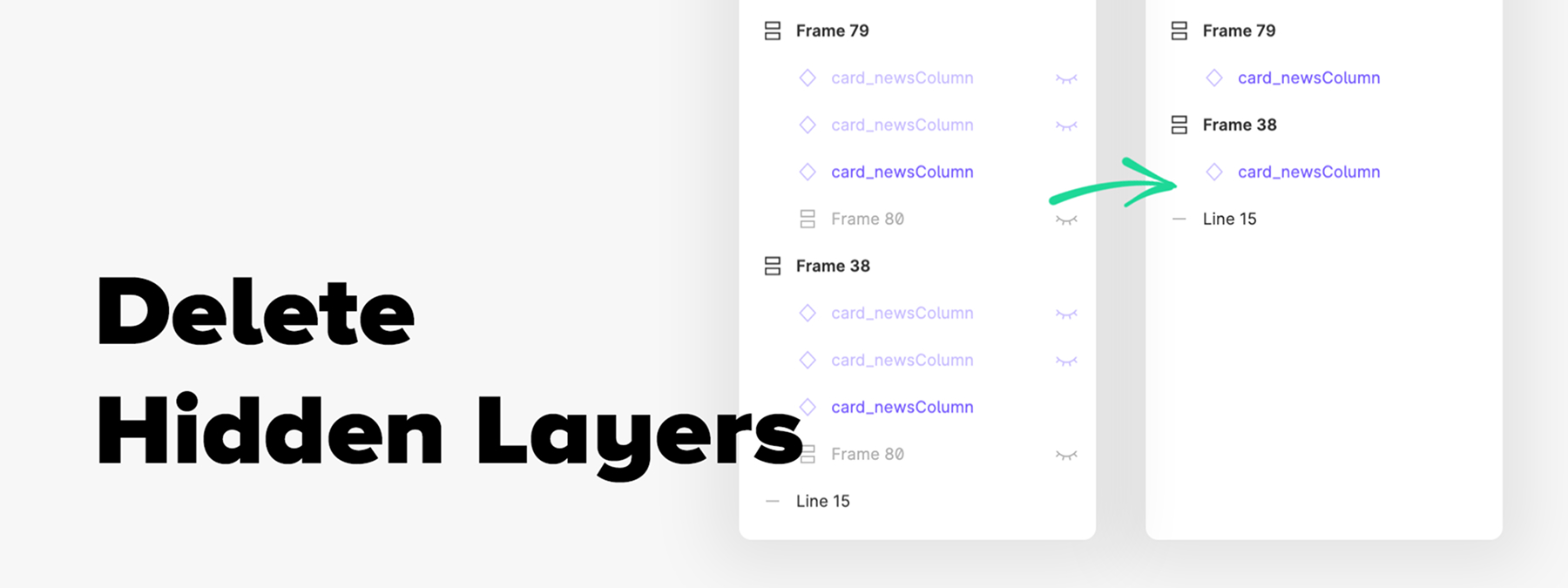 Delete Hidden Layers: Clean Up Your Figma Files in One Click
The Delete Hidden Layers Figma plugin removes every hidden or locked layer except components, keeping your design files clean and lightweight.
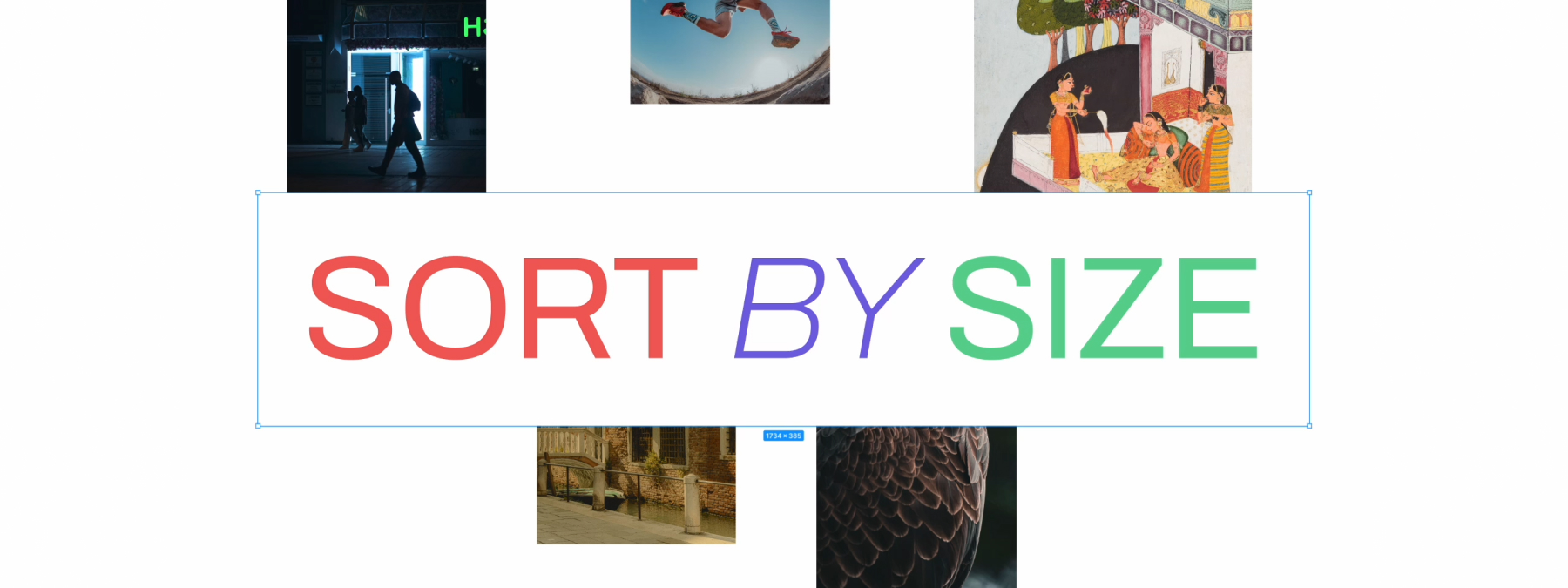 Sort by Size: Organize Your Figma Layers by Dimensions
Sort by Size is a Figma plugin that organizes layers by width, height, or area, then arranges them in a line for visual analysis and consistency checks.
 Krea.ai: When AI Reinvents Visual Creativity
Krea.ai generates AI images in real time: visuals, logos, textures. Hands-on review, concrete use cases and tips for designers.
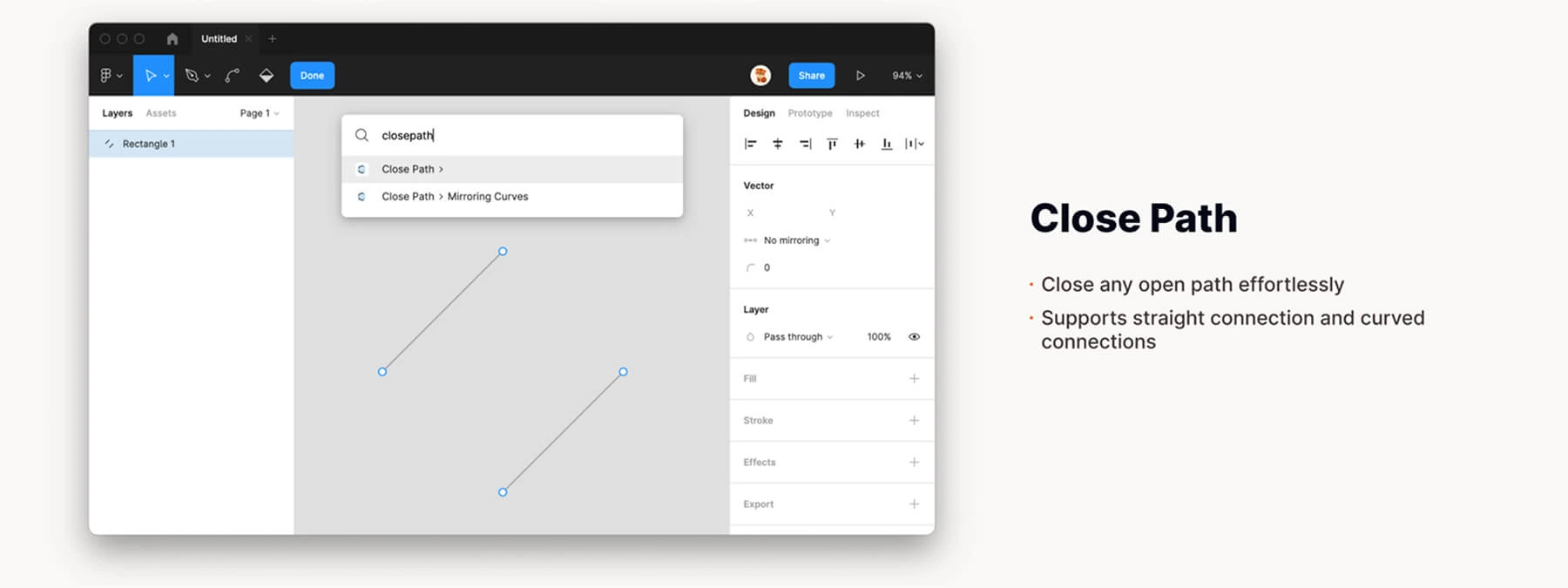 Close Path: Close Your Vector Paths in One Click
The Figma plugin Close Path simplifies polygon creation by automatically closing your selected vector paths in a single click.
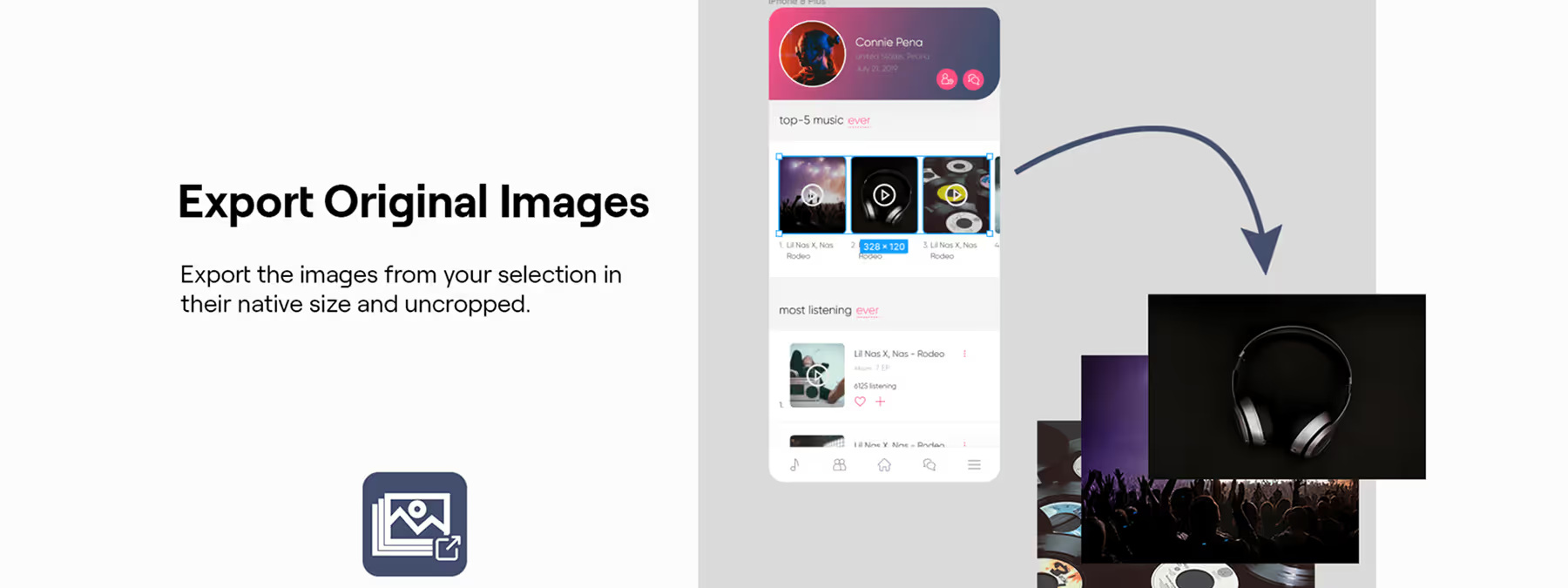 Export Original Images: Recover Your Source Visuals in One Click
The Figma plugin Export Original Images extracts the pictures used in your mockups at their native size and quality, with no cropping.
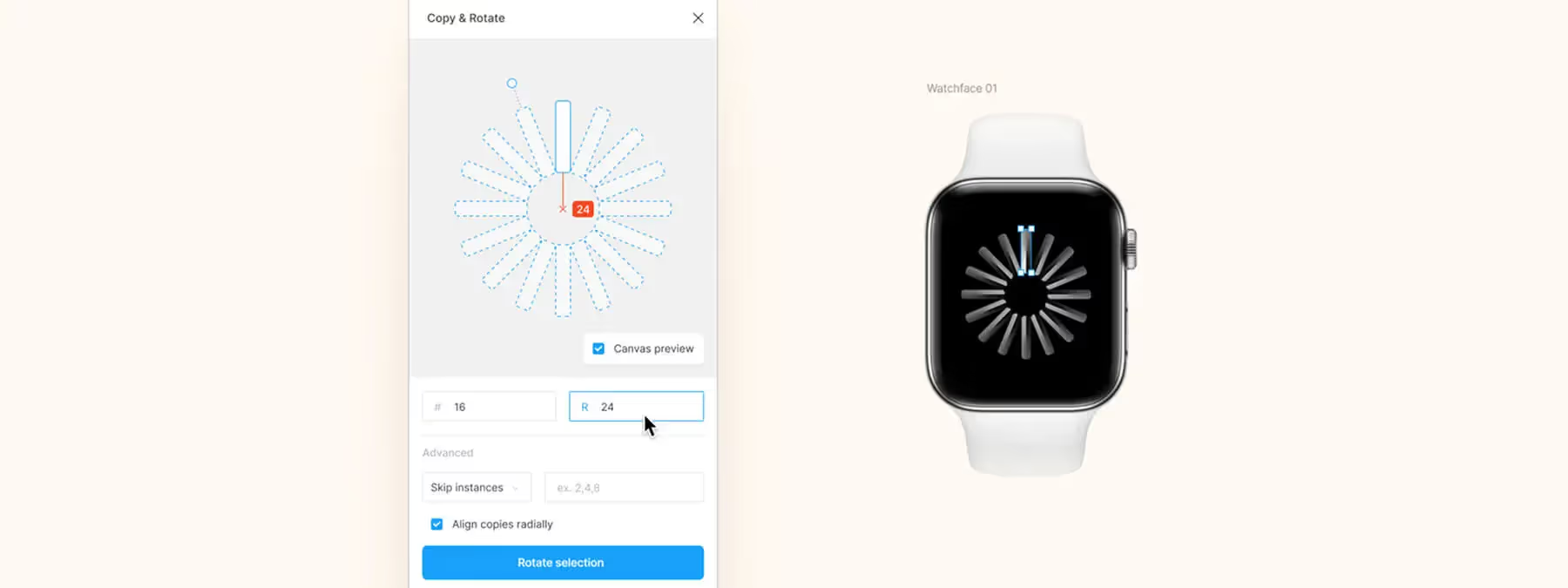 Copy & Rotate: Create Circular Patterns and Radial Menus in Figma
The Figma plugin Copy & Rotate generates radial interfaces: select an element, set the number of copies and the sweep angle to build circular designs.
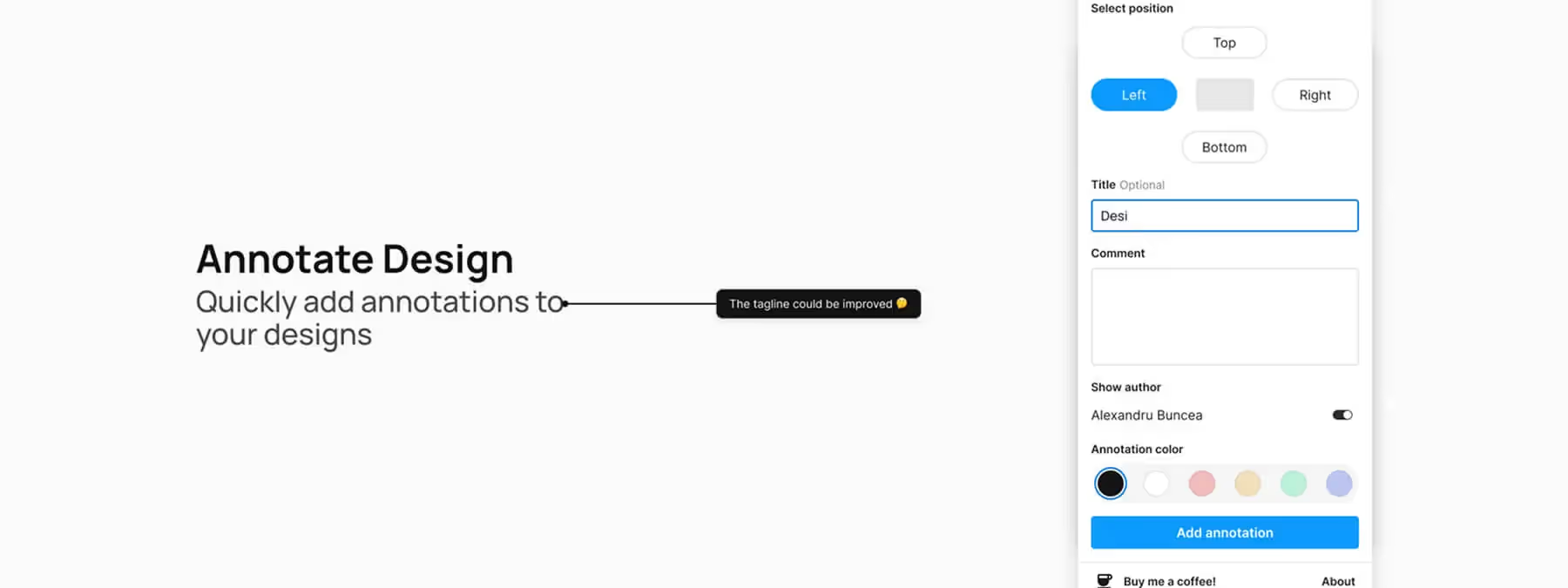 Annotate Design: Document Your Mockups in a Flash
The Figma plugin Annotate Design speeds up your workflow with a simple way to add comments and notes directly onto your mockups.
 Vectorized (PNG to SVG): Transform Your Images into Vectors in Figma
The Vectorized Figma plugin converts PNG, JPEG and GIF images into vector graphics for infinite scalability and easy customization.
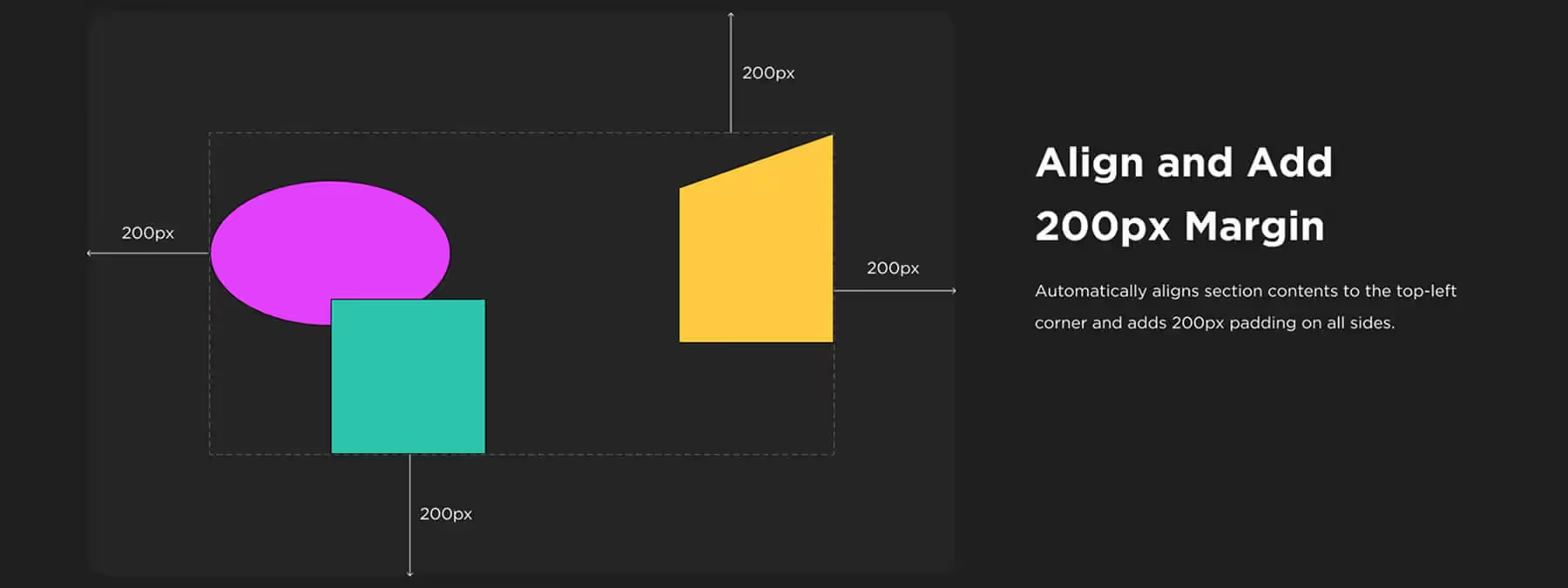 Section Auto‑Resize with 200 px Margin: Automate Spacing in Your Figma Sections
The "Section Auto‑Resize with 200 px Margin" plugin simplifies your Figma file organization by automatically adjusting section sizes and spacing around content.
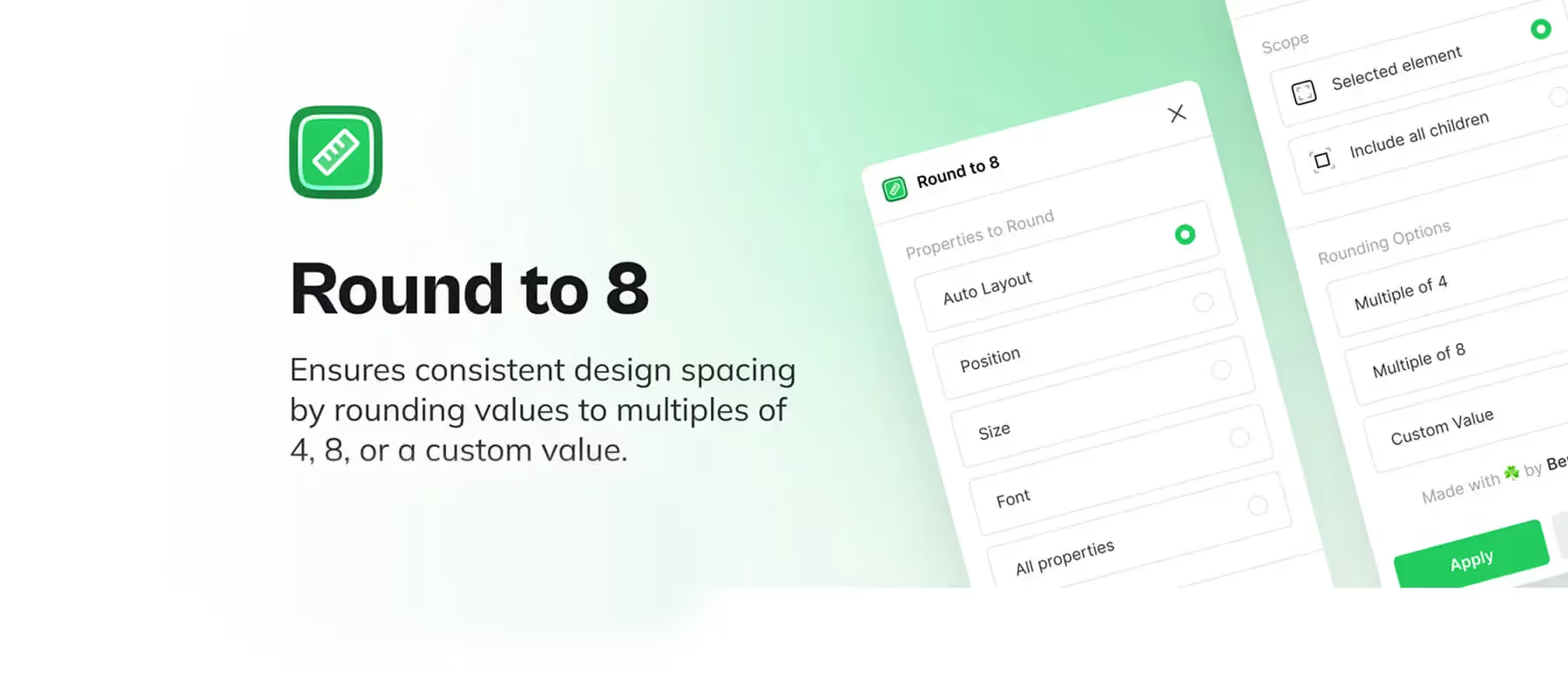 Round to 8: Harmonize Your Layout with a Single Click
The Figma Round to 8 plugin normalizes your layouts: round positions, sizes and spacing to an 8px grid in a single click.
 The Design Market: Are Hybrid and Technical Profiles Making a Comeback?
Design job offers increasingly favor senior product designers who handle both UX and UI — are hybrid, technical profiles making a comeback?
 Figma Tip: Simplify Your Color Hunt Without Distractions
In Figma, hunting for colors not linked to variables gets messy with multicolor logos and widgets. Here is a simple trick to clean it up.
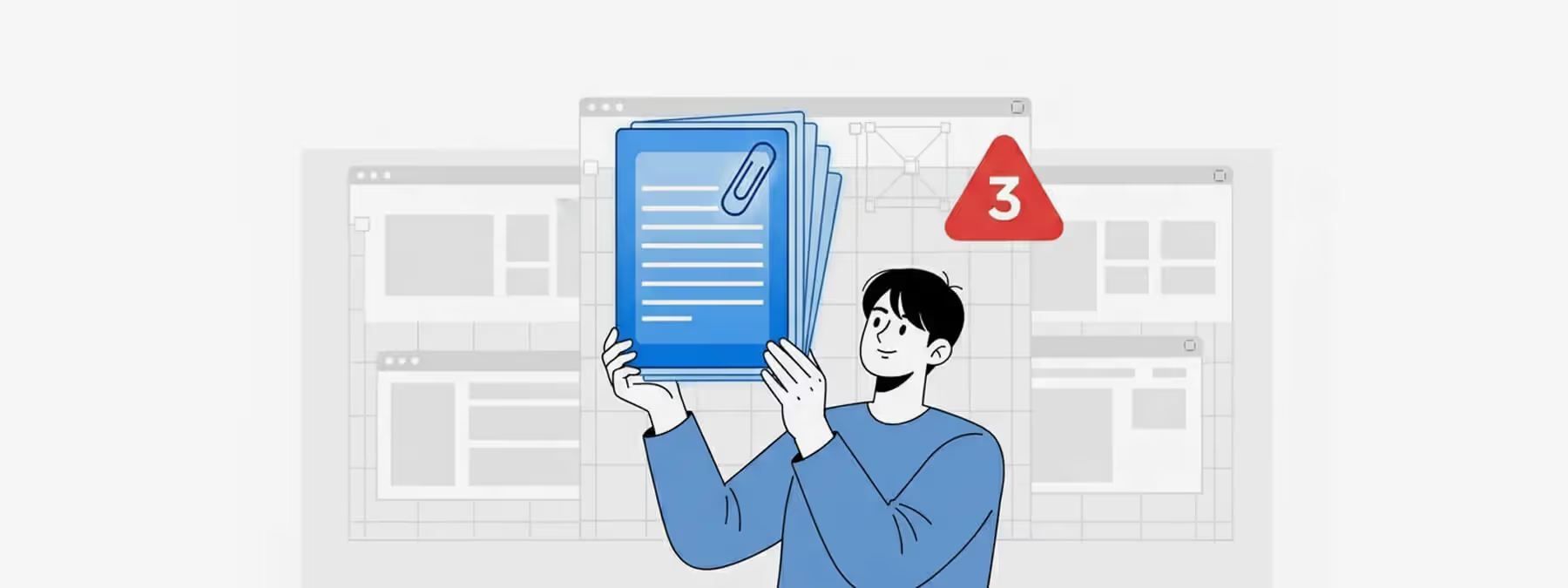 Figma: Getting Around the Three-Page Limit? A Story and Best Practices
In Figma's free plan, files are limited to three pages. Some designers work around it by copying a community file. Here is the honest take.
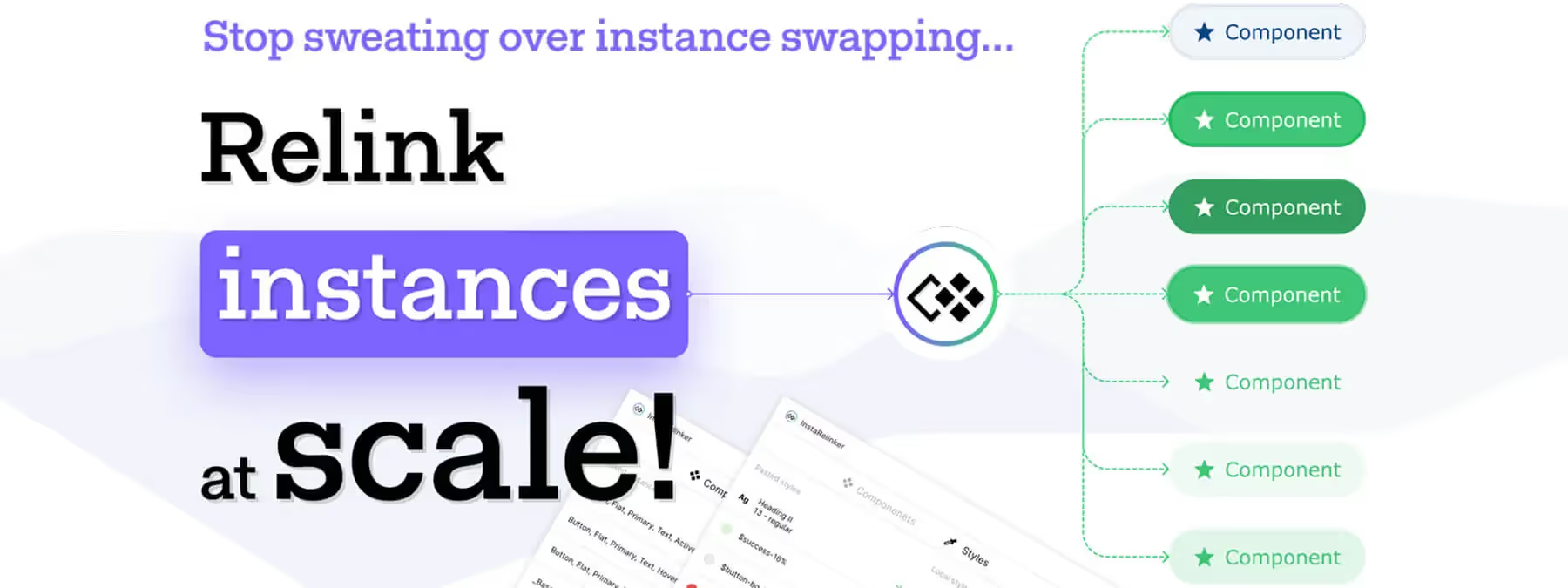 InstaRelinker: Reconnect Your Remote Components in a Flash
The InstaRelinker Figma plugin scans your files and automatically relinks remote component instances and styles to their local equivalents.
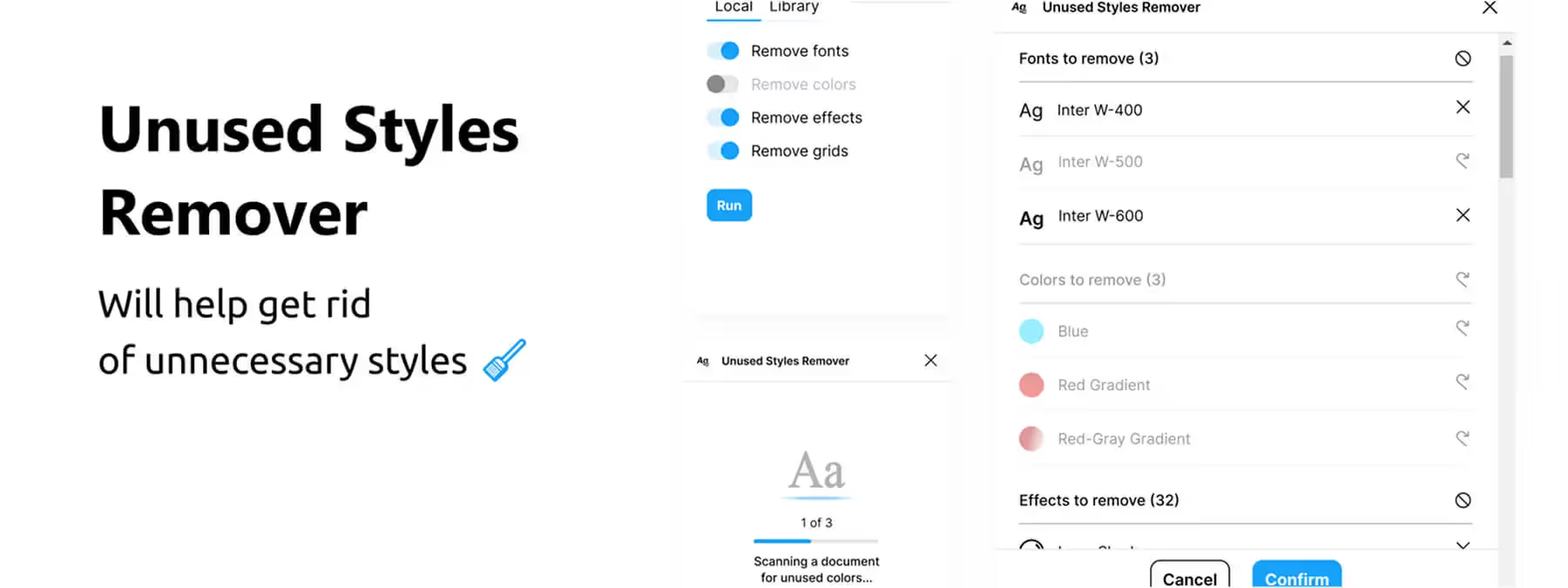 Unused Styles Remover: Clean Up Your Figma Files
The Figma plugin Unused Styles Remover helps you identify and remove unused styles from your files including fonts, colors, effects, and grids.
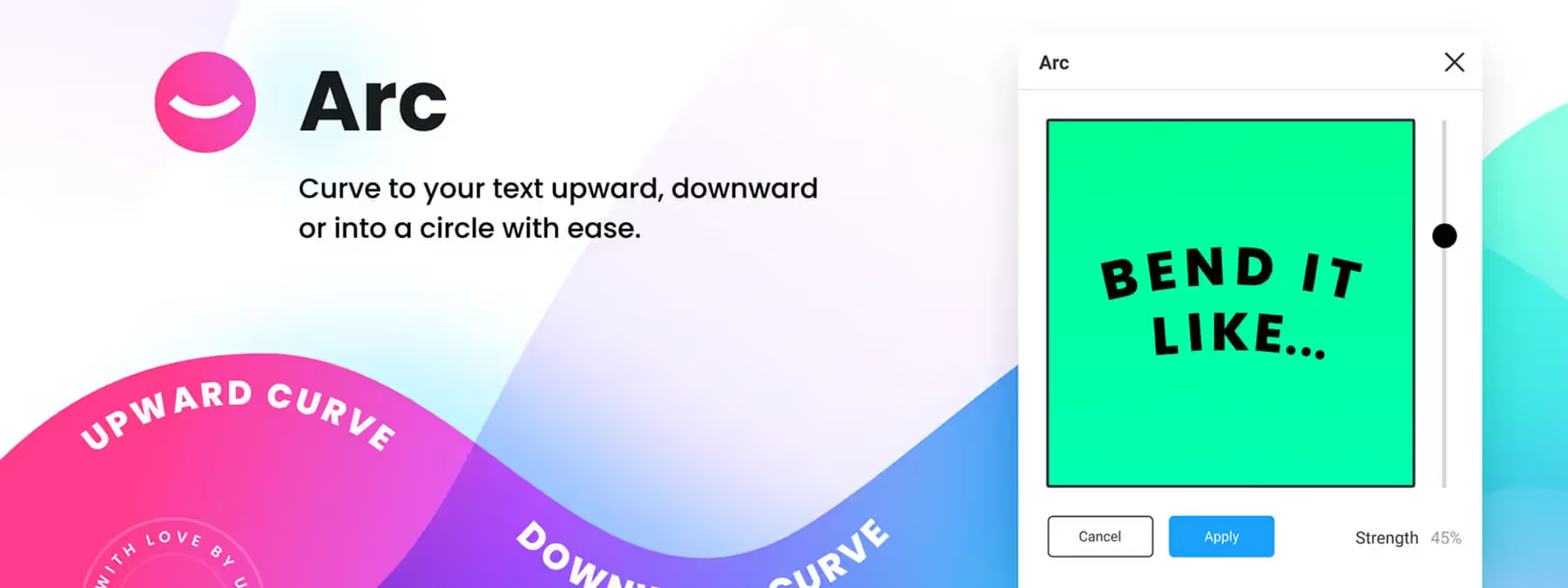 ARC – Bend your type!: Curve Your Text with a Single Slider in Figma
The ARC – Bend your type! plugin lets you curve text into an arc directly in Figma. Select your layer, adjust the slider and apply the bend.
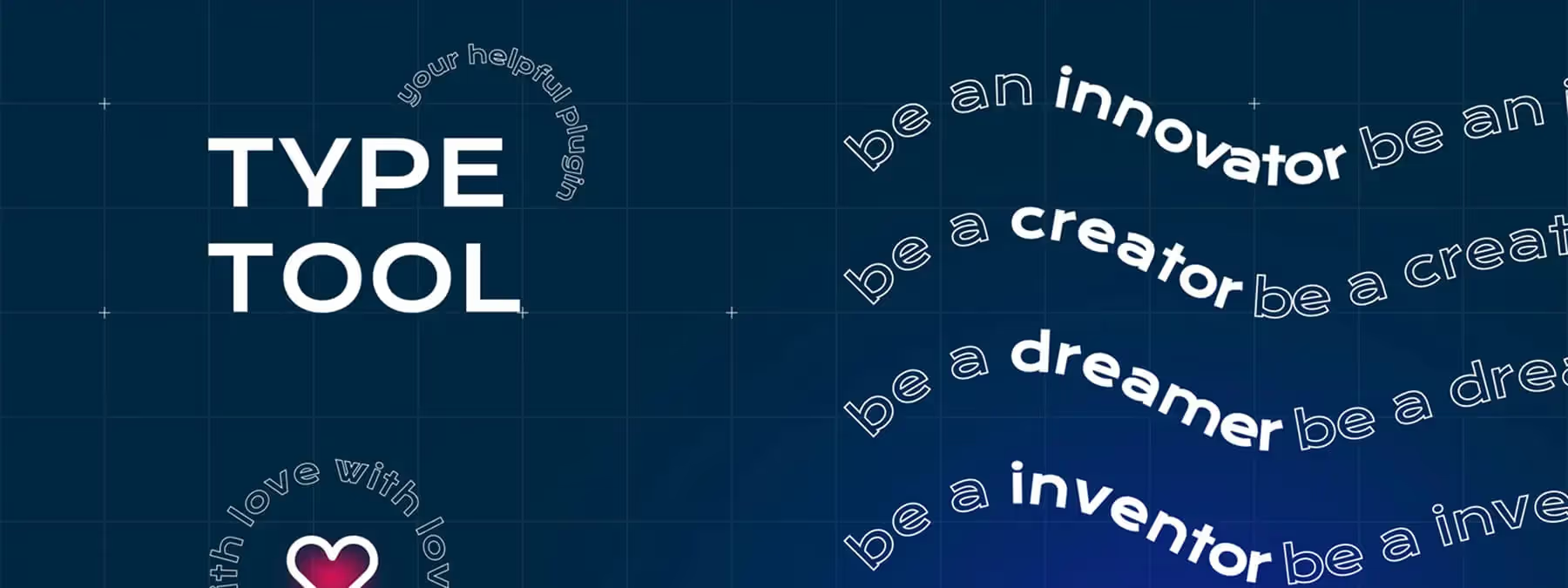 Type Tool: Circular and Curved Text Directly in Figma
The Figma plugin "Type Tool" offers two modes: Circle to curve text around a circle, and Curve to align text along a vector path.
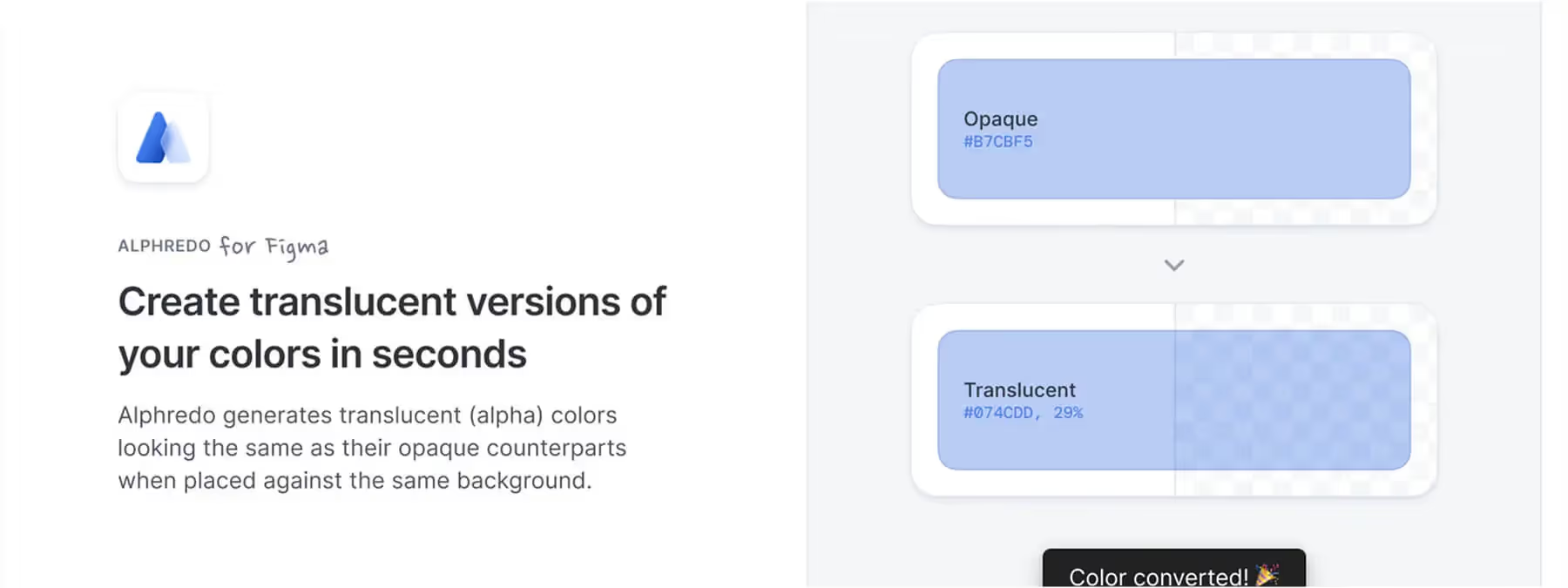 Alphredo: Create Consistent Translucent Colors Instantly
The Figma plugin Alphredo calculates the perfect opacity to create consistent transparent colors that blend perfectly with any background.
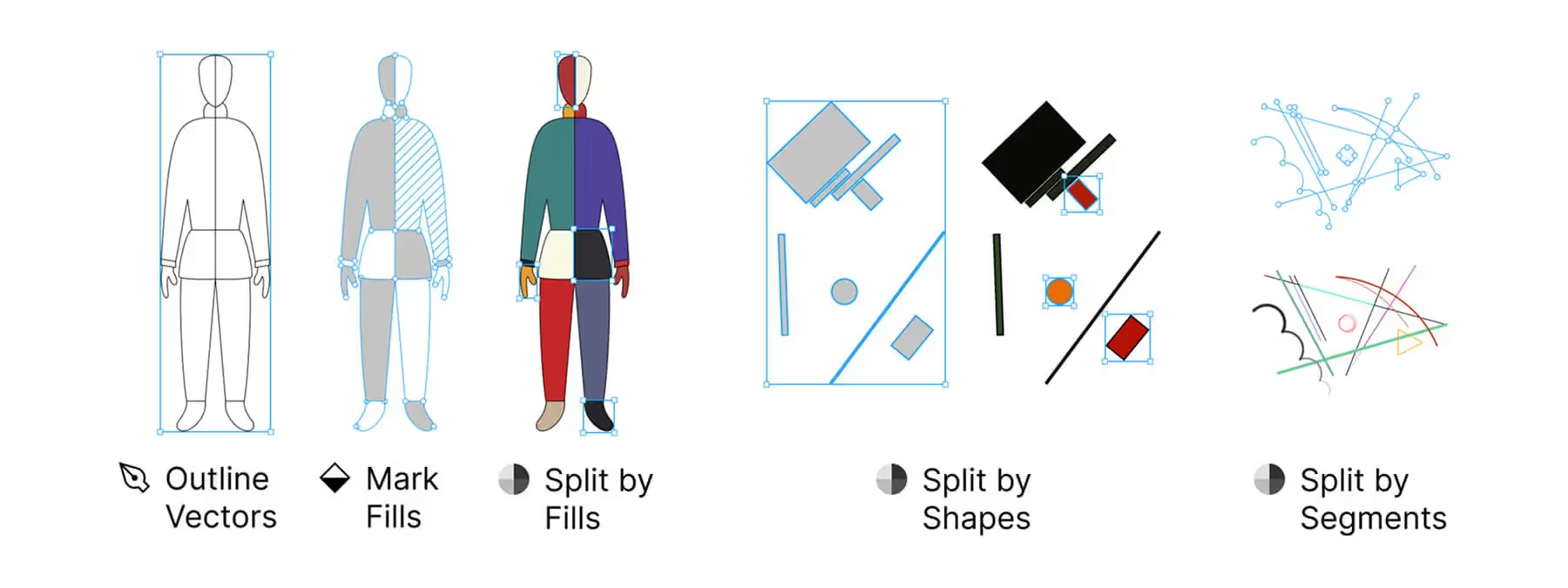 Split Vectors: Simplify Vector Splitting in Figma
Split Vectors plugin lets you divide vectors into separate elements by color, shape, or segment. Automate vector splitting and speed up your design work.
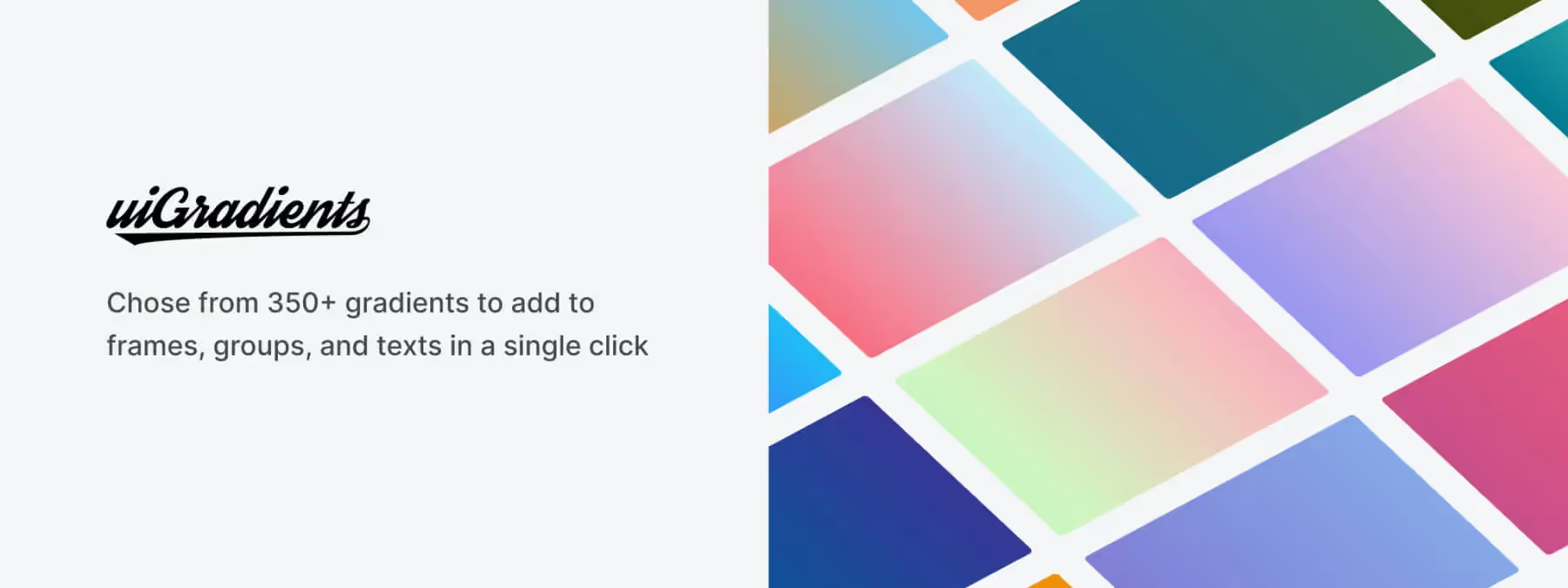 uiGradients: Your Rainbow of Gradients Ready to Use in Figma
The uiGradients plugin lets you instantly add beautiful, pre-designed gradients from the uigradients library to your Figma elements.
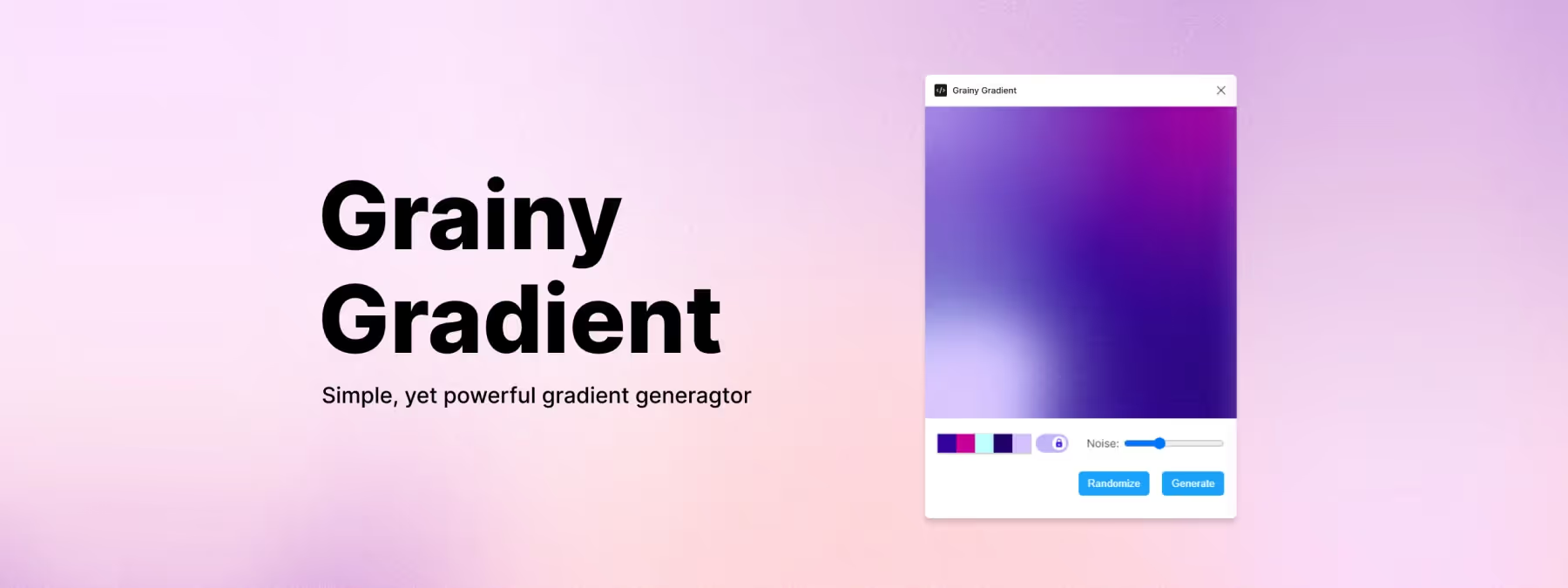 Grainy Gradient: Textured, Elegant Gradients in Figma
The Grainy Gradient Figma plugin lets you generate smooth, textured gradients while controlling grain density, colors and intensity.
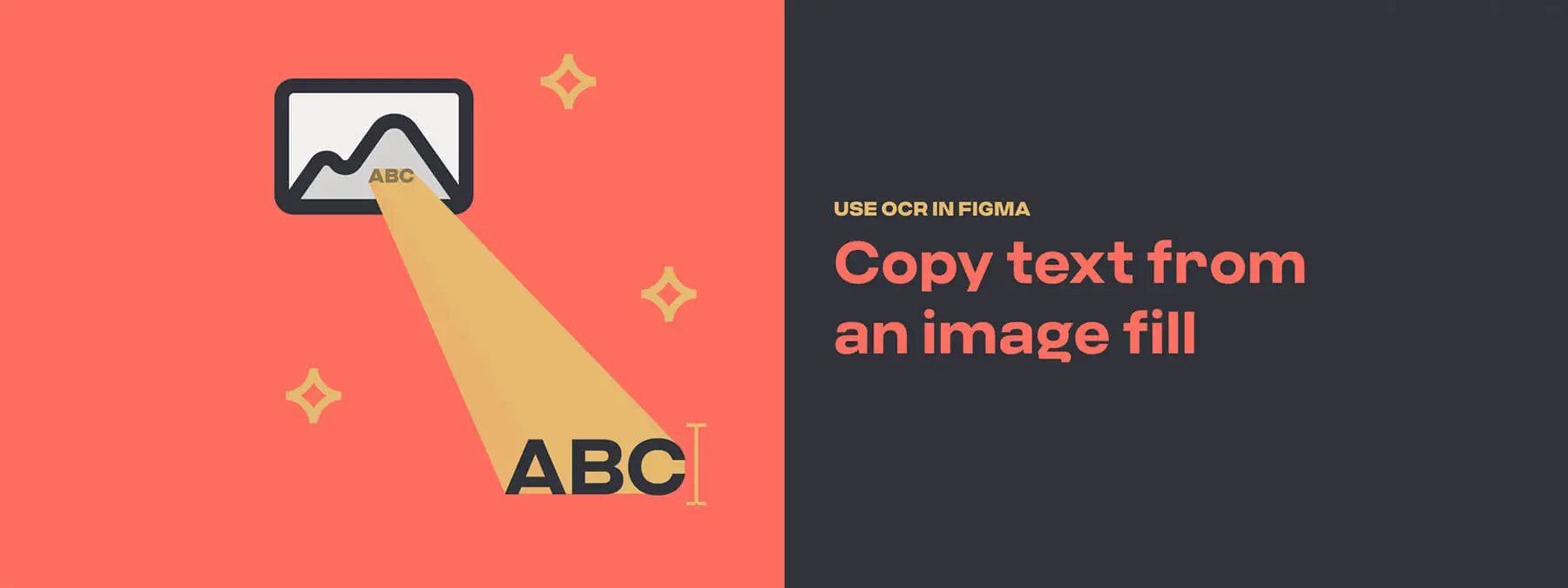 Text From Image: Extract Text with One Click in Figma
The Figma Text From Image plugin uses OCR to extract text from an image fill and automatically copy it to your clipboard.
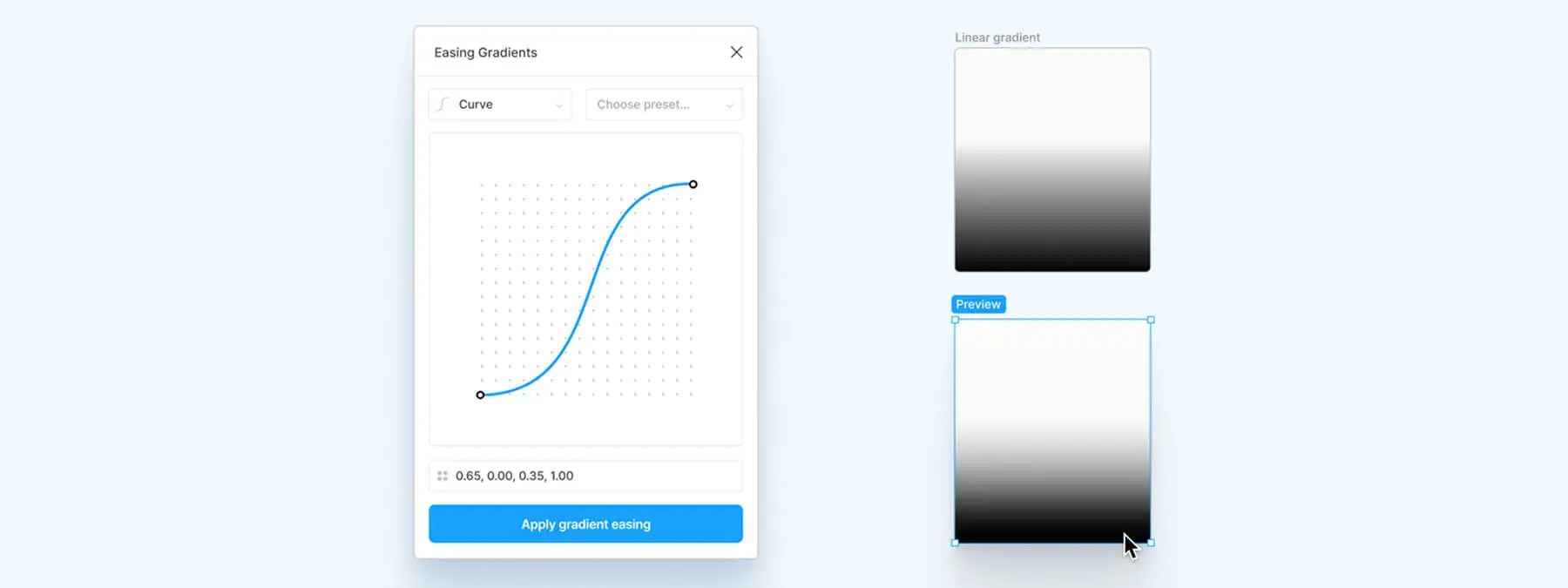 Easing Gradients: The Figma Plugin That Softens Your Gradients
The Easing Gradients Figma plugin applies cubic-bezier or step curves to smooth your gradient transitions for a polished, professional result.
 How Dynasty Nova Reinvents OGame's Visual Universe to Build Its Own Identity
Discover how Dynasty Nova reinvents OGame's visual world through a modern, mobile-optimized redesign that blends nostalgia with a fresh identity.
 Using AI as a Creative Assistant: Hands-On Experience with Dynasty Nova
How AI became my creative copilot on Dynasty Nova: reimagining a spatial strategy game with modern, mobile-first UI—powered by intelligent tools.
 Dynasty Nova: Creating a Mobile-First UI Inspired by Best Practices
Dynasty Nova rethinks the UX/UI of space management games with a mobile-first approach, built on Tailwind CSS, Figma and a structured design system.
 OGame Mobile: A Sacrificed UX? A Critical Analysis of a Nostalgic Interface
OGame's mobile version disappoints with a cramped, poorly optimized UX. This article analyzes its limits and the birth of Dynasty Nova.
 Dynasty Nova: Rethinking OGame with an Immersive, Accessible Experience for Nostalgic Players
Dynasty Nova: a browser-based space strategy game inspired by OGame, redesigned UX-first. A modern, accessible tribute to the PBBG genre.
 Creatie.ai: The AI-Assisted Design Tool
Creatie.ai revolutionizes design with AI. From ideation to delivery, boost your efficiency and quality with its innovative tools.
 Maximizing Visual Impact with Image Ratios: A Practical Guide to Interface Design
Discover how image aspect ratios shape interface design. A practical guide to building a smooth, intuitive user experience with consistent proportions.
 Improve the Quality of Your Drop Shadows with the Figma Plugin 'Beautiful Shadows'
Enhance your Figma designs with Beautiful Shadows, a simple and powerful plugin for creating aesthetic, consistent shadows in just a few clicks.
 Jitter: The Animation Tool Revolutionizing Design
Jitter is the simple, fast online animation tool. Import your Figma mockups and create smooth animations, no motion design skills required.
 FigJam vs Miro: The Battle of the Digital Whiteboard Titans
Compare FigJam and Miro for your collaborative projects. Discover the strengths and weaknesses of each to pick the right whiteboard tool.
 Sketch vs. Figma: How the Historical Leader Lost Its Throne
Sketch vs Figma: how Figma came to dominate the design tool market, and whether Sketch still has a chance to reclaim ground.
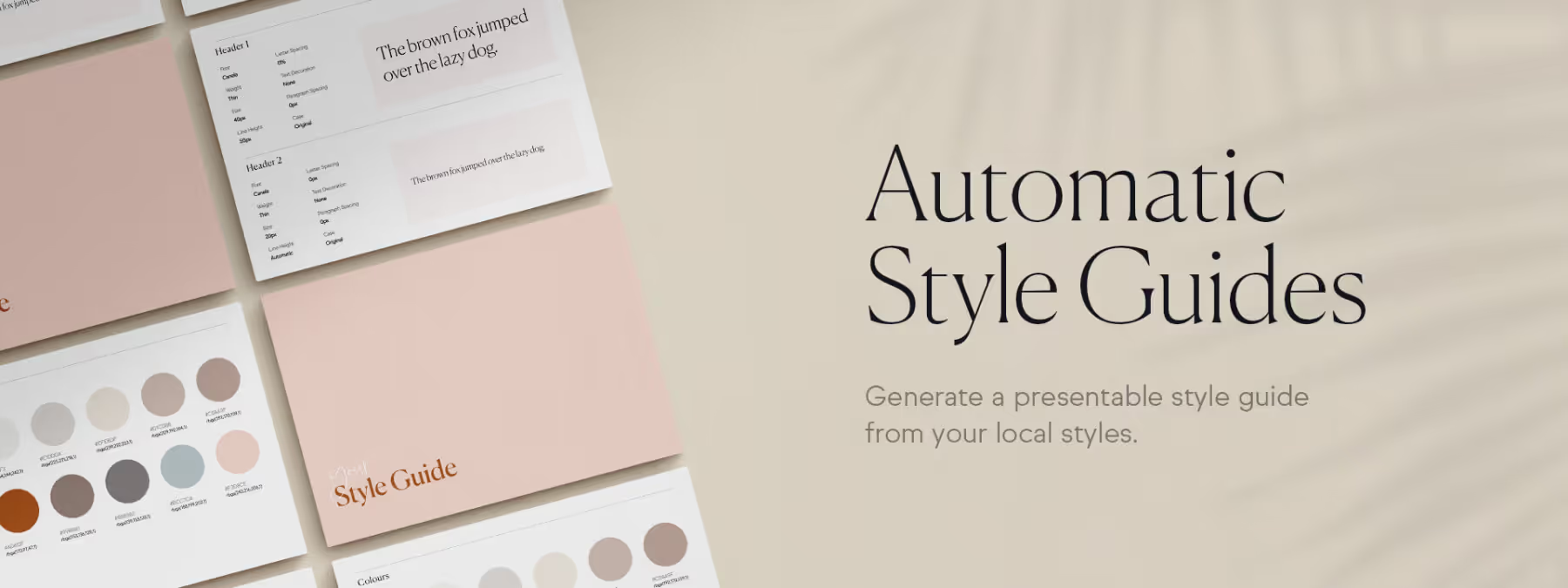 Create and Update Your Style Guides in One Click with 'Automatic Style Guides'
Create professional style guides in one click with the 'Automatic Style Guides' Figma plugin. Save time and keep your documentation always up to date.
 The Fall of InVision: A Lesson in Innovation and Adaptation
How could a giant like InVision decline? Discover the reasons behind its fall and the key lessons for succeeding in a fast-changing design market.
 Neo-Brutalism: A Breath of Freedom in Interface Design
Neo-brutalism in UI design: bold colors, raw contrasts and unapologetic shapes. Origins, principles and examples of this daring trend.
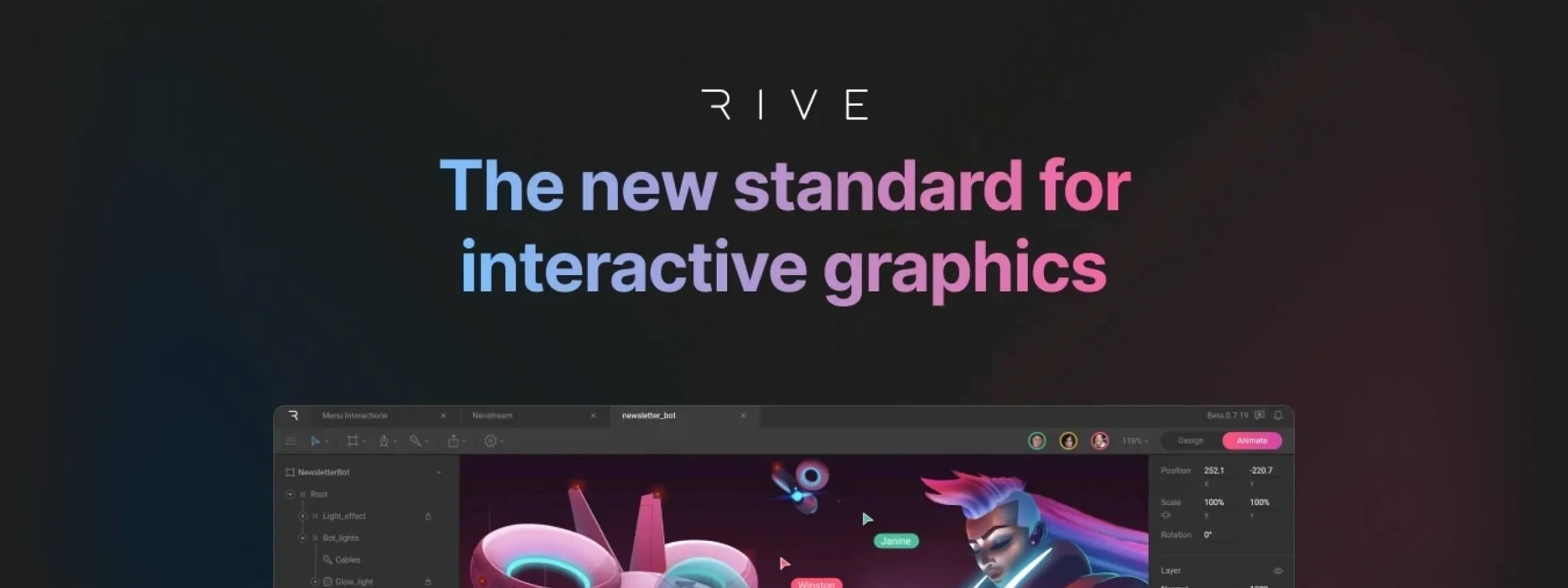 Rive vs Lottie: A New Era of Interactive and Dynamic Animations
Rive vs Lottie: comparing two tools for creating engaging, interactive animations for web, mobile and beyond.
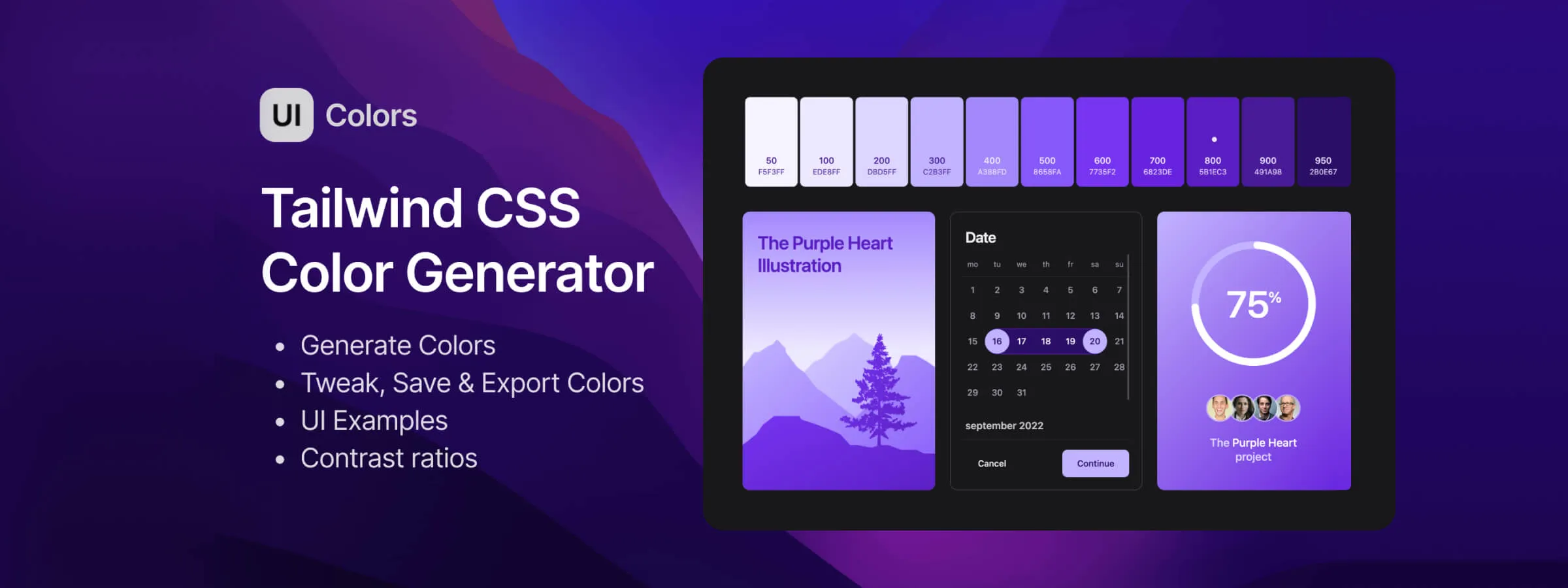 Tailwind UI Colors App: Simplify Your Color Palette Creation
Generate stunning color palettes, ensure accessibility, and streamline your Tailwind CSS projects effortlessly with this powerful web app.
 Radix Colors: A Versatile, Aesthetically Pleasing, and Accessible Color Palette System
Discover Radix Colors, the open-source color system that enhances your web designs with a complete palette and powerful accessibility features.
 The Art of Web Design: Bento, Metro UI, Grid and Masonry
Improve your website's layout! Discover Bento, Metro UI, Grid and Masonry, four design styles with distinct features and uses.
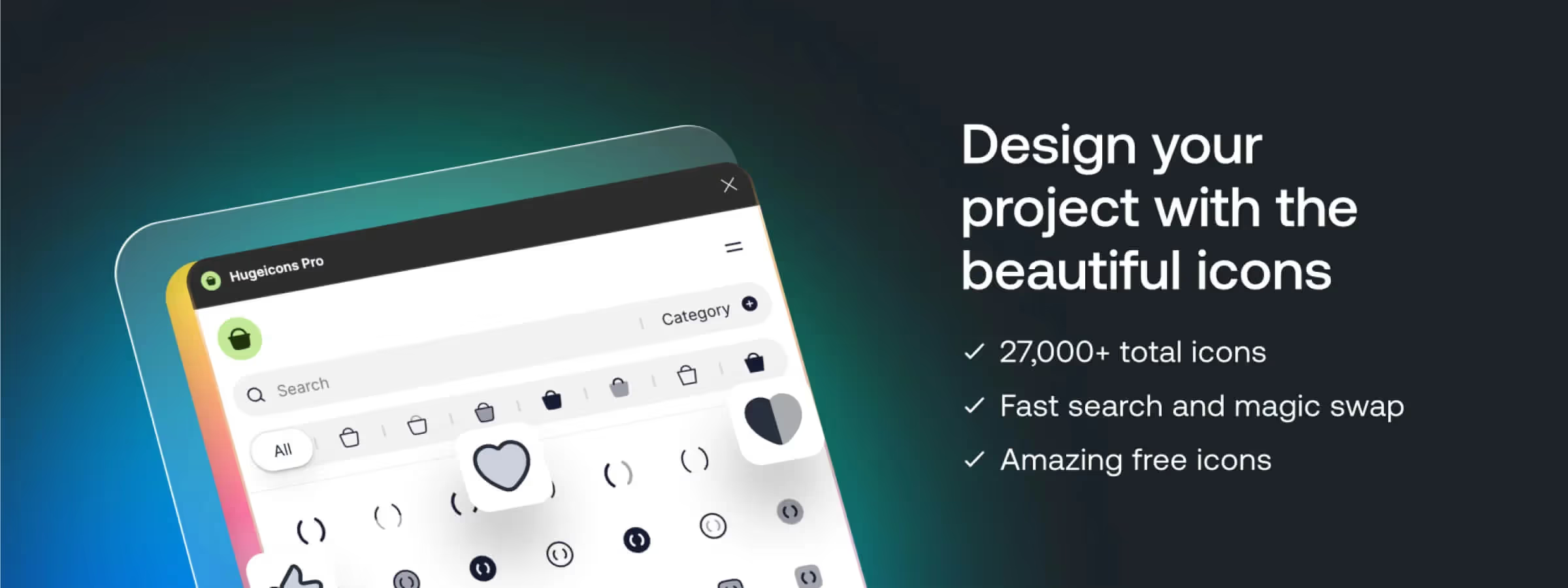 Discover Hugeicons Pro: The Figma Plugin for a Stunning Icon Library
Access thousands of icons, customize them and save time in Figma. Hugeicons Pro is the essential tool for stunning interface designs.
 SVG Grabber: Essential Tool for Designers and Web Developers
Extract SVG assets from websites with ease. Preview, download, and integrate SVGs directly. Free Chrome extension for designers and developers.
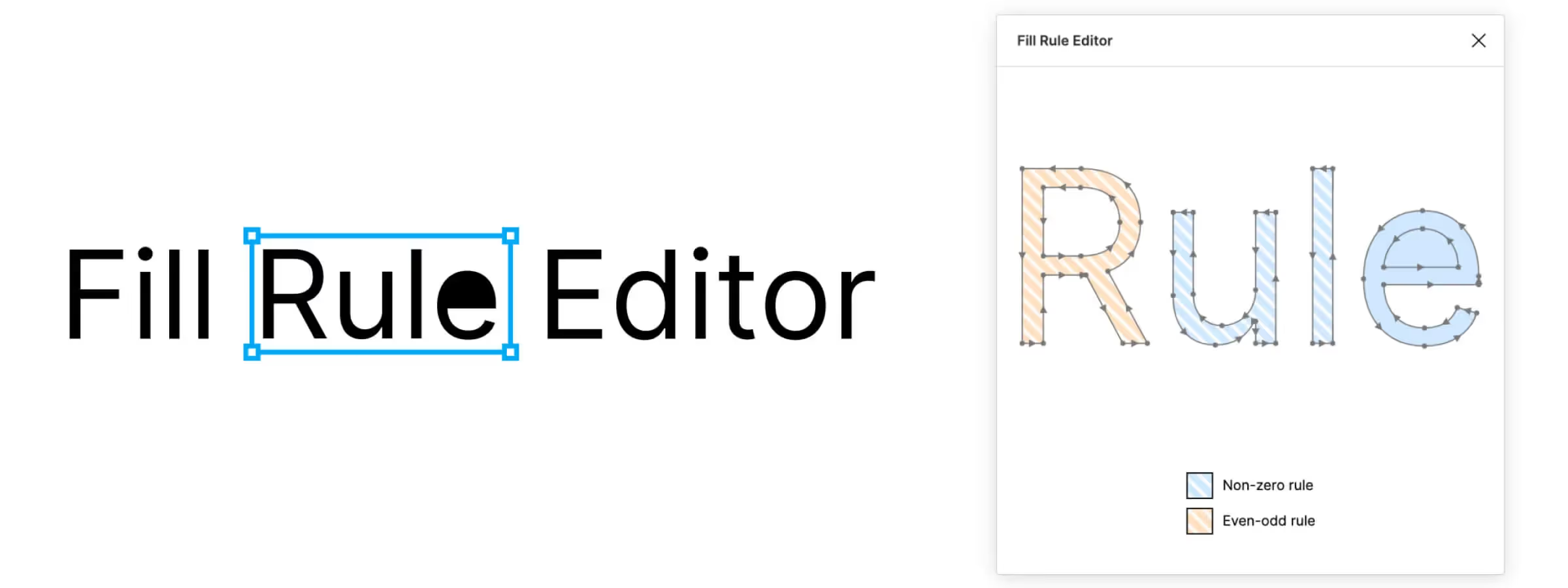 Optimize Your Vector Designs with the New Fill Rule Editor Plugin for Figma
Optimize your Figma vectors by changing fill rules for perfect compatibility and correct display across different formats and platforms.
 Penpot 2.0: Revolutionizing Collaborative Design
Streamline team collaboration with Penpot 2.0's powerful features, intuitive interface, and integrated HTML code generation for seamless design workflows.
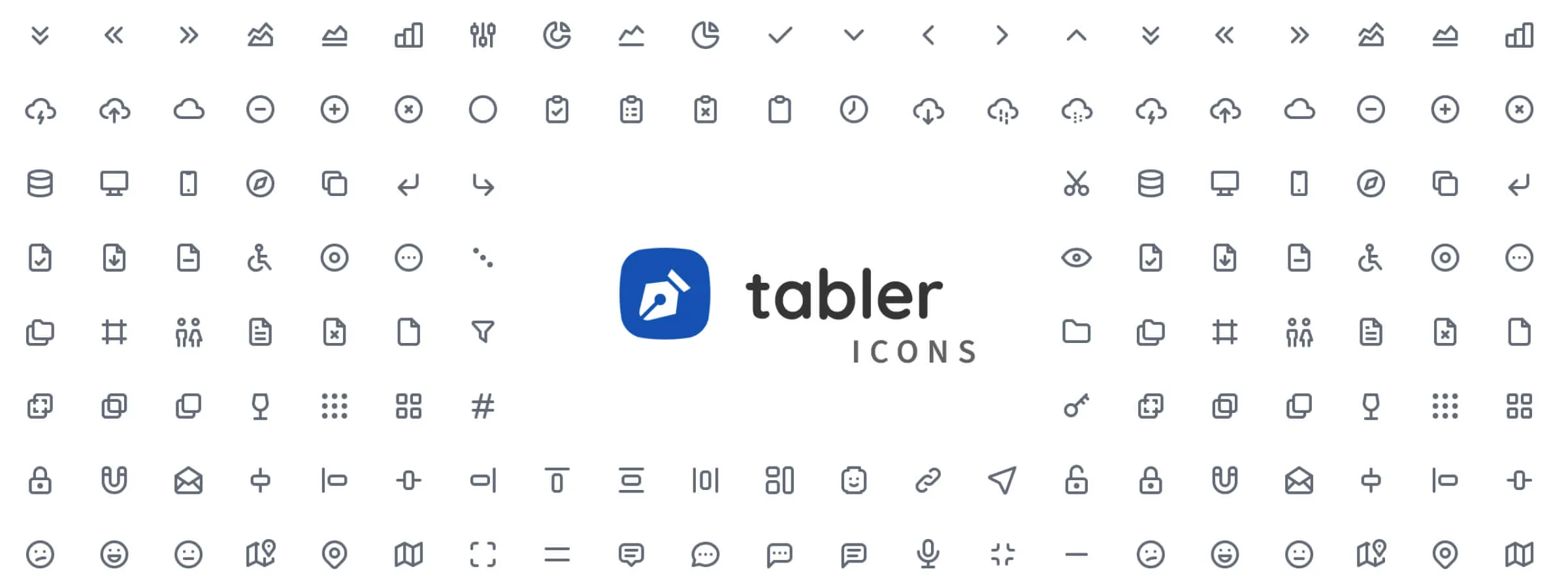 Tabler Icons: A Complete Icon Collection for All Your Needs
Tabler Icons is an extensive, free, and customizable open-source SVG icon library, easy to integrate into any web and mobile interface.
 Create Revolutionary Web Experiences with the Dynamic Duo of Webflow & Spline
Create unique web experiences by blending 2D design with 3D modeling for captivating interactions. Discover the Webflow and Spline duo.
 Spline, the 3D design tool in the browser with real-time collaboration
Spline: create, animate, and share 3D scenes in the browser, together in real-time. The next-generation 3D design tool, explained.
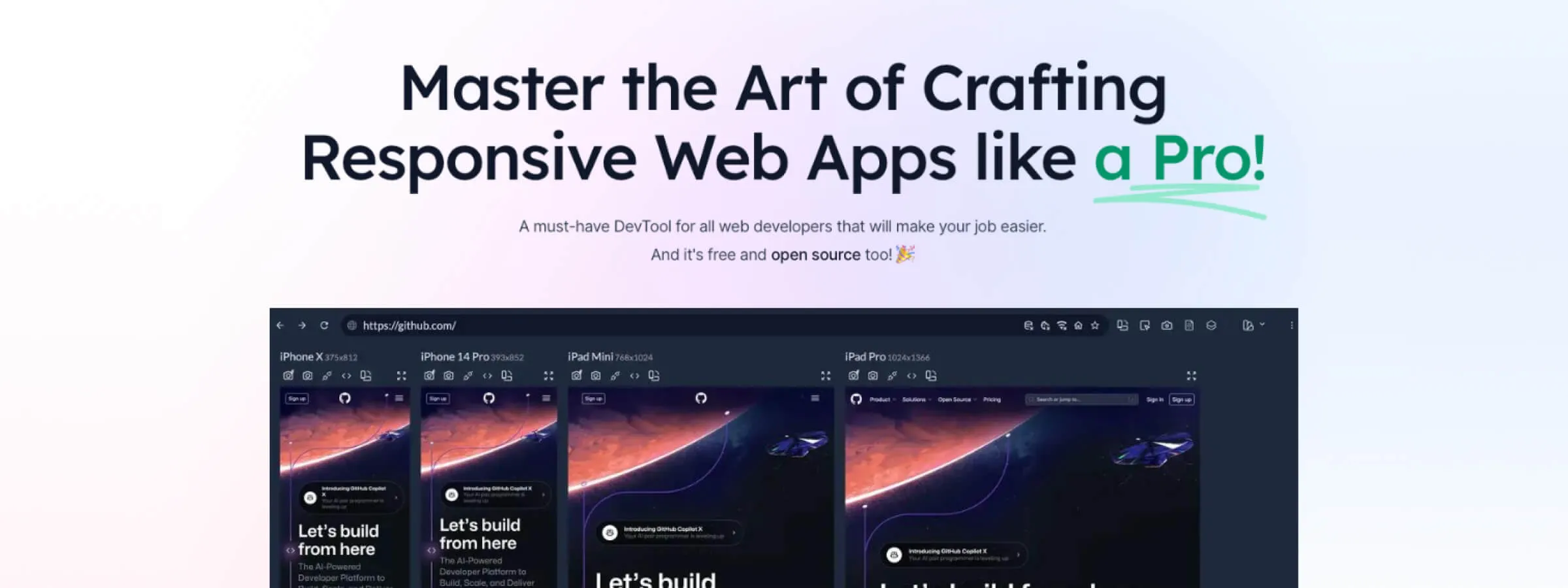 Introduction to Responsively, the App to Optimize Your Website's Responsive Design
Responsively App: view and test your website on every screen at once. The tool that speeds up responsive development for designers.
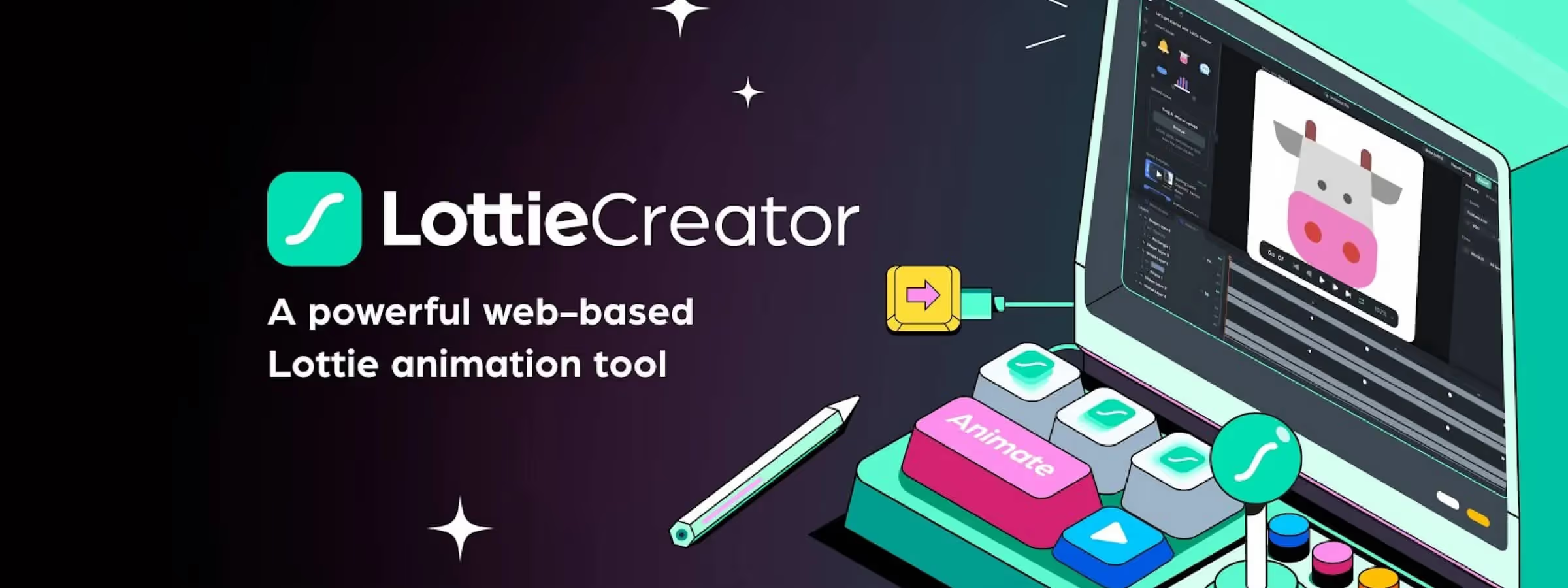 Lottie Creator: the new revolution in animation creation
Lottie Creator: revolutionize your animations with this powerful, intuitive tool. Build interactive, customized animations with ease.
 Discover Lucide Icons: Your Complete Guide to Flawless Icons
Lucide Icons is a lightweight, customizable open-source SVG icon library. Our guide to picking and integrating them into your interfaces.
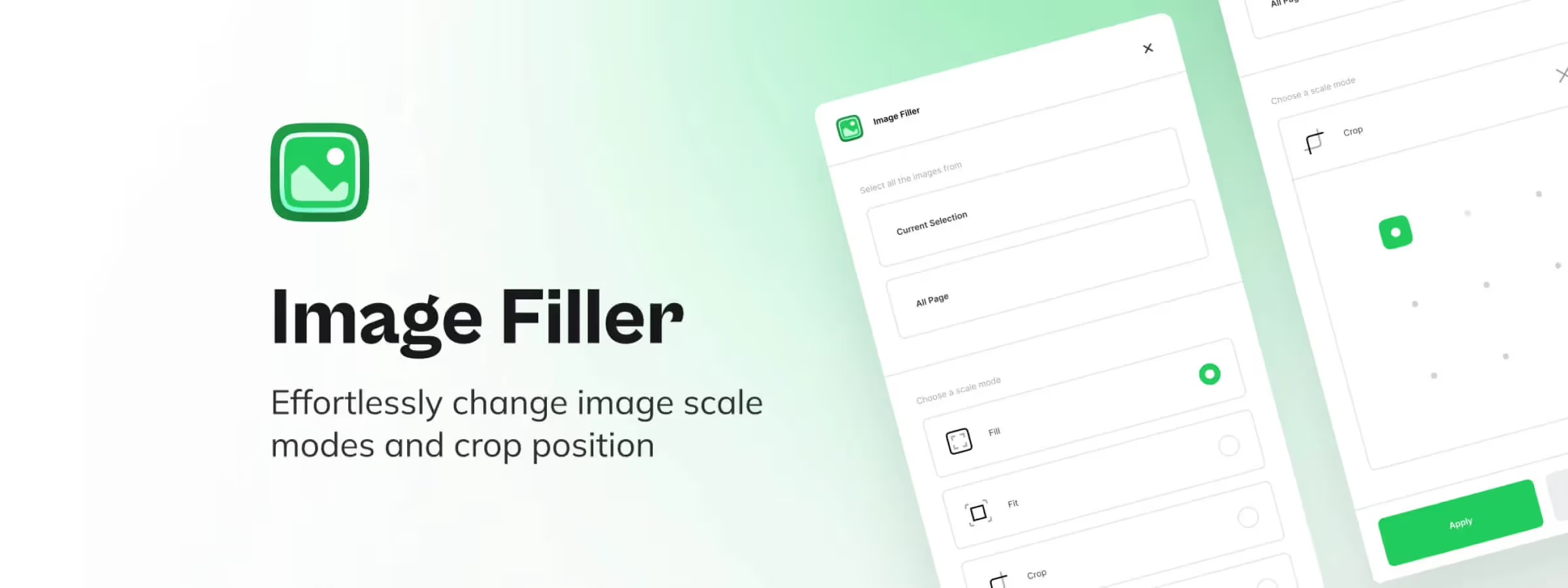 Image Filler: The Plugin for Automatic Scaling and Cropping of Your Images
ImageFiller for Figma simplifies image management with flexible scale modes, precise positioning, and an intuitive interface for designers.
 Figma to Webflow: the plugin that turns your designs into websites
Figma to Webflow: convert your Figma mockups into Webflow sites while preserving structure and styles. The plugin that speeds up integration.
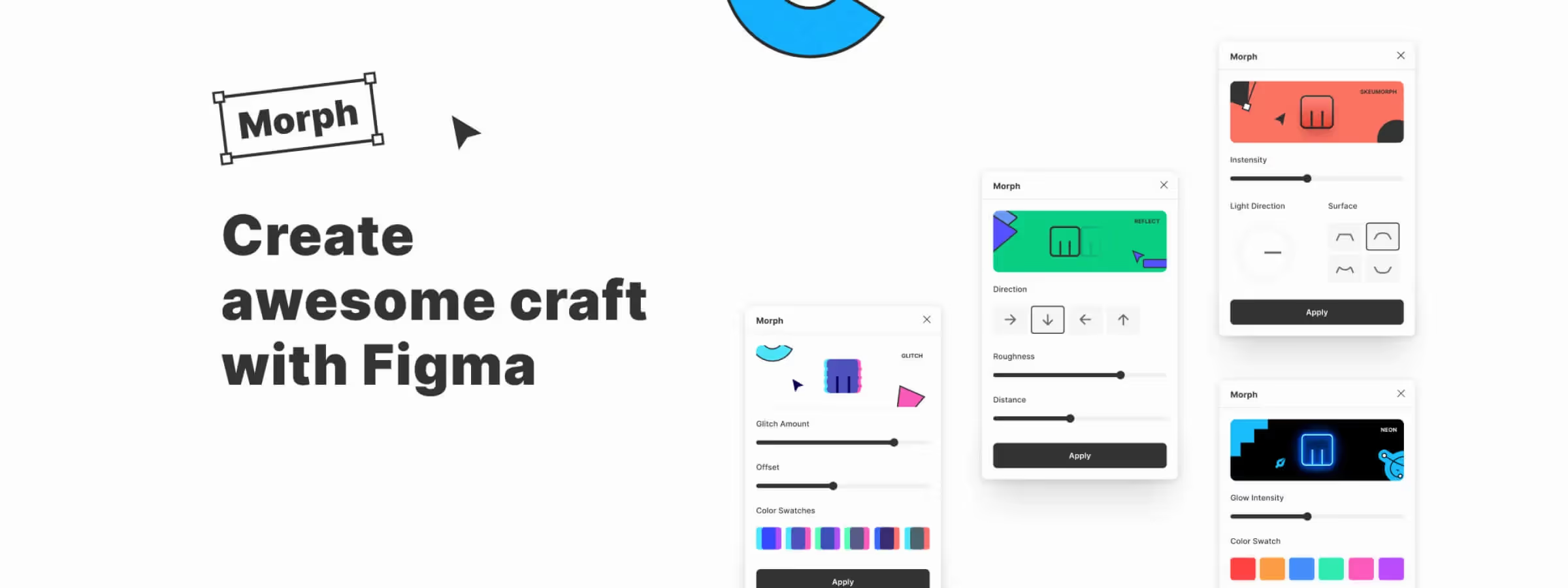 The Figma Morph Plugin: A Creative Tool to Add Visual Effects to Your Designs
Transform your Figma designs with Morph! Over 20 visual effects for limitless creativity. Try Morph and elevate your interfaces and illustrations.
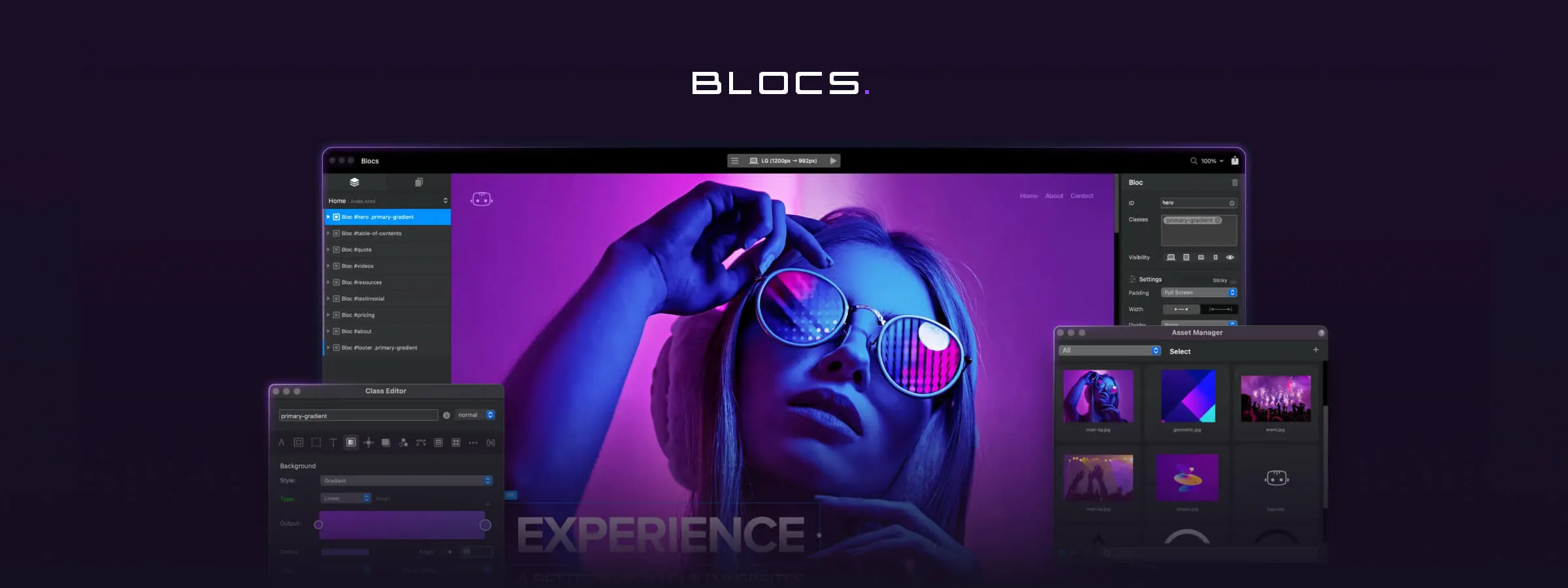 Create Websites Effortlessly with Blocsapp, an Innovative WordPress Alternative
Build websites easily with Blocsapp. Intuitive interface, prebuilt blocks, and full customization. Try it for free today.
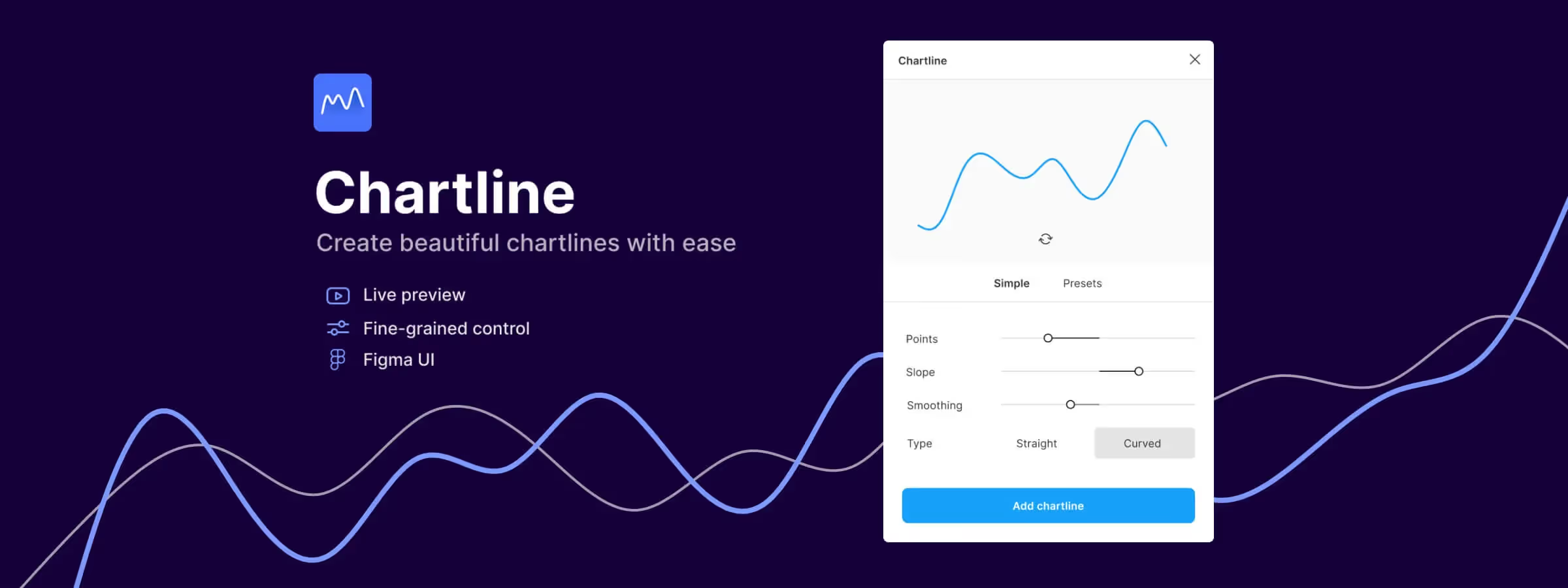 Make Chart Creation Easy with the Figma Plugin "Chartline"
Create Figma charts in seconds with Chartline: import your data, choose a chart type and customize it without leaving your design.
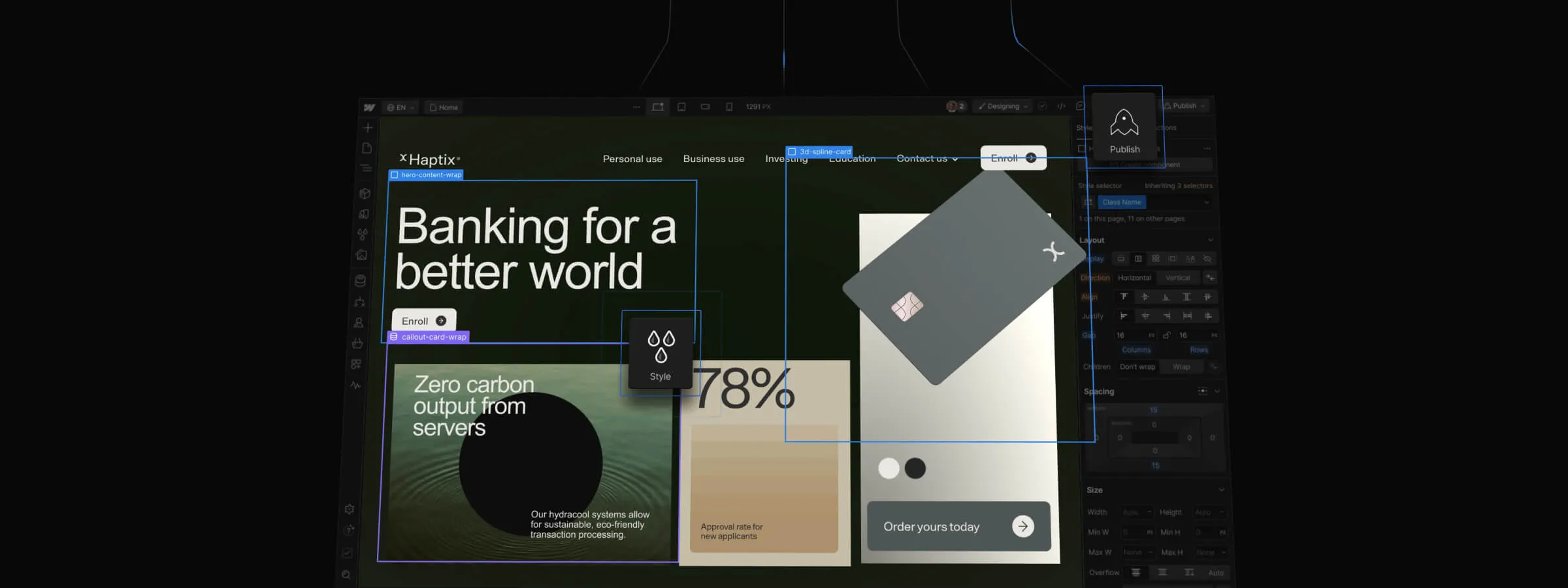 WordPress vs Webflow: Choose the Best Platform for Your Website
WordPress vs Webflow: comparing features and ease of use to help you choose the best platform for your website.
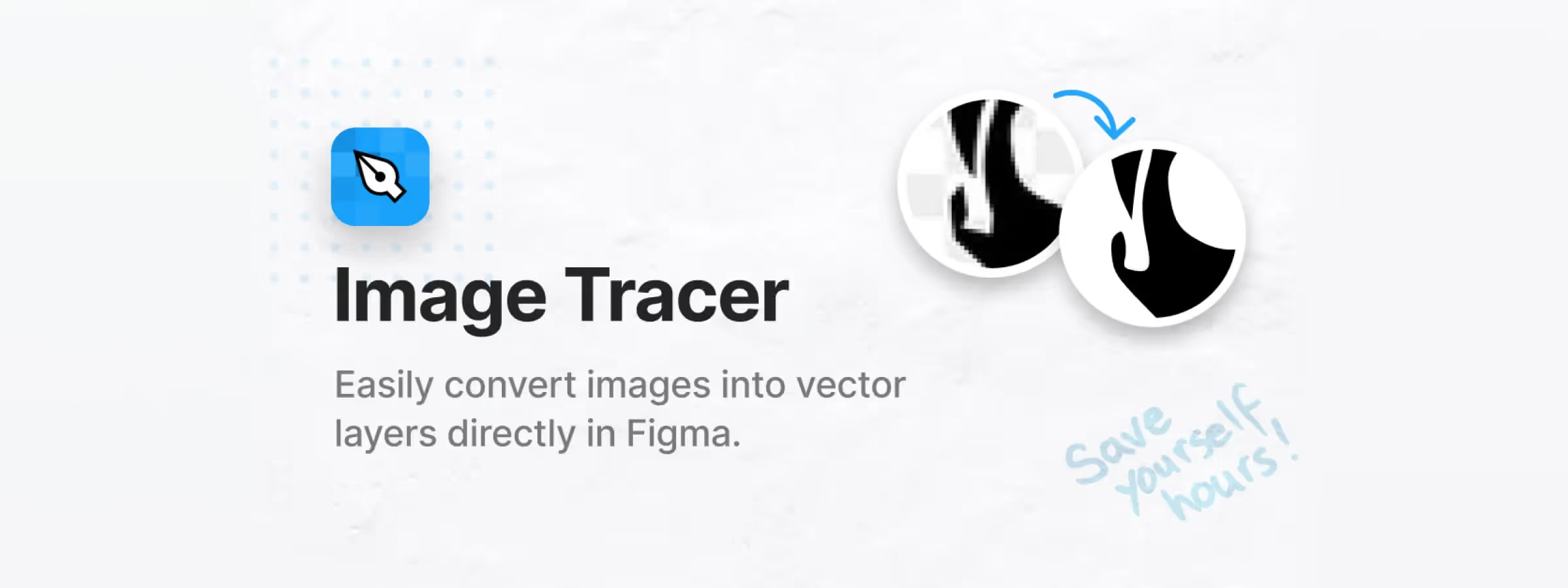 The Figma Image Tracer Plugin: Your Ally for Turning Images into Vectors
Figma Image Tracer converts your images into vectors and boosts your creativity. Discover how this plugin can transform your design workflow.
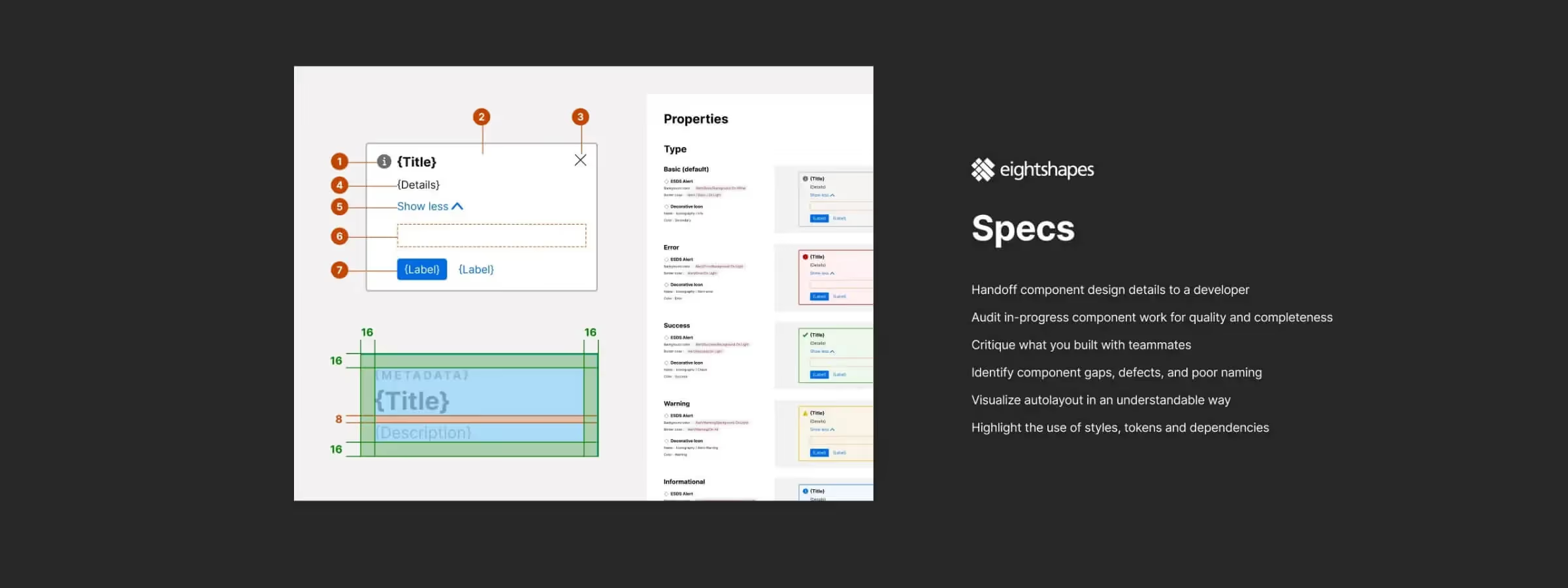 Automate Component Specs in Figma with EightShapes Specs
EightShapes Specs automates precise design specs in Figma. Save time documenting components and streamline your design system workflow.
 Template vs Custom Design: Choosing the Right Website Solution
Template vs custom design: understand the pros and cons of each approach to choose the right solution for your business's online presence and growth.
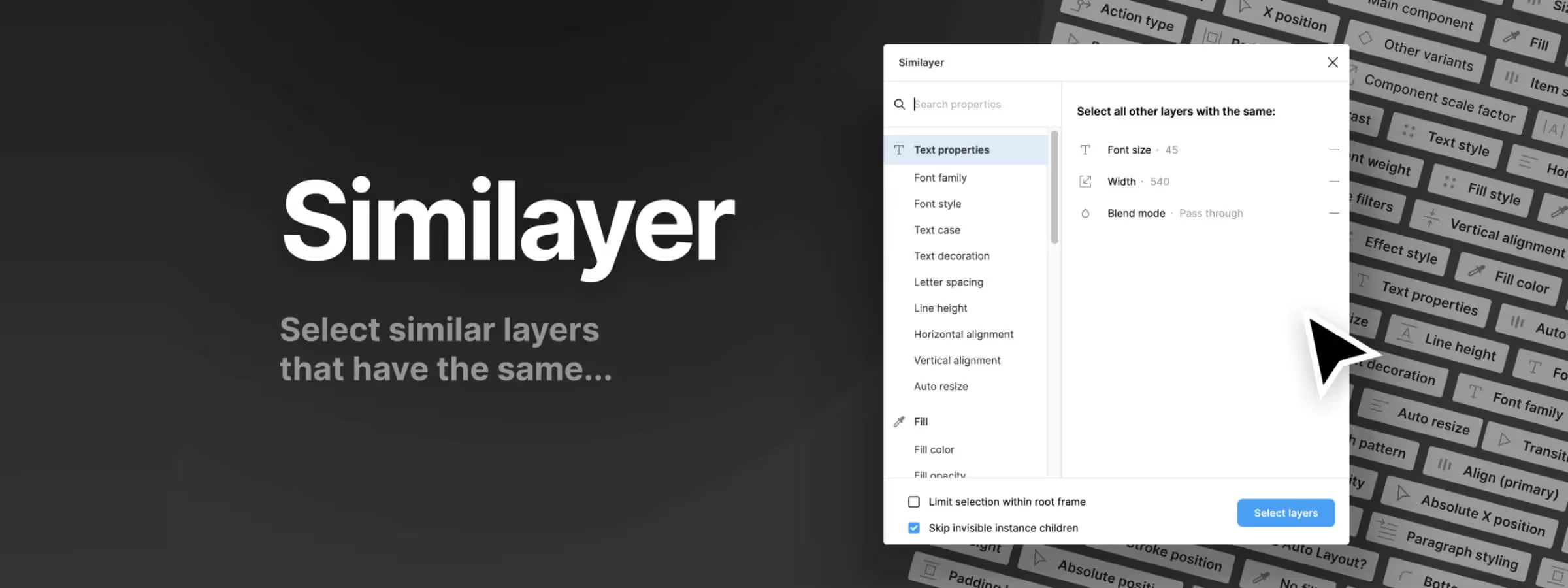 Easily Find Any Element in Your Figma File with Similayers
Similayers: the essential Figma tool to save time and gain precision in design. Discover how this powerful plugin revolutionizes your design workflow.
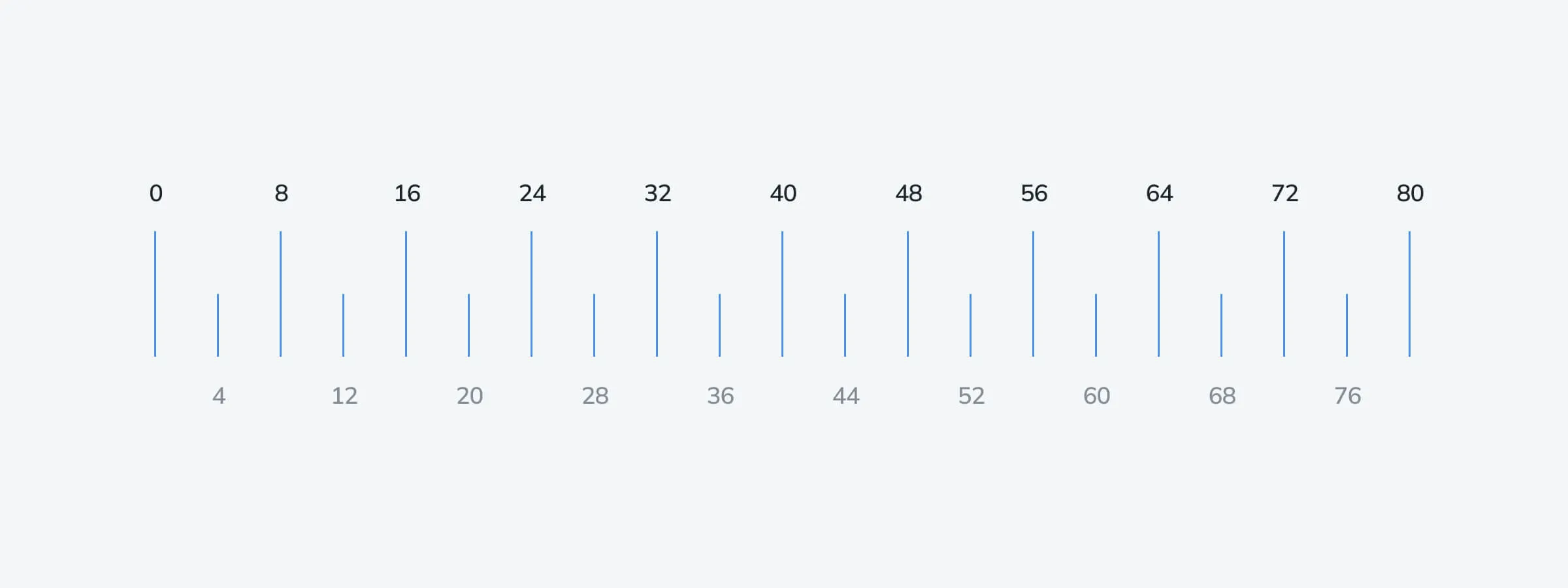 The Perfect Balance: Exploring the Power of Spacing with the 8pt Grid
Discover how the 8pt grid system delivers a powerful approach to spacing, helping you create layouts that are both aesthetic and functional.
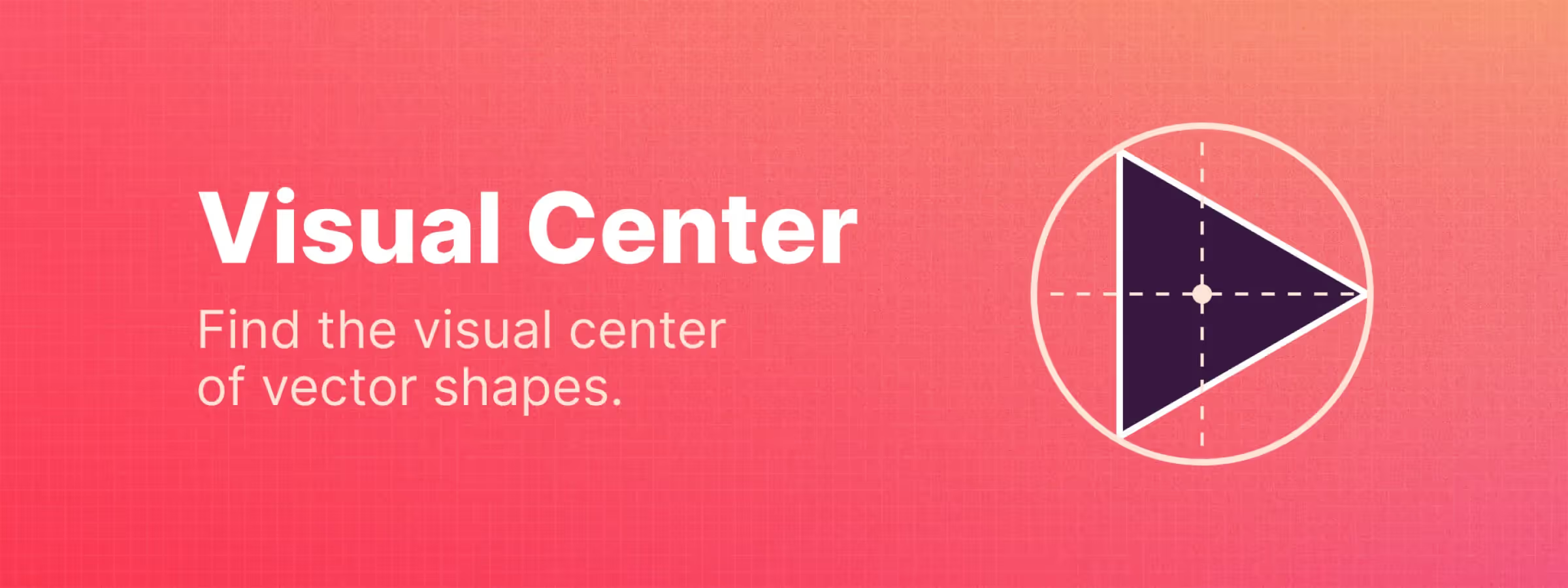 Visually Find the Center of Any Shape with the Visual Center Plugin
The Visual Center Figma plugin simplifies locating the visual center of vector shapes. Save time and increase precision with intelligent calculation methods.
 Beyond Dribbble: A Creative Odyssey
A graphic creator shares their journey on Dribbble, from passionate beginnings to the difficult decision to leave the platform.
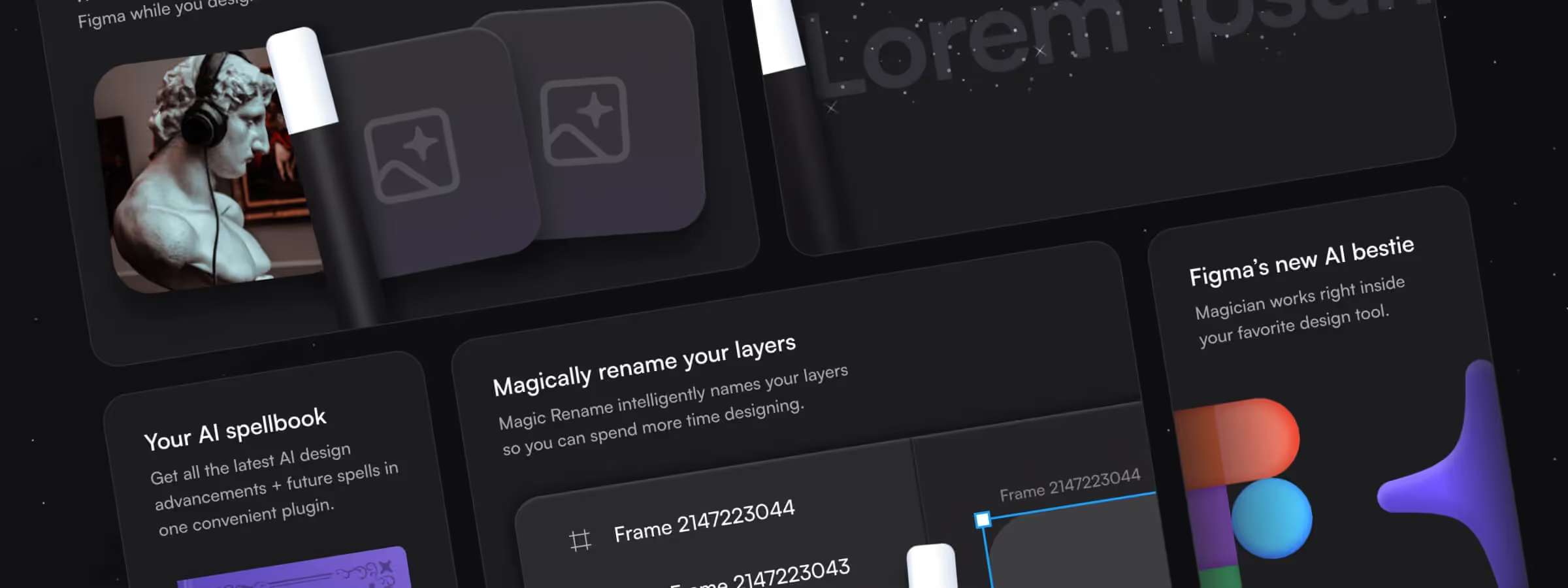 Bento Design: The Must-Know UI Trend in 2025 (Guide & Examples)
Bento Design: the 2025 UI trend inspired by the Japanese lunchbox. Principles, origins and best practices to adopt it, with examples.
 Organize and Optimize Elements in Your Figma File with the Organiser Plugin
The Figma Organiser plugin is a simple, efficient tool to distribute and arrange your elements on the canvas, saving time in your design workflow.
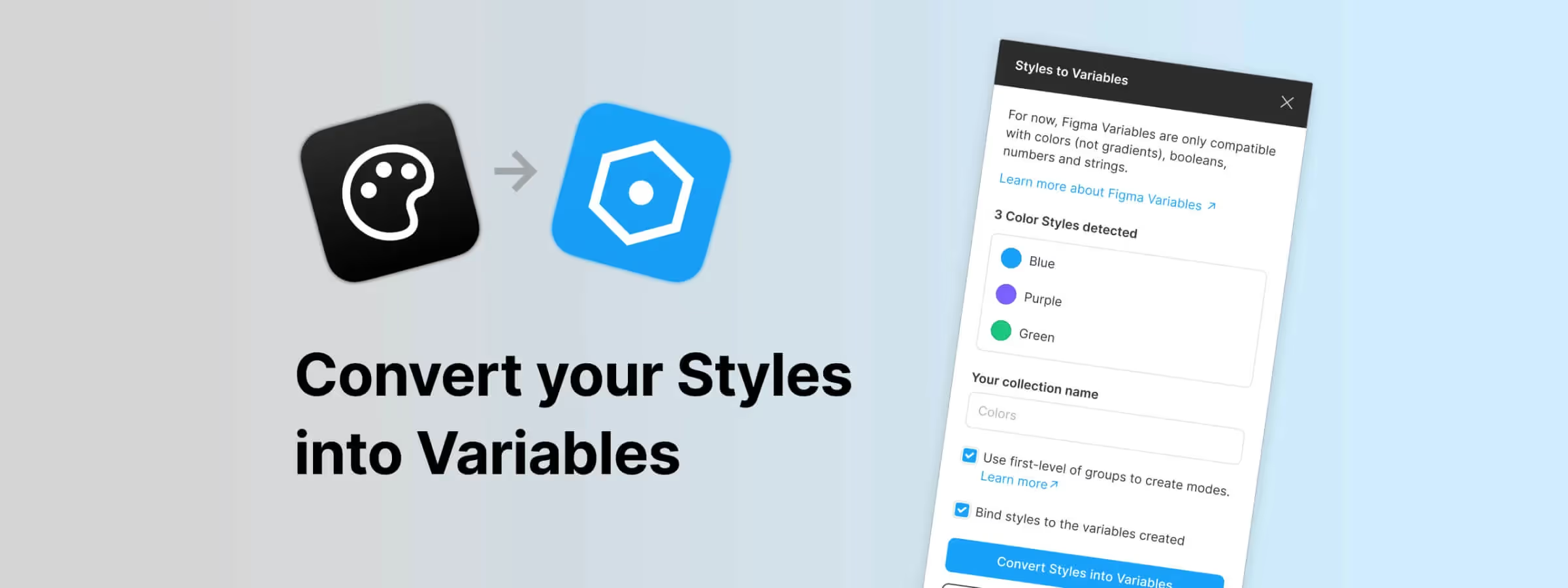 Become an Expert at Converting Styles to Variables in Figma
The "Styles to Variables" plugin simplifies variable creation, collection organization, and color style detection in Figma.
 Detach Instances, Styles, Remove Auto Layout and More with the Destroyer Plugin
The Figma Destroyer plugin lets you selectively degrade your Figma files by detaching instances, removing styles and stripping Auto Layout.
 Fake-Door Testing: A Discreet Method to Gauge User Interest
Fake-door testing lets you validate interest in a feature before building it, via a fake entry point. Learn the method, examples, and best practices.
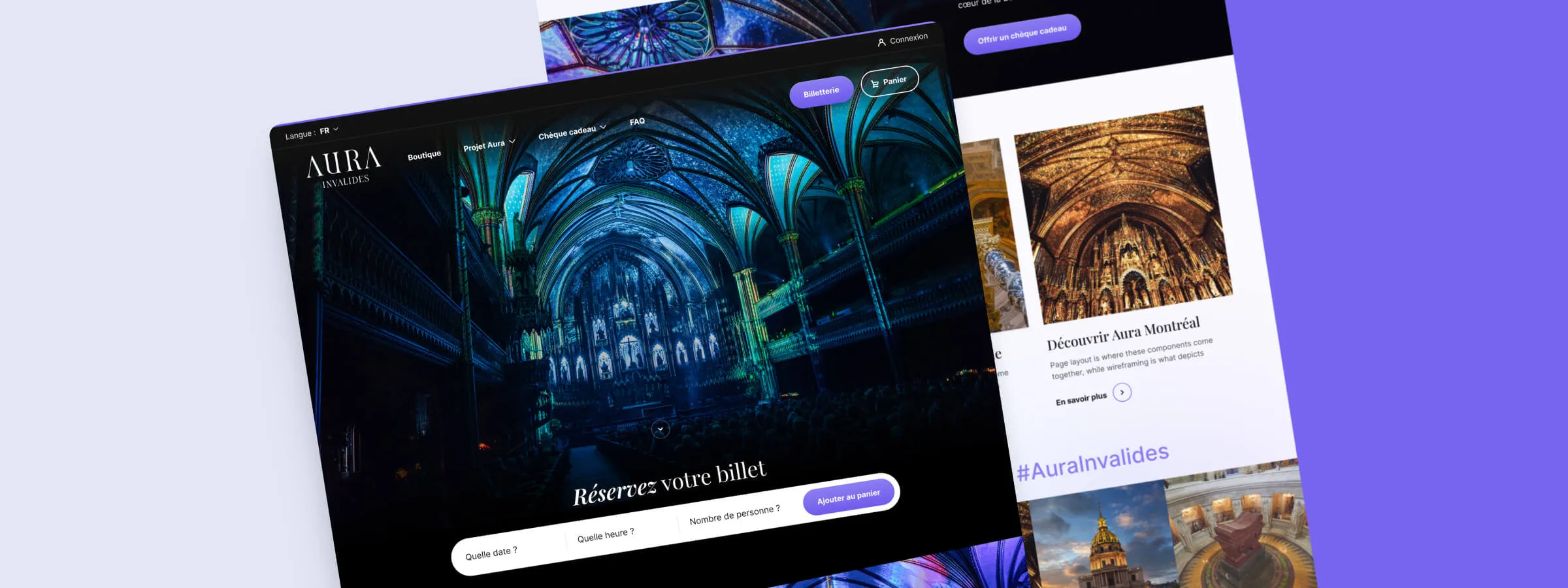 Breathe New Life Into Your Website: The Keys to a Graphic Redesign
A website redesign is a strategic transformation that helps you build an online presence which captivates visitors and converts them into customers.
 Atomic Design: A Modular Approach for Responsive and Scalable Interfaces
Atomic Design is a UI methodology for building modular, scalable systems. Learn its principles, benefits, and how to implement it step by step.
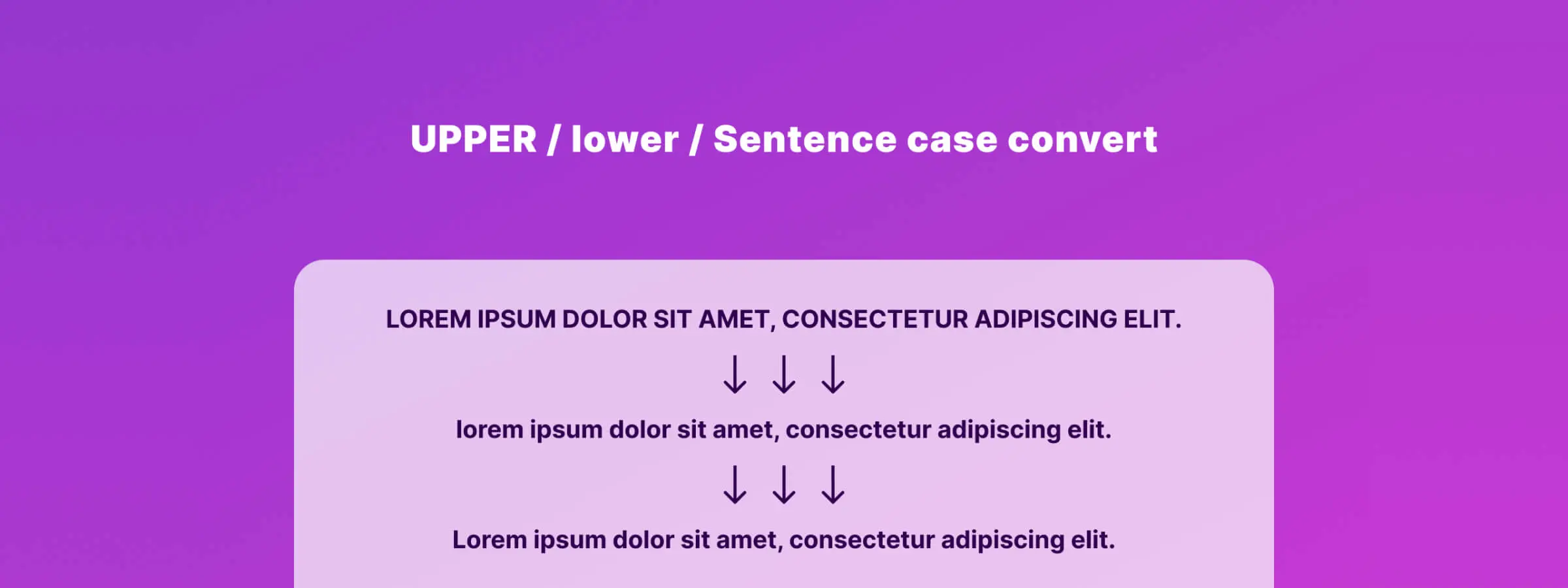 Convert Text Case with Figma Case Convert Plugin
The Figma Case Convert plugin transforms text to uppercase, lowercase, or sentence case in a few clicks, simplifying your design workflow.
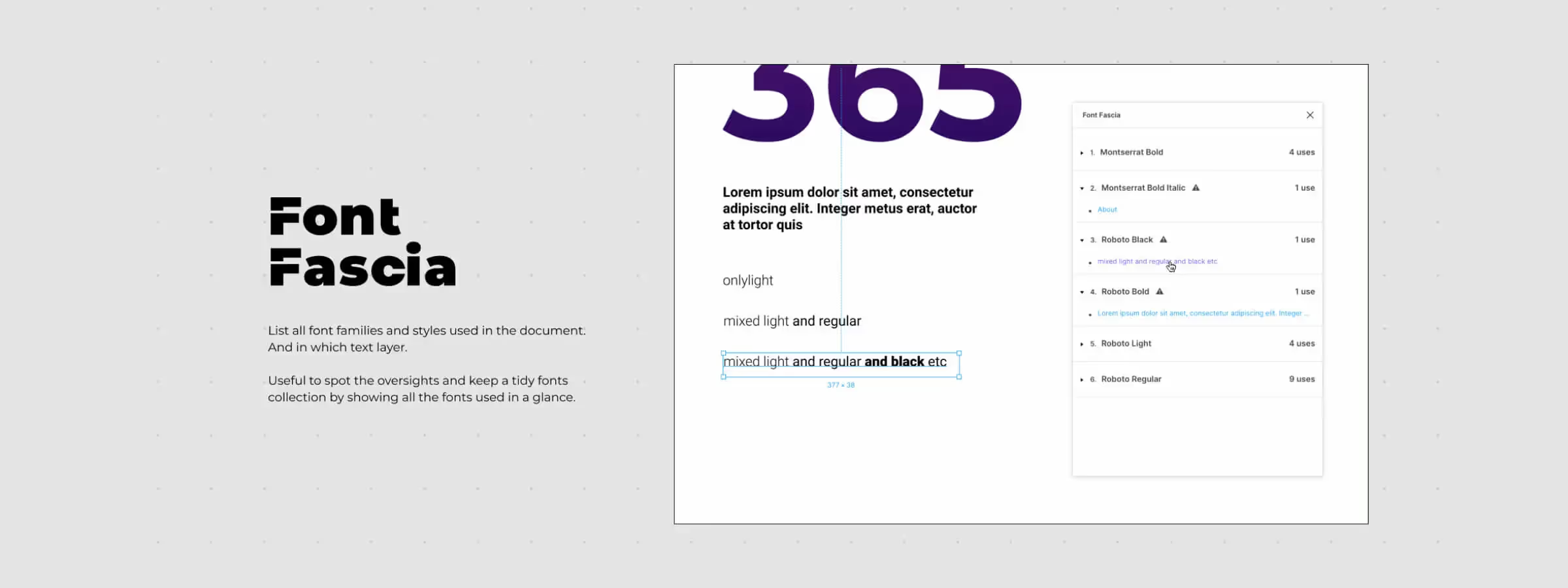 Optimize Your Text Styles and Simplify Your Projects with the Figma Font Fascia Plugin
How to use the Figma Font Fascia plugin to optimize text style usage and ensure optimal performance without unnecessary complications.
 Dark Mode Explained: From Visual Comfort to Aesthetics, a Complete Exploration
Dark Mode is a practical and aesthetic display option with many benefits. Discover when to use it and the best design practices to apply it.
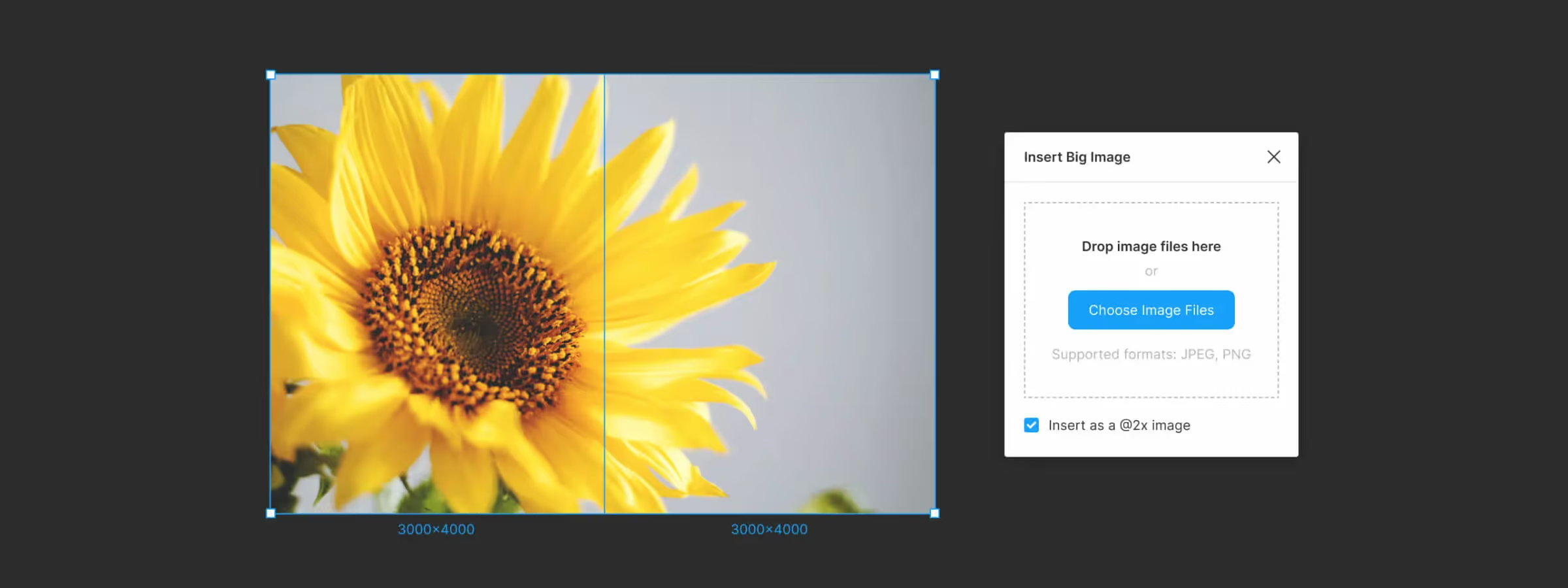 Use the Insert Big Image Plugin to Import Large Images from Figma
Import large images into Figma without quality loss using the Insert Big Image plugin. Overcome Figma's 4096-pixel limit and maintain visual quality in your mockups.
 Elegant Lines and Smart Connections: Master the Autoflow Plugin in Figma
Autoflow is the Figma plugin that automates connections between frames. Discover how it streamlines wireframing and speeds up your design workflow.
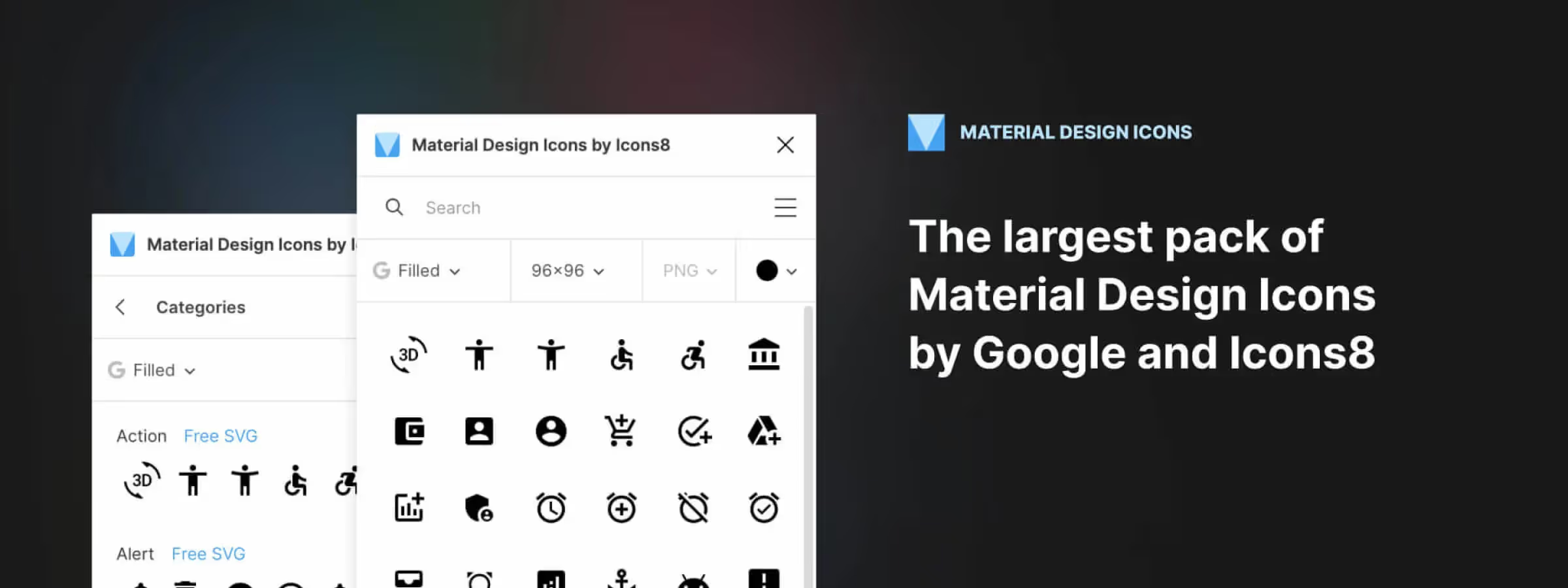 Use Google's Material Design Icons with the Figma Plugin
The Material Design Icon plugin for Figma makes it easy to bring Google's Material Design icon set into your projects.
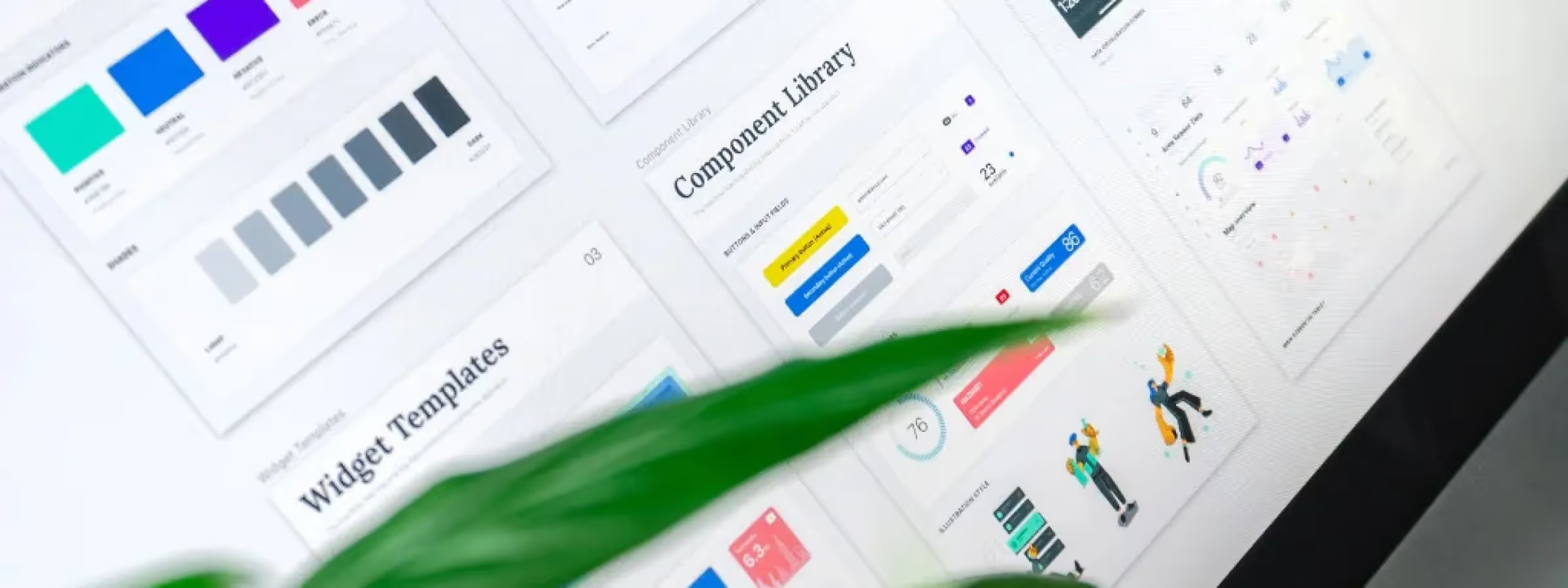 UI Kit vs. Design System: Understanding the Crucial Differences
Understand the essential differences between UI Kit and Design System. Complete guide with examples, use cases and recommendations for your project.
 Easily Create and Customize Stunning Illustrations in Figma with the Blush Plugin
Discover Figma Blush, the plugin to find, customize, and add beautiful illustrations to your Figma projects quickly and effortlessly.
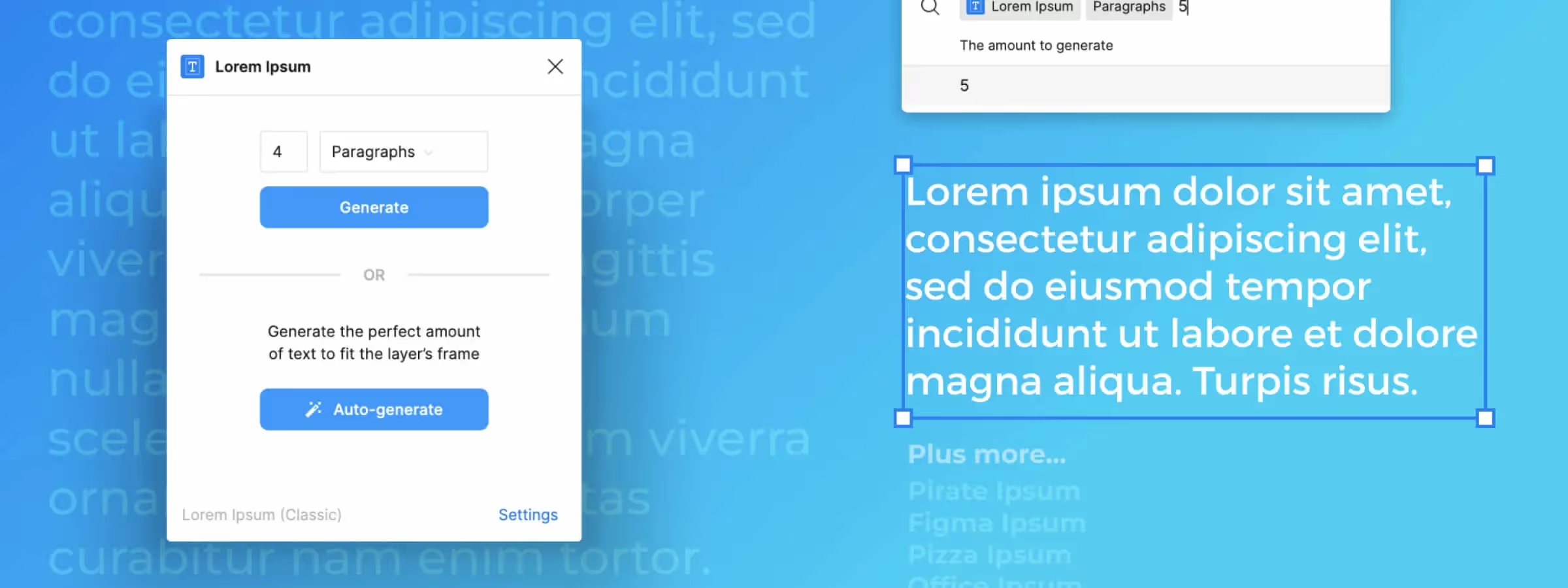 Simplify Your Design with Dummy Text Using Figma's "Lorem Ipsum" Plugin
Figma's Lorem Ipsum plugin is a tool that allows you to quickly and easily generate dummy content for mockups, helping you focus on design.
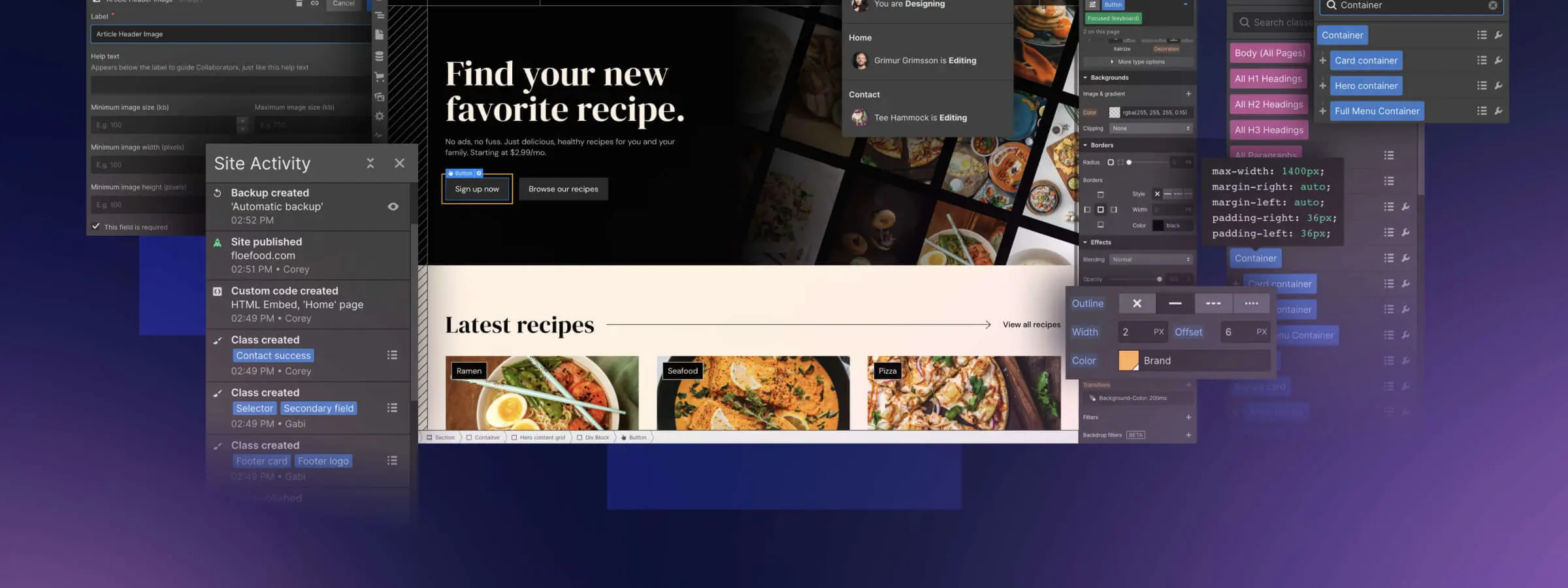 Low-Code vs No-Code: Key Differences
Low-code vs no-code: two approaches to build apps faster and cheaper. Learn their key differences and how to choose the right one for your project.
 How to Assess Design Maturity in Your Company
Design maturity is a key success factor for companies. Learn how to assess it across 5 key areas and turn design into a real competitive advantage.
 A Complete Exploration of Skeuomorphism in Interface Design
Skeuomorphism is an interface design approach that borrows visual elements from the real world to make digital products feel familiar and intuitive.
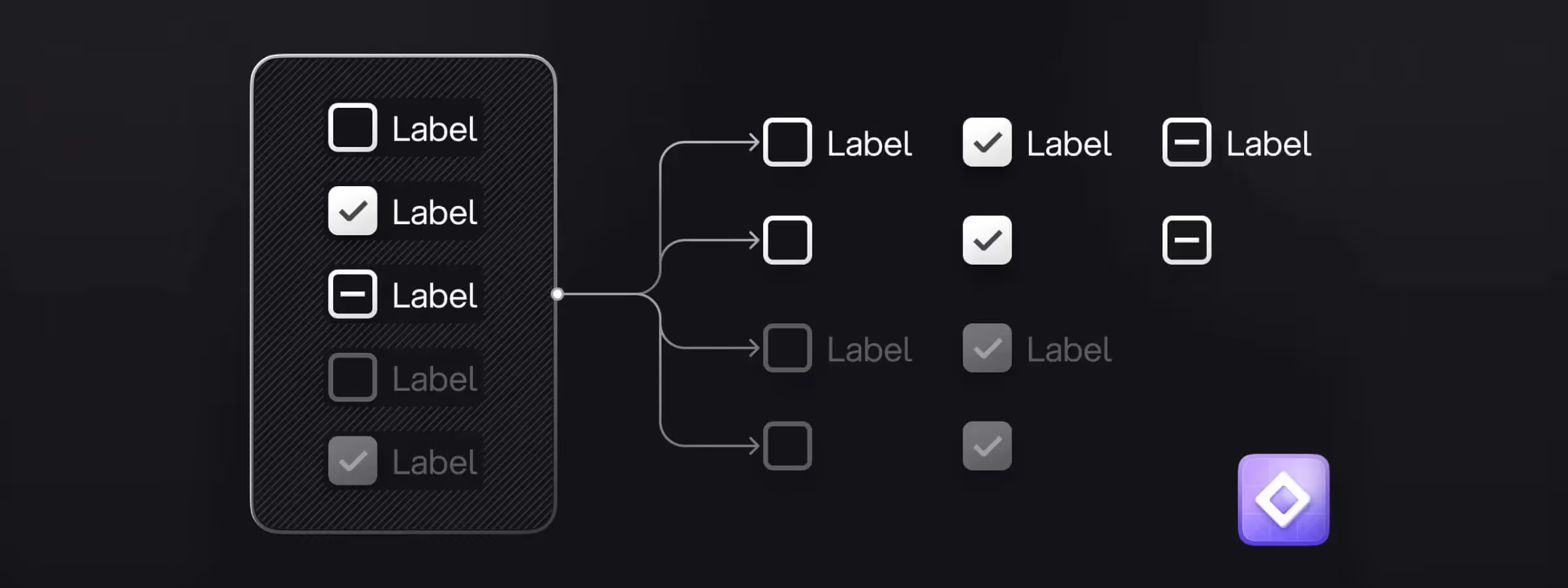 Regressor for Figma: Simplify Managing Variants and Boolean Properties
Simplify creating and managing variants and boolean properties with Regressor, a Figma plugin that automates your design workflow.
 Gestalt Theory in UX Design: Principles, Applications, and Limits
How Gestalt theory helps you design intuitive UX interfaces: principles, real-world applications, and the limits every designer should know.
 Shadows and Depth in UI Design: A Trending Approach
Shadows and depth in UI design: a trend that adds volume to elements, enhances navigation, and creates immersive user experiences.
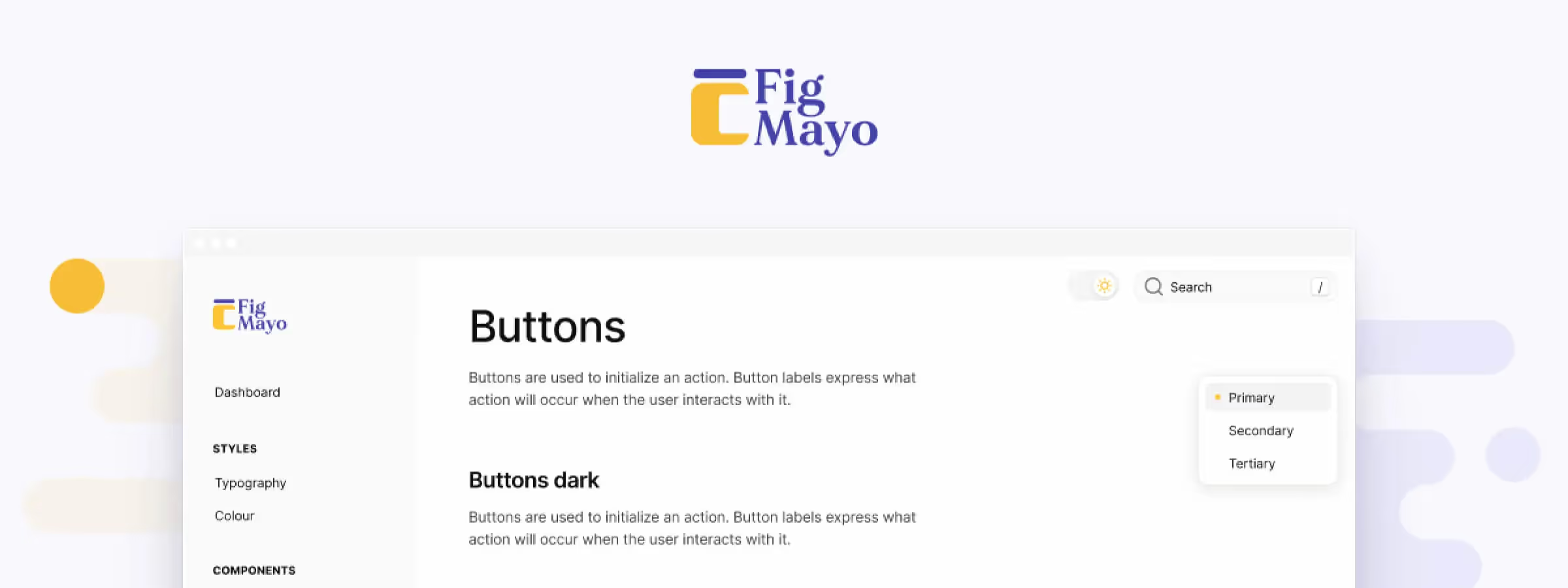 Easily Document Your Design System with Figmayo, the ZeroHeight Alternative
Figmayo lets designers create and share design system documentation straight from Figma. Discover this simpler alternative to ZeroHeight.
 Voice User Interface: A Technological Revolution in the Design World
The voice user interface is a technological revolution reshaping how we interact with technology. Explore its origins, design challenges and best practices.
 Neumorphism: between tactile aesthetics and visual challenges in UI design
Neumorphism is a UI design style that blends the tactile feel of skeuomorphism with the simplicity of flat design and its own visual challenges.
 Material Design: the art of designing immersive interfaces
Material Design is an interface design approach that draws on the physical world to create more immersive, engaging and consistent user interfaces.
 Minimalism and Flat Design: The Art of Simplicity in UI Design
Minimalism and flat design, two UI design trends, embrace simplicity and clarity to improve the user experience and interface usability.
 Designing for Accessibility
Accessibility in UI design: how to create inclusive interfaces for everyone by following WCAG standards, guidelines and best practices.
 The Psychology Behind UI Design
Understand user psychology to design more intuitive, engaging interfaces. Discover how cognitive principles shape great UI design decisions.
 Adaptive and Responsive Design
Adaptive and responsive design: how to build exceptional user experiences across every device, from smartphones to tablets and desktops.
 The Fundamental Principles of UI Design
The fundamental principles of UI Design: how to create user interfaces that are effective, clear, and genuinely enjoyable to use.
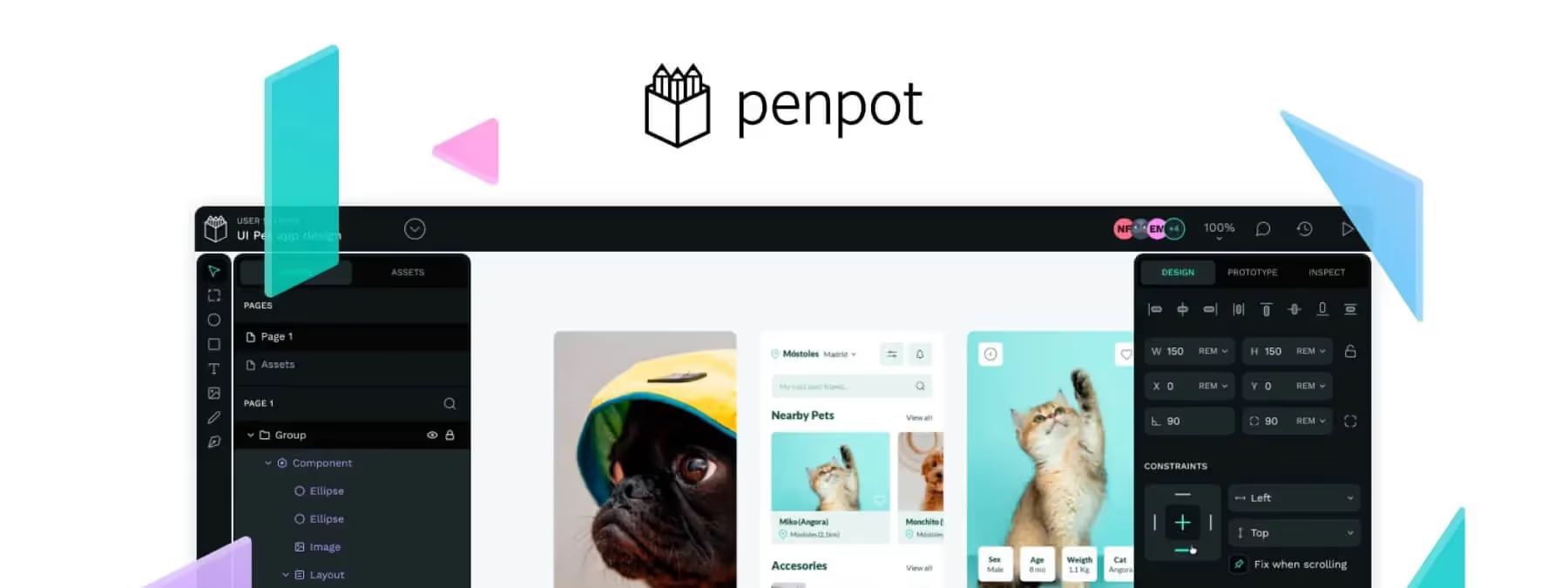 Penpot vs Figma: The Ultimate 2025 Comparison (Price, Features, Offline)
Should you switch from Figma to Penpot 2.0? Complete comparison: price, CSS Grid, offline mode and performance. The verdict for designers in 2025.
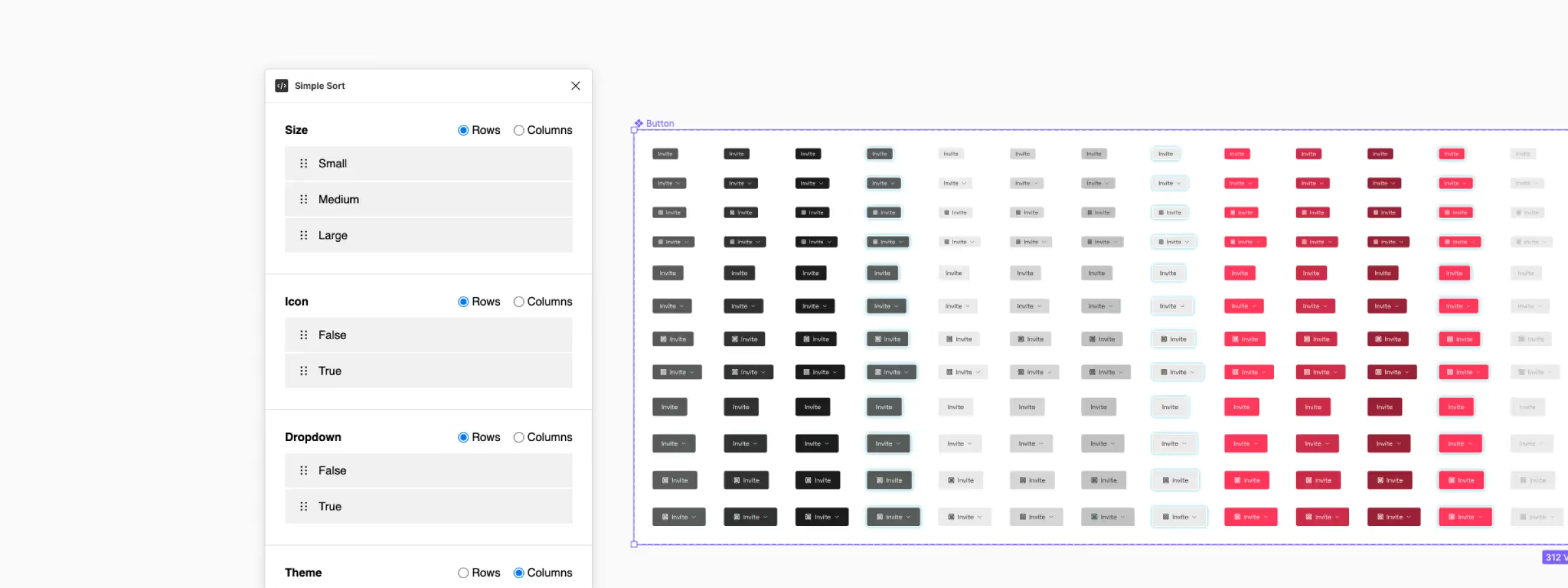 Organize Component Variants with the Figma Simple Sort Plugin
Simplify managing Figma component variants with the Simple Sort plugin. Organize, sort, and automate your workflow with ease.
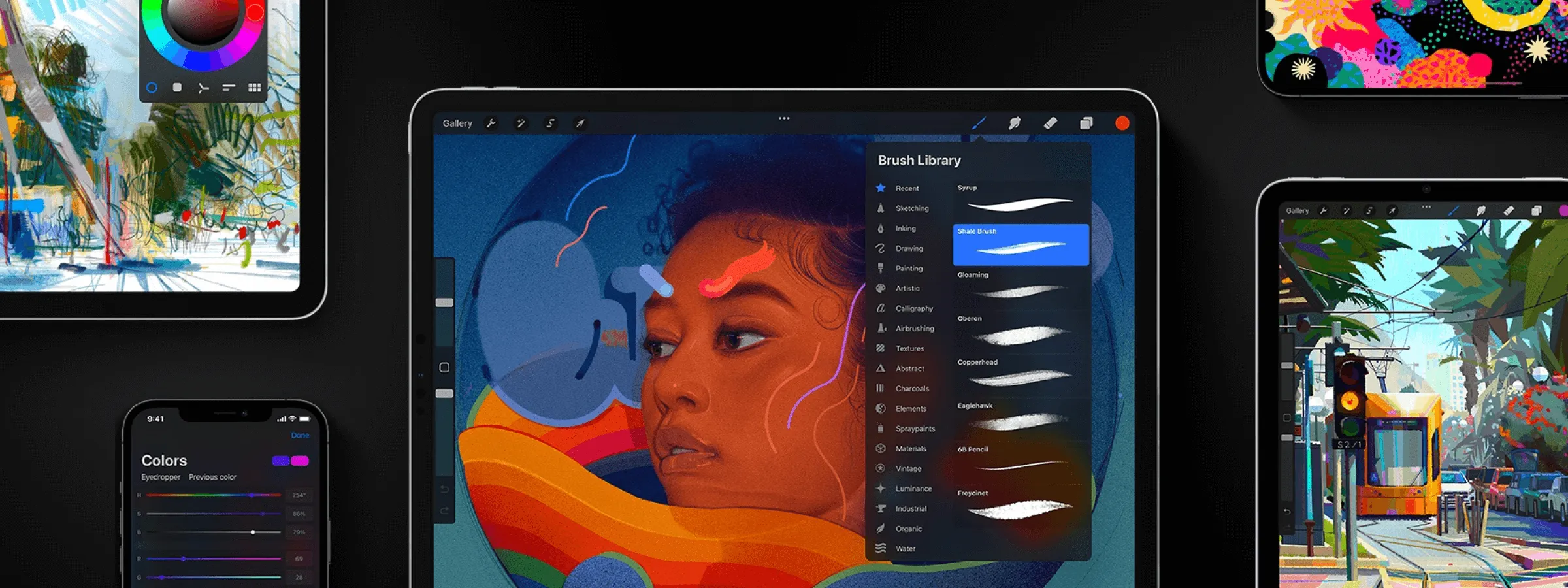 Procreate: The Essential Digital Art Creation Application
Procreate: the essential iPad drawing app, with powerful tools and an intuitive interface for illustrations and paintings.
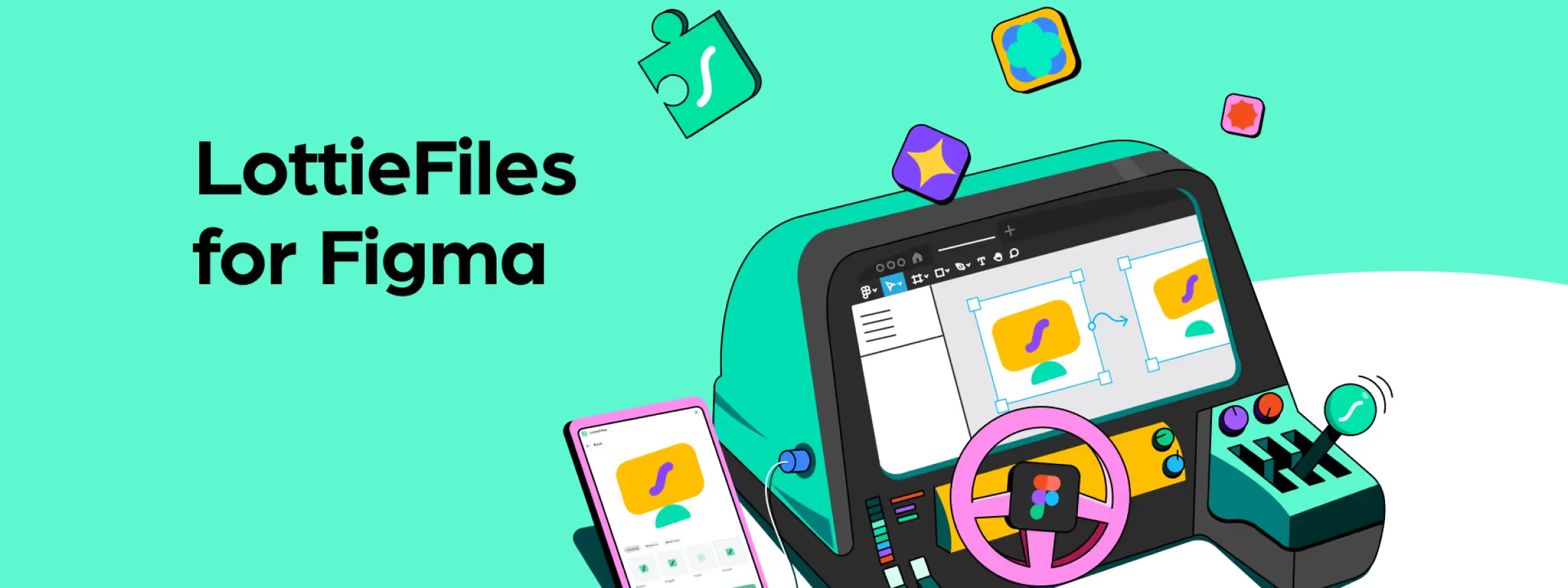 Create Lottie Animations from Figma with the Official "LottieFiles" Plugin
The LottieFiles plugin for Figma lets you add Lottie animations to your designs and export production-ready motion for a richer user experience.
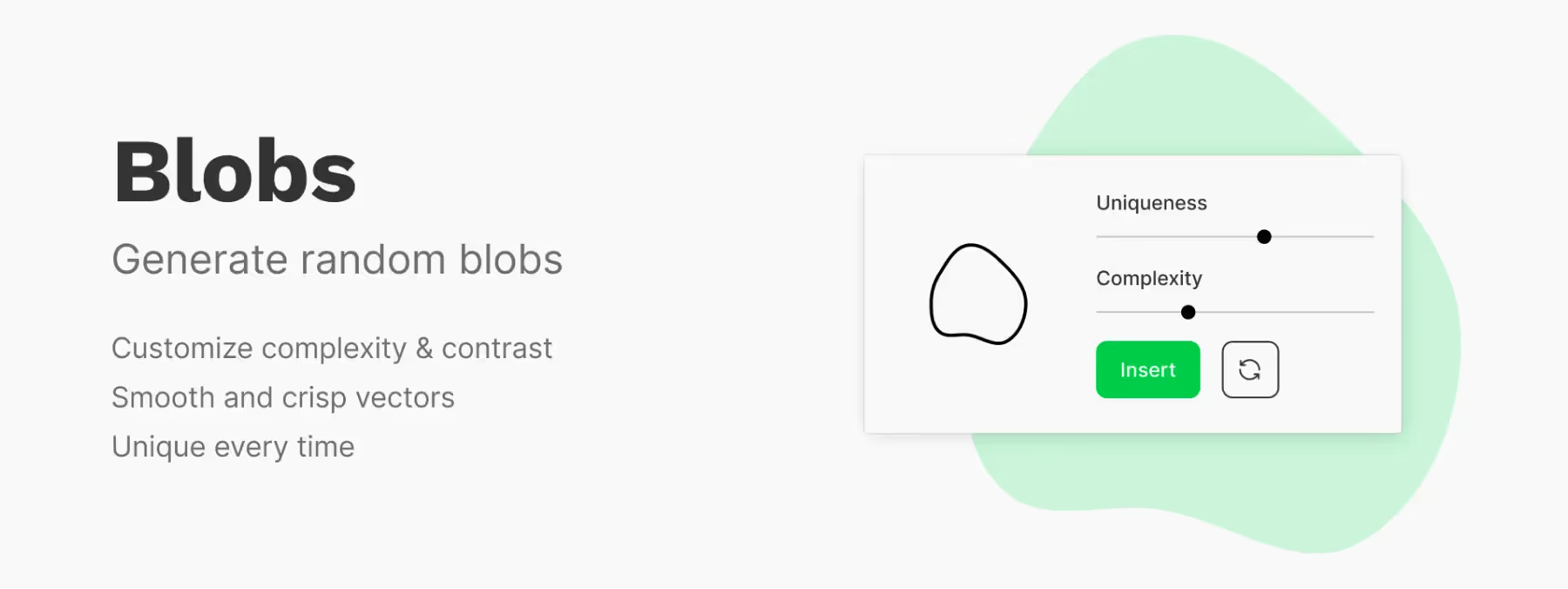 Unleash Your Creativity with the Figma "Blobs" Plugin: Unique Shapes and Captivating Designs
Figma Blobs plugin: create unique, expressive organic shapes for your design projects and dive into a world of endless creative possibilities.
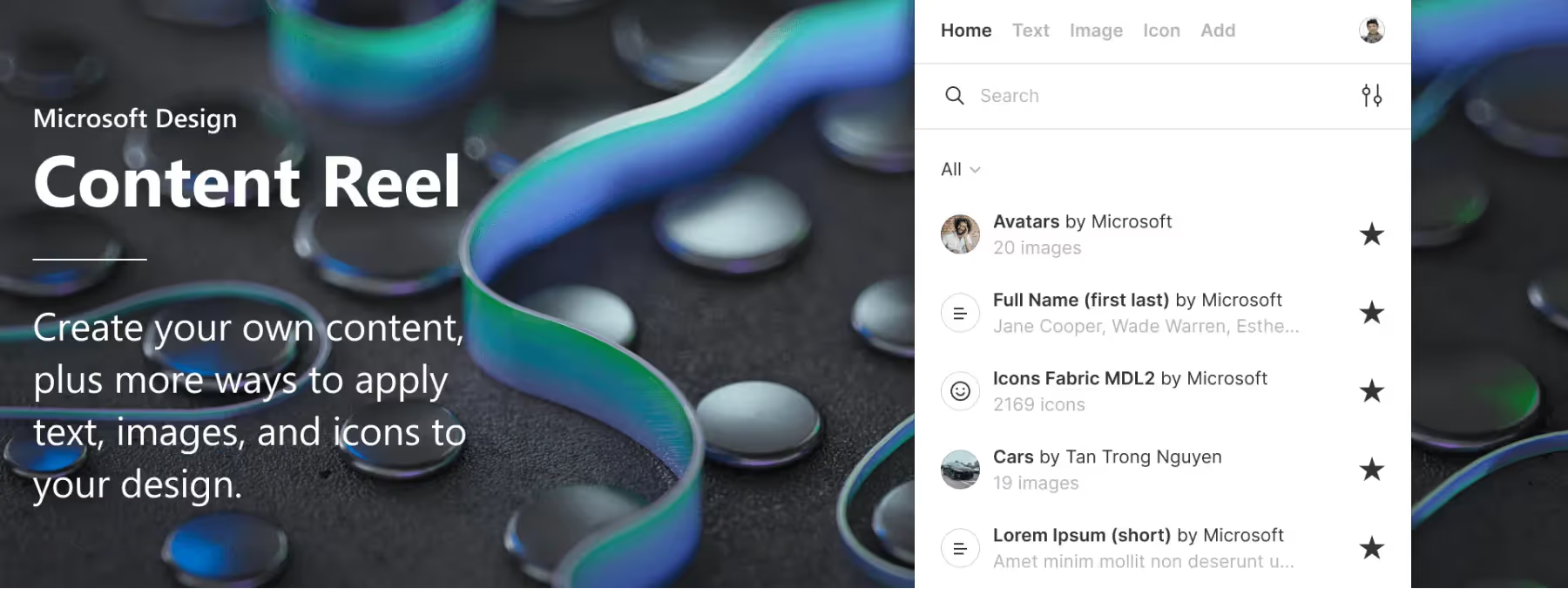 More productive layouts thanks to Content Reel's text, images and icons
The Figma plugin Content Reel: enrich your mockups and prototypes with a complete library of text, images and icons to design faster.
 Unsplash: The Essential Figma Plugin for Design Inspiration
Find high-quality, royalty-free images for your design projects with the Unsplash Figma plugin. Discover how this essential tool integrates seamlessly into your workflow.
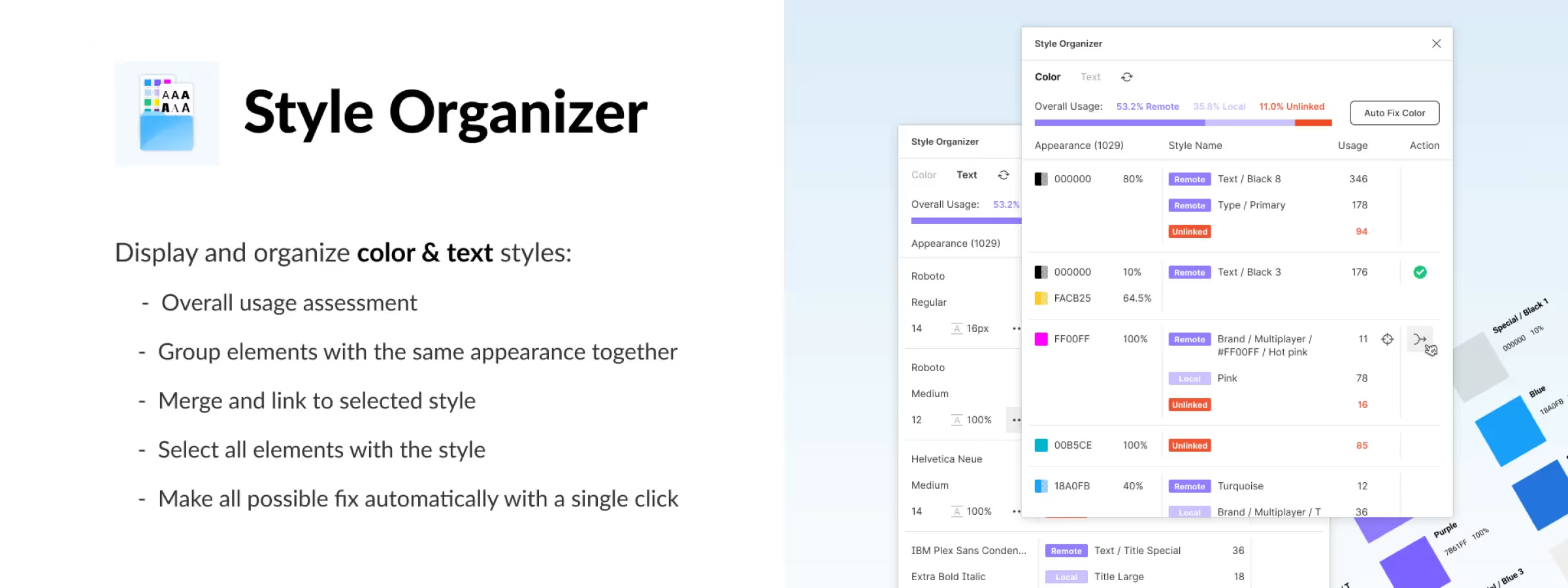 Find Unstyled Elements or Merge Similar Styles with Style Organizer
Manage your Figma styles more effectively with the Style Organizer plugin, which finds unstyled elements and merges similar styles.
 Nisa Text: The Ideal Plugin to Simplify Your Typography Work
Save time and simplify your typography work with the Nisa Text plugin for Figma. Split, sort, group and reorganize text with ease.
 Master Your Element Layout with the Figma 'Masonry Grid' Plugin
Organize your compositions into a grid with the Figma "Masonry Grid Layout Organizer" plugin. In the world of design, clarity is key.
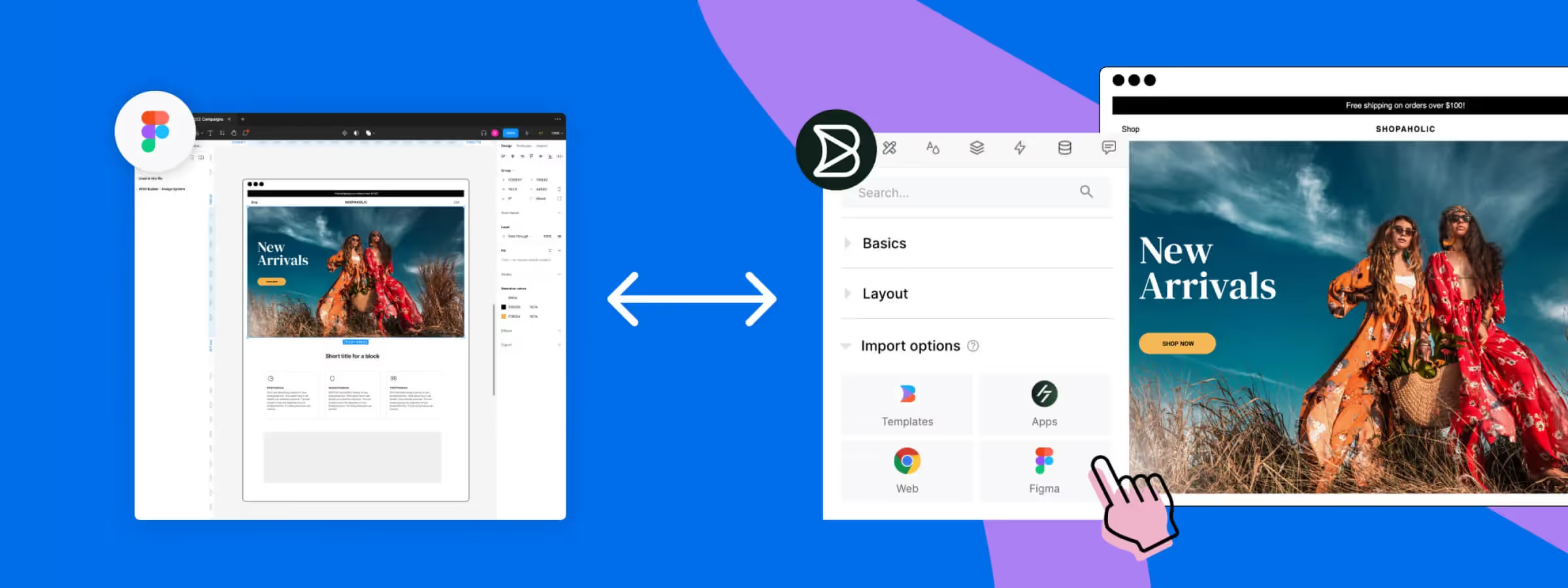 Transform Web Pages into Editable Figma Mockups with the Builder.io Plugin
Builder.io for Figma: import web pages into editable mockups, export to code and generate content with AI. The all-in-one plugin explained.
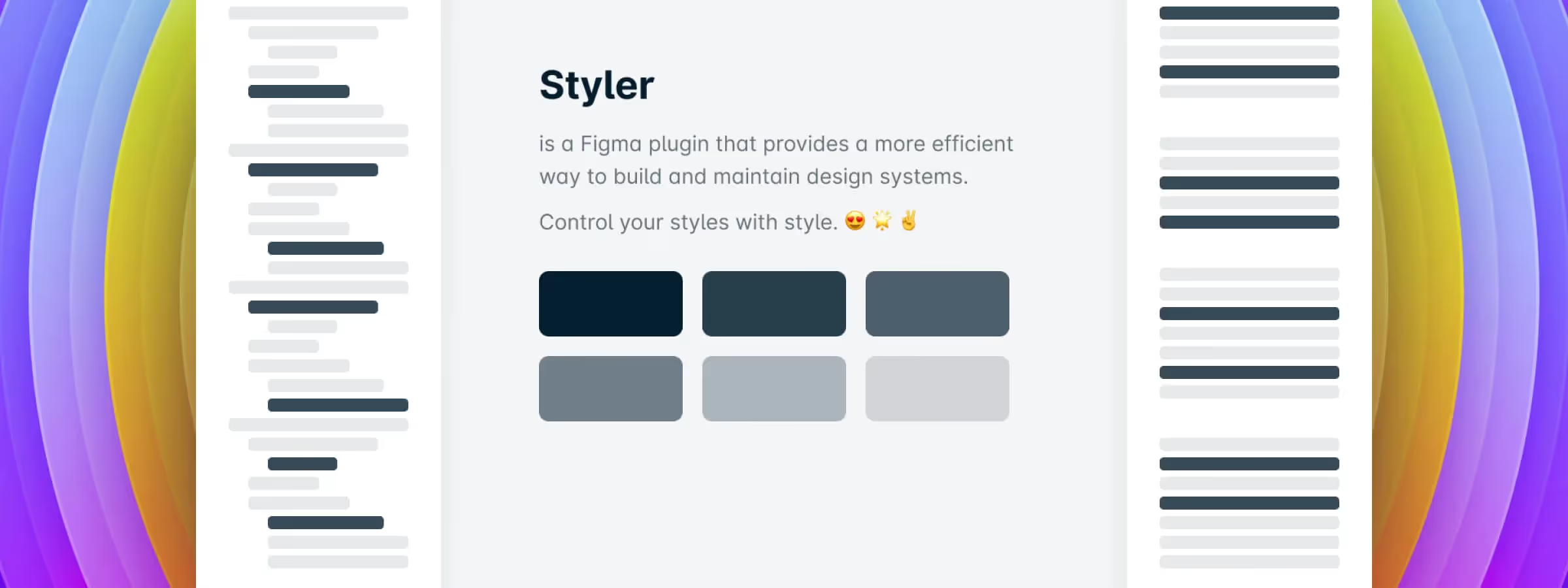 Simplify Creating and Managing Your Figma Styles with the Styler Plugin
Discover how the Styler plugin simplifies bulk style creation and management in Figma based on layer names, saving you time and improving design system efficiency.
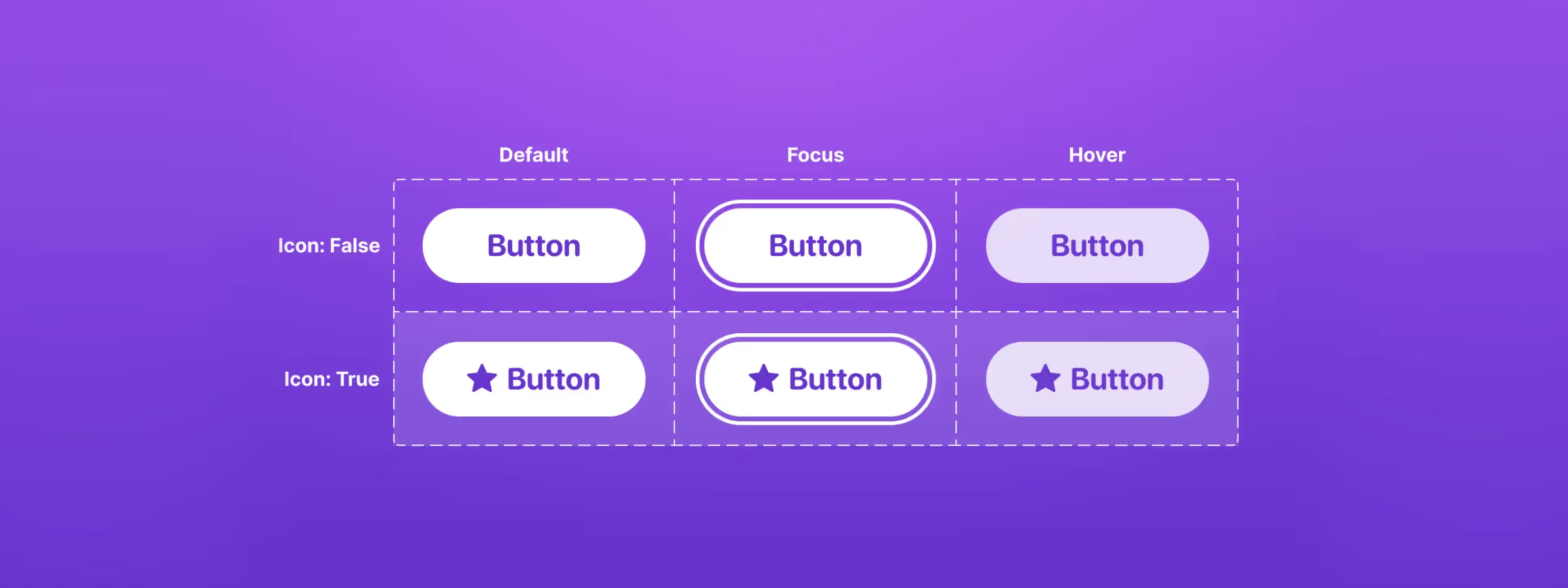 Propstar: The Figma Plugin for Generating Instance Tables in One Click
Propstar for Figma visualizes component variations instantly. Create instance tables in one click to see all combinations and optimize your design system workflow.
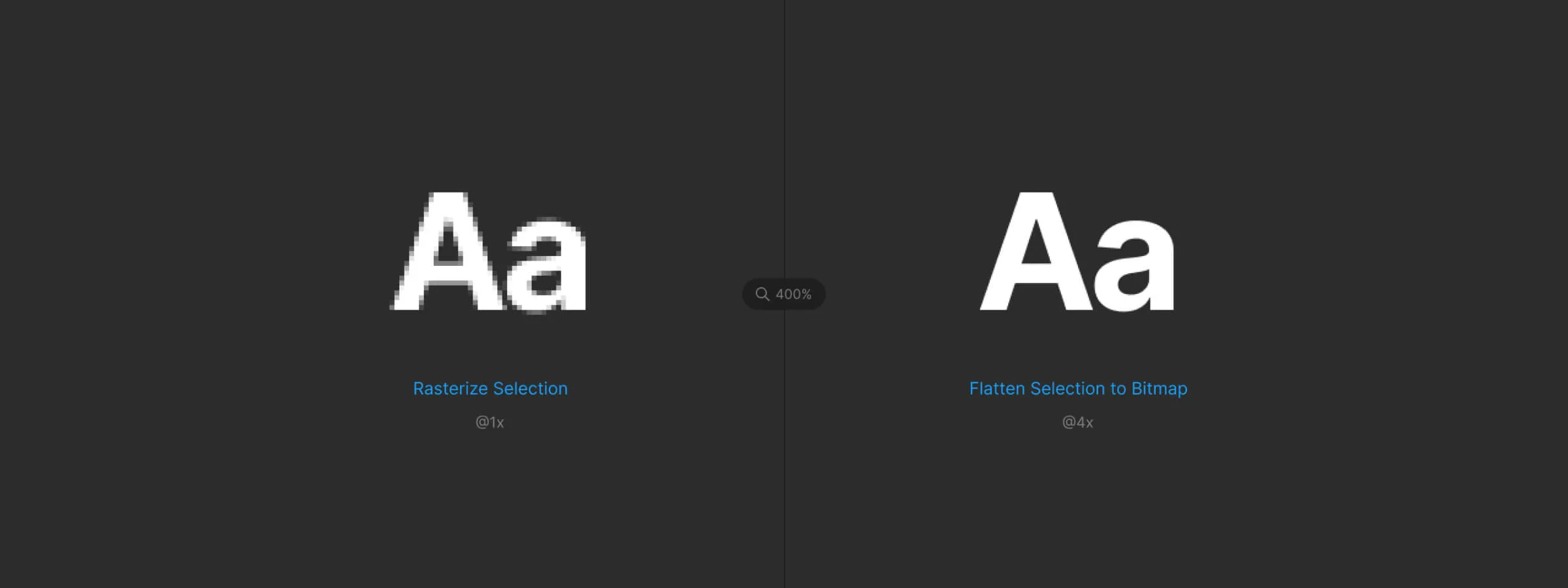 Turn Your Mockups Into High-Quality Images with "Flatten Selection to Bitmap"
Convert your Figma mockups into high-quality images with the Flatten Selection to Bitmap plugin and bypass Figma's export size limits.
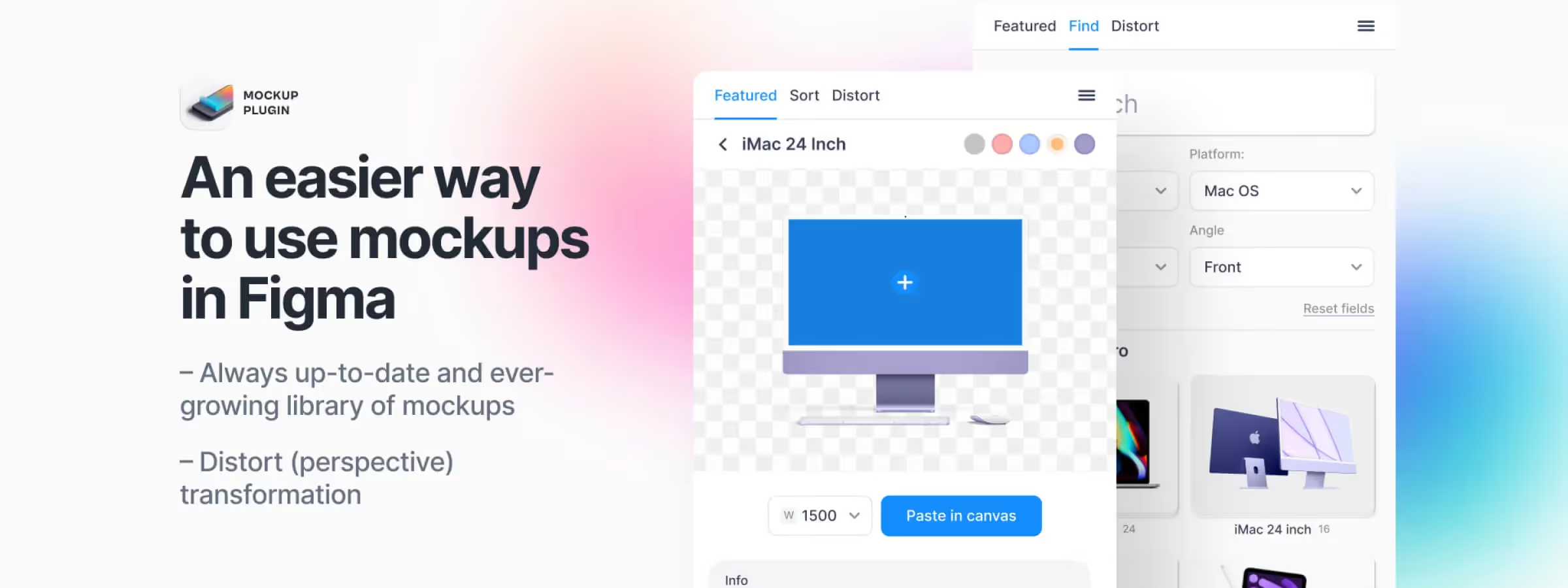 Simplify Your Mockup Creation Process with Figma's Mockup Plugin
Create high-quality mockups in seconds with Figma's Mockup plugin. Speed up your design workflow with an intuitive library and advanced customization options.
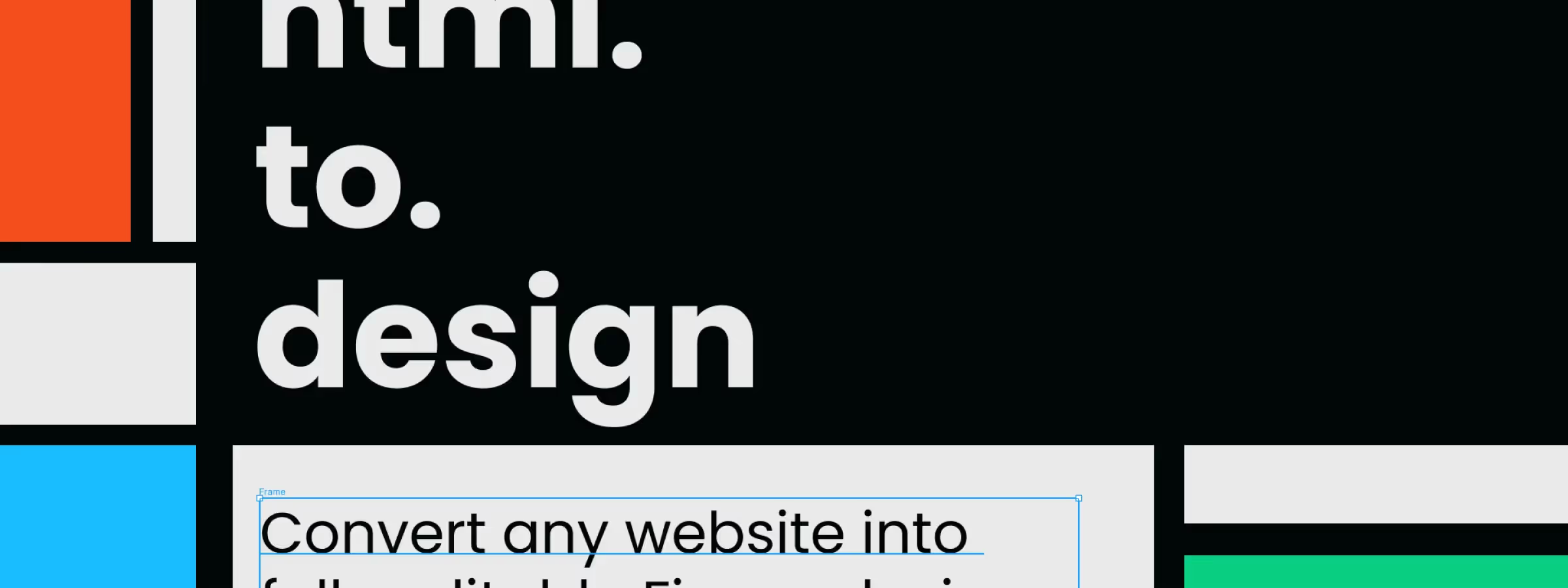 Convert Any Website into Figma Mockups with the 'Html.To.Design' Plugin
html.to.design: import any website into Figma as editable layers from a single URL. The plugin that speeds up your web redesigns.
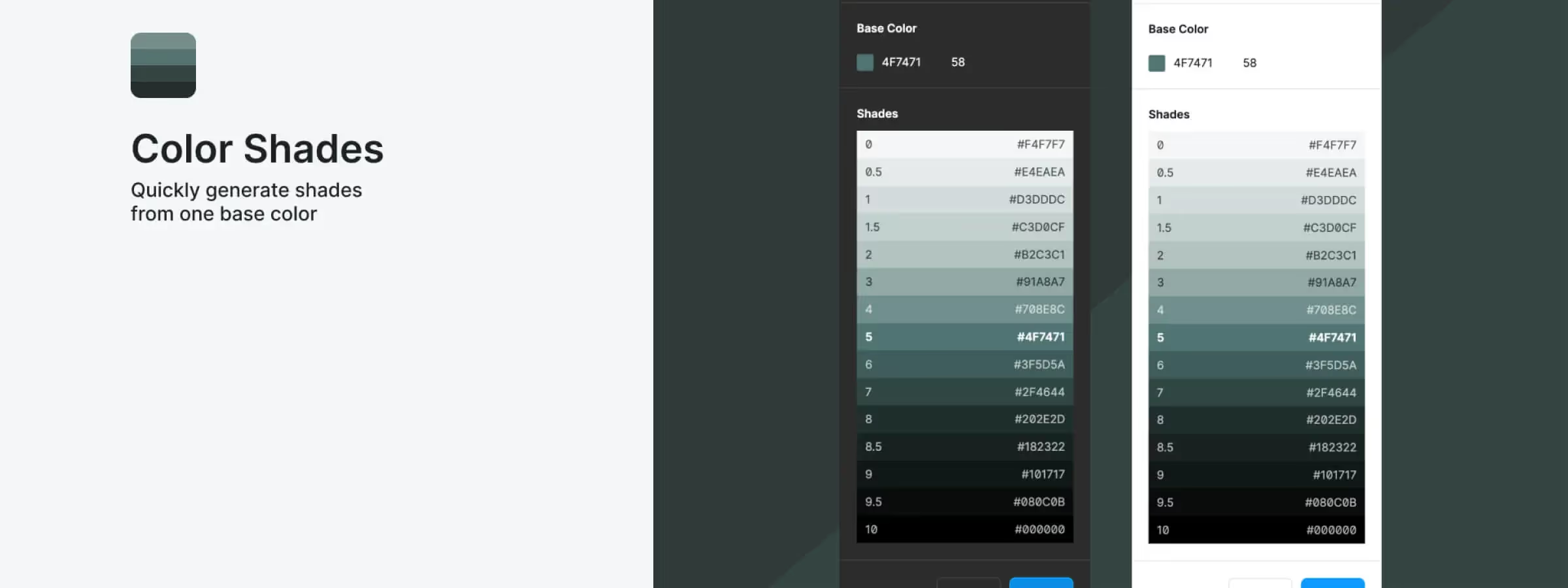 How to Generate the Shades of a Color with the Figma Color Shades Plugin
Color Shades: generate a color's full range of tints in one click in Figma. The perfect plugin for building consistent palettes.
 Transform Your Layers into a Color Explosion with Confetti for Figma
Discover Confetti for Figma: a plugin that generates customizable confetti particles to add fun and vibrancy to your design work effortlessly.
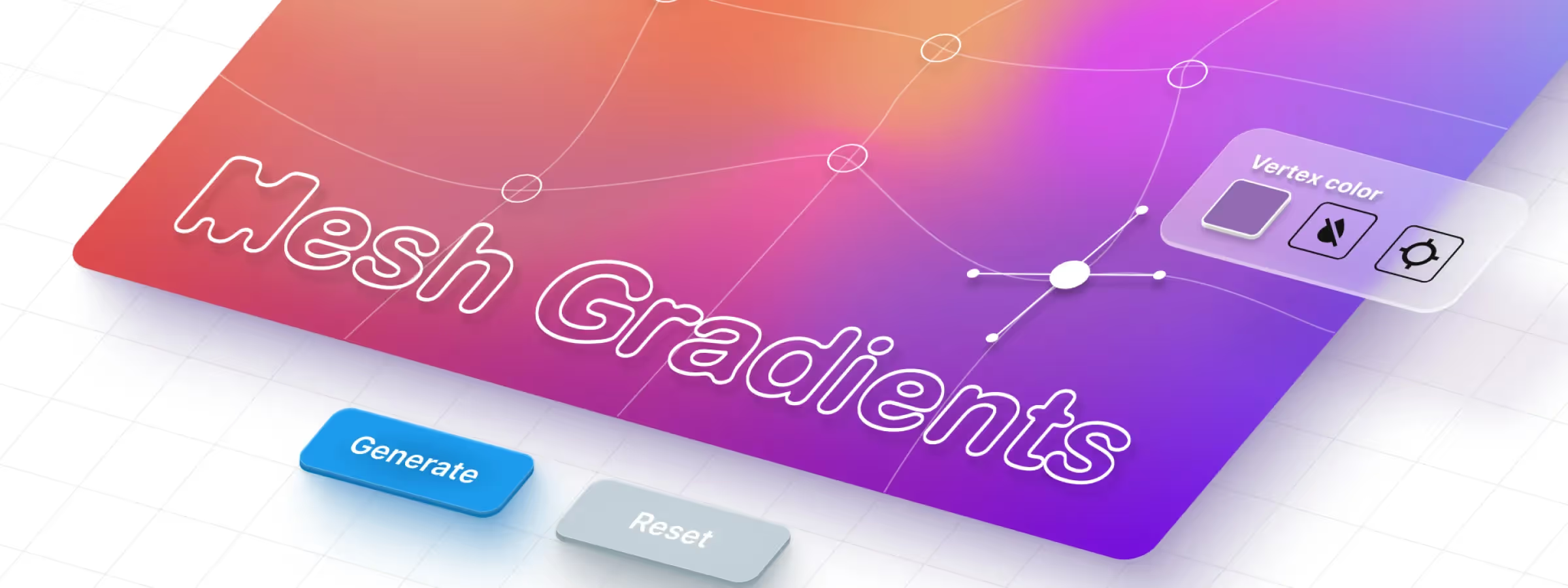 Don't Miss Out on the “Mesh Gradient” to Illustrate Your Designs in Figma
Create richer, more detailed gradients with the Mesh Gradients plugin for Figma. Perfect gradients made simple for designers.
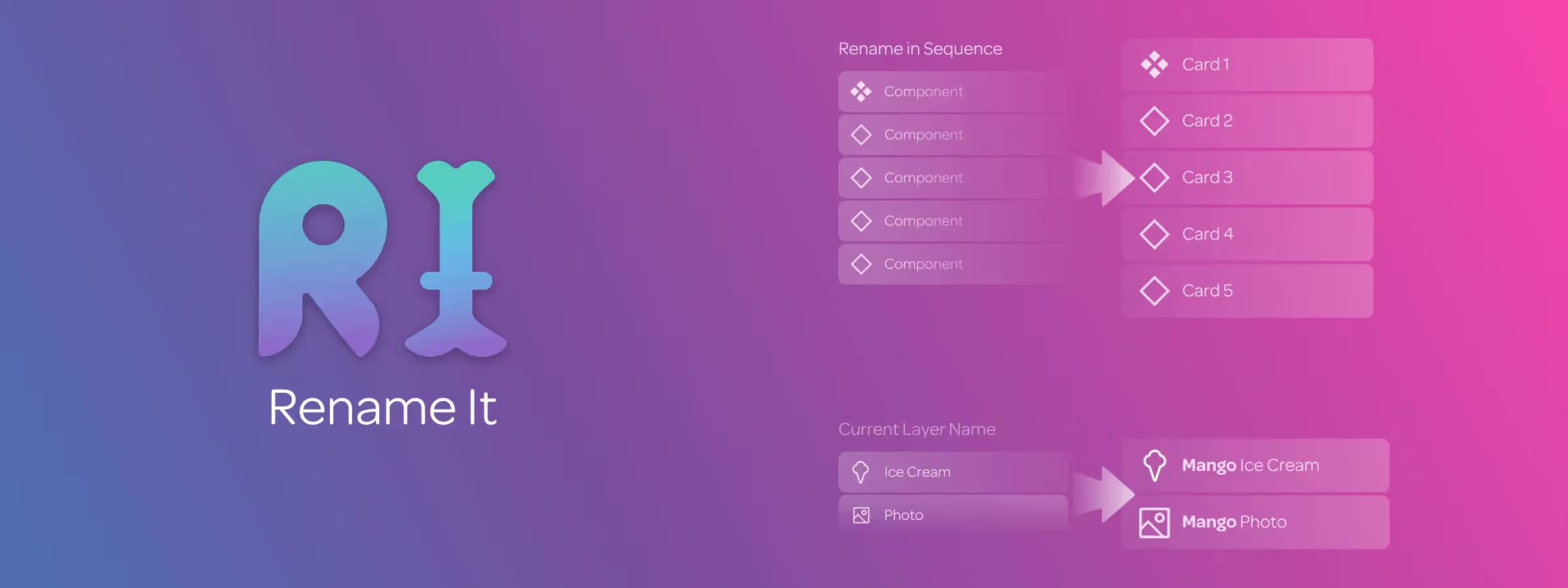 Organize Your Figma Files by Renaming Elements in Bulk with Rename It
Organize your Figma design projects by easily and efficiently renaming layers in bulk with the Rename It plugin. Save time managing your layers.
 Long Shadow Generator: A 10-Year Retrospective
A 10-year retrospective on the Long Shadow Generator, the tool that shaped a UI design trend and inspired Beryl Design.
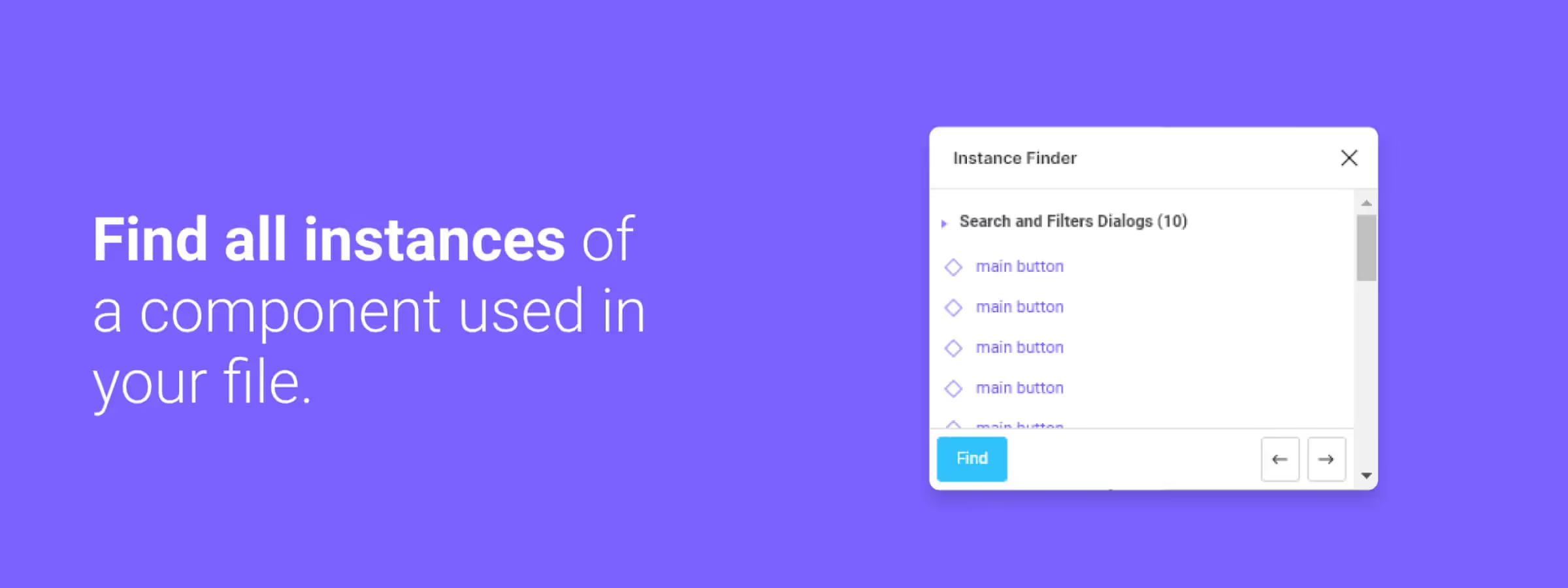 Easily Find Your Instances with the Figma Instance Finder Plugin
Speed up your Figma workflow with the Instance Finder plugin. Quickly locate component instances in complex design files with advanced search features.
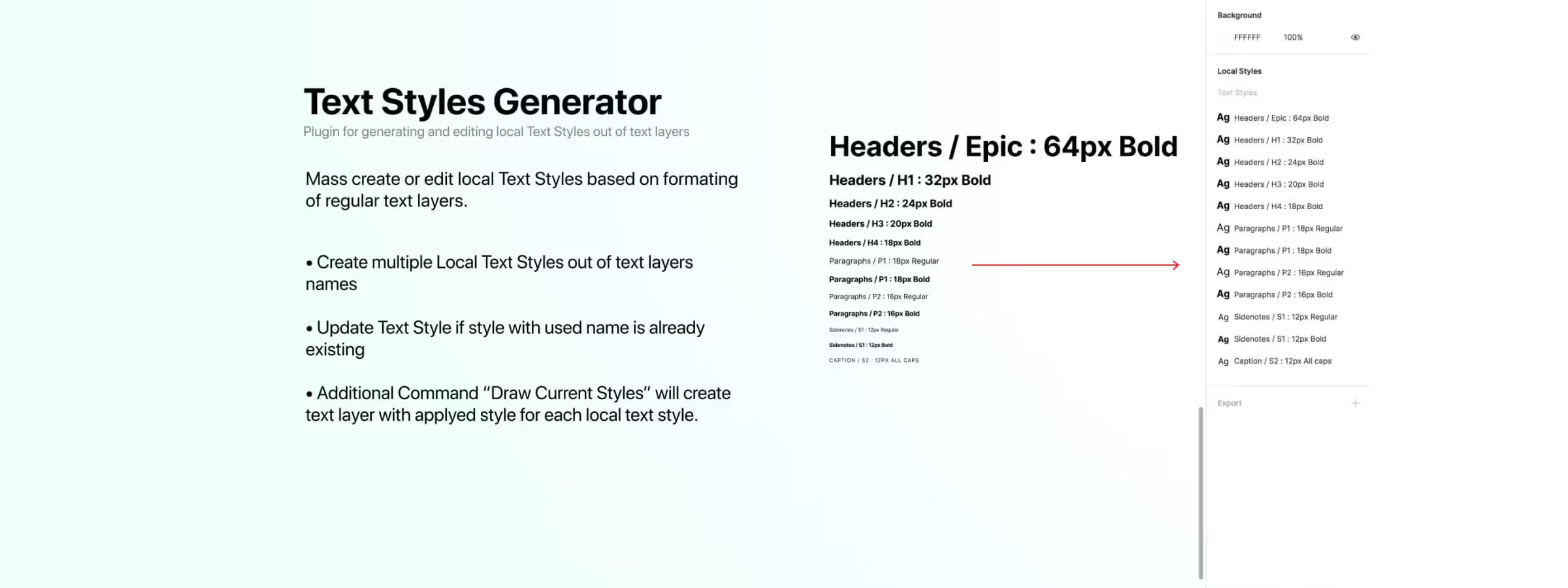 Simplify Text Style Creation and Management with Text Styles Generator
Easily create and manage consistent text styles with the Figma Text Styles Generator plugin. Learn how to use its powerful features to streamline your design workflow.
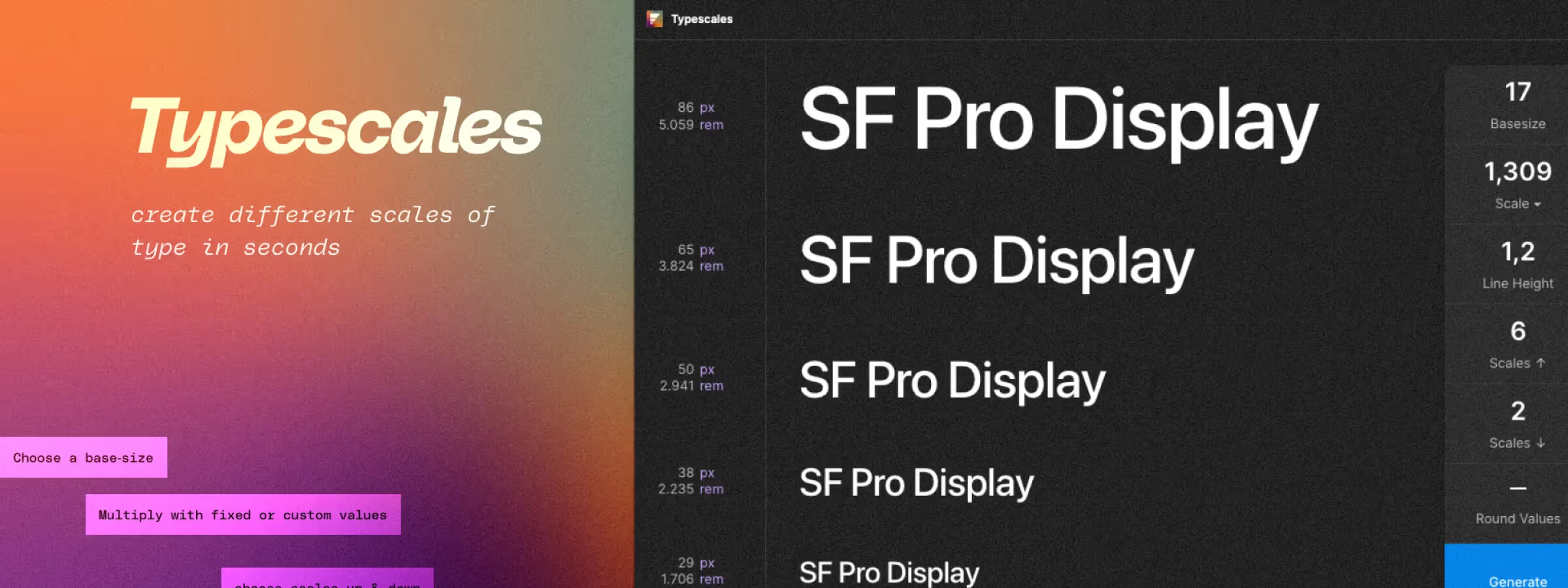 Define your project's typography with the "Typescales" plugin
Typescales lets you create consistent, effective typography in your Figma design projects using a smart layout tool driven by a base size and a scale factor.
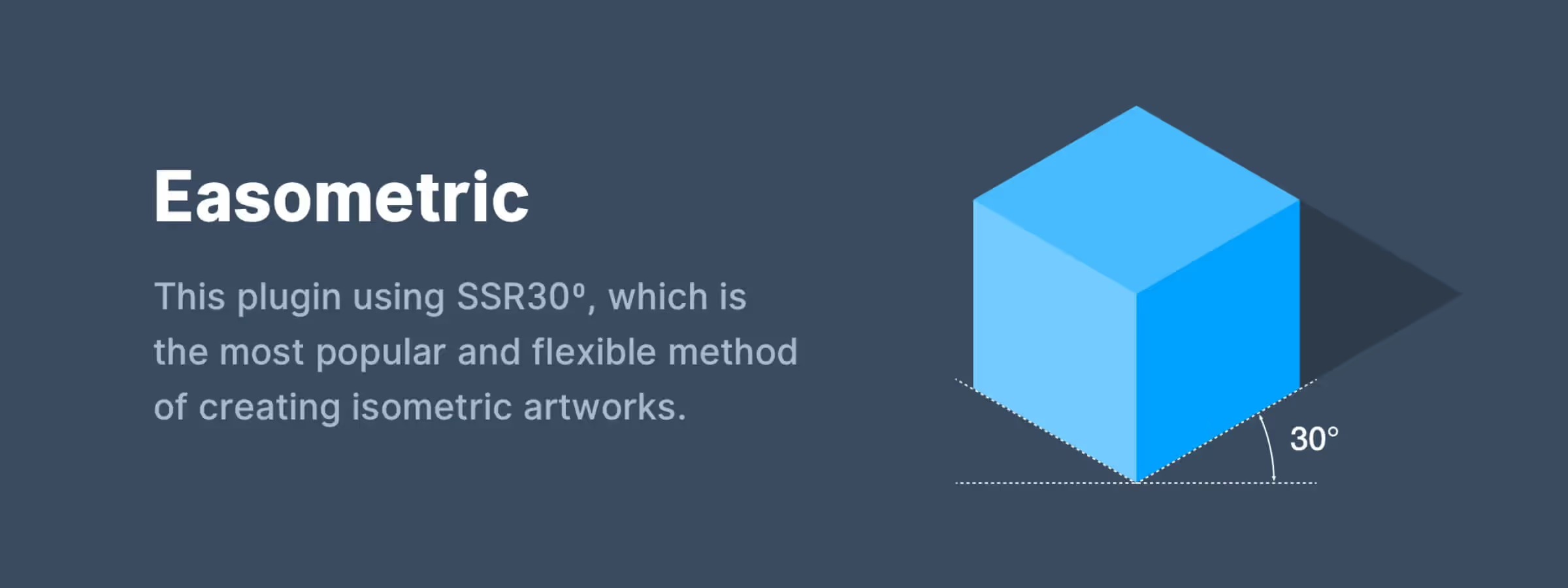 Master Isometric Design with the Easometric Plugin
Create stunning isometric view visuals with the Easometric Figma plugin. Learn how this essential tool simplifies perspective-based design for professionals.
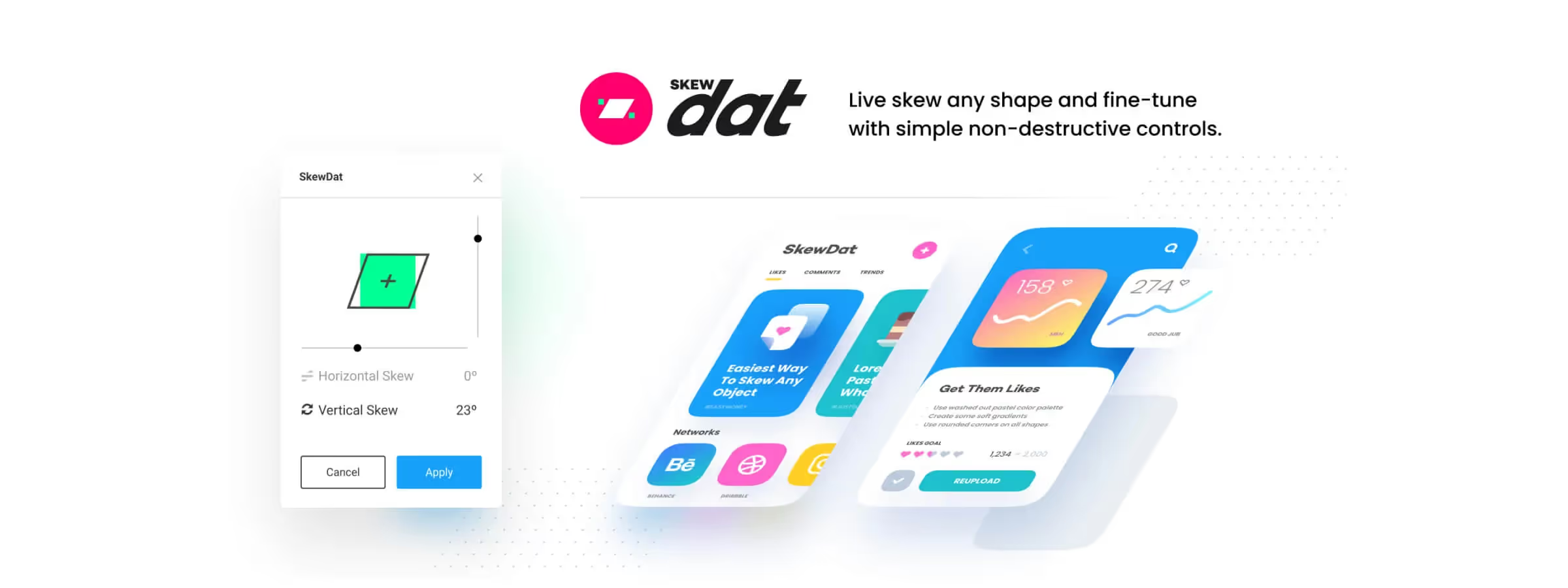 Skew Your Shapes Precisely with the SkewDat Plugin
Skew shapes precisely and intuitively with the SkewDat plugin for Figma. Set exact values to reproduce your mockup pixel-perfect.
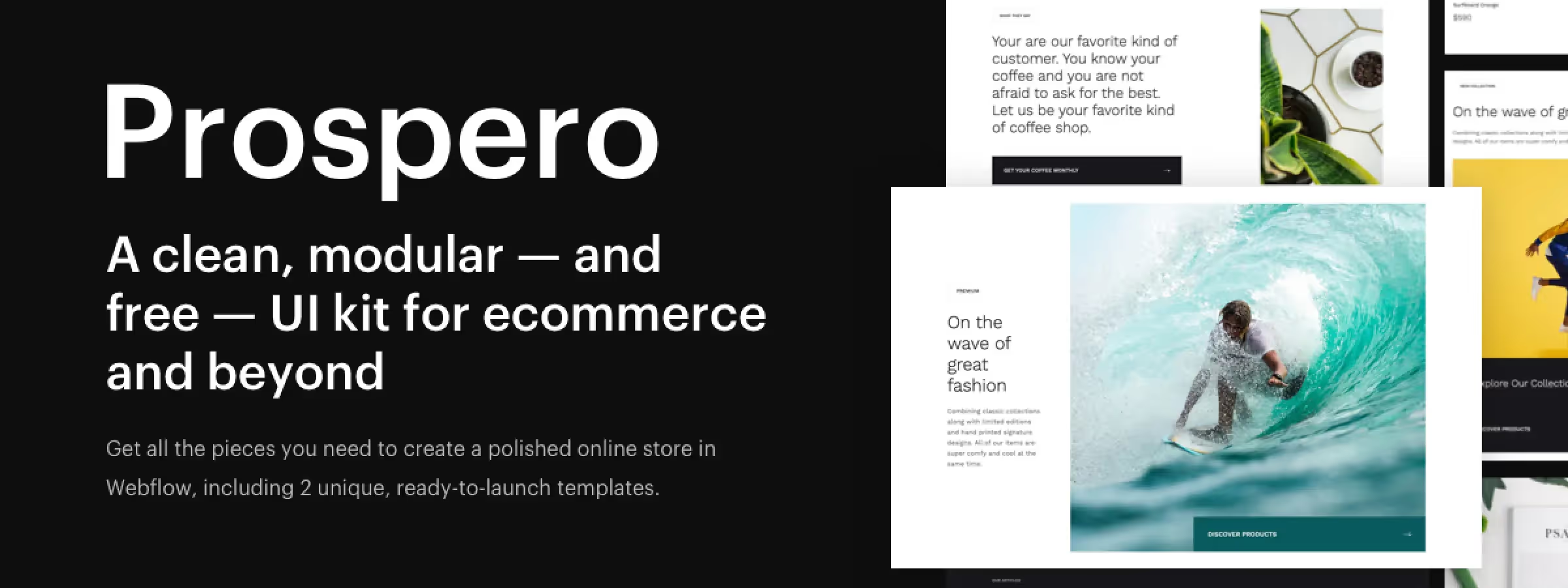 Prospero, the Webflow UI Kit that Simplifies Website Creation
Create professional and modern websites quickly with Prospero, the official Webflow UI kit that includes 85 sections, 10 layouts, and 2 templates.
 Webflow: The No-Code Tool for Creating Professional Websites
Create professional-quality websites without writing code using Webflow, the no-code website builder. Learn how to design high-quality sites easily and quickly.
 No-code: a revolution for developers and businesses
No-code development lets anyone build apps and websites without writing code. See how it speeds up projects for developers and businesses.
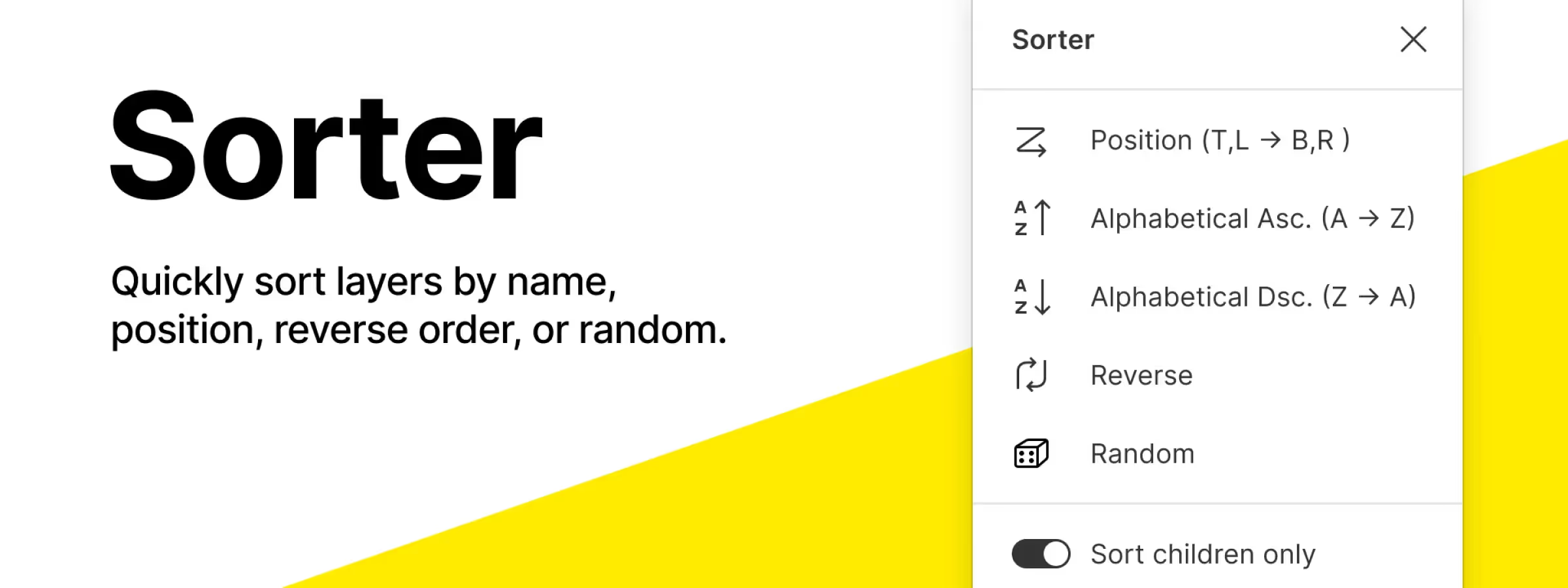 Quickly Organize Layers and Frames with the Figma Sorter Plugin
Quickly organize your Figma frames with the Sorter plugin, a simple way to keep large files structured and easy to navigate.
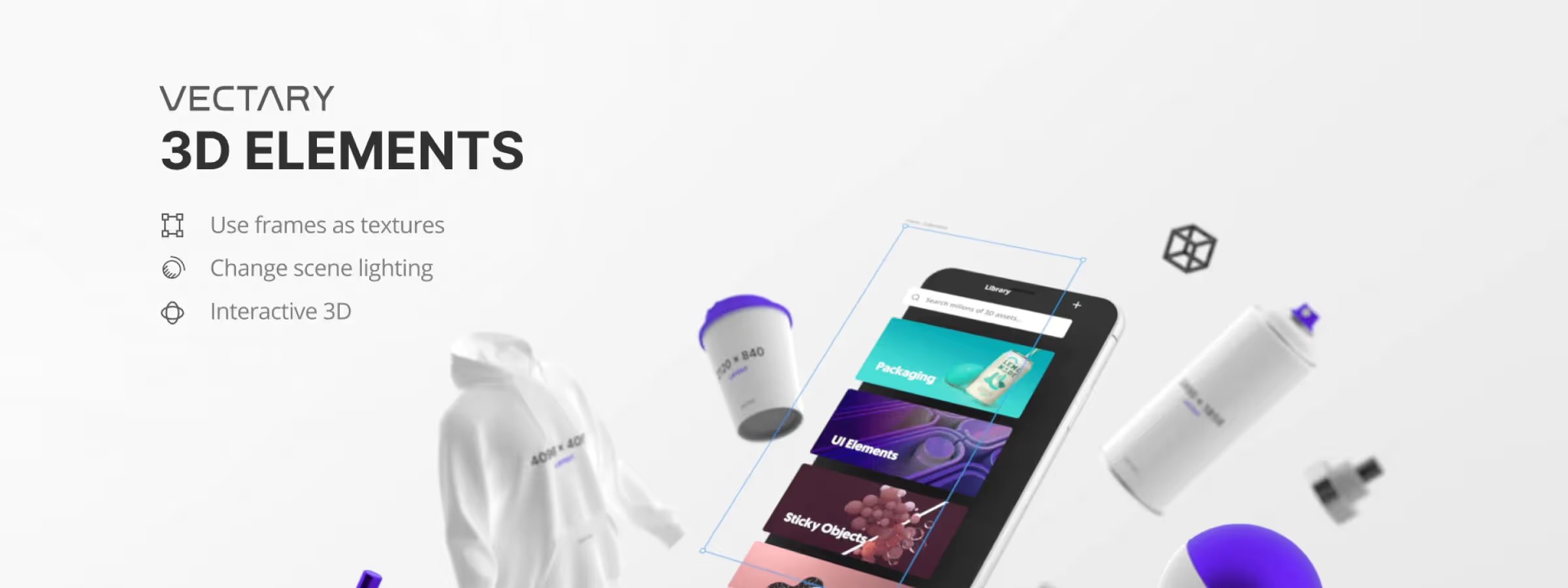 Add 3D to Your Designs with the Vectary 3D Elements Plugin
Create and add 3D elements to your Figma designs with Vectary 3D Elements, a powerful plugin for importing, editing and customizing 3D models.
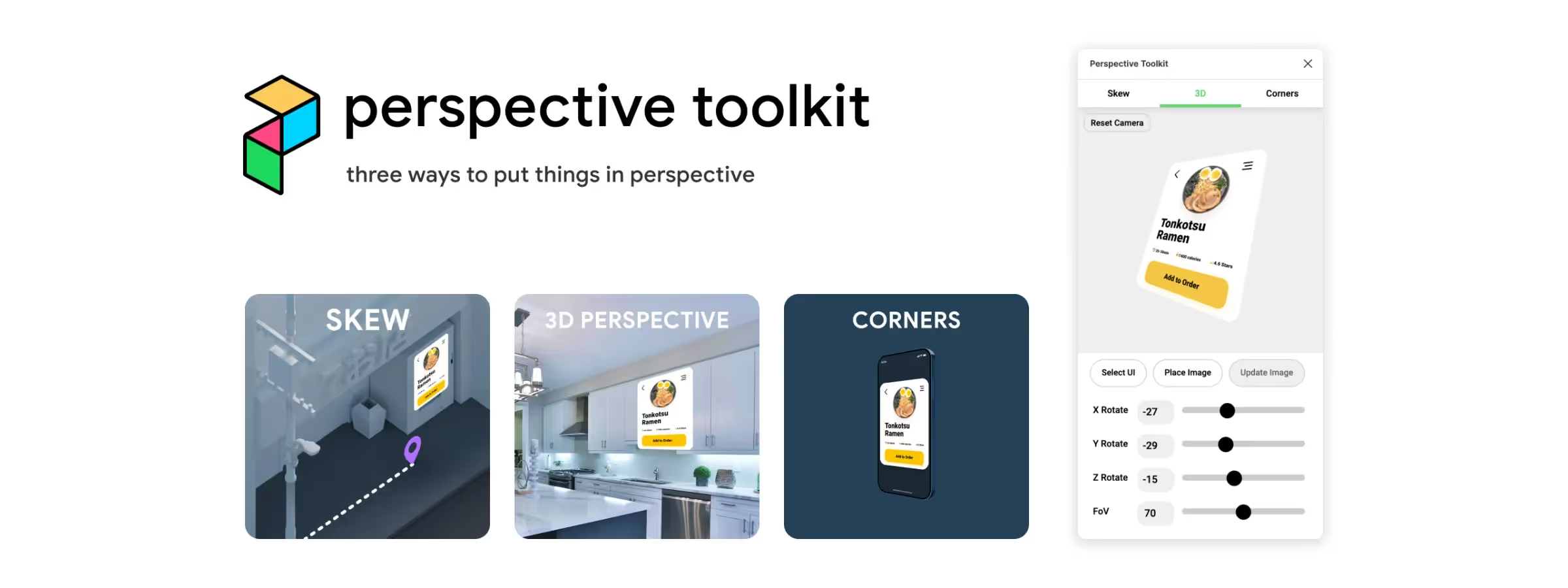 Showcase Your Designs with the Perspective Toolkit Plugin!
Add depth and perspective to your Figma designs with the Perspective Toolkit plugin to create custom mockups and showcase your work.
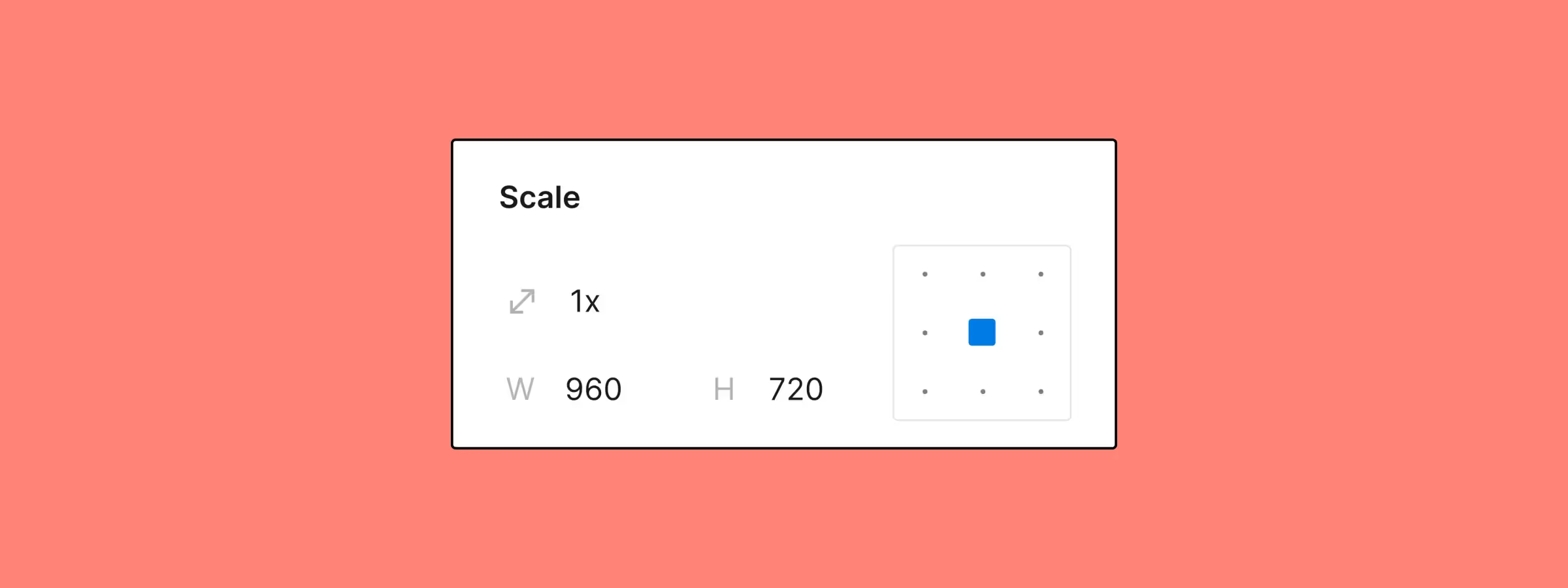 Resize Your Elements with Figma's Updated Scale Tool
Figma's improved Scale tool enables faster, more precise resizing with anchor points and scaling multipliers.
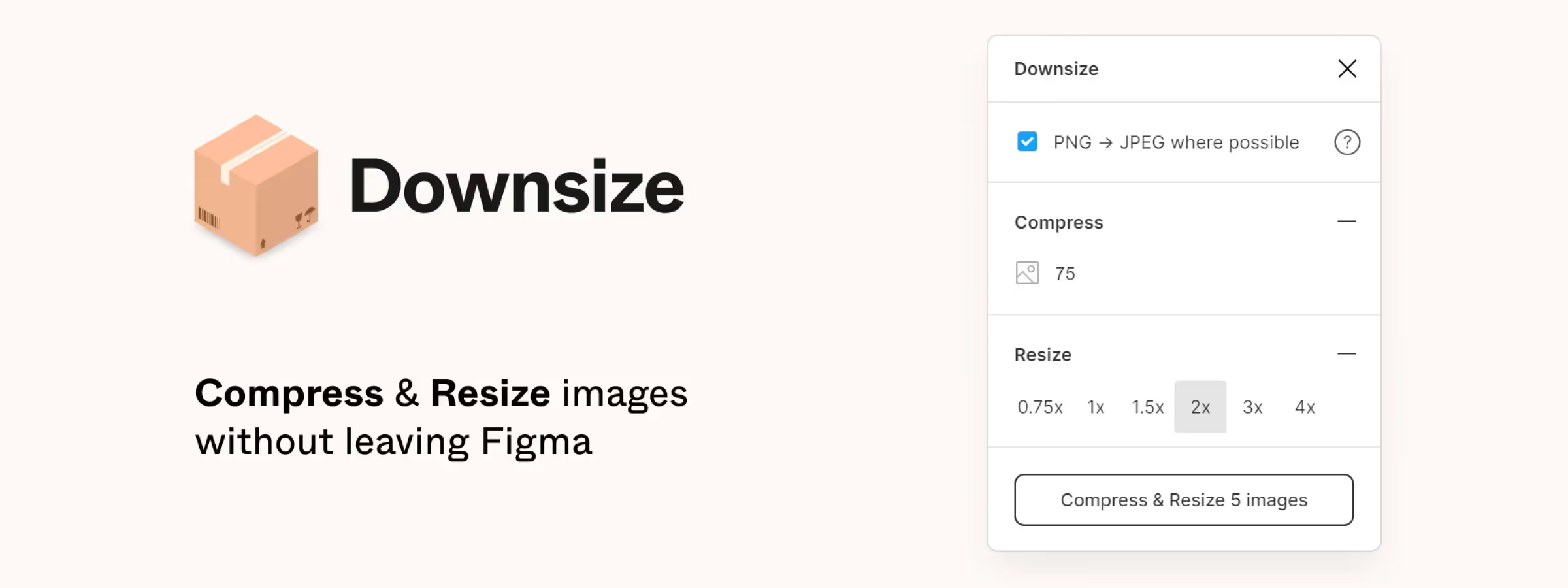 Lighten Your Figma Project Files with the 'Downsize' Plugin
Reduce the size of your Figma project images with the Downsize plugin and keep working smoothly, even on heavy files full of oversized images.
 Use or Create Any Mockup with the Angle Figma Plugin
Create realistic mockups with Angle, the Figma plugin that applies perspective and isometric rendering for stunning presentations.
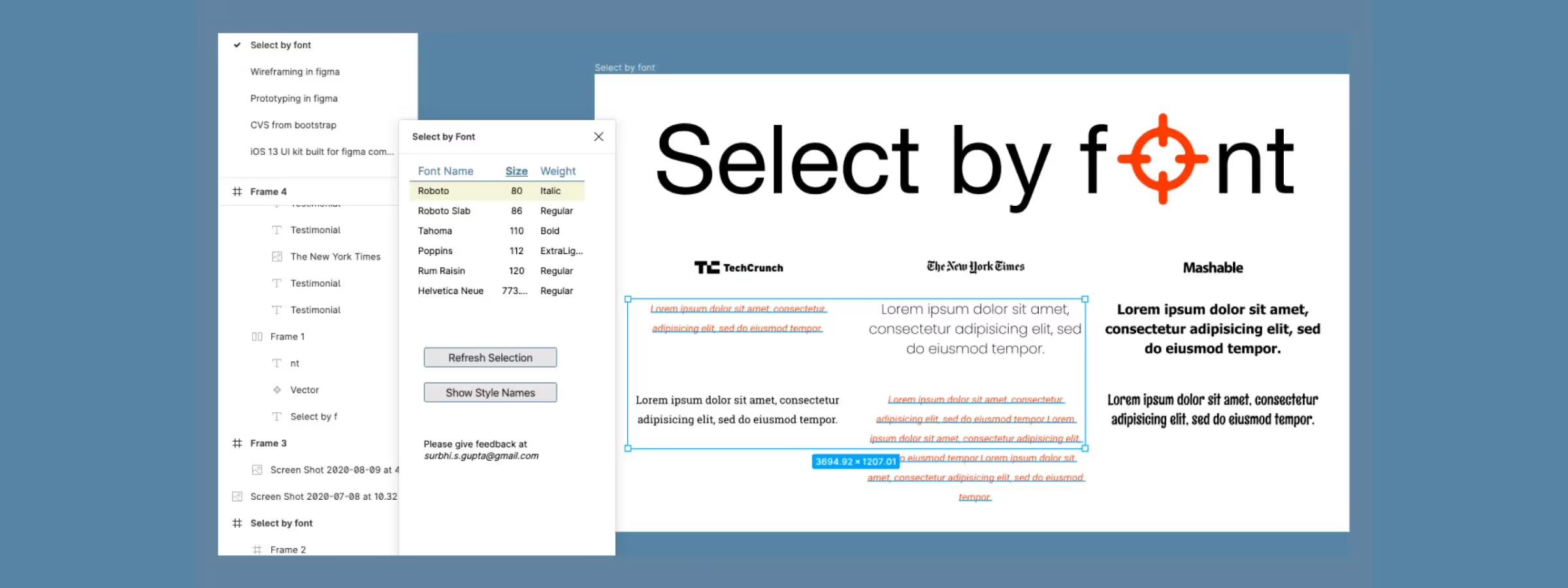 Manage Your Text More Easily with the Figma "Select by Font" Plugin
Easily visualize every typeface used across a selection with the Select by Font plugin for Figma and quickly fix inconsistent text styles.
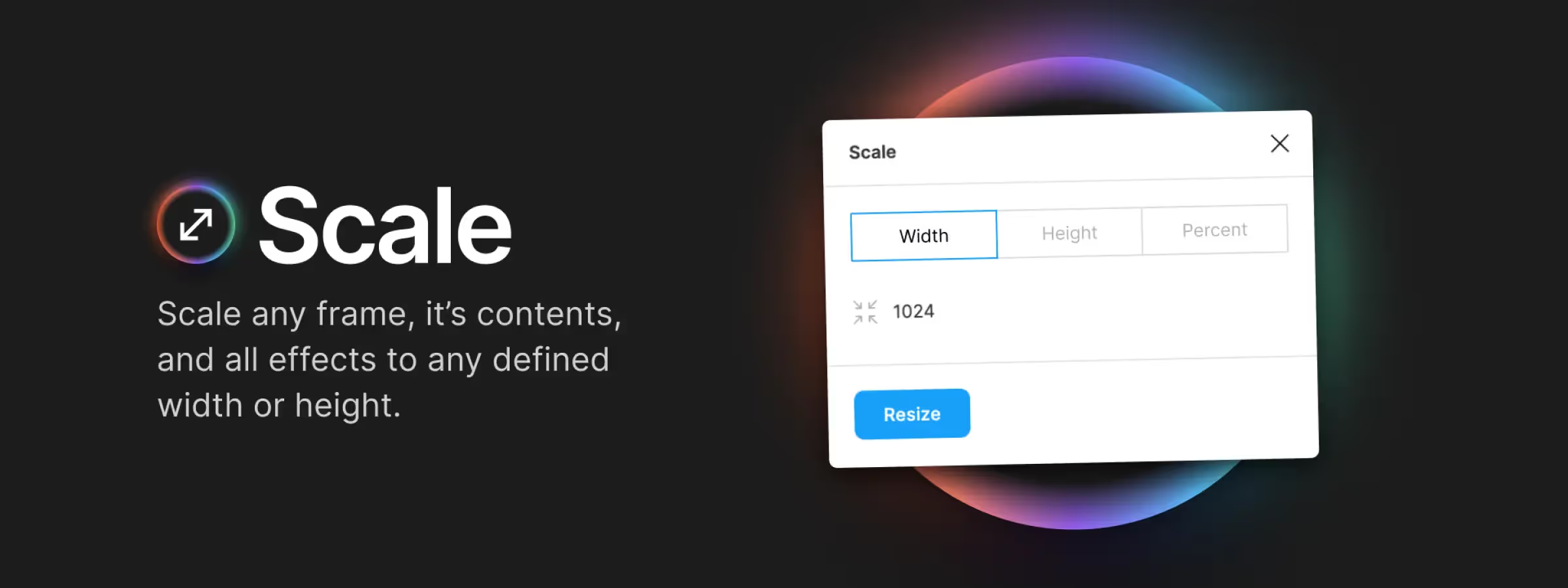 Optimize Element Scaling with Figma Scale Plugin!
Resize elements while keeping proportions intact with Figma's Scale plugin, bringing harmony and readability to your interfaces.
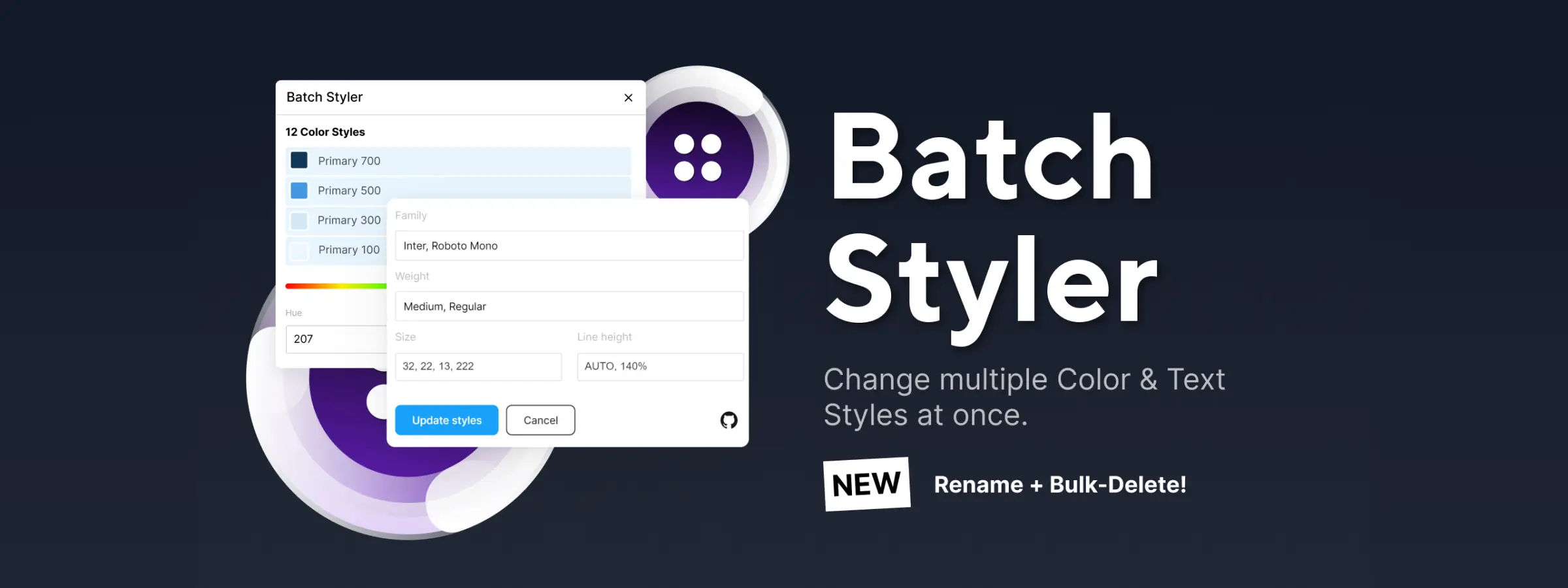 Discover the Batch Styler Figma Plugin: Bulk Style Editor!
Batch Styler is a Figma plugin that makes your life easier. Edit multiple text and color styles at once without tedious manual updates.