
Tools & Software
Sort by
 Framer vs Webflow in 2026: Which No-Code Tool Should You Choose in the AI Era?
Framer or Webflow in 2026? Design, AI (Wireframer, Workshop), CMS and pricing: our honest comparison to help you pick the right no-code tool.
 Figma Motion, Jitter, Rive, or Lottie: Which Animation Tool Should You Pick in 2026?
Can Figma Motion replace Jitter, Rive, and Lottie? A practical comparison to help you pick the right animation tool for your needs in 2026.
 Figma, Sketch or Penpot: Which Tool Should a Digital Agency Choose in 2026?
Figma, Sketch or Penpot for a digital agency in 2026? Real costs, self-hosting, design systems and developer handoff: our clear-cut comparison.
 HTML to Figma in 2026: the Complete Guide to Importing a Website into Figma
HTML to Figma in 2026: import any website into Figma with html.to.design, work around its limits (Auto Layout, dynamic content), and use generative AI as a backup.
 Figma Config 2026: Motion, Code Layers and the AI Agent — everything that changes for designers
Figma Config 2026: native animation with Figma Motion, Code Layers (design ↔ code on the canvas), AI Agent + MCP connectors, generative plugins and shaders. The full breakdown.
 Mastering Auto Layout in Figma to Build Dynamic Interfaces and Smart Systems
No more manual resizing. Master Auto Layout like a pro: parent-child relationships, Hug Content vs Fill Container, and nested structures.
 Jitter: The Animation Tool Revolutionizing Design
Jitter is the simple, fast online animation tool. Import your Figma mockups and create smooth animations, no motion design skills required.
 FigJam vs Miro: The Battle of the Digital Whiteboard Titans
Compare FigJam and Miro for your collaborative projects. Discover the strengths and weaknesses of each to pick the right whiteboard tool.
 Sketch vs. Figma: How the Historical Leader Lost Its Throne
Sketch vs Figma: how Figma came to dominate the design tool market, and whether Sketch still has a chance to reclaim ground.
 The Fall of InVision: A Lesson in Innovation and Adaptation
How could a giant like InVision decline? Discover the reasons behind its fall and the key lessons for succeeding in a fast-changing design market.
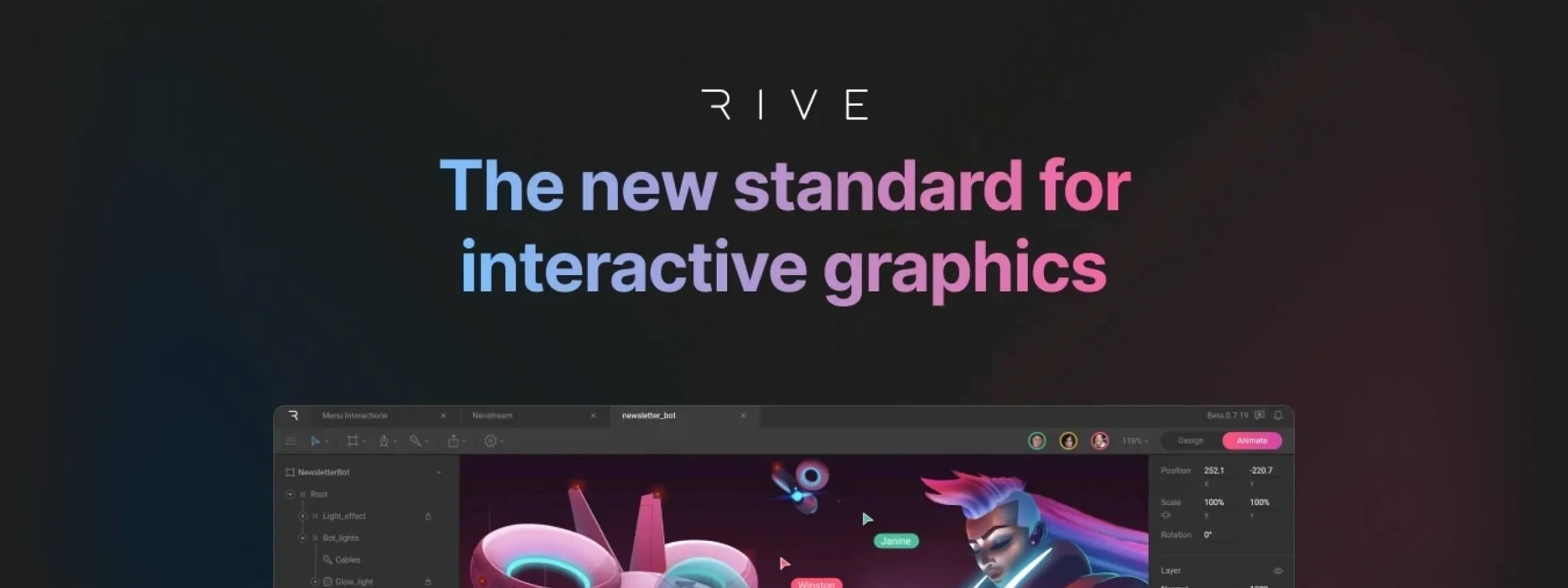 Rive vs Lottie: A New Era of Interactive and Dynamic Animations
Rive vs Lottie: comparing two tools for creating engaging, interactive animations for web, mobile and beyond.
 Penpot 2.0: Revolutionizing Collaborative Design
Streamline team collaboration with Penpot 2.0's powerful features, intuitive interface, and integrated HTML code generation for seamless design workflows.
 Create Revolutionary Web Experiences with the Dynamic Duo of Webflow & Spline
Create unique web experiences by blending 2D design with 3D modeling for captivating interactions. Discover the Webflow and Spline duo.
 Spline, the 3D design tool in the browser with real-time collaboration
Spline: create, animate, and share 3D scenes in the browser, together in real-time. The next-generation 3D design tool, explained.
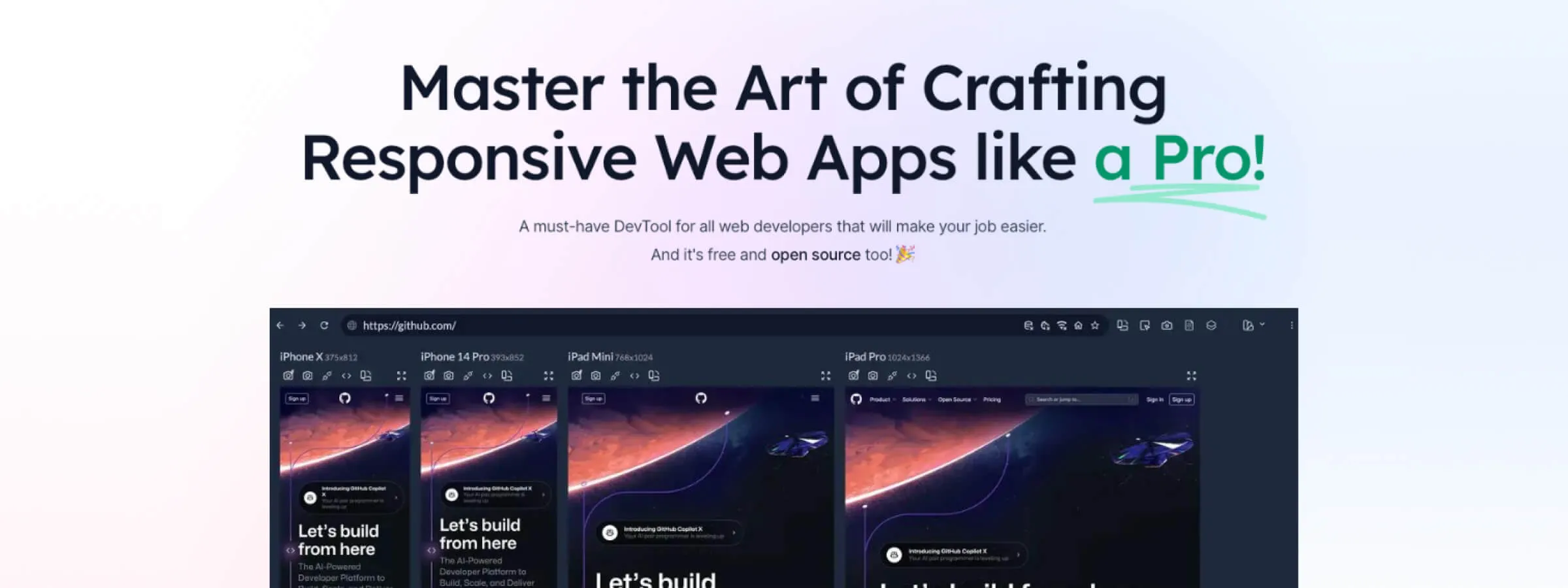 Introduction to Responsively, the App to Optimize Your Website's Responsive Design
Responsively App: view and test your website on every screen at once. The tool that speeds up responsive development for designers.
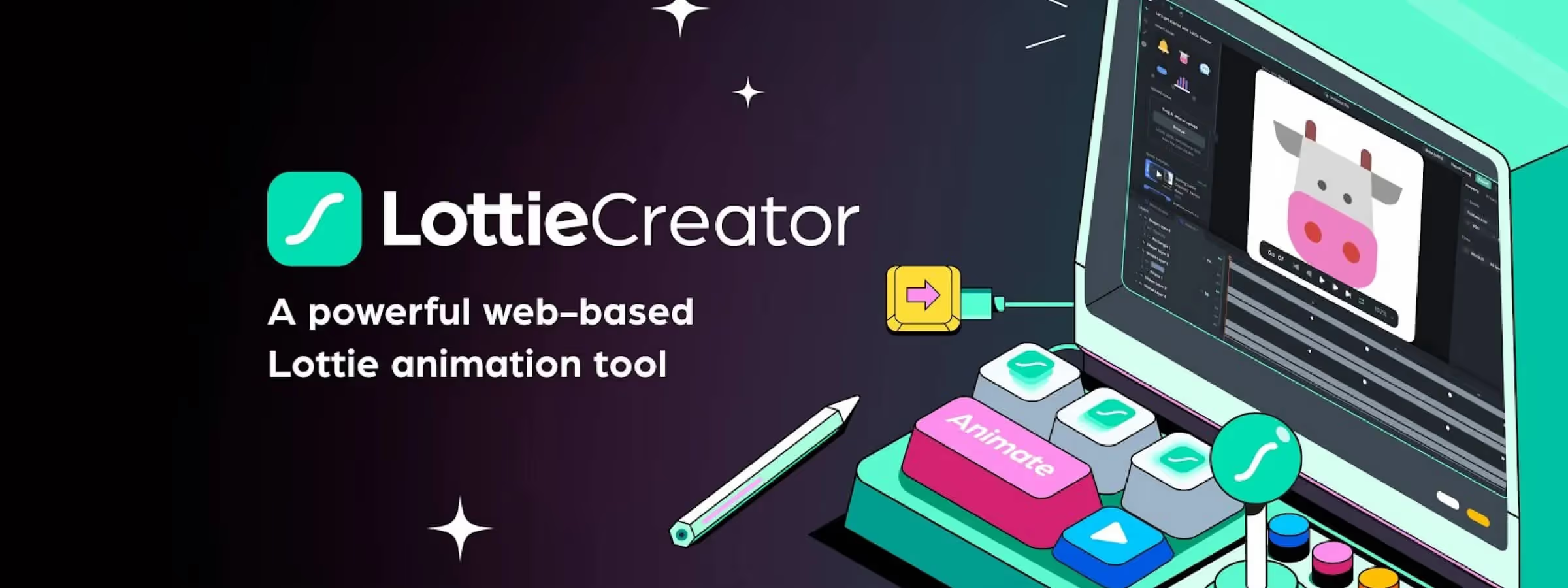 Lottie Creator: the new revolution in animation creation
Lottie Creator: revolutionize your animations with this powerful, intuitive tool. Build interactive, customized animations with ease.
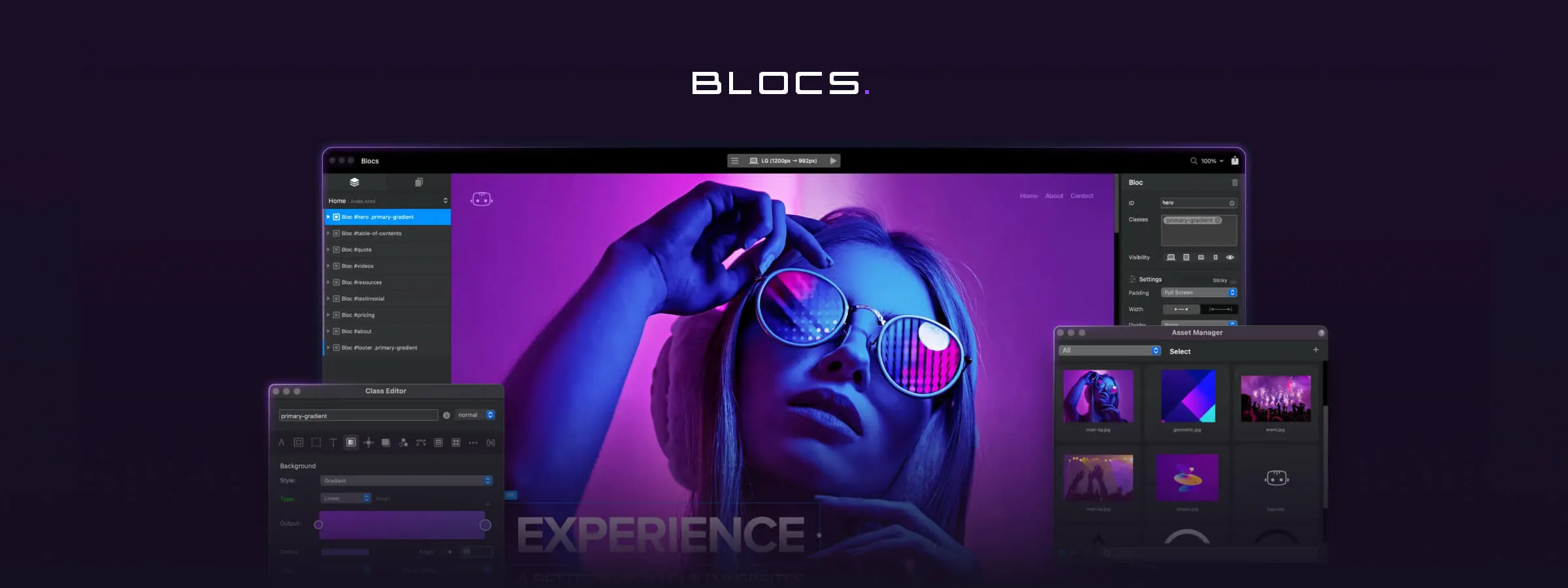 Create Websites Effortlessly with Blocsapp, an Innovative WordPress Alternative
Build websites easily with Blocsapp. Intuitive interface, prebuilt blocks, and full customization. Try it for free today.
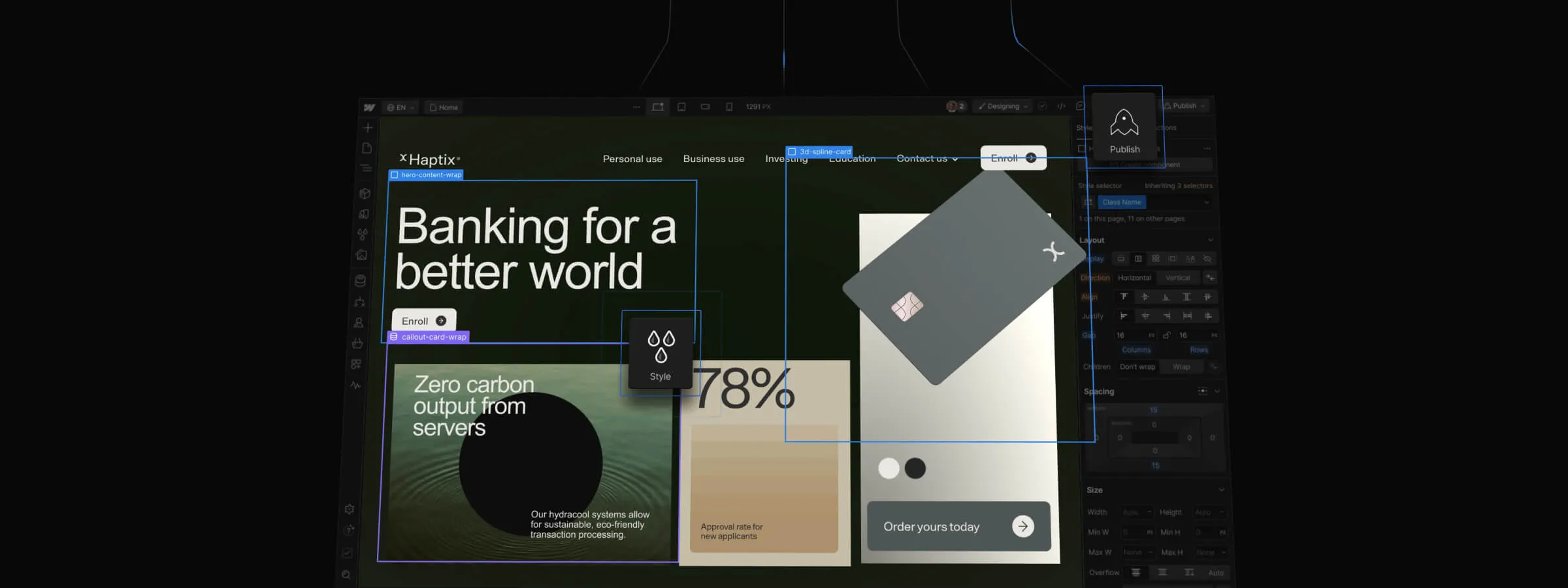 WordPress vs Webflow: Choose the Best Platform for Your Website
WordPress vs Webflow: comparing features and ease of use to help you choose the best platform for your website.
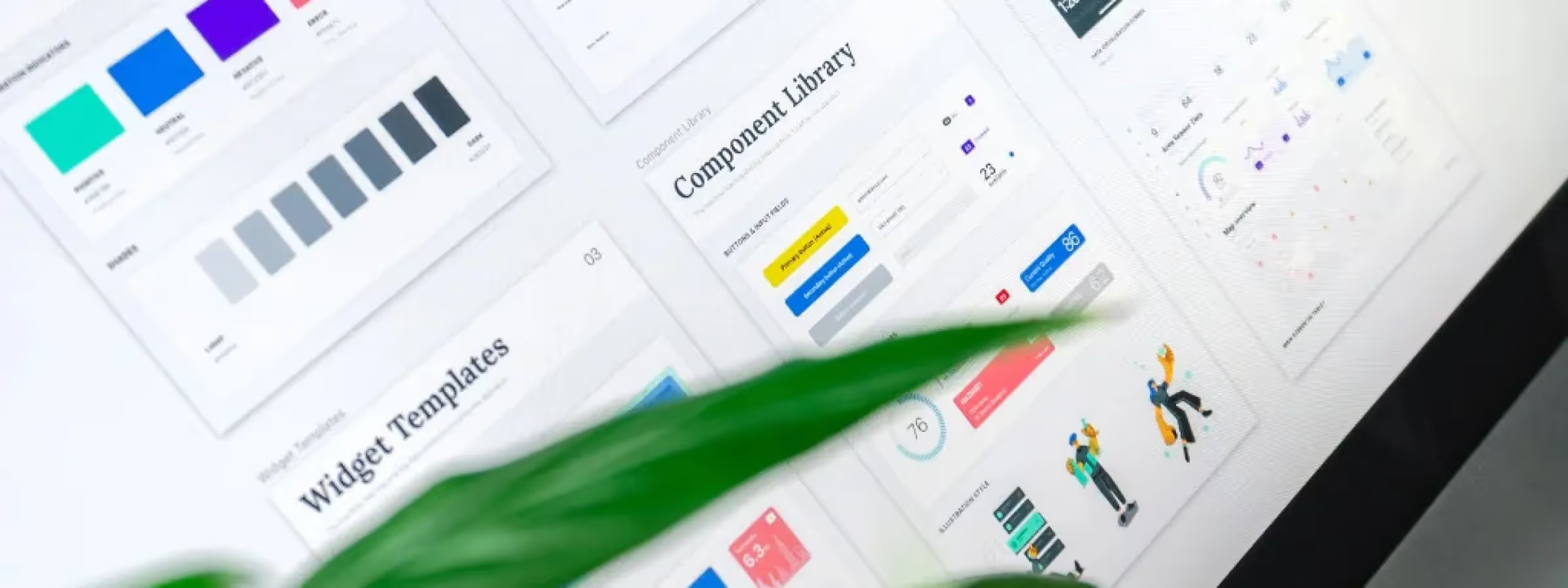 UI Kit vs. Design System: Understanding the Crucial Differences
Understand the essential differences between UI Kit and Design System. Complete guide with examples, use cases and recommendations for your project.
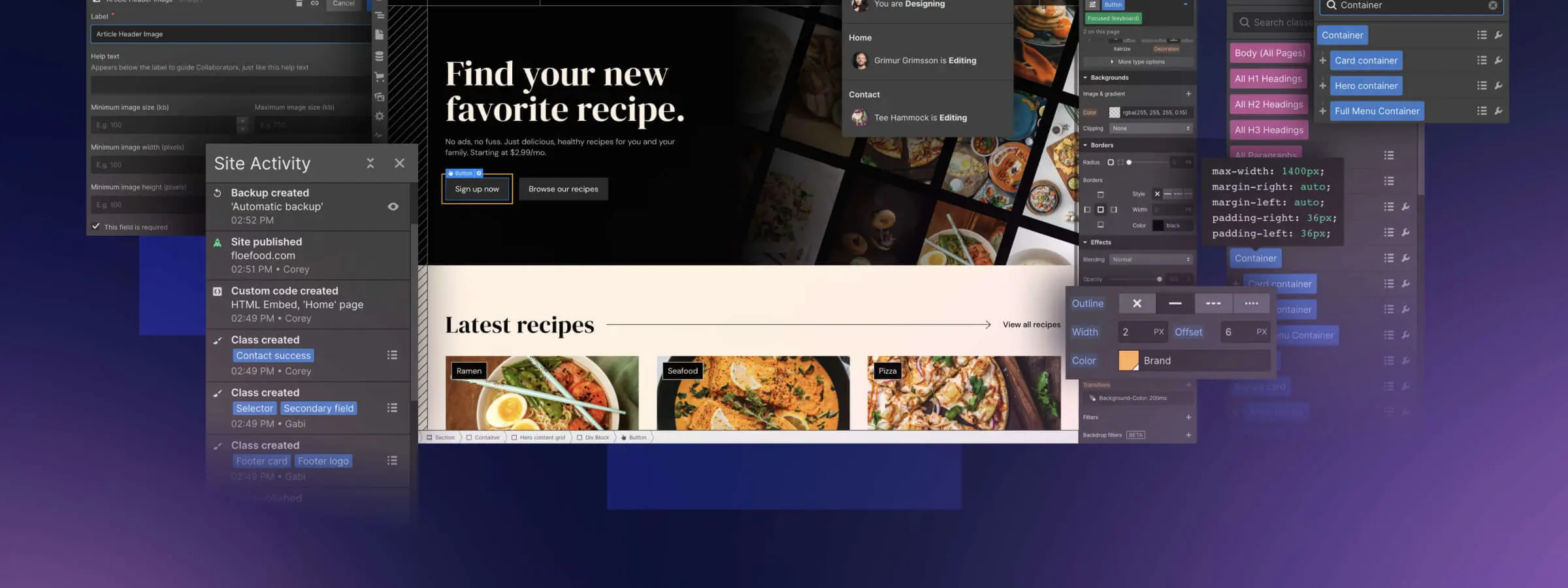 Low-Code vs No-Code: Key Differences
Low-code vs no-code: two approaches to build apps faster and cheaper. Learn their key differences and how to choose the right one for your project.
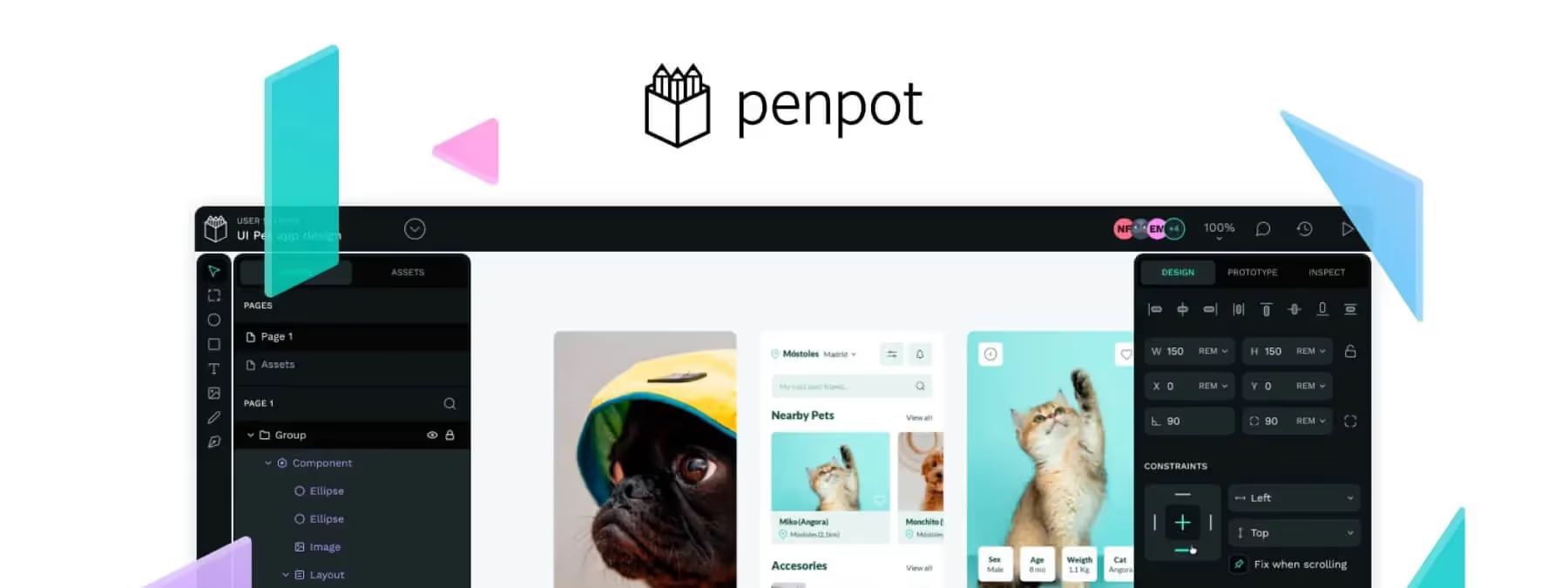 Penpot vs Figma: The Ultimate 2025 Comparison (Price, Features, Offline)
Should you switch from Figma to Penpot 2.0? Complete comparison: price, CSS Grid, offline mode and performance. The verdict for designers in 2025.
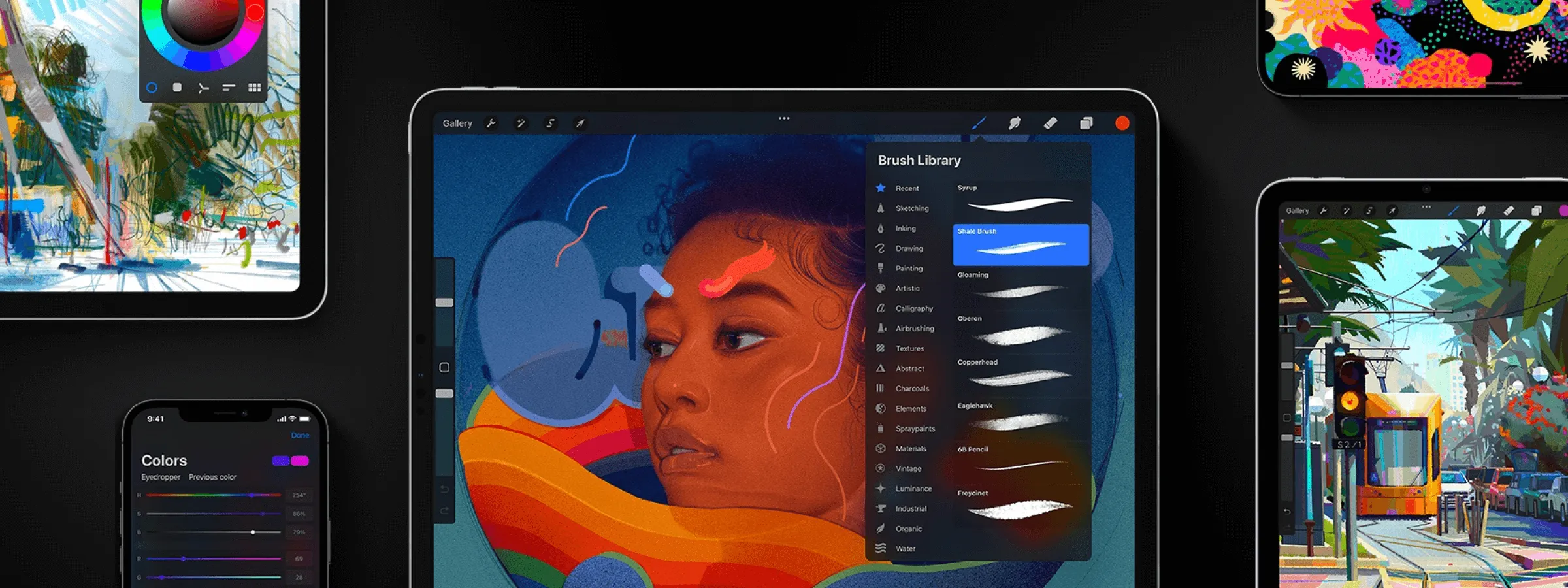 Procreate: The Essential Digital Art Creation Application
Procreate: the essential iPad drawing app, with powerful tools and an intuitive interface for illustrations and paintings.
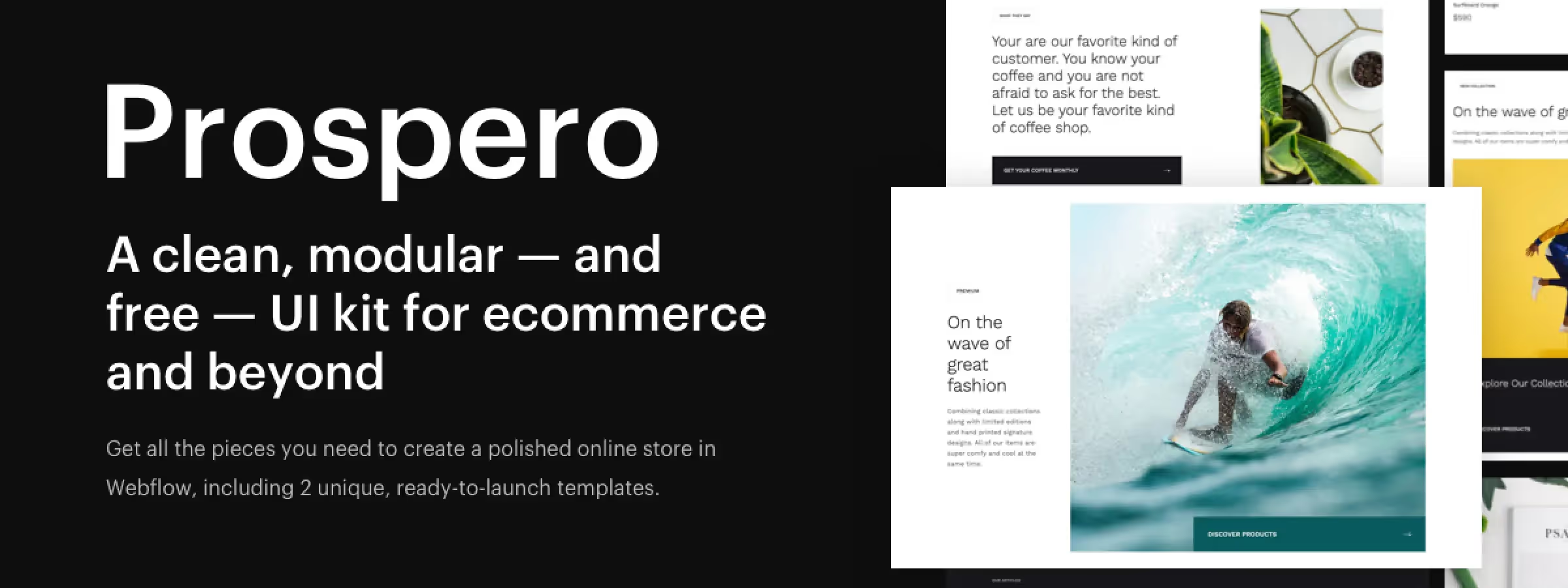 Prospero, the Webflow UI Kit that Simplifies Website Creation
Create professional and modern websites quickly with Prospero, the official Webflow UI kit that includes 85 sections, 10 layouts, and 2 templates.
 Webflow: The No-Code Tool for Creating Professional Websites
Create professional-quality websites without writing code using Webflow, the no-code website builder. Learn how to design high-quality sites easily and quickly.
 No-code: a revolution for developers and businesses
No-code development lets anyone build apps and websites without writing code. See how it speeds up projects for developers and businesses.