
Figma Plugins
Sort by
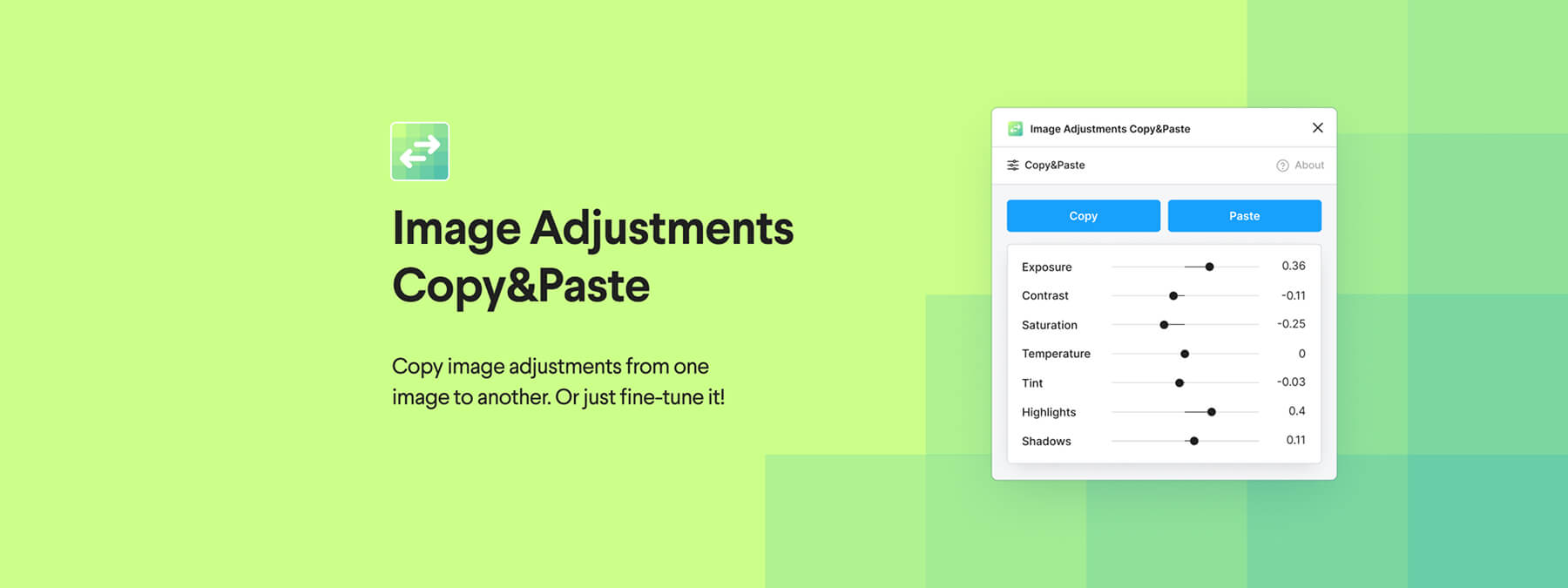 Image Adjustments Copy & Paste: Copy Your Image Settings in One Click on Figma
A simple, effective Figma plugin to harmonize your visuals: copy one image's adjustments and paste them onto another in one click.
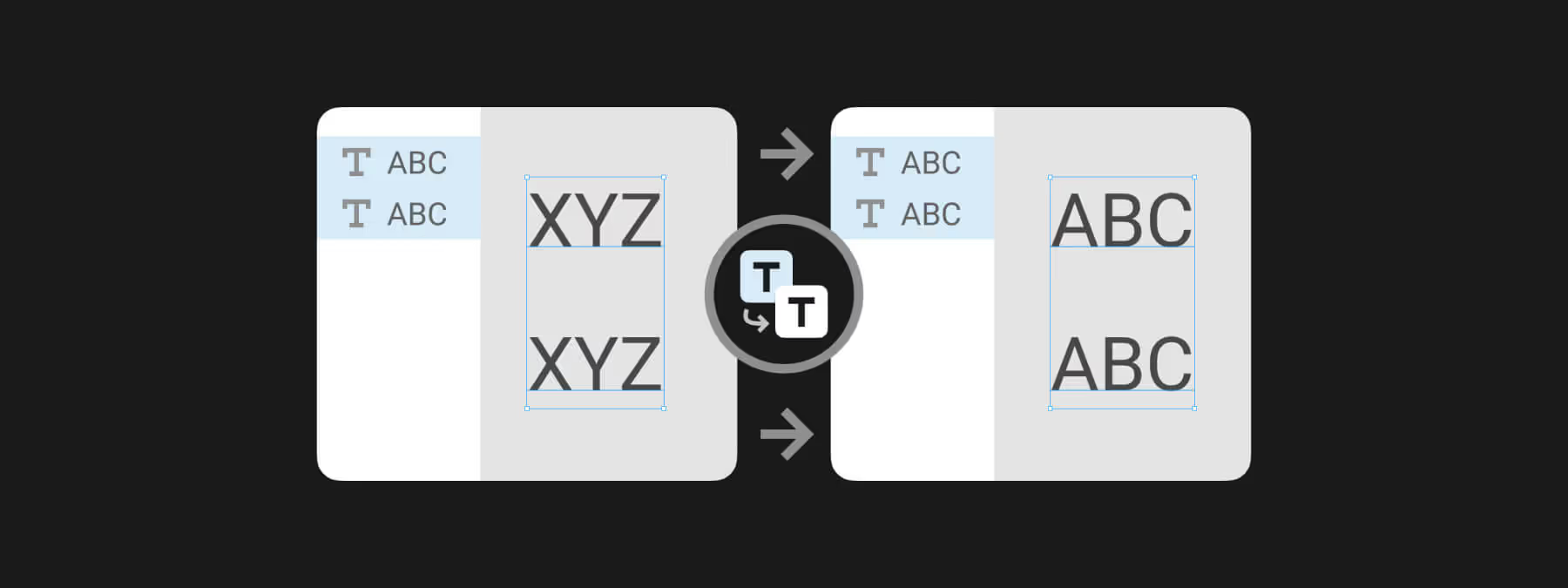 Change Text to Layer Name: Sync Text and Layer Names in Figma
With the Figma plugin Change Text to Layer Name, sync a text layer's content and its layer name in a single click for clean, readable files.
 Save Time in Figma: Automatically Rename and Paginate Your Slides Before PDF Export
Build your presentations directly in Figma, rename and number your slides automatically, then export a clean PDF without any errors.
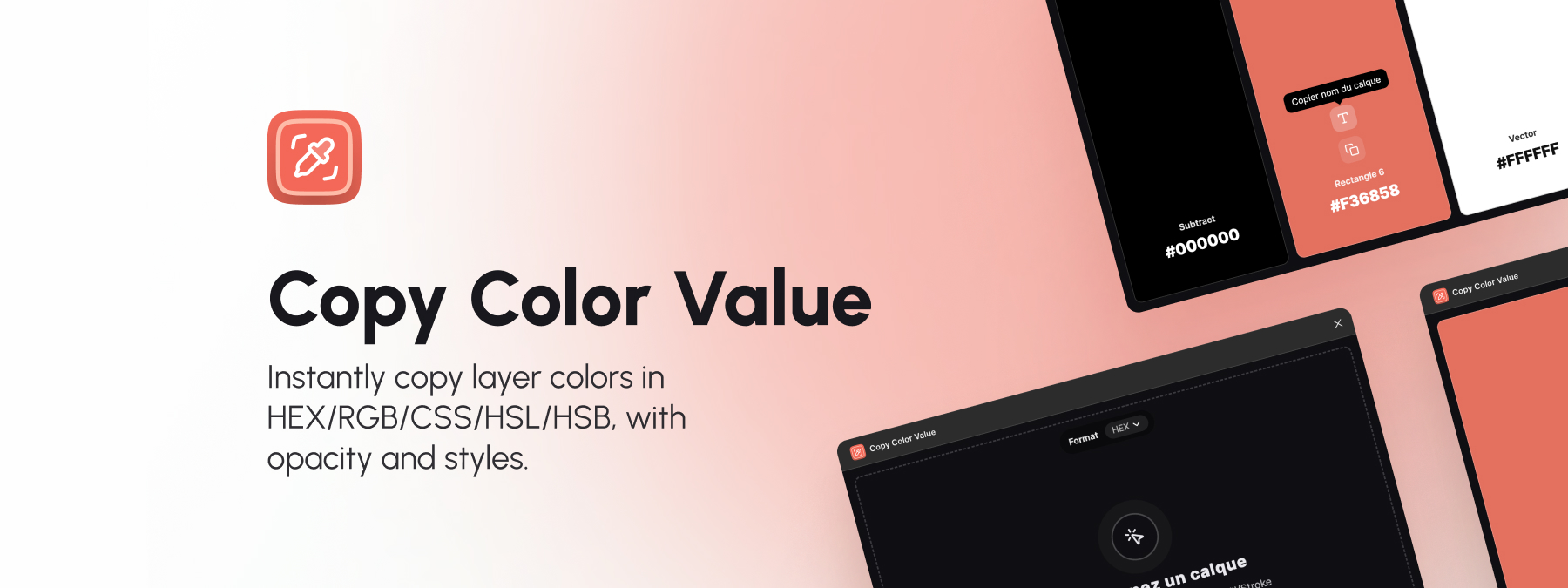 Copy Color Value: a Figma plugin to document your colors faster
The Copy Color Value Figma plugin makes documenting colors easier: select a layer, display every color, and copy it in one click.
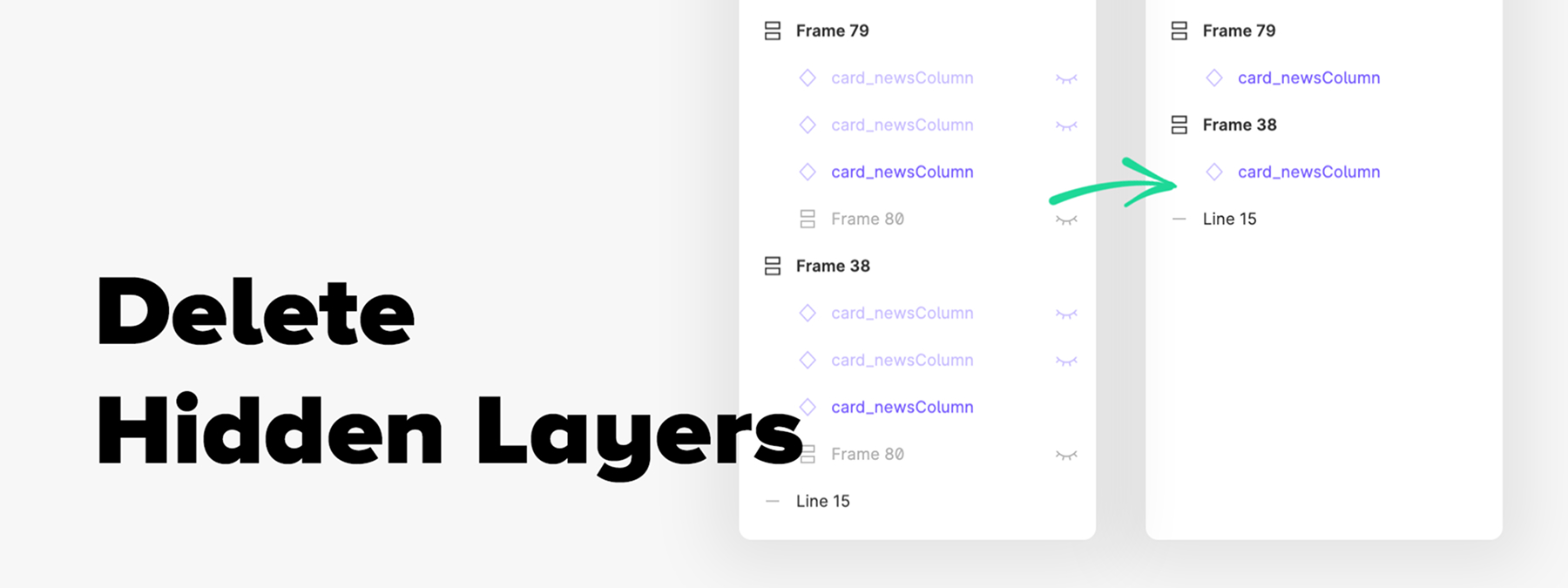 Delete Hidden Layers: Clean Up Your Figma Files in One Click
The Delete Hidden Layers Figma plugin removes every hidden or locked layer except components, keeping your design files clean and lightweight.
 Sort by Size: Organize Your Figma Layers by Dimensions
Sort by Size is a Figma plugin that organizes layers by width, height, or area, then arranges them in a line for visual analysis and consistency checks.
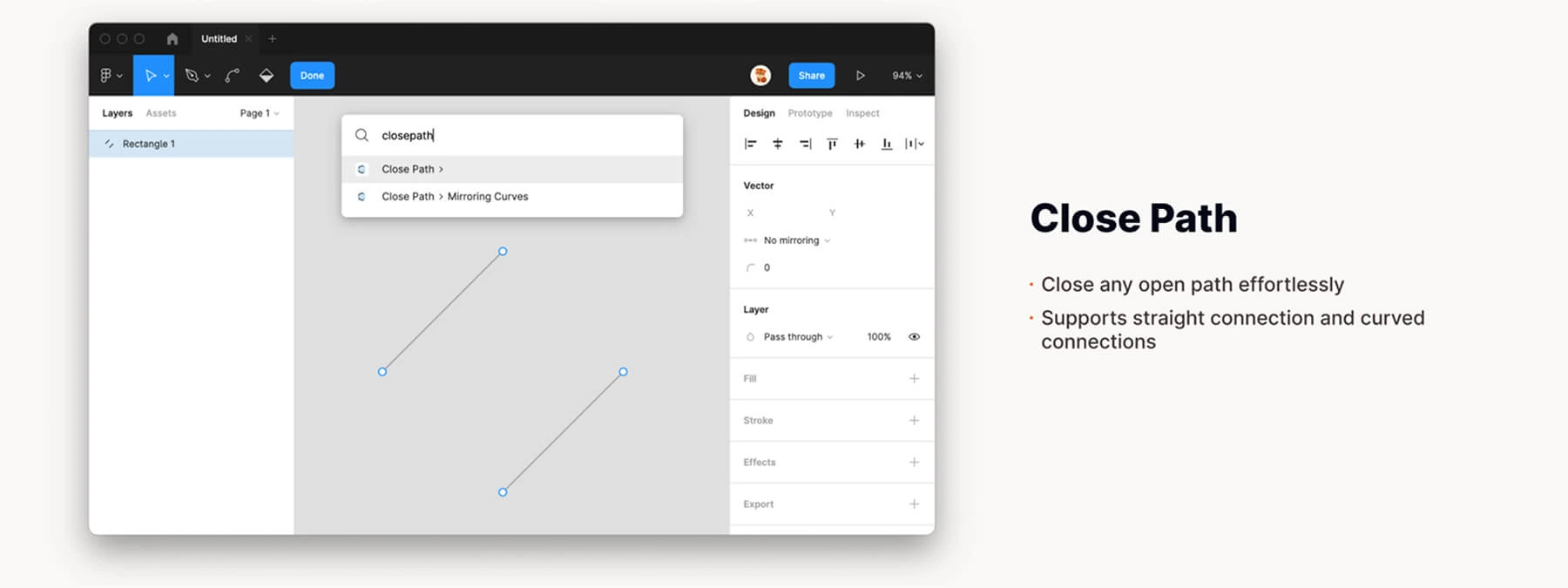 Close Path: Close Your Vector Paths in One Click
The Figma plugin Close Path simplifies polygon creation by automatically closing your selected vector paths in a single click.
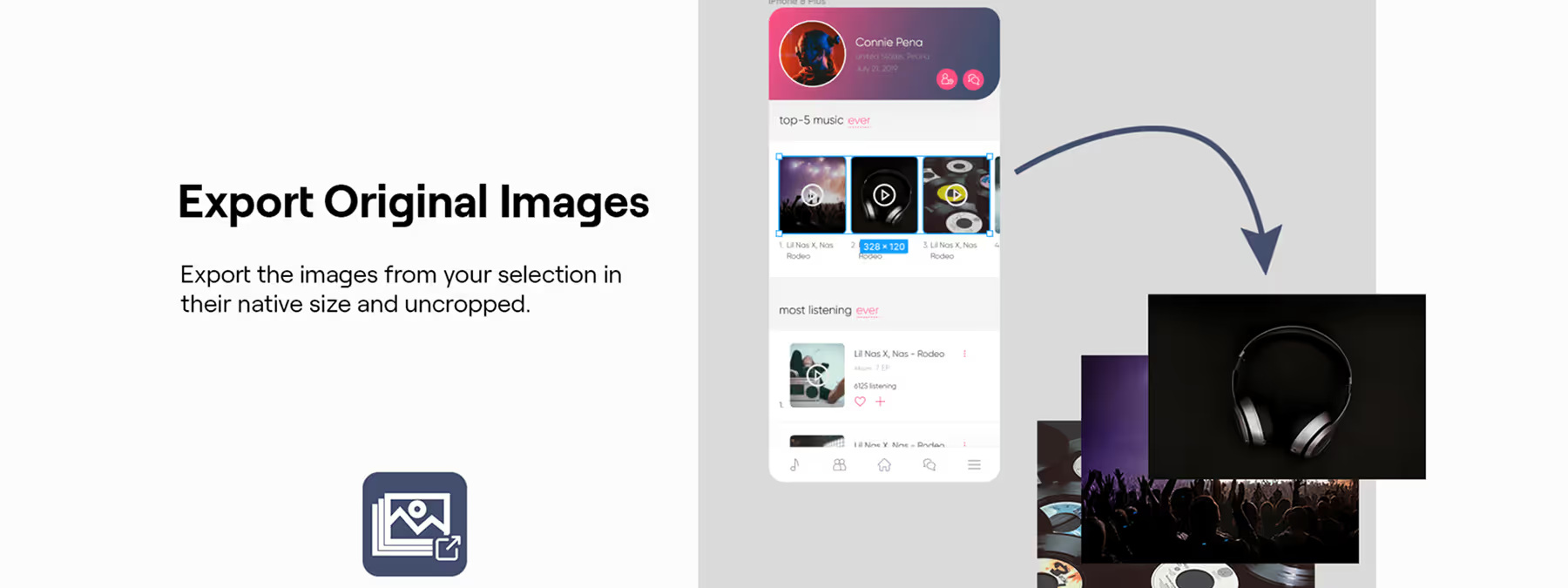 Export Original Images: Recover Your Source Visuals in One Click
The Figma plugin Export Original Images extracts the pictures used in your mockups at their native size and quality, with no cropping.
 Copy & Rotate: Create Circular Patterns and Radial Menus in Figma
The Figma plugin Copy & Rotate generates radial interfaces: select an element, set the number of copies and the sweep angle to build circular designs.
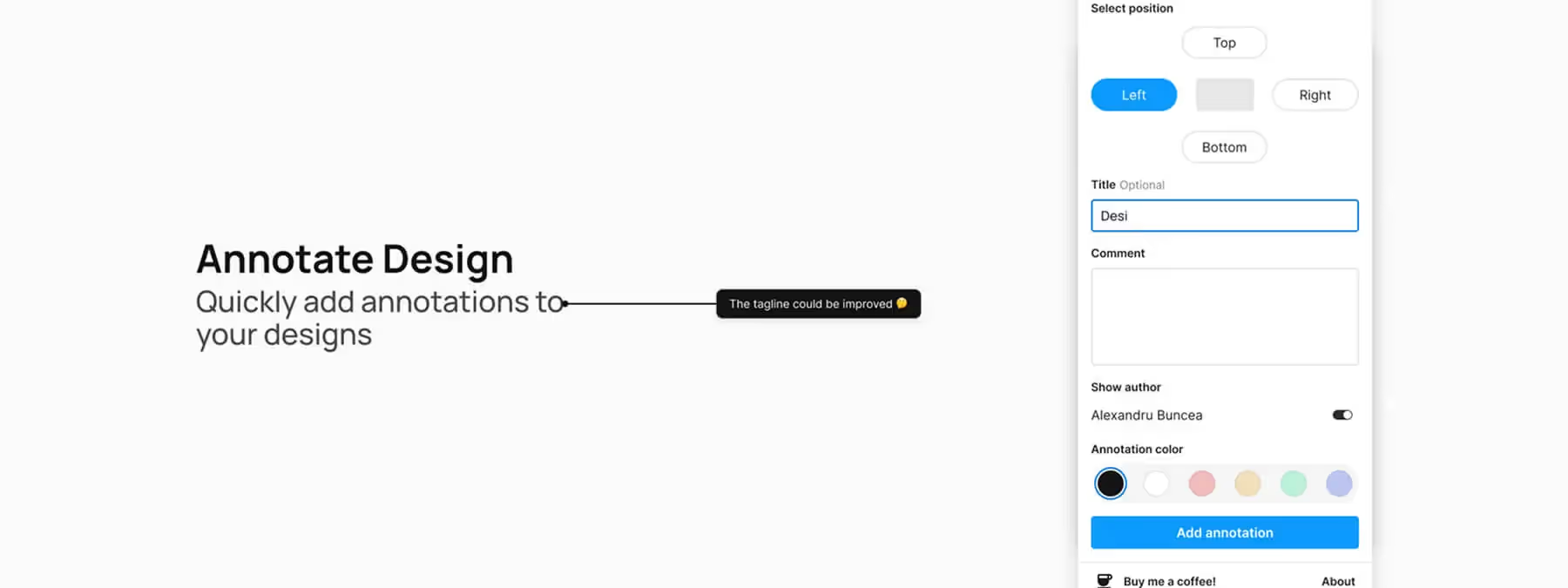 Annotate Design: Document Your Mockups in a Flash
The Figma plugin Annotate Design speeds up your workflow with a simple way to add comments and notes directly onto your mockups.
 Vectorized (PNG to SVG): Transform Your Images into Vectors in Figma
The Vectorized Figma plugin converts PNG, JPEG and GIF images into vector graphics for infinite scalability and easy customization.
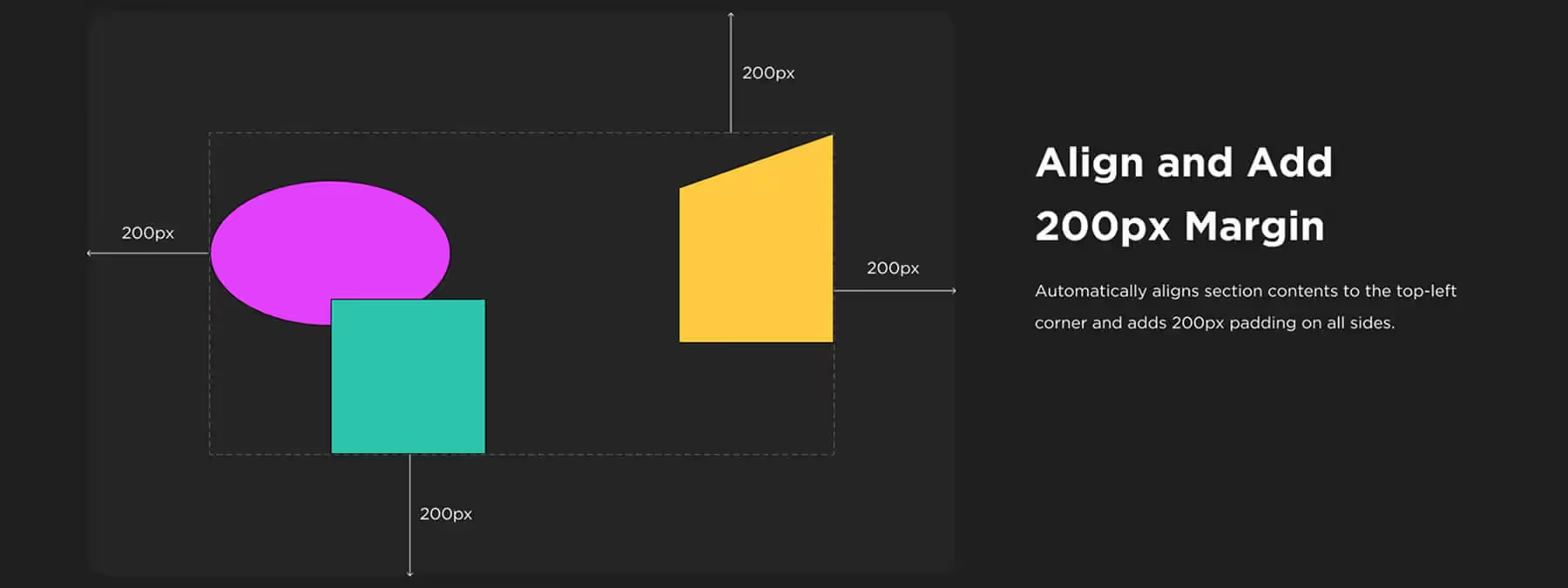 Section Auto‑Resize with 200 px Margin: Automate Spacing in Your Figma Sections
The "Section Auto‑Resize with 200 px Margin" plugin simplifies your Figma file organization by automatically adjusting section sizes and spacing around content.
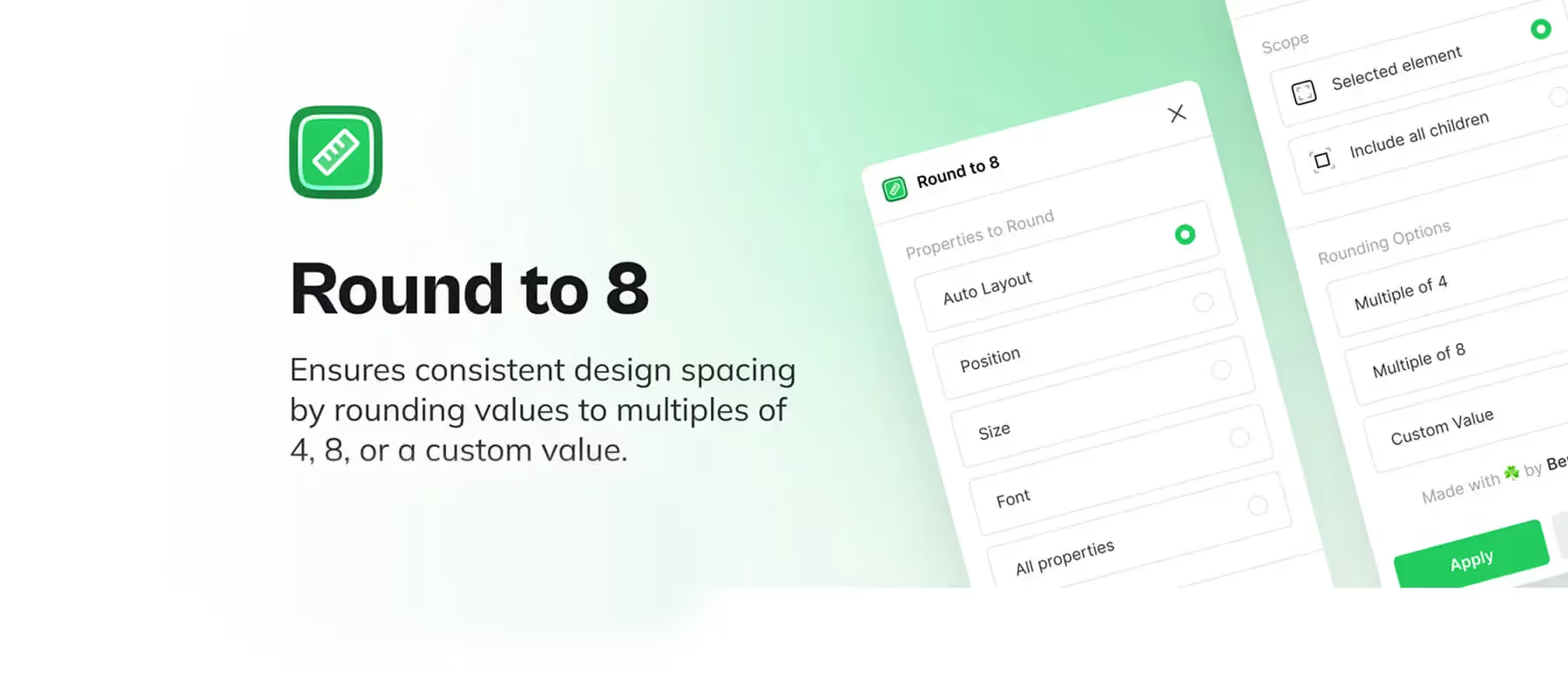 Round to 8: Harmonize Your Layout with a Single Click
The Figma Round to 8 plugin normalizes your layouts: round positions, sizes and spacing to an 8px grid in a single click.
 Figma Tip: Simplify Your Color Hunt Without Distractions
In Figma, hunting for colors not linked to variables gets messy with multicolor logos and widgets. Here is a simple trick to clean it up.
 Figma: Getting Around the Three-Page Limit? A Story and Best Practices
In Figma's free plan, files are limited to three pages. Some designers work around it by copying a community file. Here is the honest take.
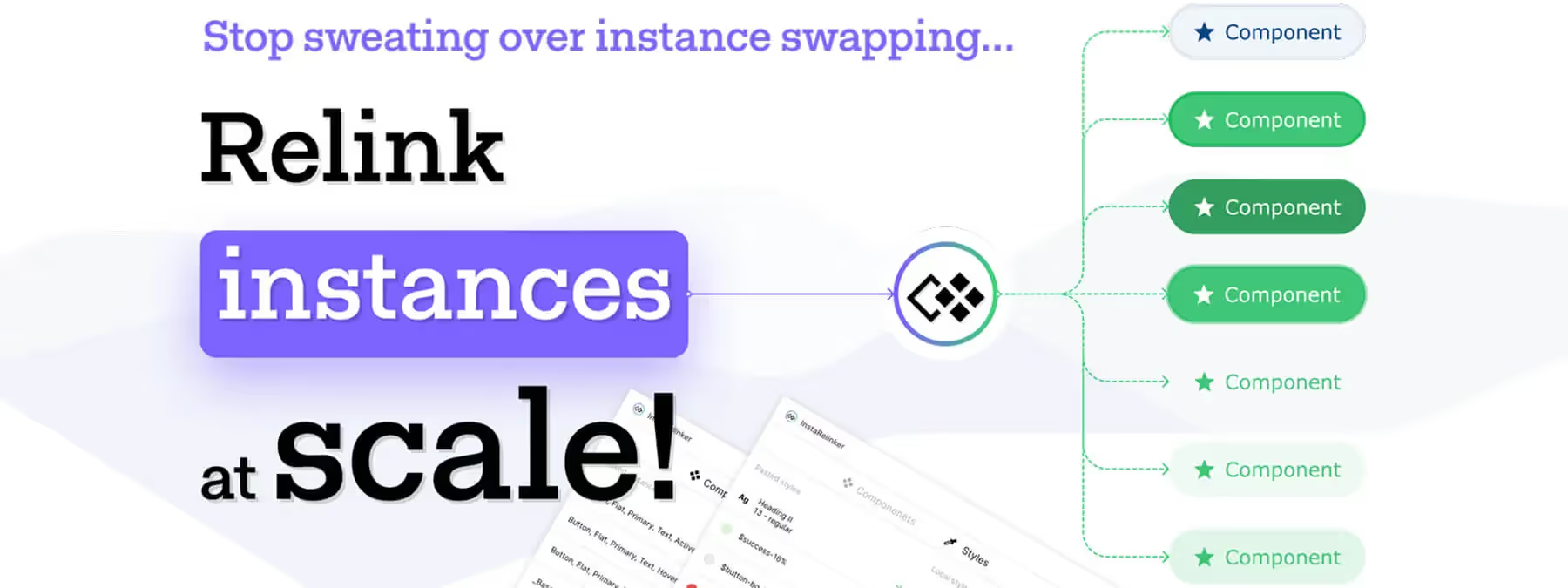 InstaRelinker: Reconnect Your Remote Components in a Flash
The InstaRelinker Figma plugin scans your files and automatically relinks remote component instances and styles to their local equivalents.
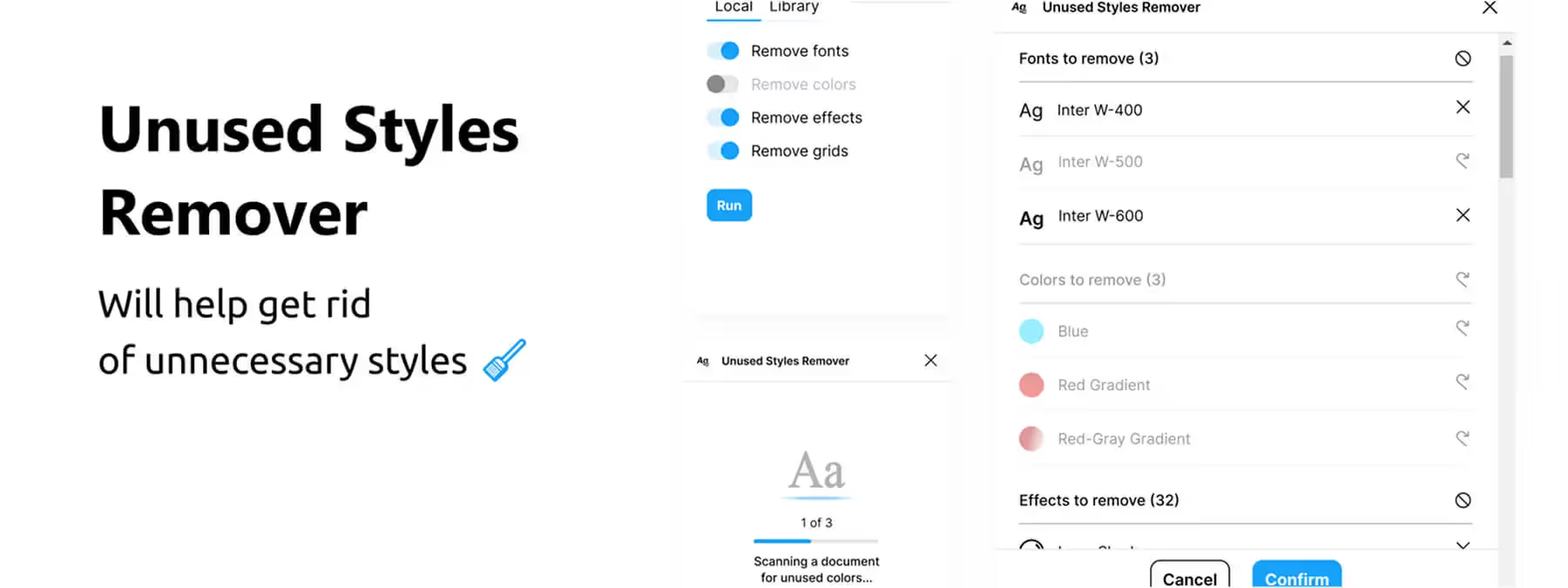 Unused Styles Remover: Clean Up Your Figma Files
The Figma plugin Unused Styles Remover helps you identify and remove unused styles from your files including fonts, colors, effects, and grids.
 ARC – Bend your type!: Curve Your Text with a Single Slider in Figma
The ARC – Bend your type! plugin lets you curve text into an arc directly in Figma. Select your layer, adjust the slider and apply the bend.
 Type Tool: Circular and Curved Text Directly in Figma
The Figma plugin "Type Tool" offers two modes: Circle to curve text around a circle, and Curve to align text along a vector path.
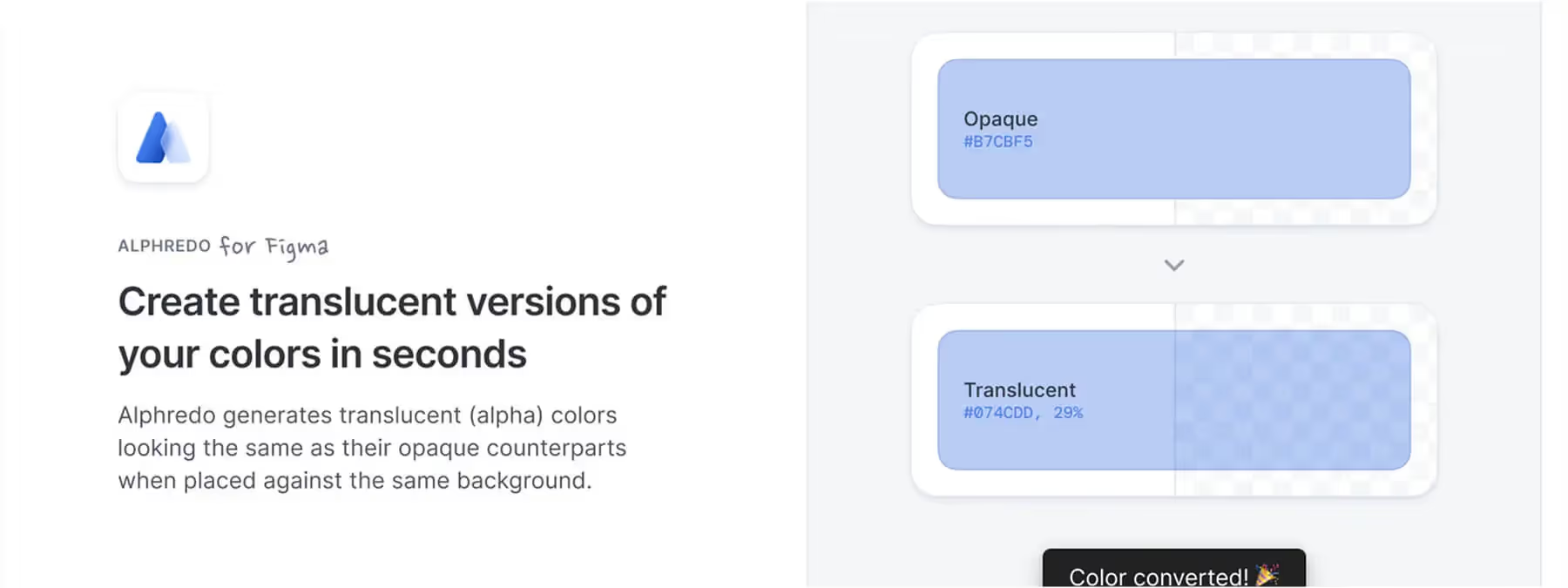 Alphredo: Create Consistent Translucent Colors Instantly
The Figma plugin Alphredo calculates the perfect opacity to create consistent transparent colors that blend perfectly with any background.
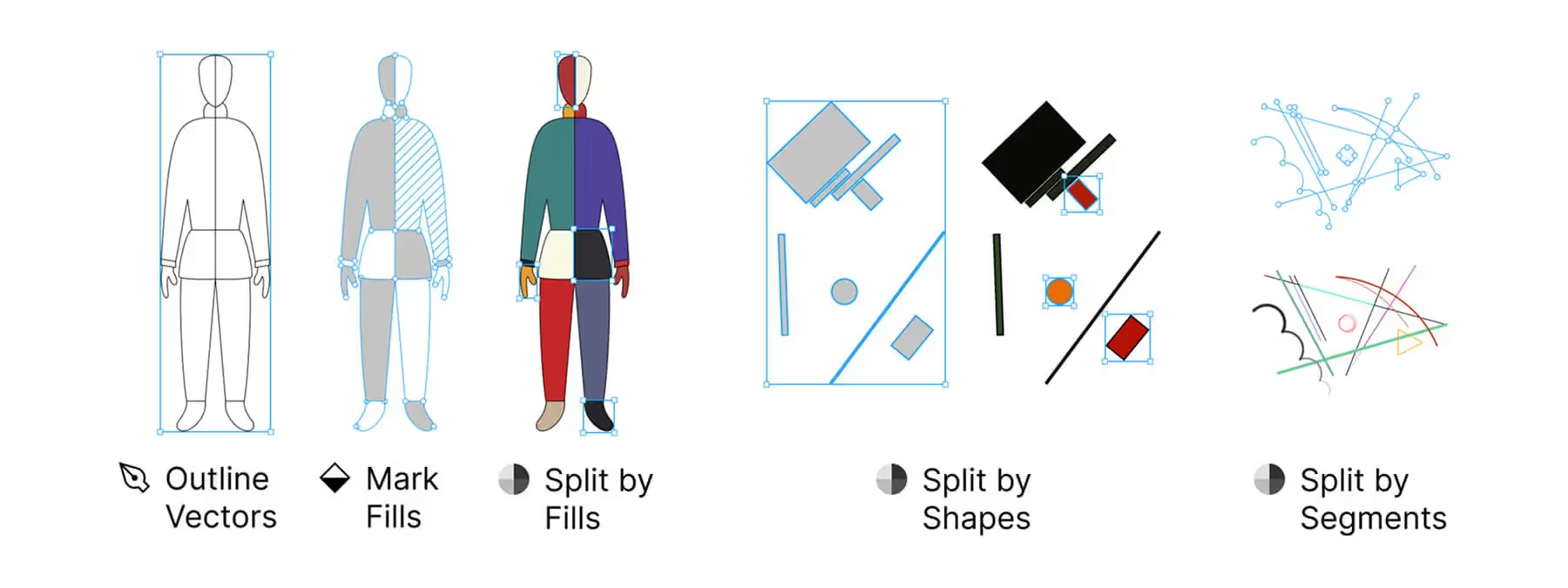 Split Vectors: Simplify Vector Splitting in Figma
Split Vectors plugin lets you divide vectors into separate elements by color, shape, or segment. Automate vector splitting and speed up your design work.
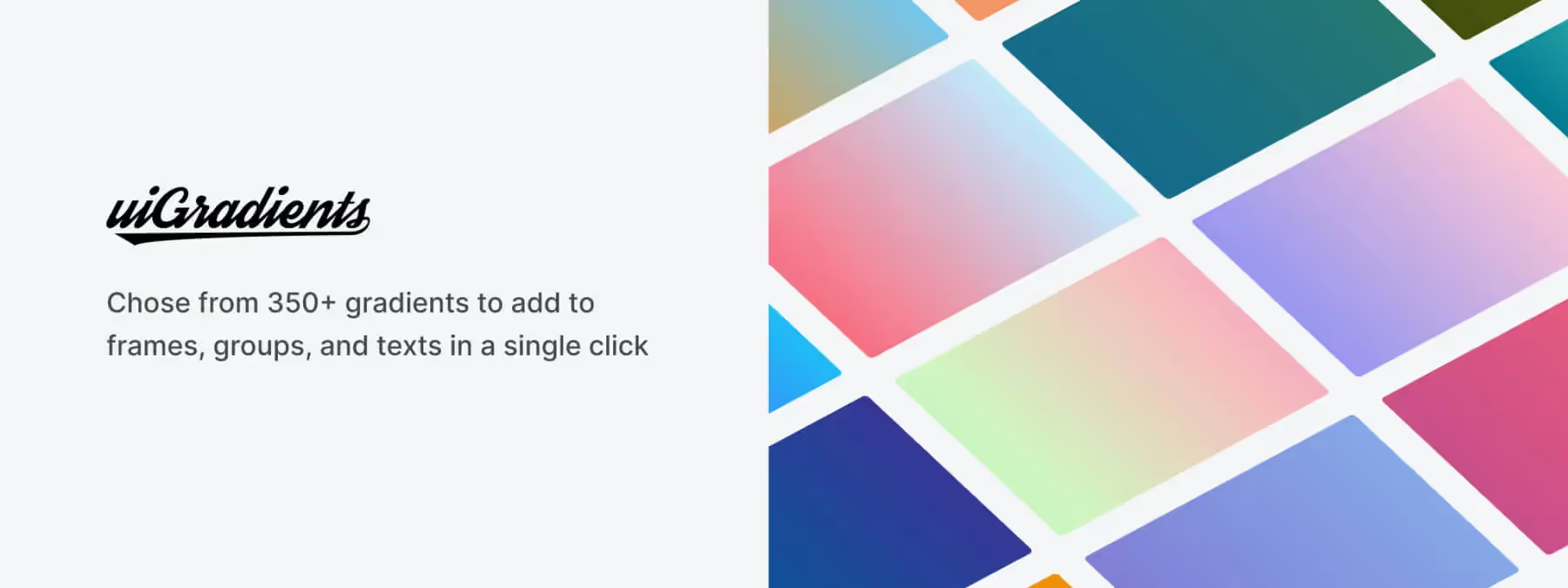 uiGradients: Your Rainbow of Gradients Ready to Use in Figma
The uiGradients plugin lets you instantly add beautiful, pre-designed gradients from the uigradients library to your Figma elements.
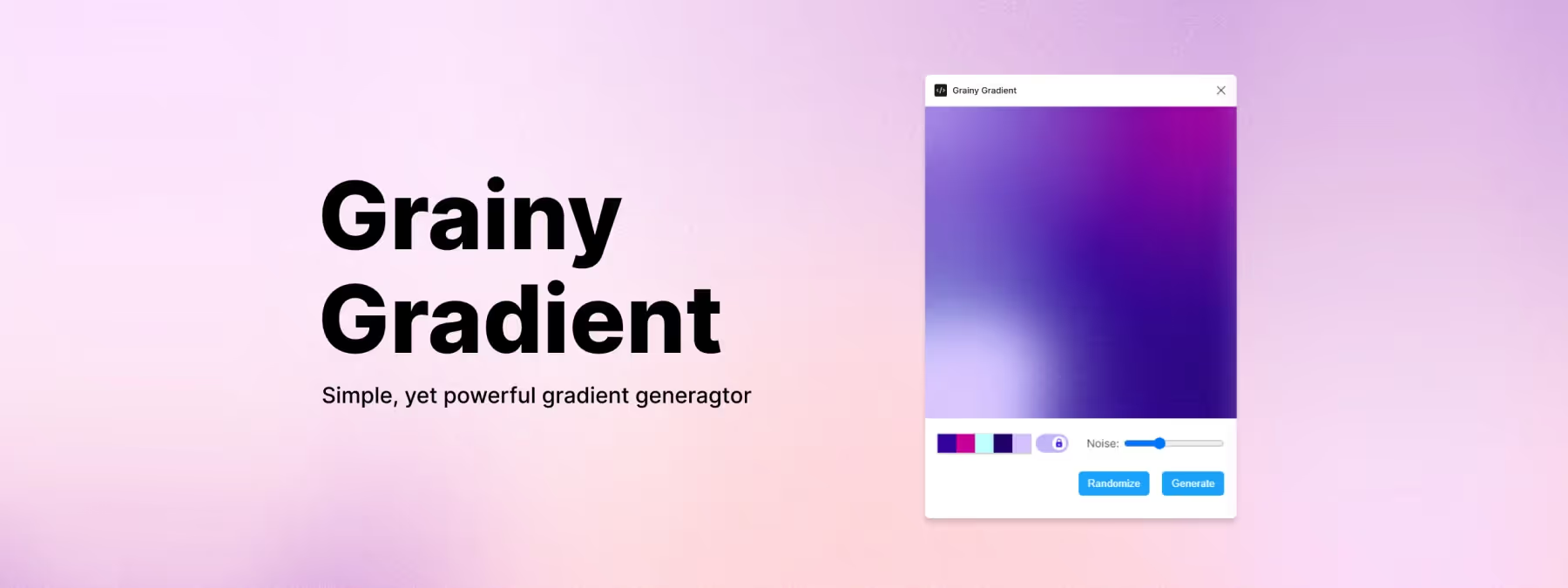 Grainy Gradient: Textured, Elegant Gradients in Figma
The Grainy Gradient Figma plugin lets you generate smooth, textured gradients while controlling grain density, colors and intensity.
 Text From Image: Extract Text with One Click in Figma
The Figma Text From Image plugin uses OCR to extract text from an image fill and automatically copy it to your clipboard.
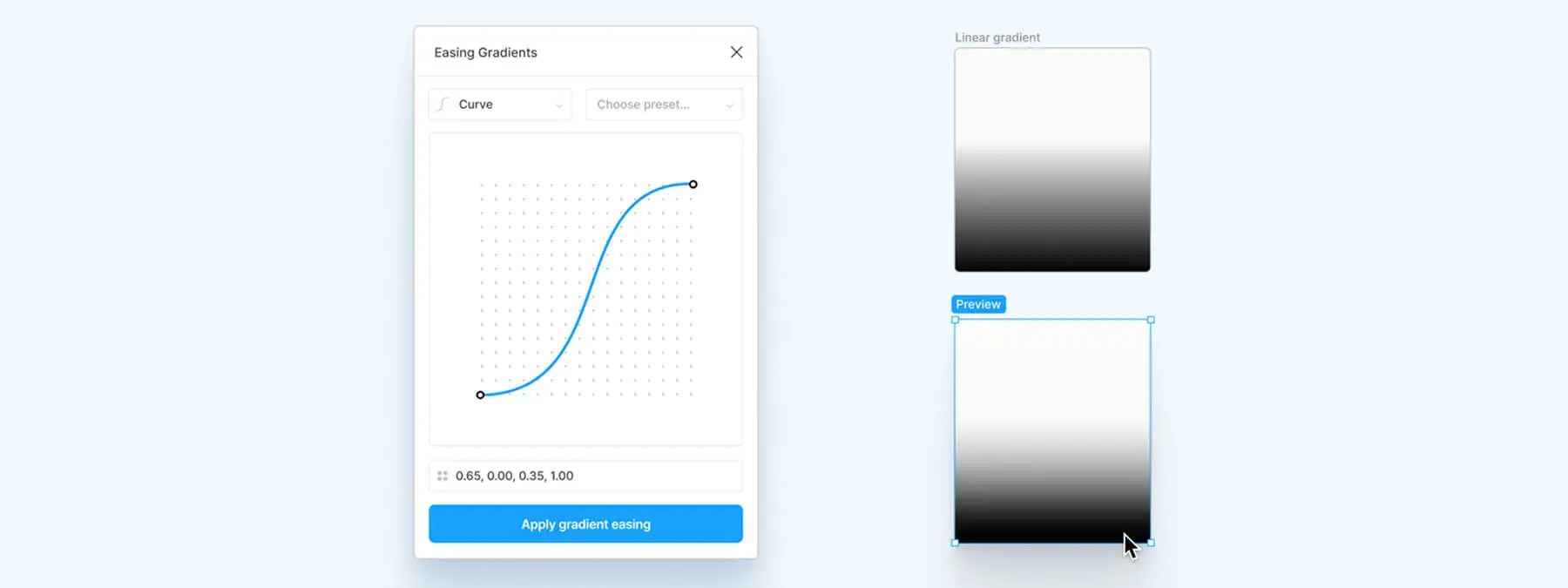 Easing Gradients: The Figma Plugin That Softens Your Gradients
The Easing Gradients Figma plugin applies cubic-bezier or step curves to smooth your gradient transitions for a polished, professional result.
 Improve the Quality of Your Drop Shadows with the Figma Plugin 'Beautiful Shadows'
Enhance your Figma designs with Beautiful Shadows, a simple and powerful plugin for creating aesthetic, consistent shadows in just a few clicks.
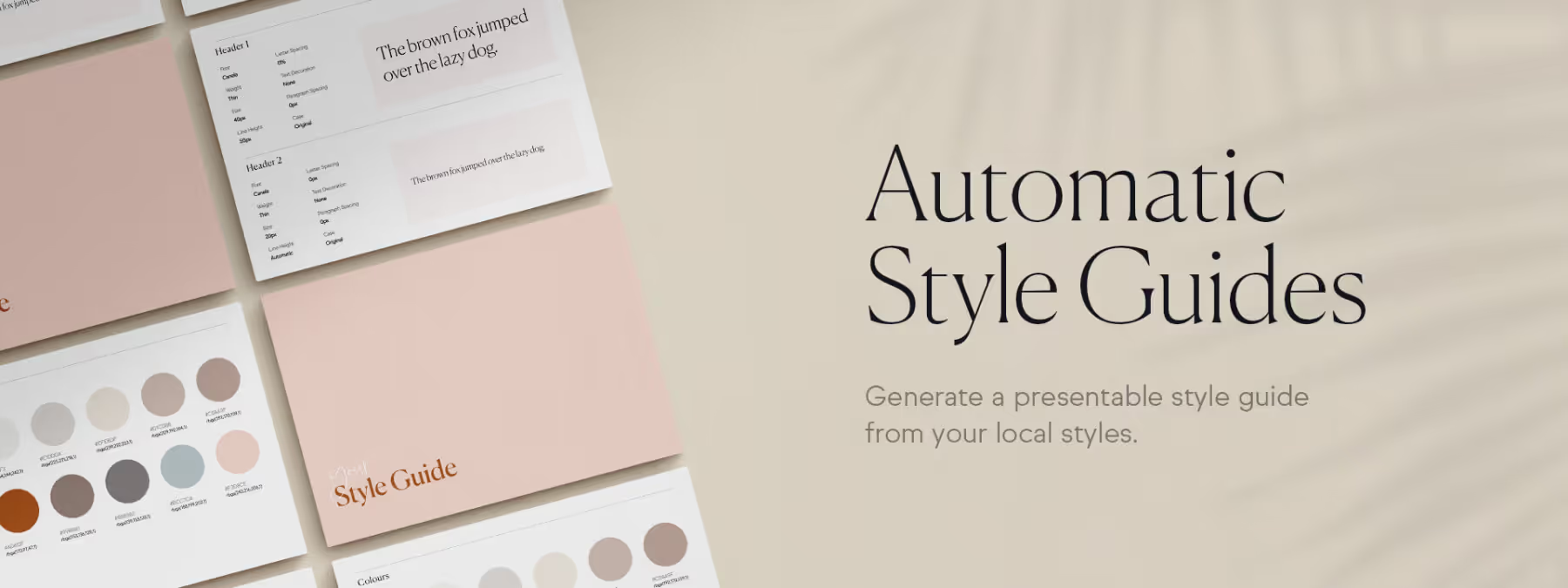 Create and Update Your Style Guides in One Click with 'Automatic Style Guides'
Create professional style guides in one click with the 'Automatic Style Guides' Figma plugin. Save time and keep your documentation always up to date.
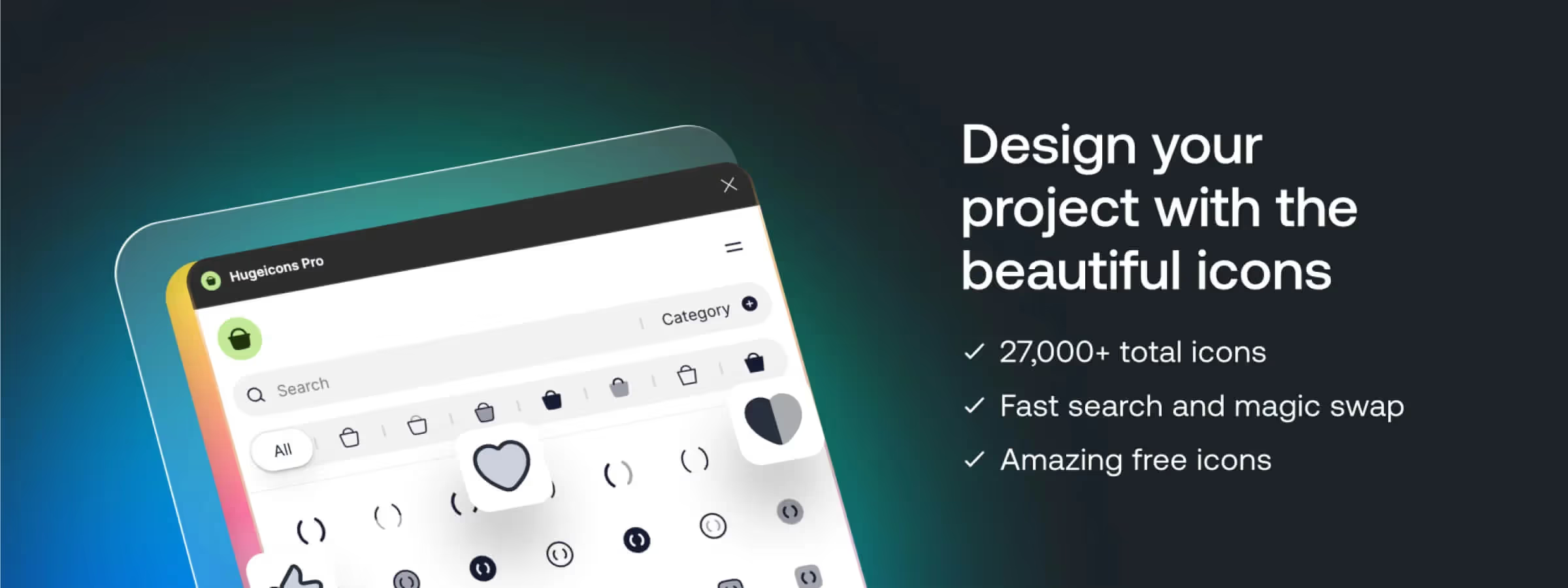 Discover Hugeicons Pro: The Figma Plugin for a Stunning Icon Library
Access thousands of icons, customize them and save time in Figma. Hugeicons Pro is the essential tool for stunning interface designs.
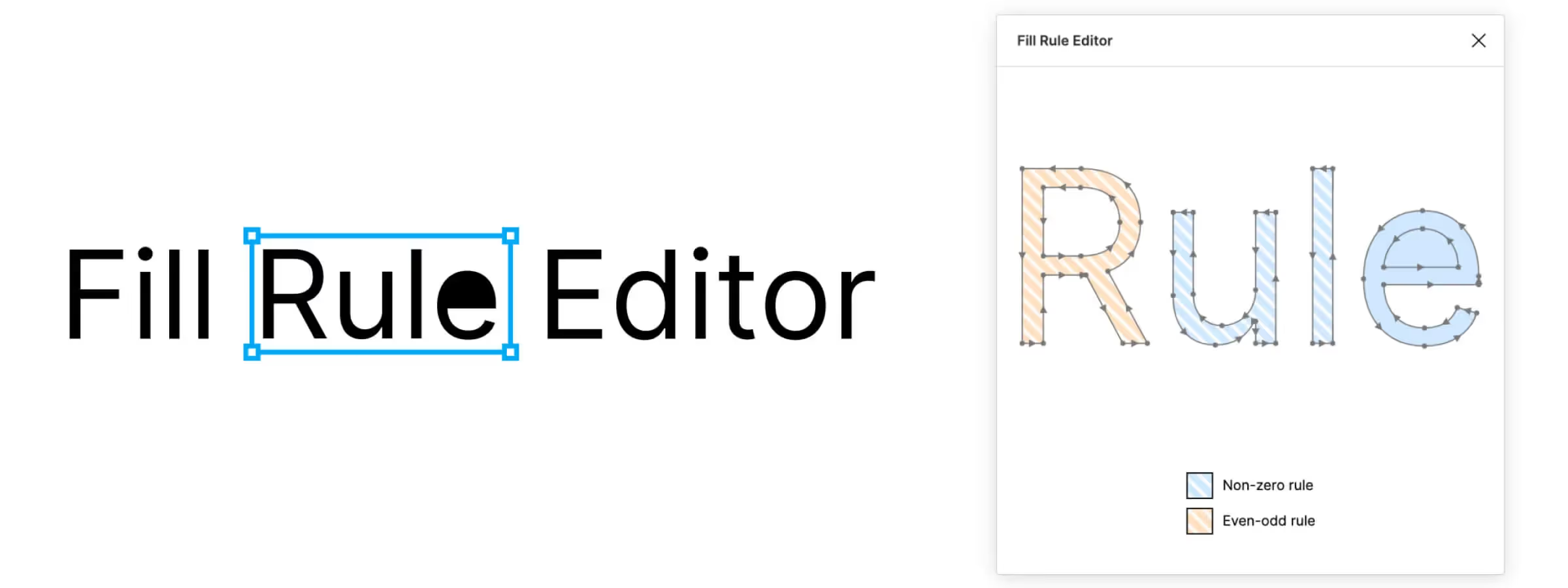 Optimize Your Vector Designs with the New Fill Rule Editor Plugin for Figma
Optimize your Figma vectors by changing fill rules for perfect compatibility and correct display across different formats and platforms.
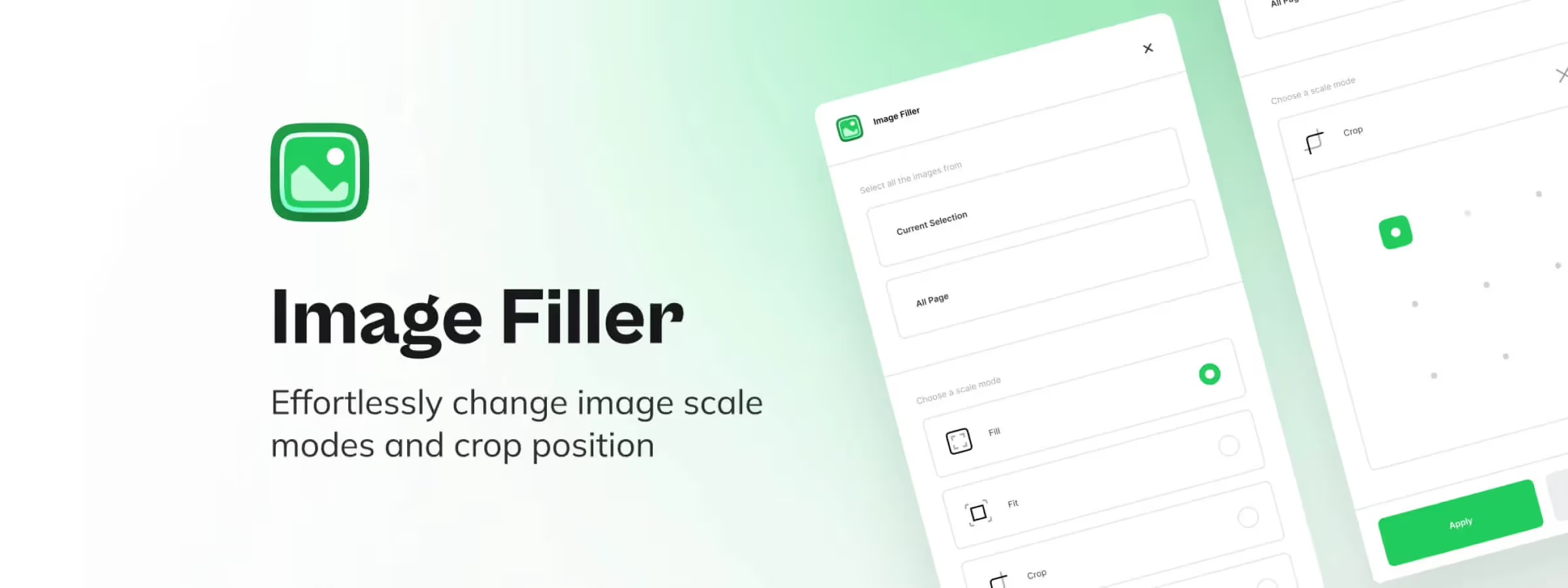 Image Filler: The Plugin for Automatic Scaling and Cropping of Your Images
ImageFiller for Figma simplifies image management with flexible scale modes, precise positioning, and an intuitive interface for designers.
 Figma to Webflow: the plugin that turns your designs into websites
Figma to Webflow: convert your Figma mockups into Webflow sites while preserving structure and styles. The plugin that speeds up integration.
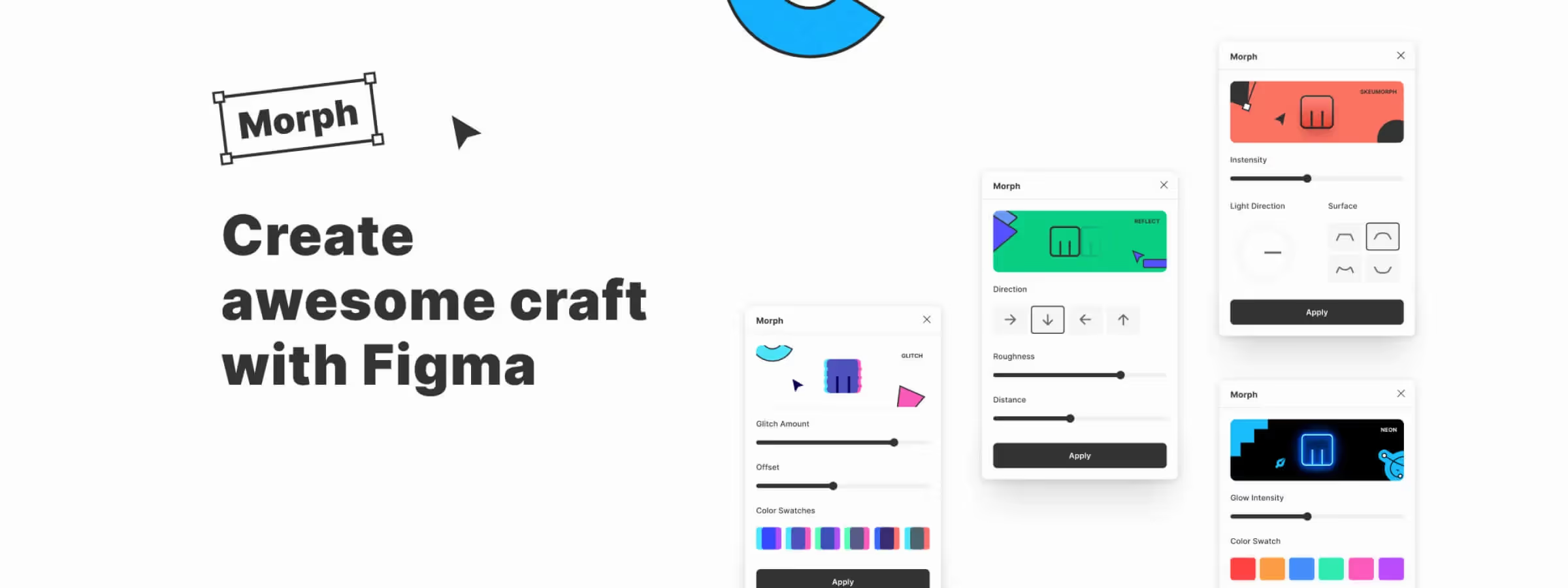 The Figma Morph Plugin: A Creative Tool to Add Visual Effects to Your Designs
Transform your Figma designs with Morph! Over 20 visual effects for limitless creativity. Try Morph and elevate your interfaces and illustrations.
 Make Chart Creation Easy with the Figma Plugin "Chartline"
Create Figma charts in seconds with Chartline: import your data, choose a chart type and customize it without leaving your design.
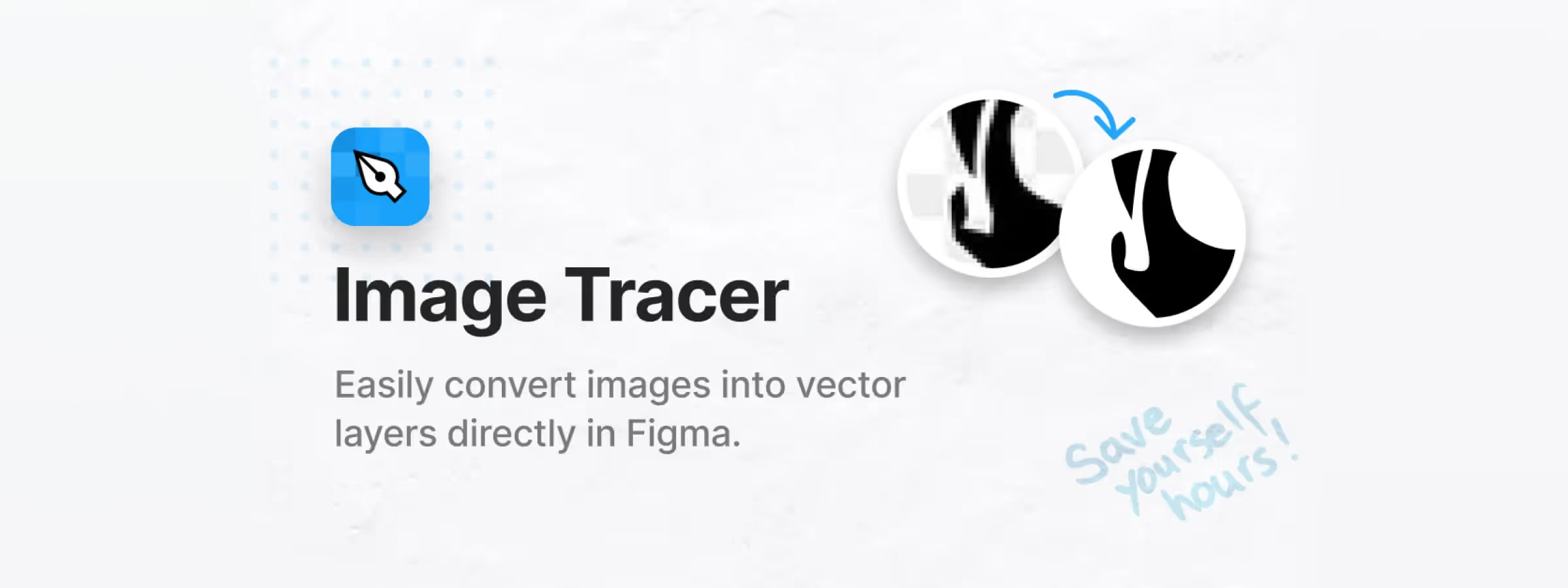 The Figma Image Tracer Plugin: Your Ally for Turning Images into Vectors
Figma Image Tracer converts your images into vectors and boosts your creativity. Discover how this plugin can transform your design workflow.
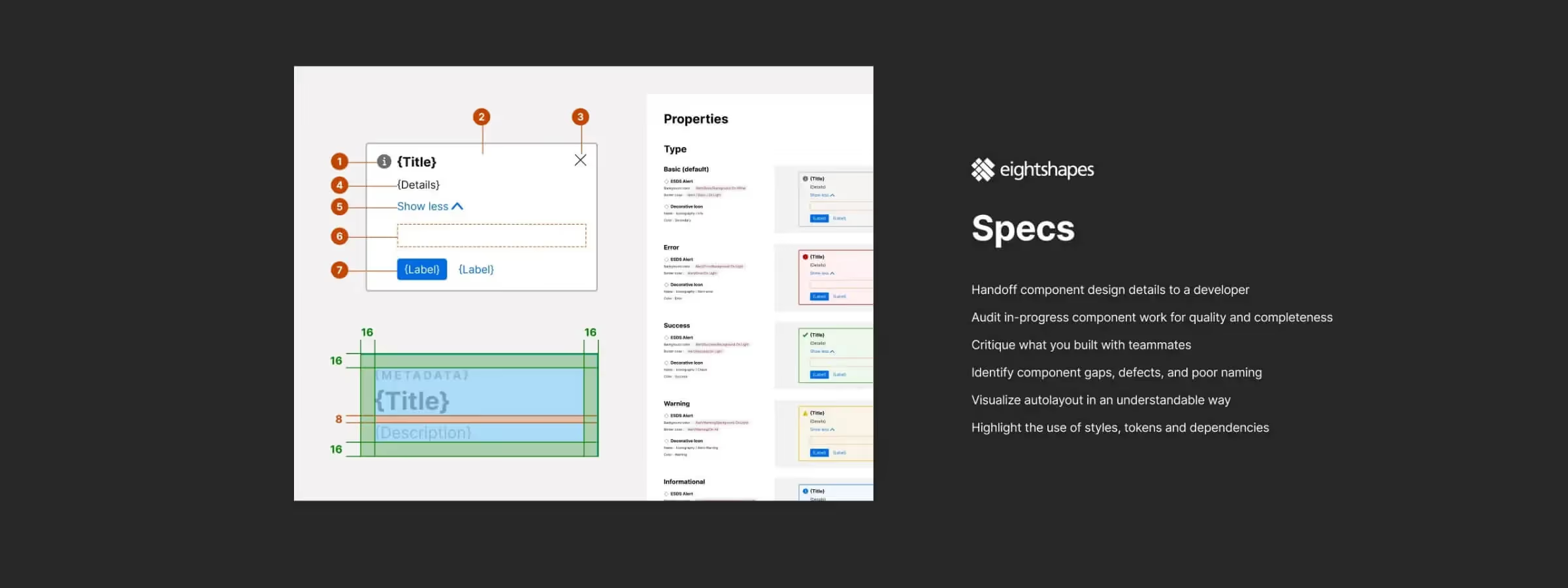 Automate Component Specs in Figma with EightShapes Specs
EightShapes Specs automates precise design specs in Figma. Save time documenting components and streamline your design system workflow.
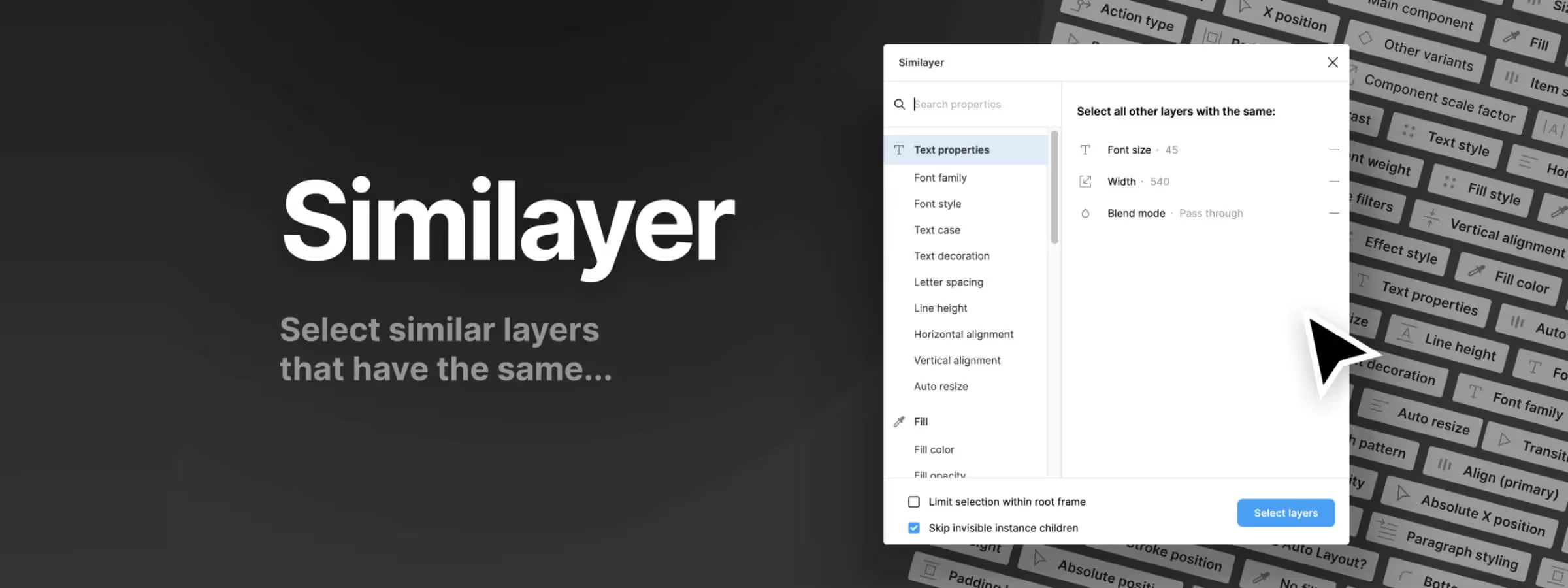 Easily Find Any Element in Your Figma File with Similayers
Similayers: the essential Figma tool to save time and gain precision in design. Discover how this powerful plugin revolutionizes your design workflow.
 Visually Find the Center of Any Shape with the Visual Center Plugin
The Visual Center Figma plugin simplifies locating the visual center of vector shapes. Save time and increase precision with intelligent calculation methods.
 Organize and Optimize Elements in Your Figma File with the Organiser Plugin
The Figma Organiser plugin is a simple, efficient tool to distribute and arrange your elements on the canvas, saving time in your design workflow.
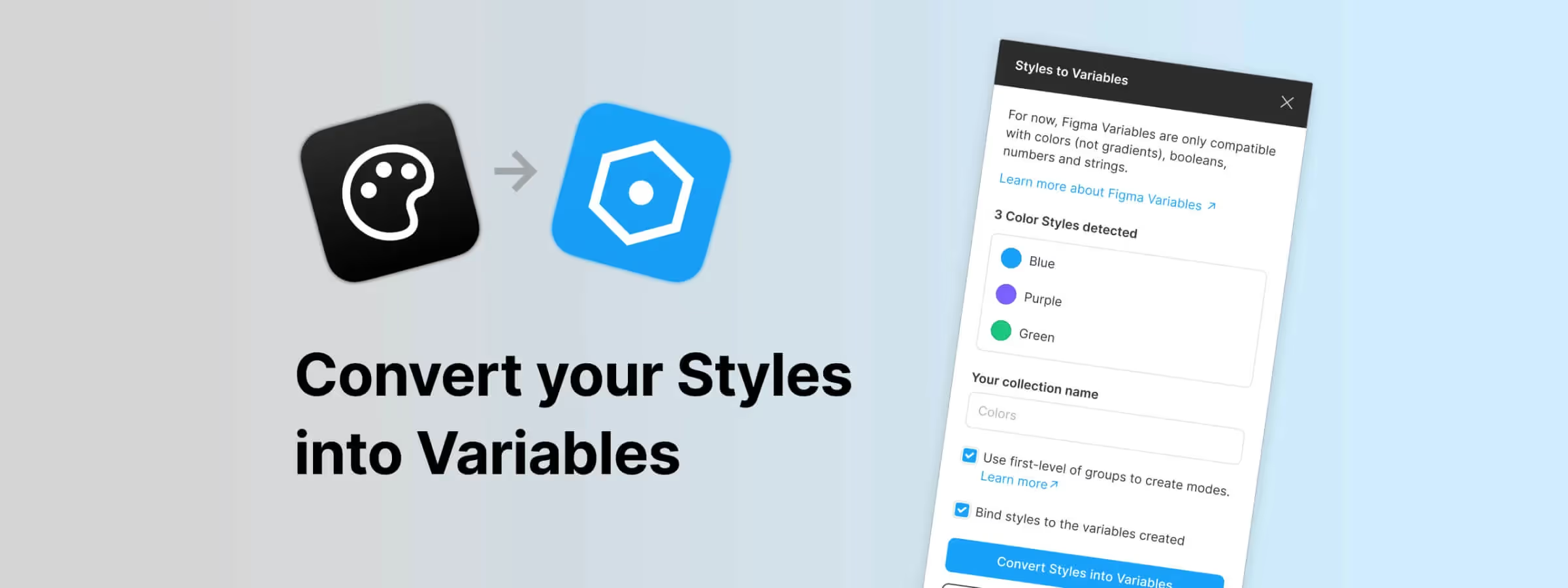 Become an Expert at Converting Styles to Variables in Figma
The "Styles to Variables" plugin simplifies variable creation, collection organization, and color style detection in Figma.
 Detach Instances, Styles, Remove Auto Layout and More with the Destroyer Plugin
The Figma Destroyer plugin lets you selectively degrade your Figma files by detaching instances, removing styles and stripping Auto Layout.
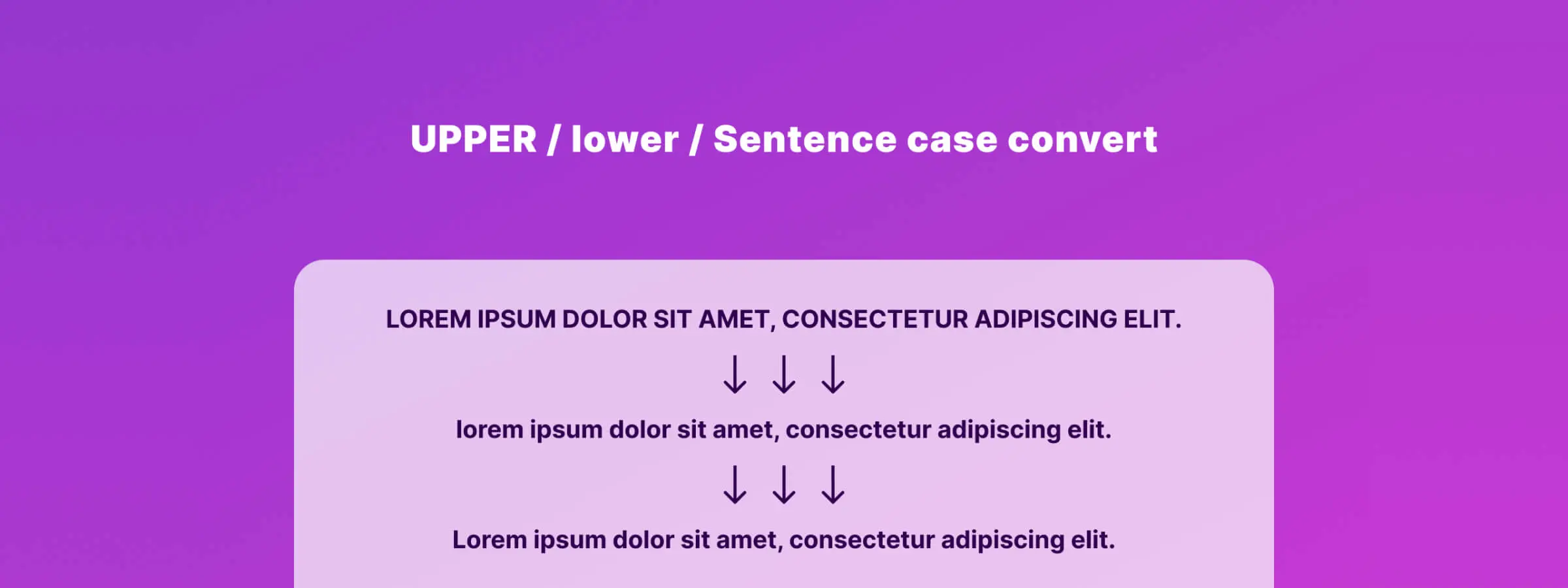 Convert Text Case with Figma Case Convert Plugin
The Figma Case Convert plugin transforms text to uppercase, lowercase, or sentence case in a few clicks, simplifying your design workflow.
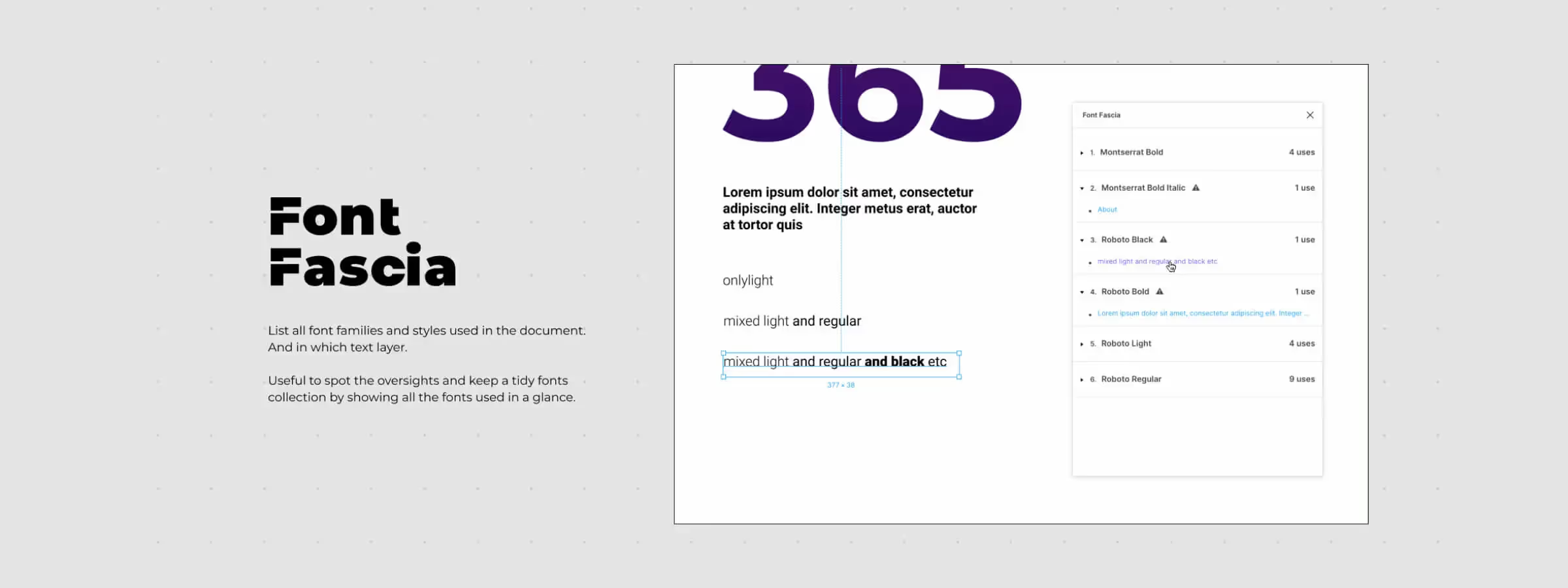 Optimize Your Text Styles and Simplify Your Projects with the Figma Font Fascia Plugin
How to use the Figma Font Fascia plugin to optimize text style usage and ensure optimal performance without unnecessary complications.
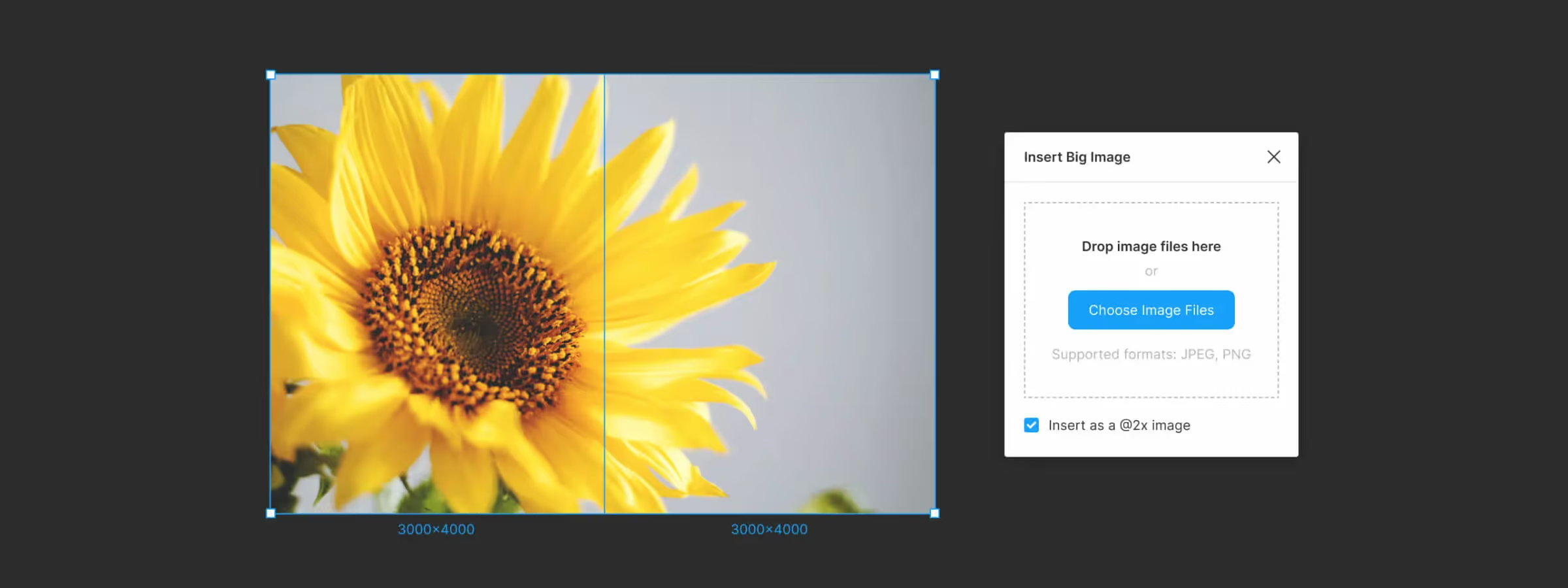 Use the Insert Big Image Plugin to Import Large Images from Figma
Import large images into Figma without quality loss using the Insert Big Image plugin. Overcome Figma's 4096-pixel limit and maintain visual quality in your mockups.
 Elegant Lines and Smart Connections: Master the Autoflow Plugin in Figma
Autoflow is the Figma plugin that automates connections between frames. Discover how it streamlines wireframing and speeds up your design workflow.
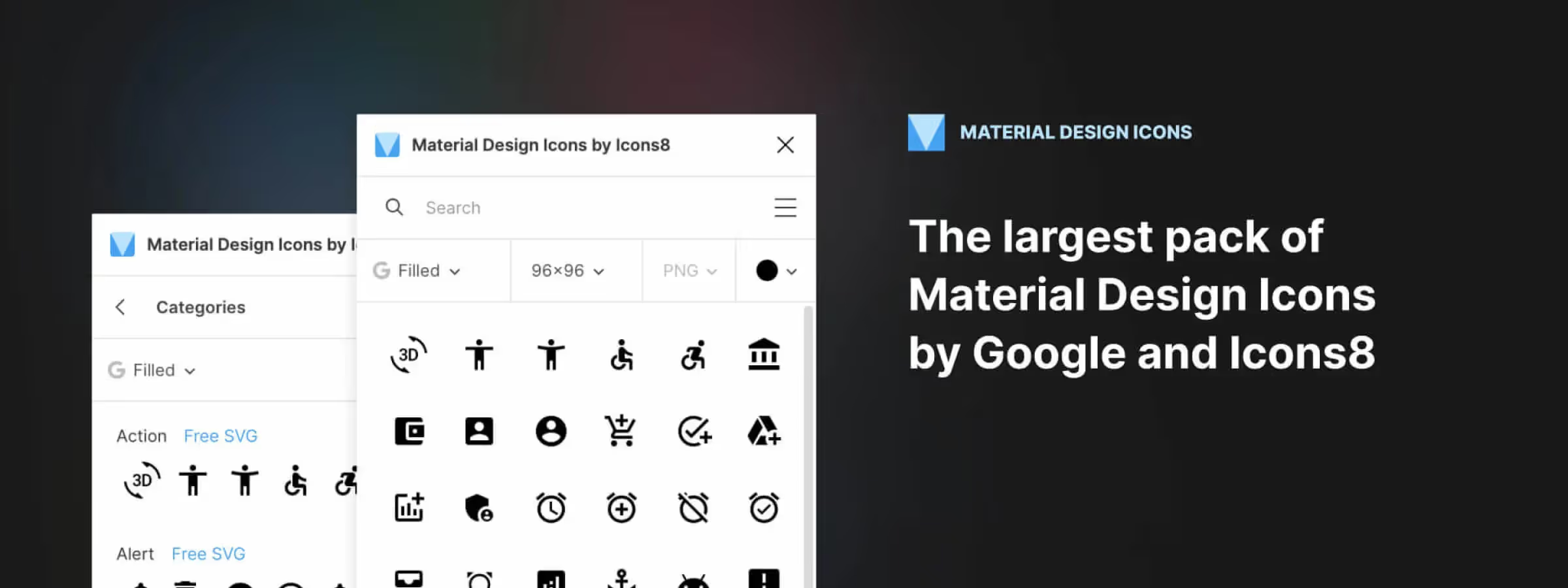 Use Google's Material Design Icons with the Figma Plugin
The Material Design Icon plugin for Figma makes it easy to bring Google's Material Design icon set into your projects.
 Easily Create and Customize Stunning Illustrations in Figma with the Blush Plugin
Discover Figma Blush, the plugin to find, customize, and add beautiful illustrations to your Figma projects quickly and effortlessly.
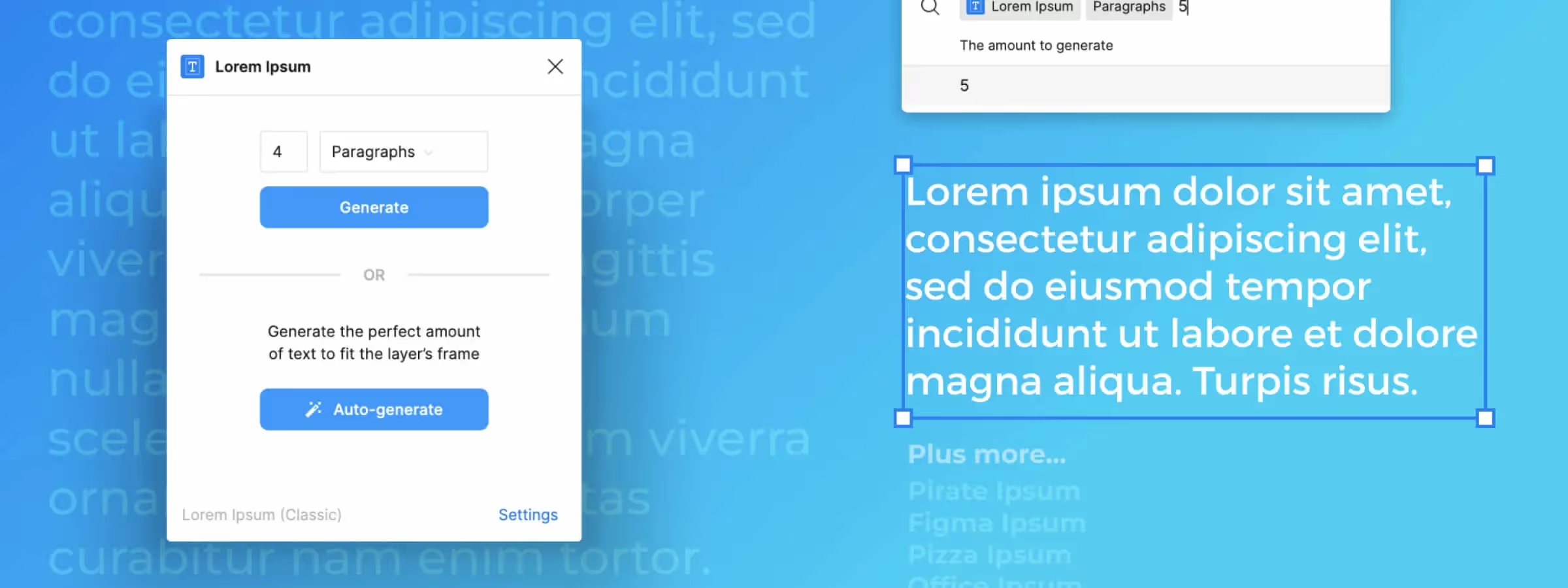 Simplify Your Design with Dummy Text Using Figma's "Lorem Ipsum" Plugin
Figma's Lorem Ipsum plugin is a tool that allows you to quickly and easily generate dummy content for mockups, helping you focus on design.
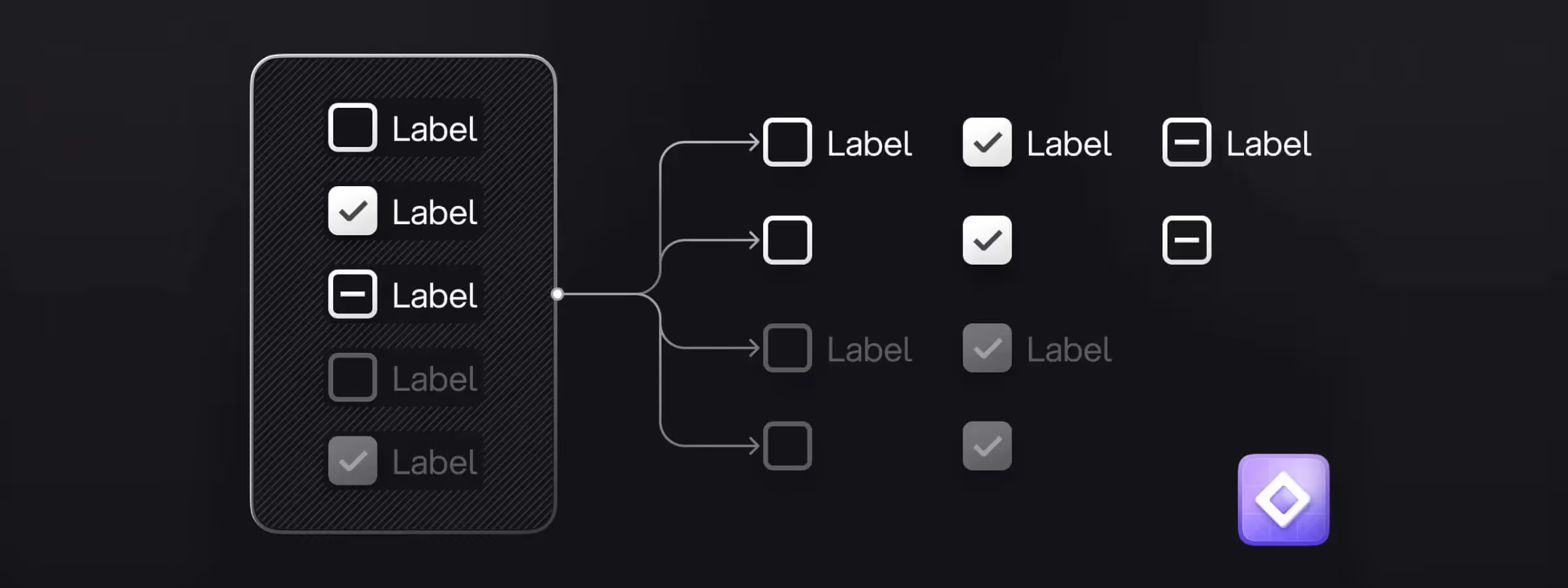 Regressor for Figma: Simplify Managing Variants and Boolean Properties
Simplify creating and managing variants and boolean properties with Regressor, a Figma plugin that automates your design workflow.
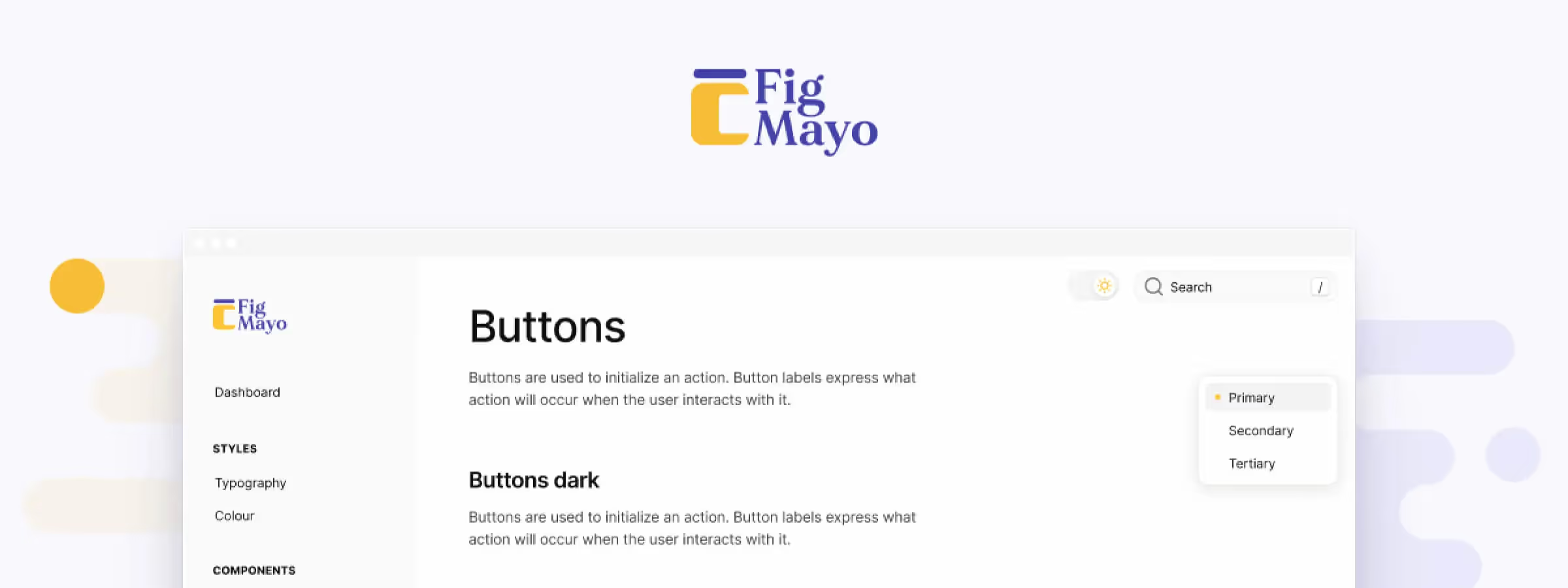 Easily Document Your Design System with Figmayo, the ZeroHeight Alternative
Figmayo lets designers create and share design system documentation straight from Figma. Discover this simpler alternative to ZeroHeight.
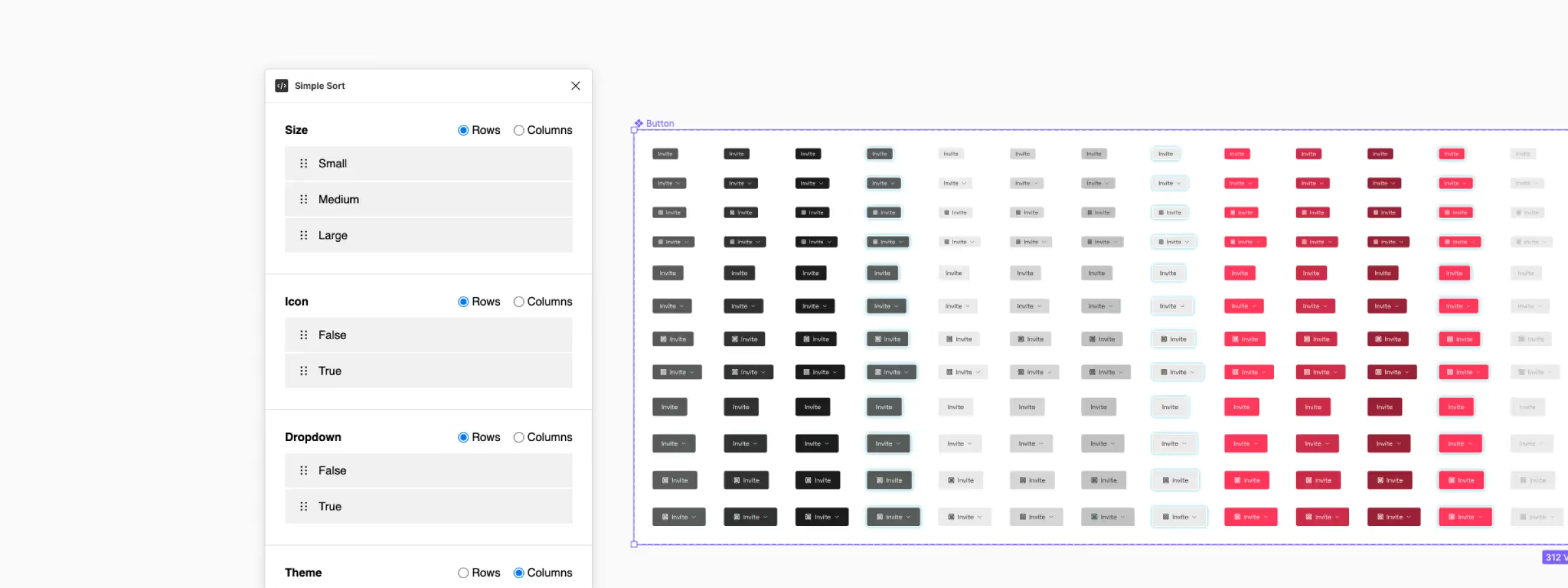 Organize Component Variants with the Figma Simple Sort Plugin
Simplify managing Figma component variants with the Simple Sort plugin. Organize, sort, and automate your workflow with ease.
 Create Lottie Animations from Figma with the Official "LottieFiles" Plugin
The LottieFiles plugin for Figma lets you add Lottie animations to your designs and export production-ready motion for a richer user experience.
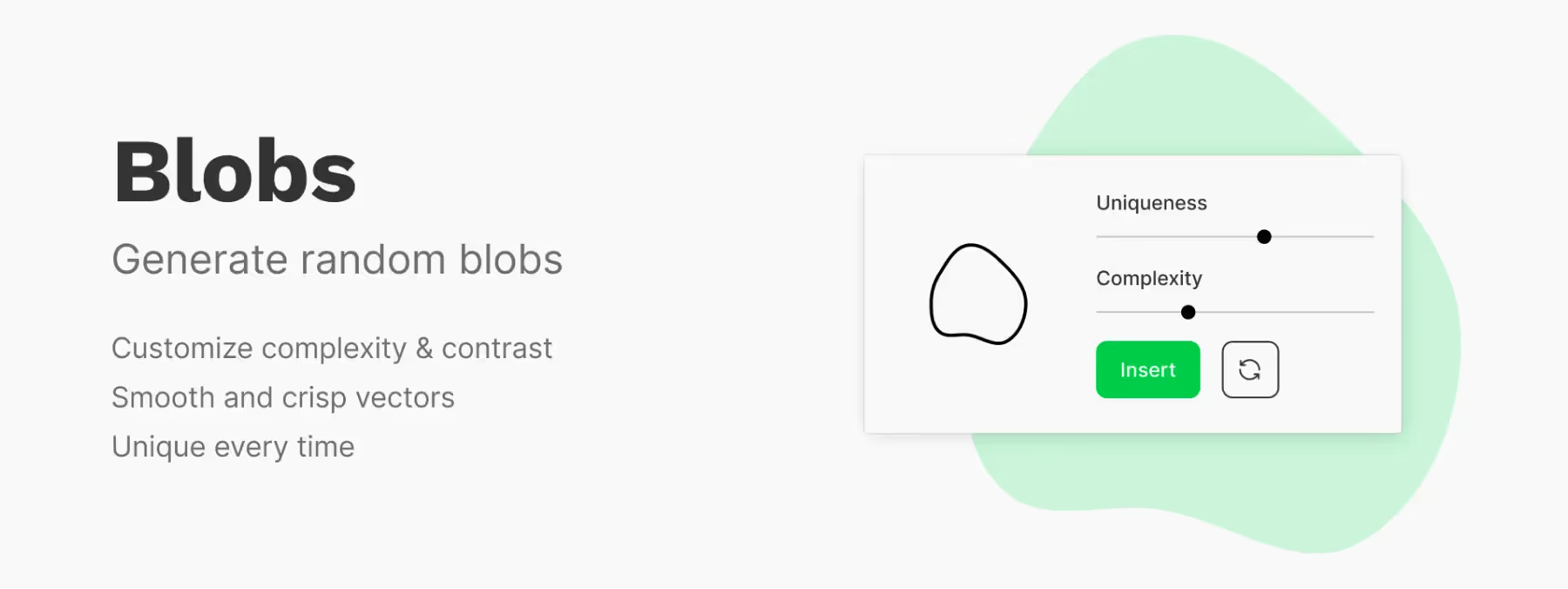 Unleash Your Creativity with the Figma "Blobs" Plugin: Unique Shapes and Captivating Designs
Figma Blobs plugin: create unique, expressive organic shapes for your design projects and dive into a world of endless creative possibilities.
 More productive layouts thanks to Content Reel's text, images and icons
The Figma plugin Content Reel: enrich your mockups and prototypes with a complete library of text, images and icons to design faster.
 Unsplash: The Essential Figma Plugin for Design Inspiration
Find high-quality, royalty-free images for your design projects with the Unsplash Figma plugin. Discover how this essential tool integrates seamlessly into your workflow.
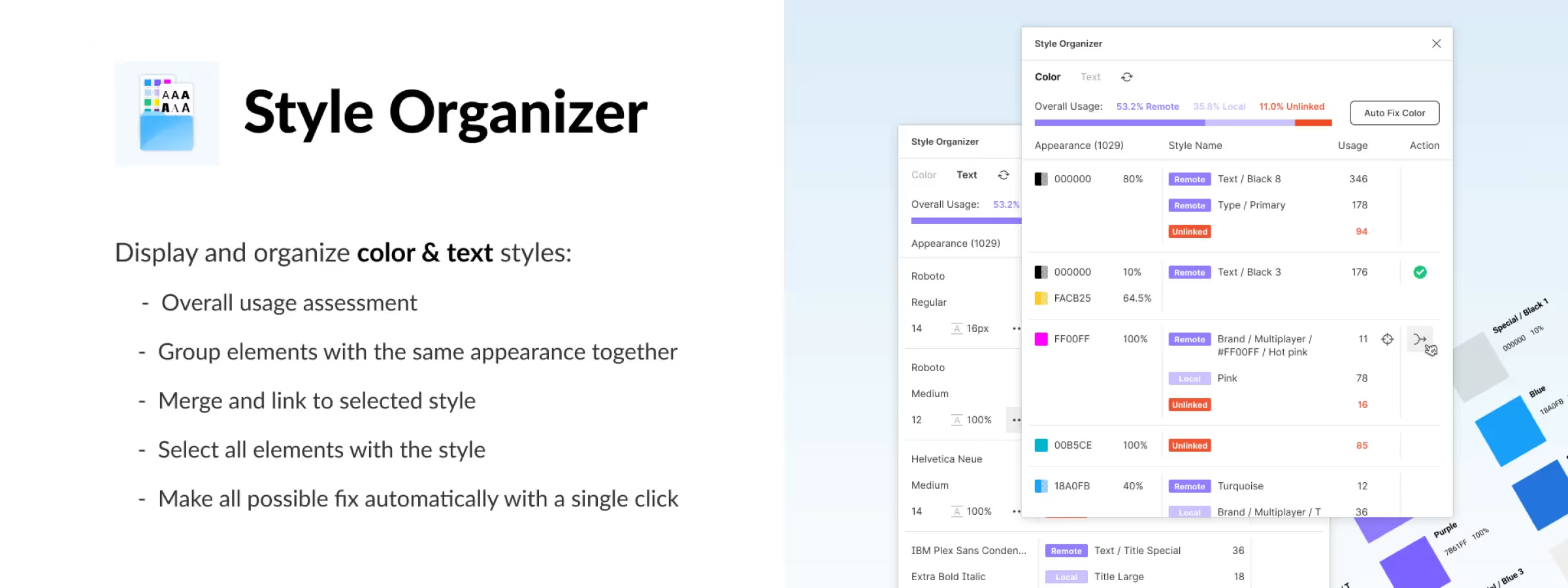 Find Unstyled Elements or Merge Similar Styles with Style Organizer
Manage your Figma styles more effectively with the Style Organizer plugin, which finds unstyled elements and merges similar styles.
 Nisa Text: The Ideal Plugin to Simplify Your Typography Work
Save time and simplify your typography work with the Nisa Text plugin for Figma. Split, sort, group and reorganize text with ease.
 Master Your Element Layout with the Figma 'Masonry Grid' Plugin
Organize your compositions into a grid with the Figma "Masonry Grid Layout Organizer" plugin. In the world of design, clarity is key.
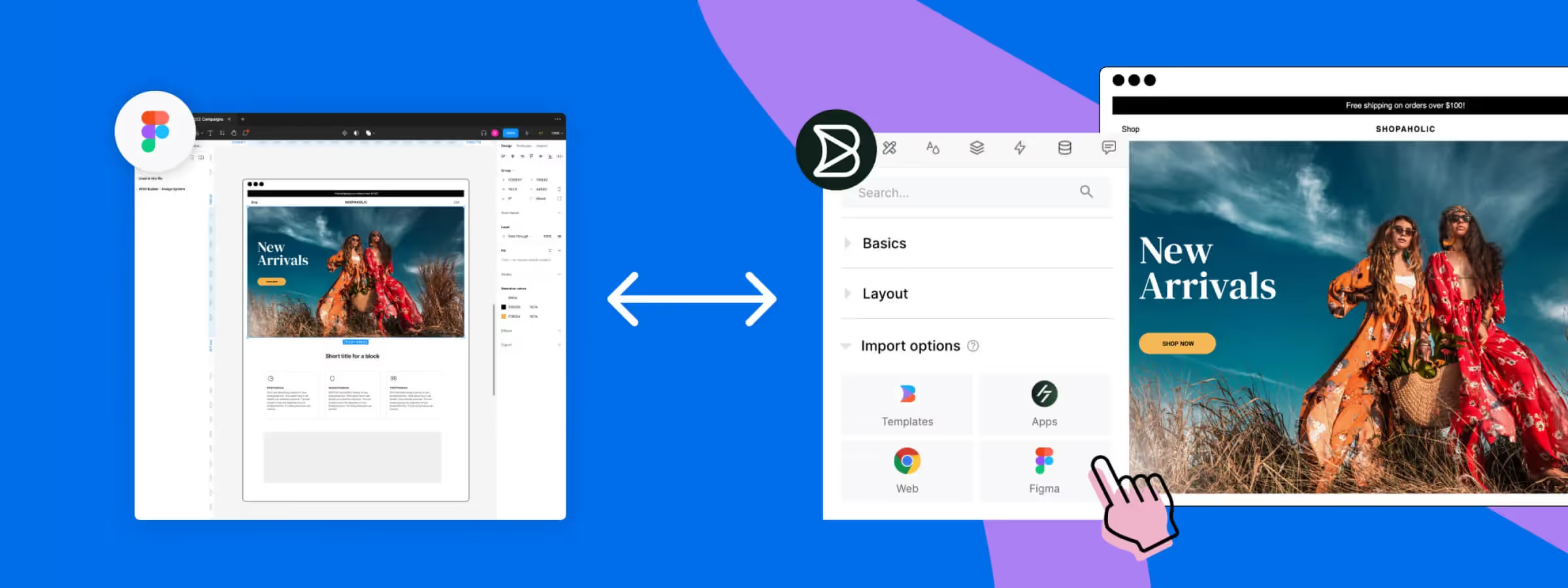 Transform Web Pages into Editable Figma Mockups with the Builder.io Plugin
Builder.io for Figma: import web pages into editable mockups, export to code and generate content with AI. The all-in-one plugin explained.
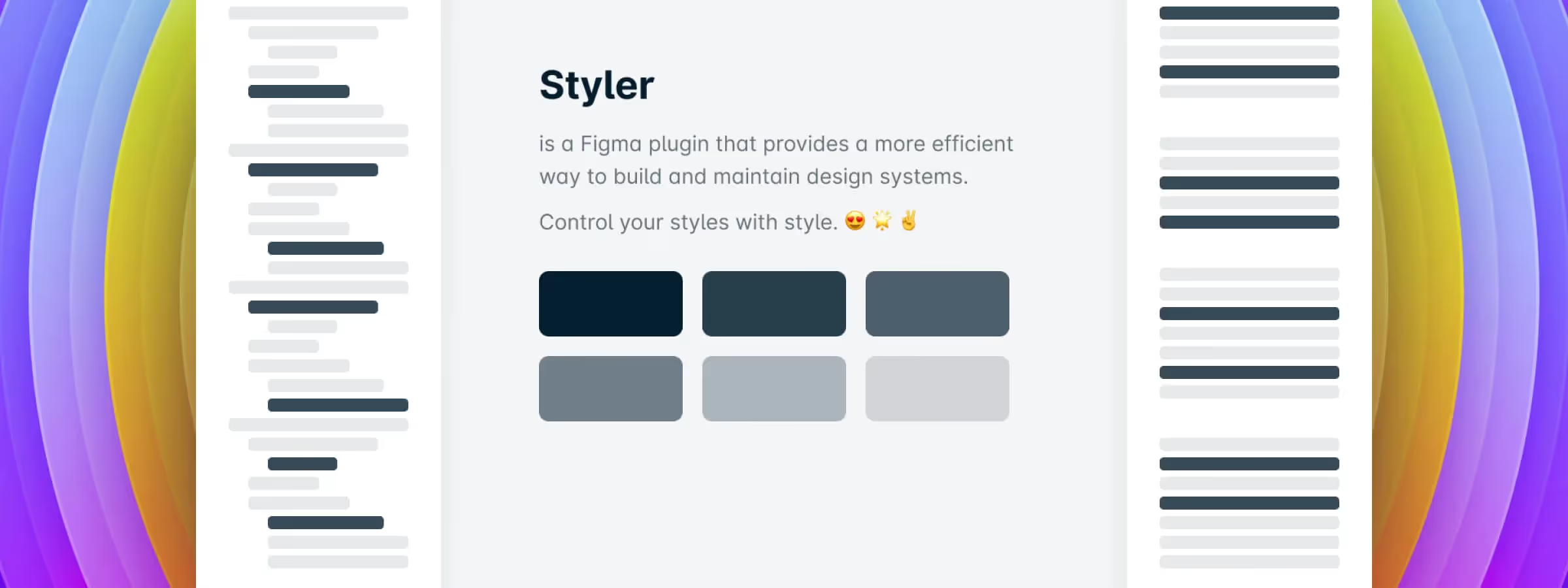 Simplify Creating and Managing Your Figma Styles with the Styler Plugin
Discover how the Styler plugin simplifies bulk style creation and management in Figma based on layer names, saving you time and improving design system efficiency.
 Propstar: The Figma Plugin for Generating Instance Tables in One Click
Propstar for Figma visualizes component variations instantly. Create instance tables in one click to see all combinations and optimize your design system workflow.
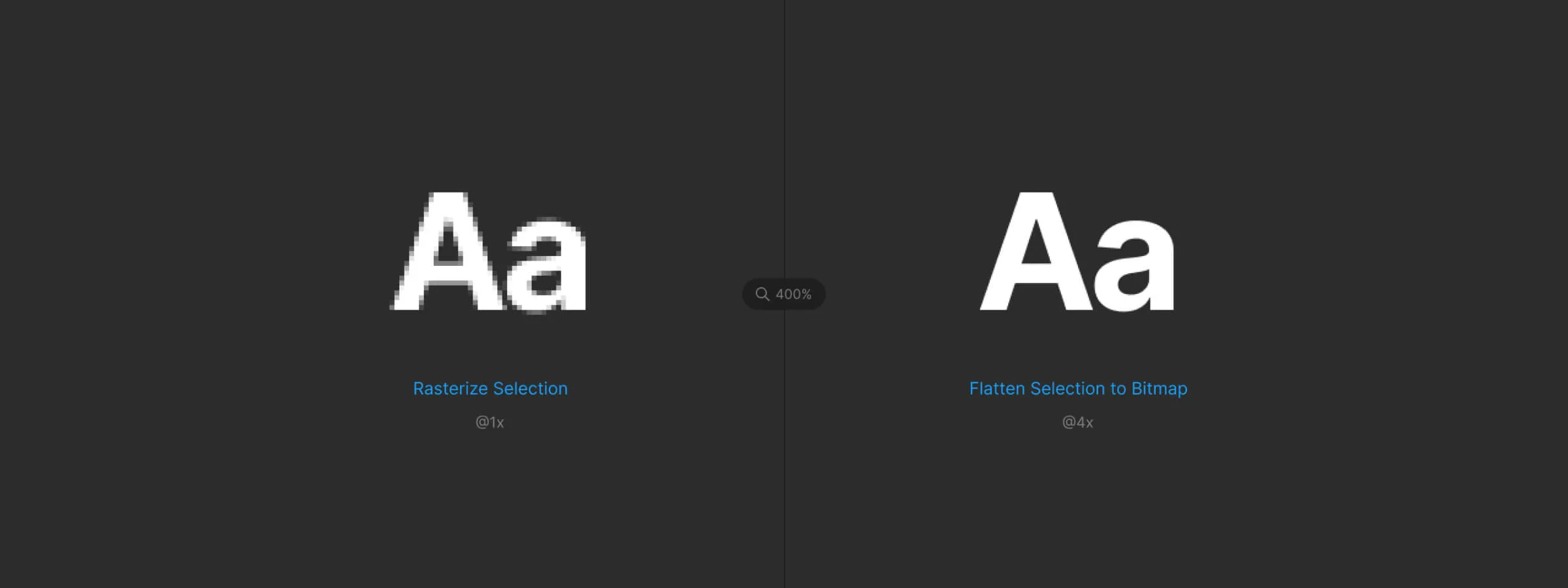 Turn Your Mockups Into High-Quality Images with "Flatten Selection to Bitmap"
Convert your Figma mockups into high-quality images with the Flatten Selection to Bitmap plugin and bypass Figma's export size limits.
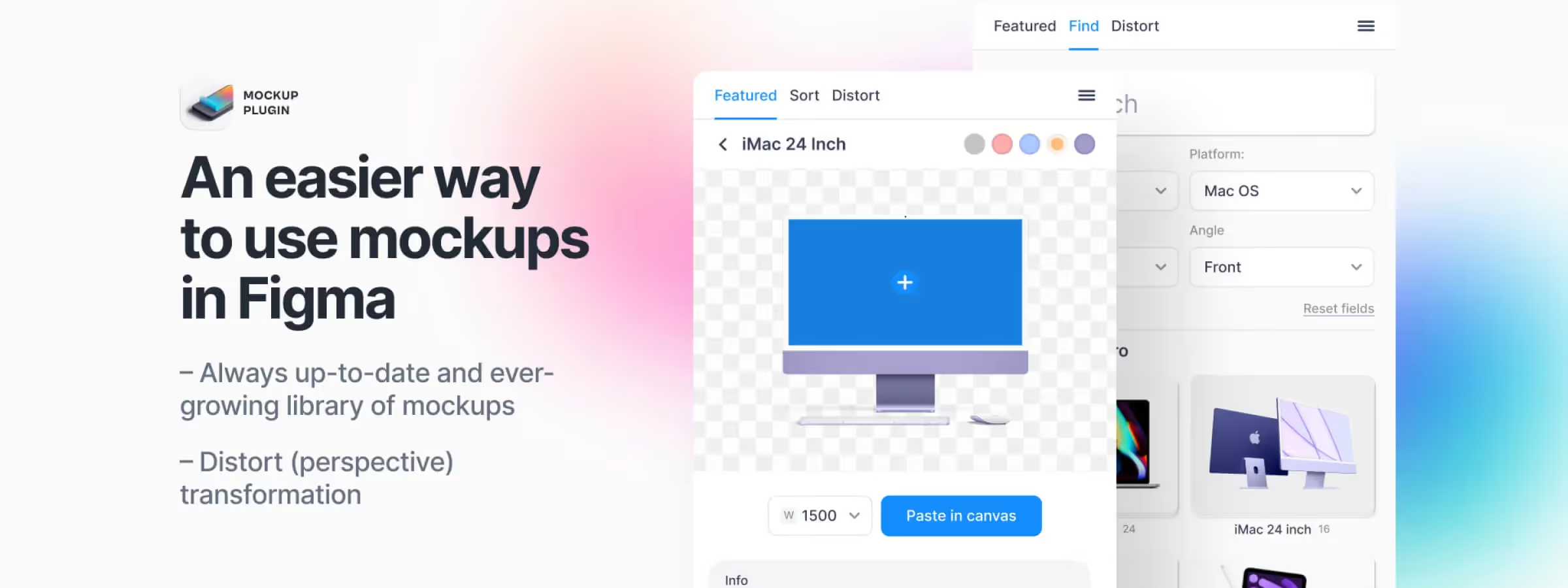 Simplify Your Mockup Creation Process with Figma's Mockup Plugin
Create high-quality mockups in seconds with Figma's Mockup plugin. Speed up your design workflow with an intuitive library and advanced customization options.
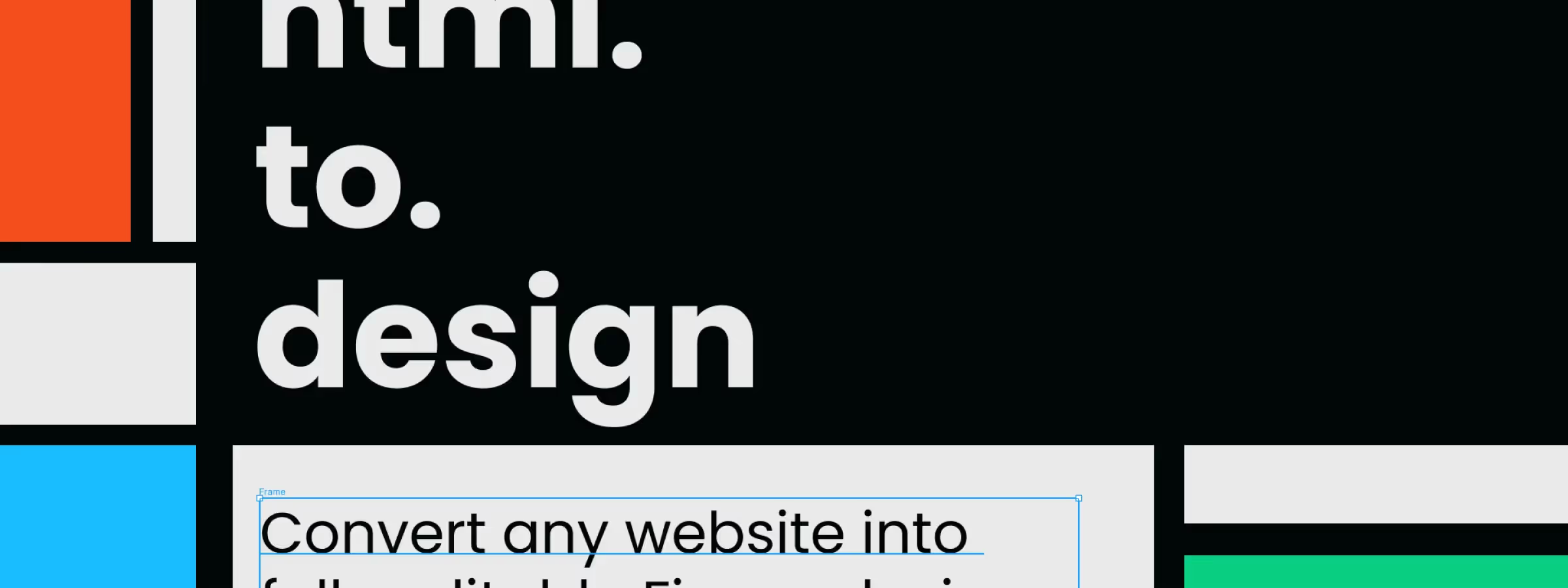 Convert Any Website into Figma Mockups with the 'Html.To.Design' Plugin
html.to.design: import any website into Figma as editable layers from a single URL. The plugin that speeds up your web redesigns.
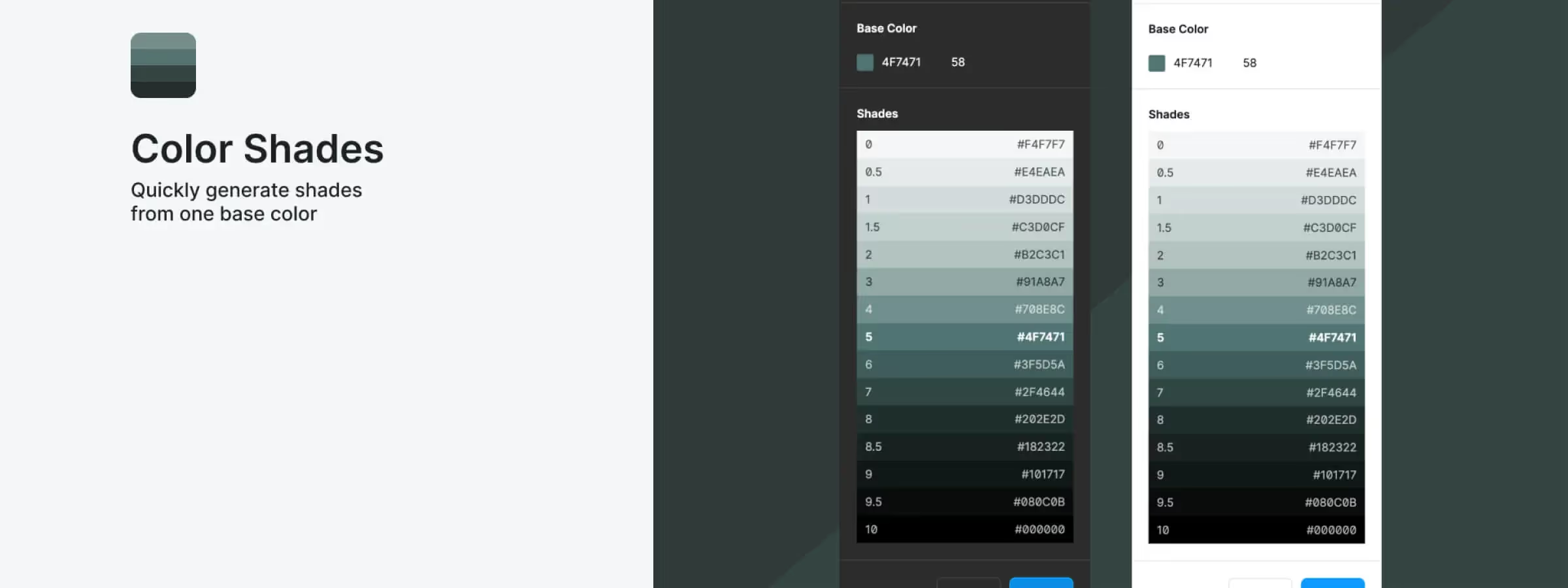 How to Generate the Shades of a Color with the Figma Color Shades Plugin
Color Shades: generate a color's full range of tints in one click in Figma. The perfect plugin for building consistent palettes.
 Transform Your Layers into a Color Explosion with Confetti for Figma
Discover Confetti for Figma: a plugin that generates customizable confetti particles to add fun and vibrancy to your design work effortlessly.
 Don't Miss Out on the “Mesh Gradient” to Illustrate Your Designs in Figma
Create richer, more detailed gradients with the Mesh Gradients plugin for Figma. Perfect gradients made simple for designers.
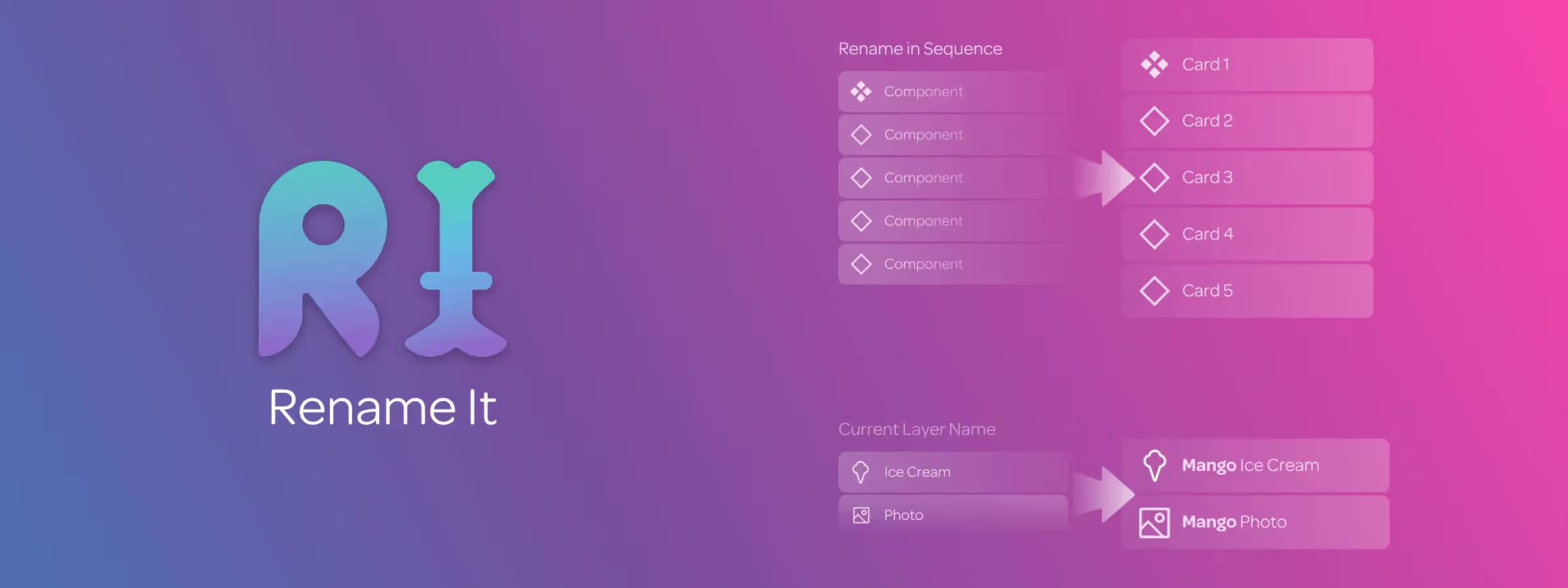 Organize Your Figma Files by Renaming Elements in Bulk with Rename It
Organize your Figma design projects by easily and efficiently renaming layers in bulk with the Rename It plugin. Save time managing your layers.
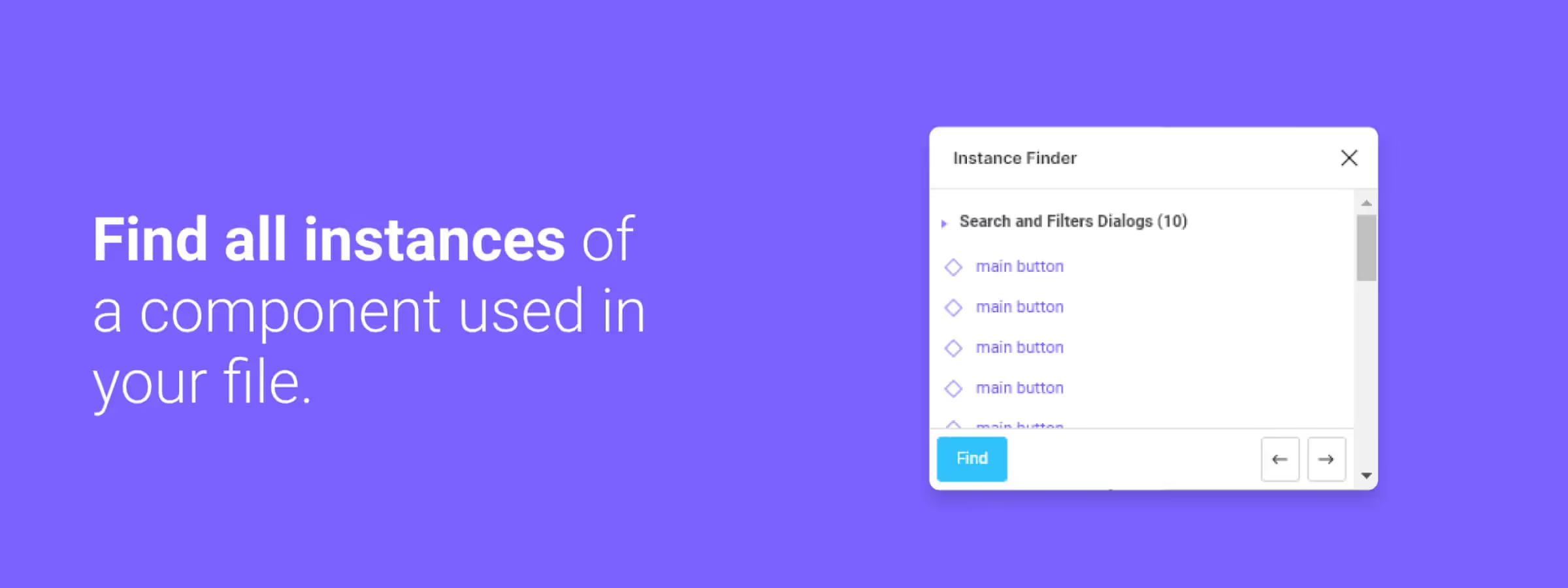 Easily Find Your Instances with the Figma Instance Finder Plugin
Speed up your Figma workflow with the Instance Finder plugin. Quickly locate component instances in complex design files with advanced search features.
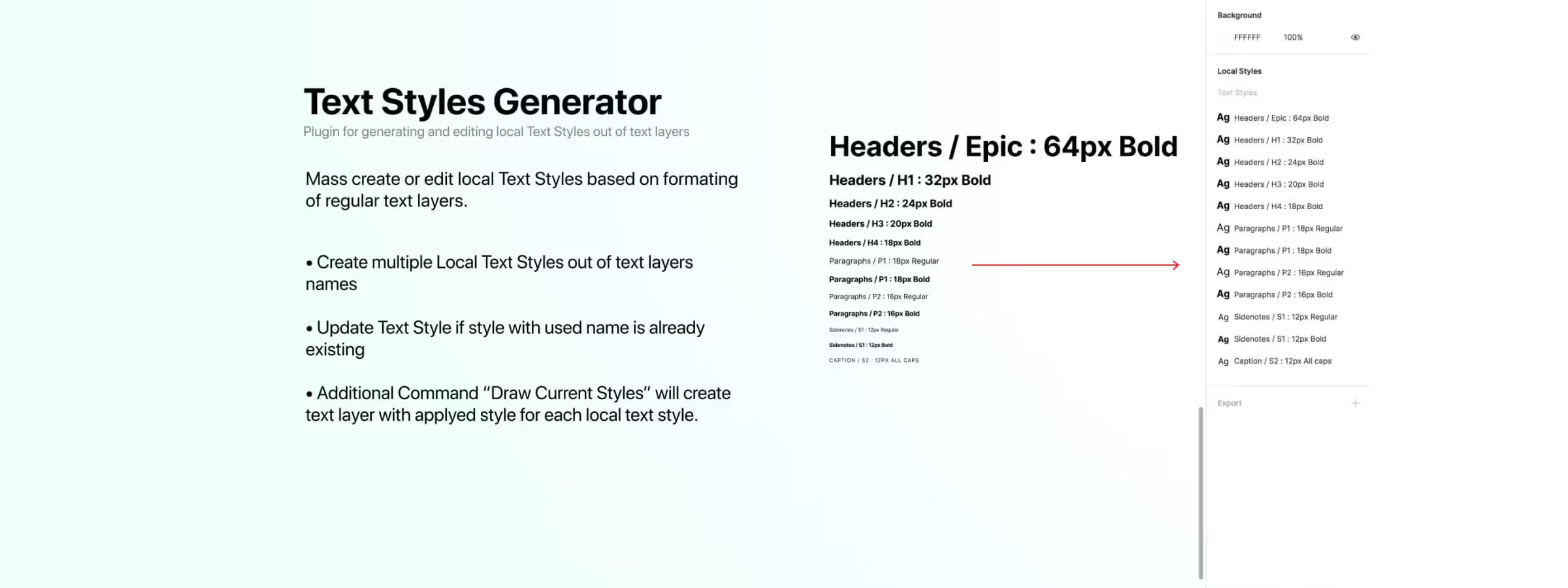 Simplify Text Style Creation and Management with Text Styles Generator
Easily create and manage consistent text styles with the Figma Text Styles Generator plugin. Learn how to use its powerful features to streamline your design workflow.
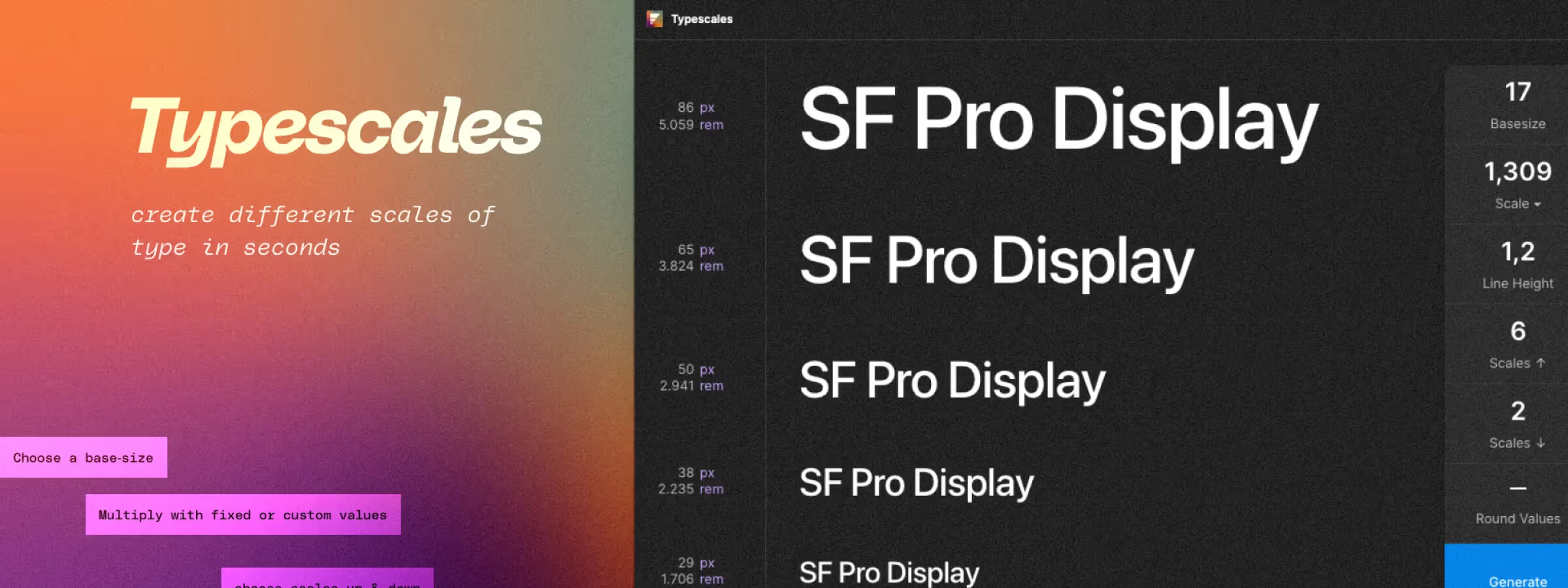 Define your project's typography with the "Typescales" plugin
Typescales lets you create consistent, effective typography in your Figma design projects using a smart layout tool driven by a base size and a scale factor.
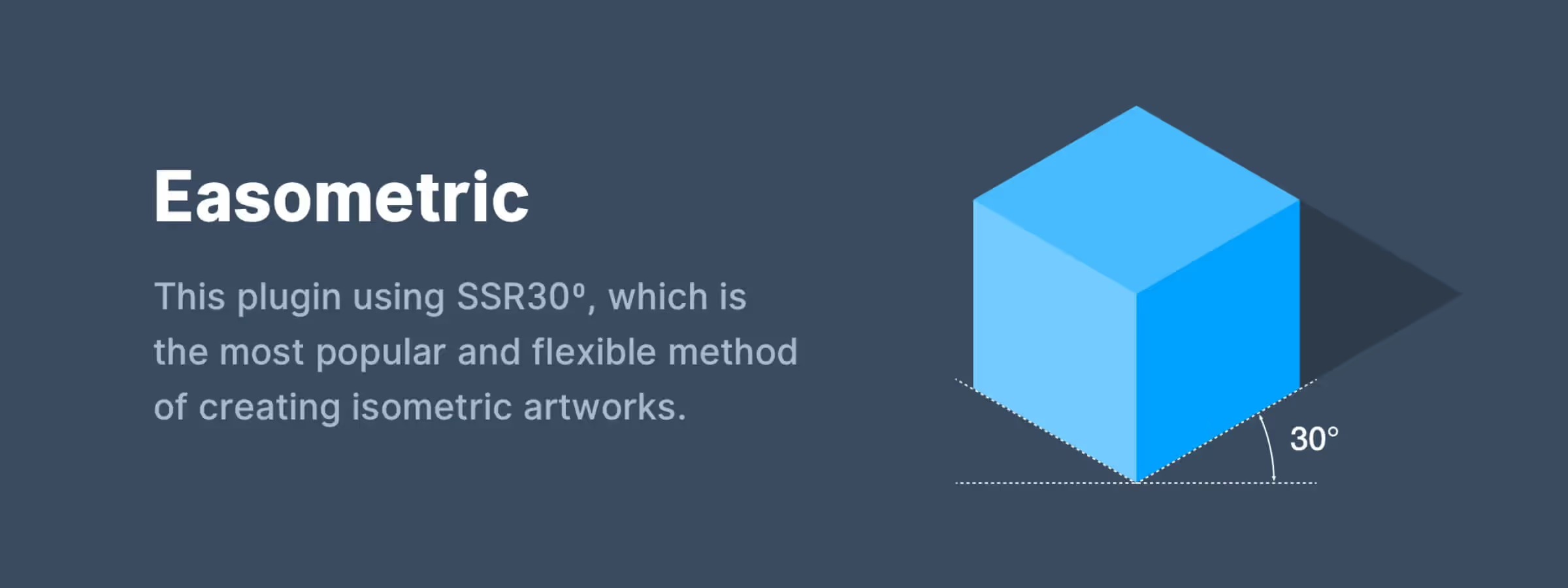 Master Isometric Design with the Easometric Plugin
Create stunning isometric view visuals with the Easometric Figma plugin. Learn how this essential tool simplifies perspective-based design for professionals.
 Skew Your Shapes Precisely with the SkewDat Plugin
Skew shapes precisely and intuitively with the SkewDat plugin for Figma. Set exact values to reproduce your mockup pixel-perfect.
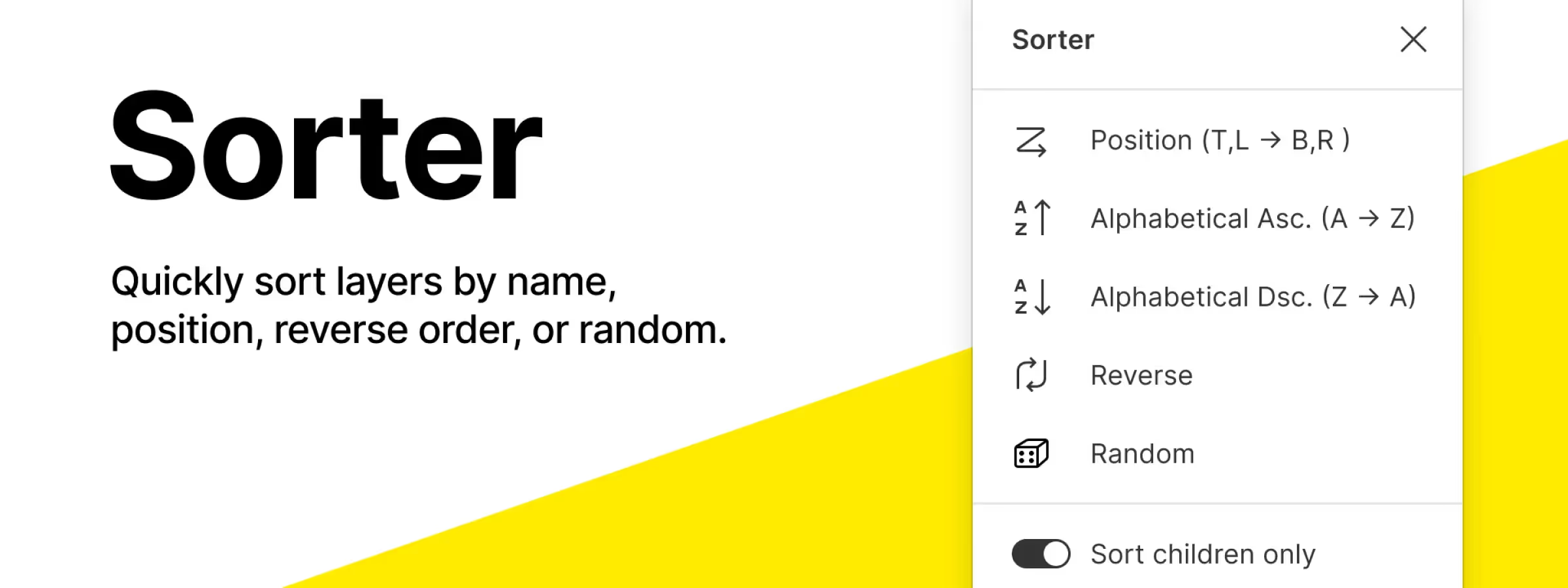 Quickly Organize Layers and Frames with the Figma Sorter Plugin
Quickly organize your Figma frames with the Sorter plugin, a simple way to keep large files structured and easy to navigate.
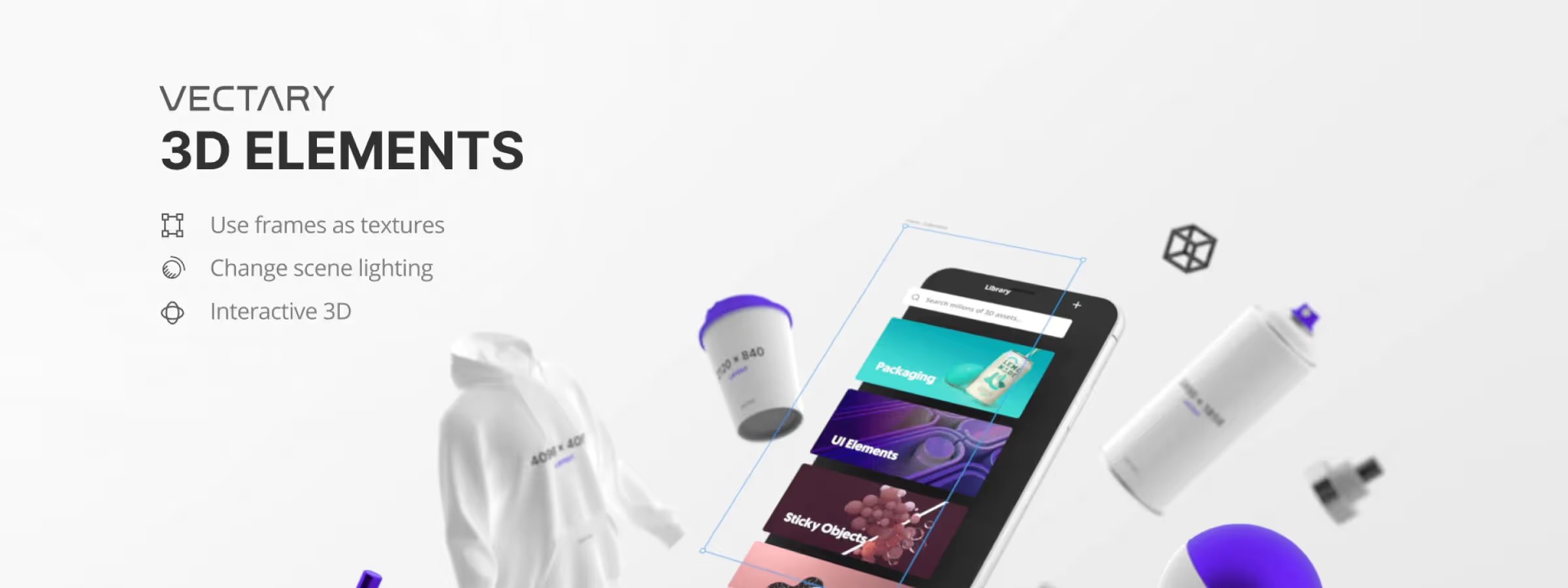 Add 3D to Your Designs with the Vectary 3D Elements Plugin
Create and add 3D elements to your Figma designs with Vectary 3D Elements, a powerful plugin for importing, editing and customizing 3D models.
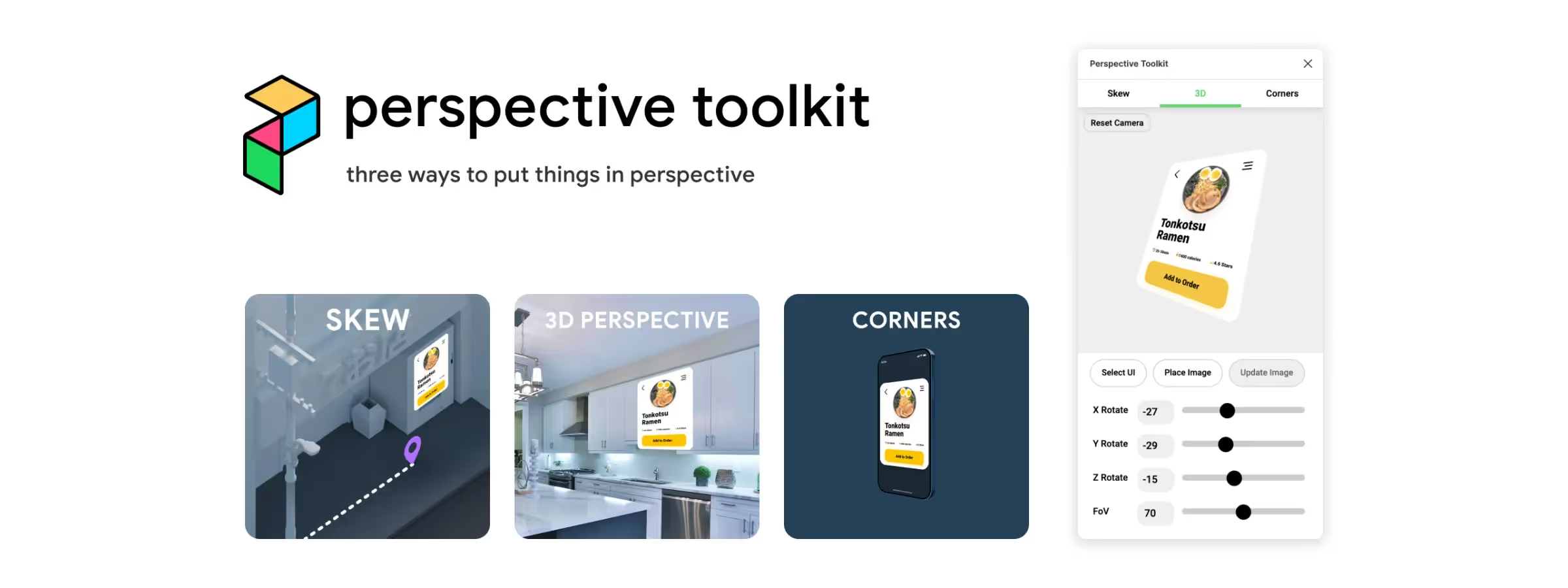 Showcase Your Designs with the Perspective Toolkit Plugin!
Add depth and perspective to your Figma designs with the Perspective Toolkit plugin to create custom mockups and showcase your work.
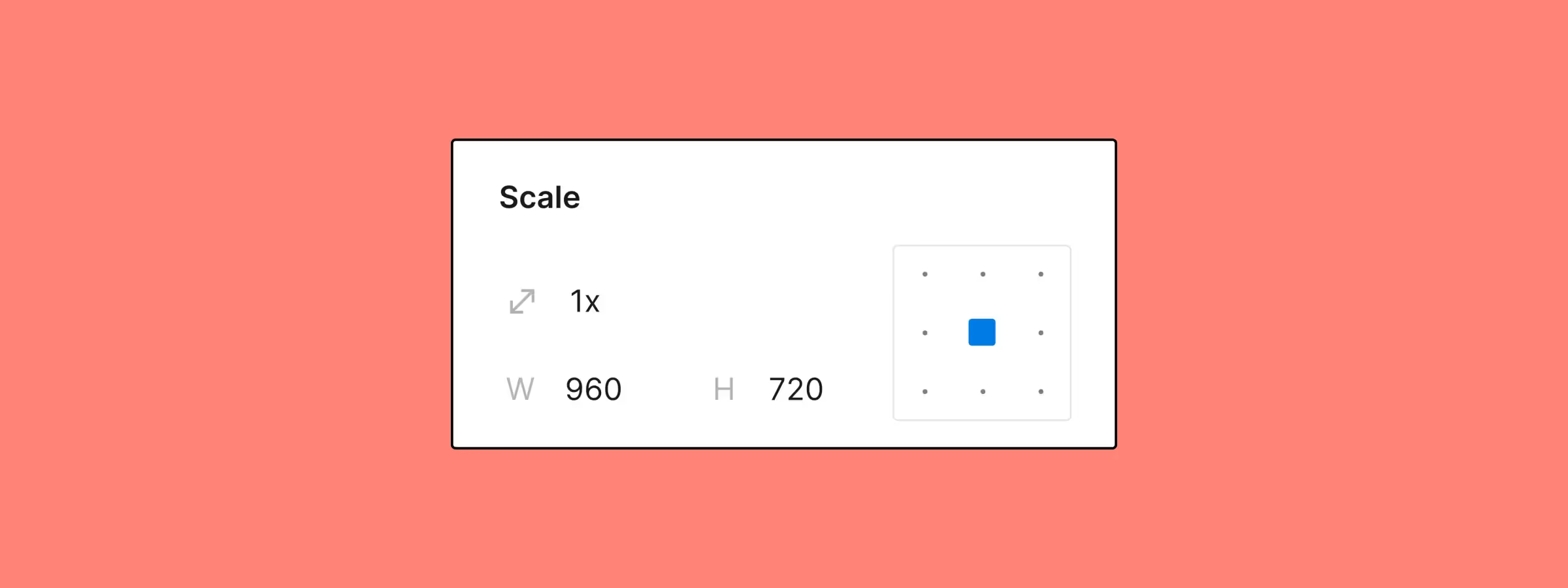 Resize Your Elements with Figma's Updated Scale Tool
Figma's improved Scale tool enables faster, more precise resizing with anchor points and scaling multipliers.
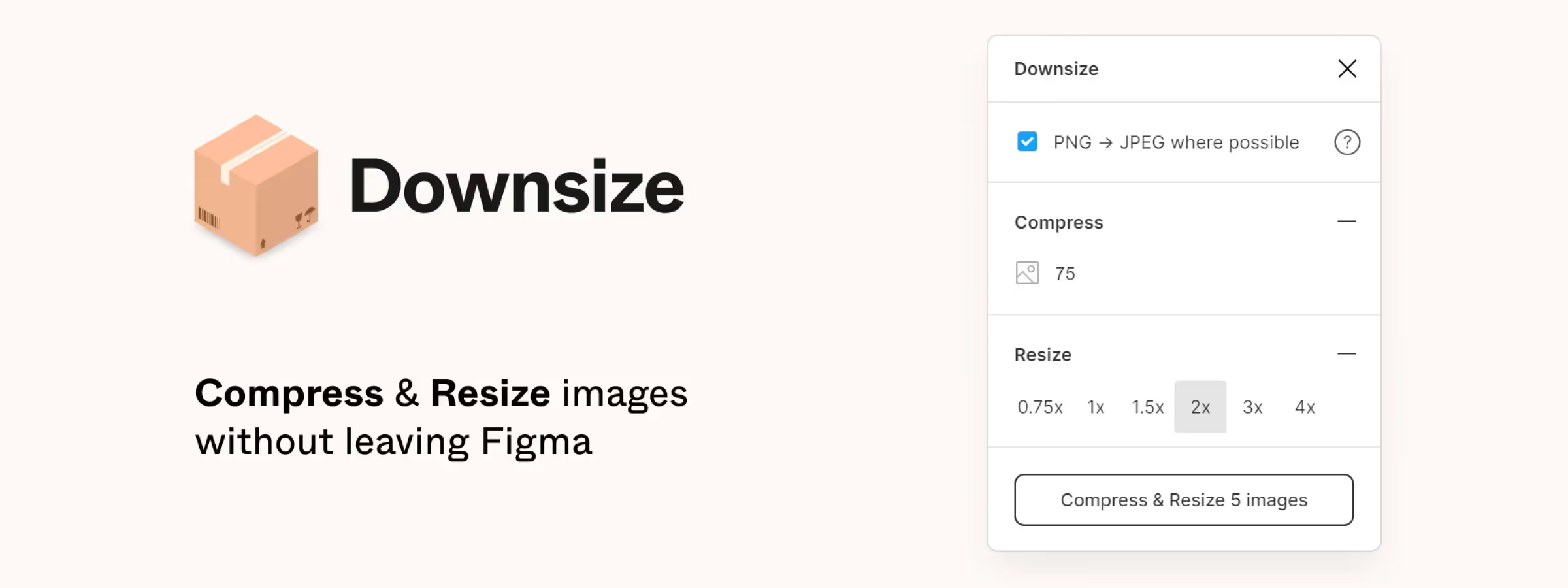 Lighten Your Figma Project Files with the 'Downsize' Plugin
Reduce the size of your Figma project images with the Downsize plugin and keep working smoothly, even on heavy files full of oversized images.
 Use or Create Any Mockup with the Angle Figma Plugin
Create realistic mockups with Angle, the Figma plugin that applies perspective and isometric rendering for stunning presentations.
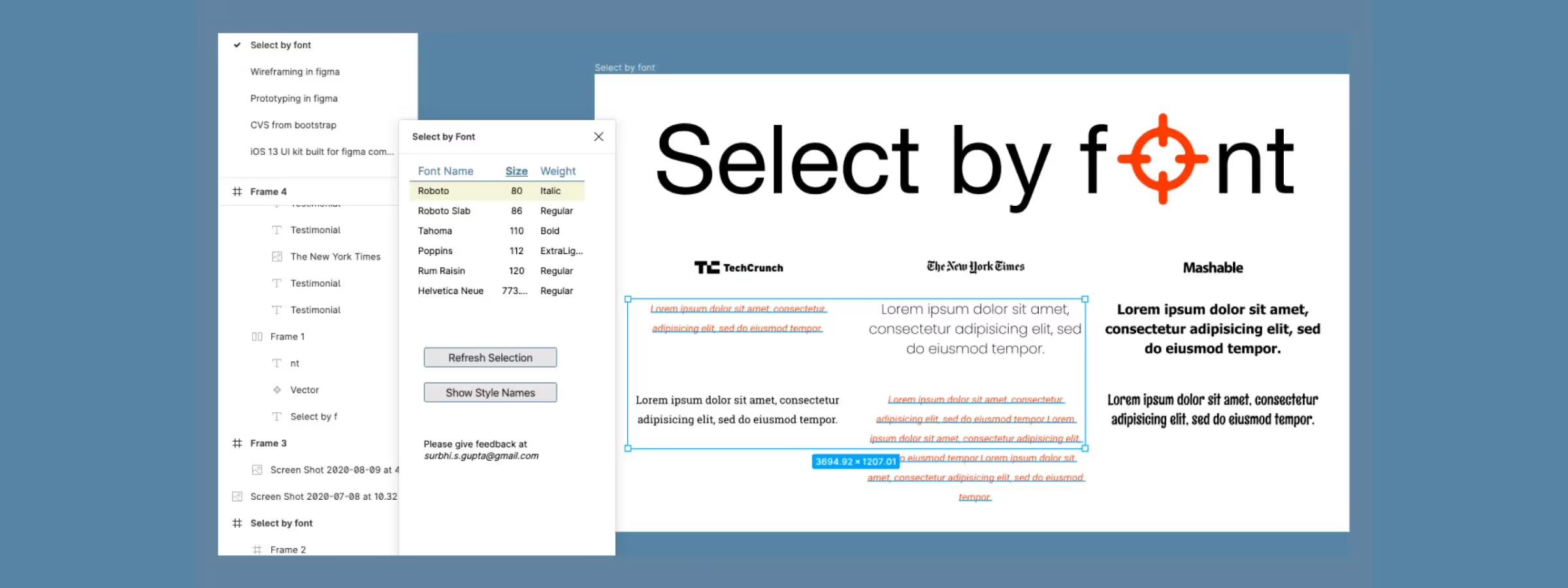 Manage Your Text More Easily with the Figma "Select by Font" Plugin
Easily visualize every typeface used across a selection with the Select by Font plugin for Figma and quickly fix inconsistent text styles.
 Optimize Element Scaling with Figma Scale Plugin!
Resize elements while keeping proportions intact with Figma's Scale plugin, bringing harmony and readability to your interfaces.
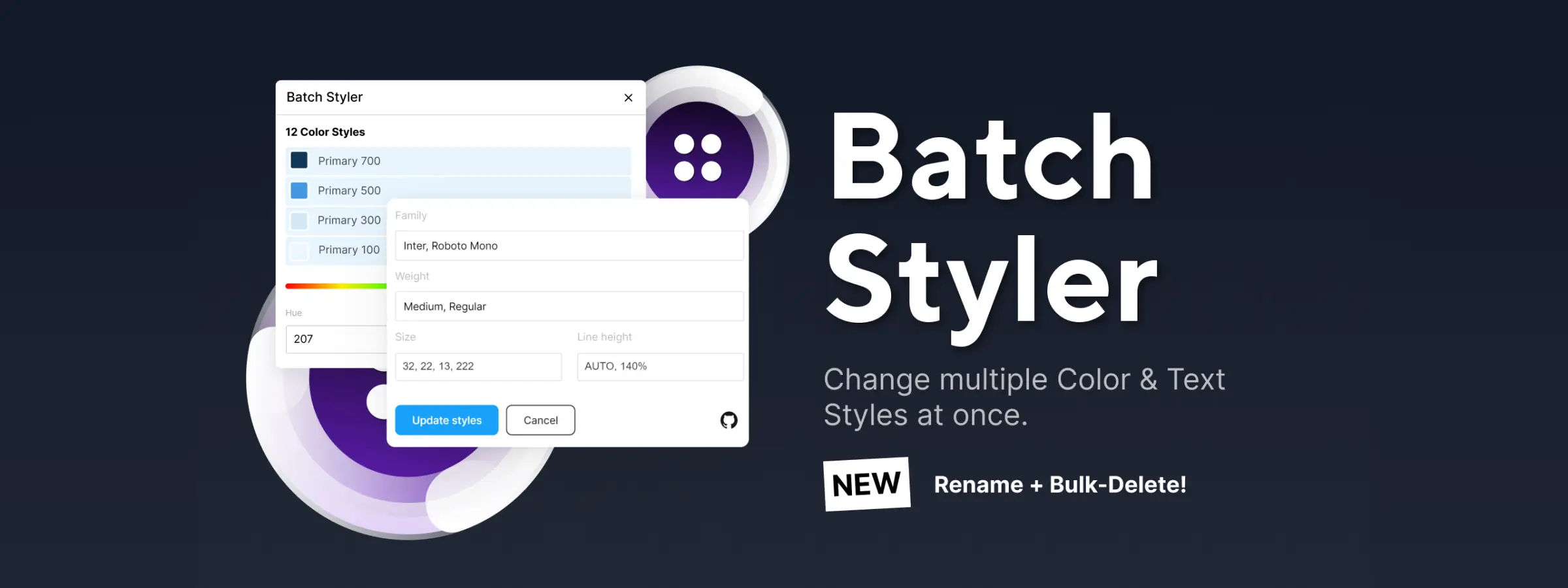 Discover the Batch Styler Figma Plugin: Bulk Style Editor!
Batch Styler is a Figma plugin that makes your life easier. Edit multiple text and color styles at once without tedious manual updates.