
UX & Methods
Sort by
 Design Tokens: What the New W3C DTCG Standard Really Changes
The W3C Design Tokens Format Module (DTCG) has been stable since late 2025, backed by 24+ organizations. What it actually changes for your design systems.
 Maximizing Visual Impact with Image Ratios: A Practical Guide to Interface Design
Discover how image aspect ratios shape interface design. A practical guide to building a smooth, intuitive user experience with consistent proportions.
 Fake-Door Testing: A Discreet Method to Gauge User Interest
Fake-door testing lets you validate interest in a feature before building it, via a fake entry point. Learn the method, examples, and best practices.
 Atomic Design: A Modular Approach for Responsive and Scalable Interfaces
Atomic Design is a UI methodology for building modular, scalable systems. Learn its principles, benefits, and how to implement it step by step.
 Gestalt Theory in UX Design: Principles, Applications, and Limits
How Gestalt theory helps you design intuitive UX interfaces: principles, real-world applications, and the limits every designer should know.
 Voice User Interface: A Technological Revolution in the Design World
The voice user interface is a technological revolution reshaping how we interact with technology. Explore its origins, design challenges and best practices.
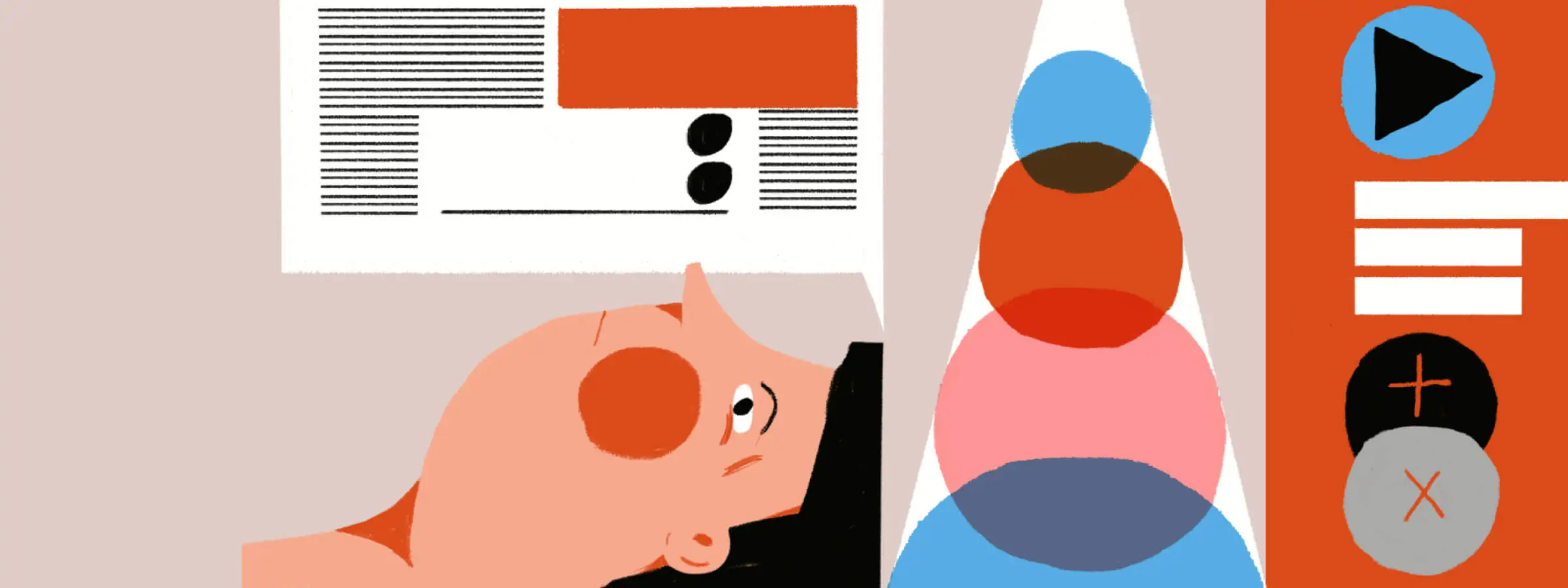 Designing for Accessibility
Accessibility in UI design: how to create inclusive interfaces for everyone by following WCAG standards, guidelines and best practices.
 The Psychology Behind UI Design
Understand user psychology to design more intuitive, engaging interfaces. Discover how cognitive principles shape great UI design decisions.
 Adaptive and Responsive Design
Adaptive and responsive design: how to build exceptional user experiences across every device, from smartphones to tablets and desktops.
 The Fundamental Principles of UI Design
The fundamental principles of UI Design: how to create user interfaces that are effective, clear, and genuinely enjoyable to use.